BlogIndustry Insights
What Is a Task Manager?

Maria ZhuHead of content
9 min read
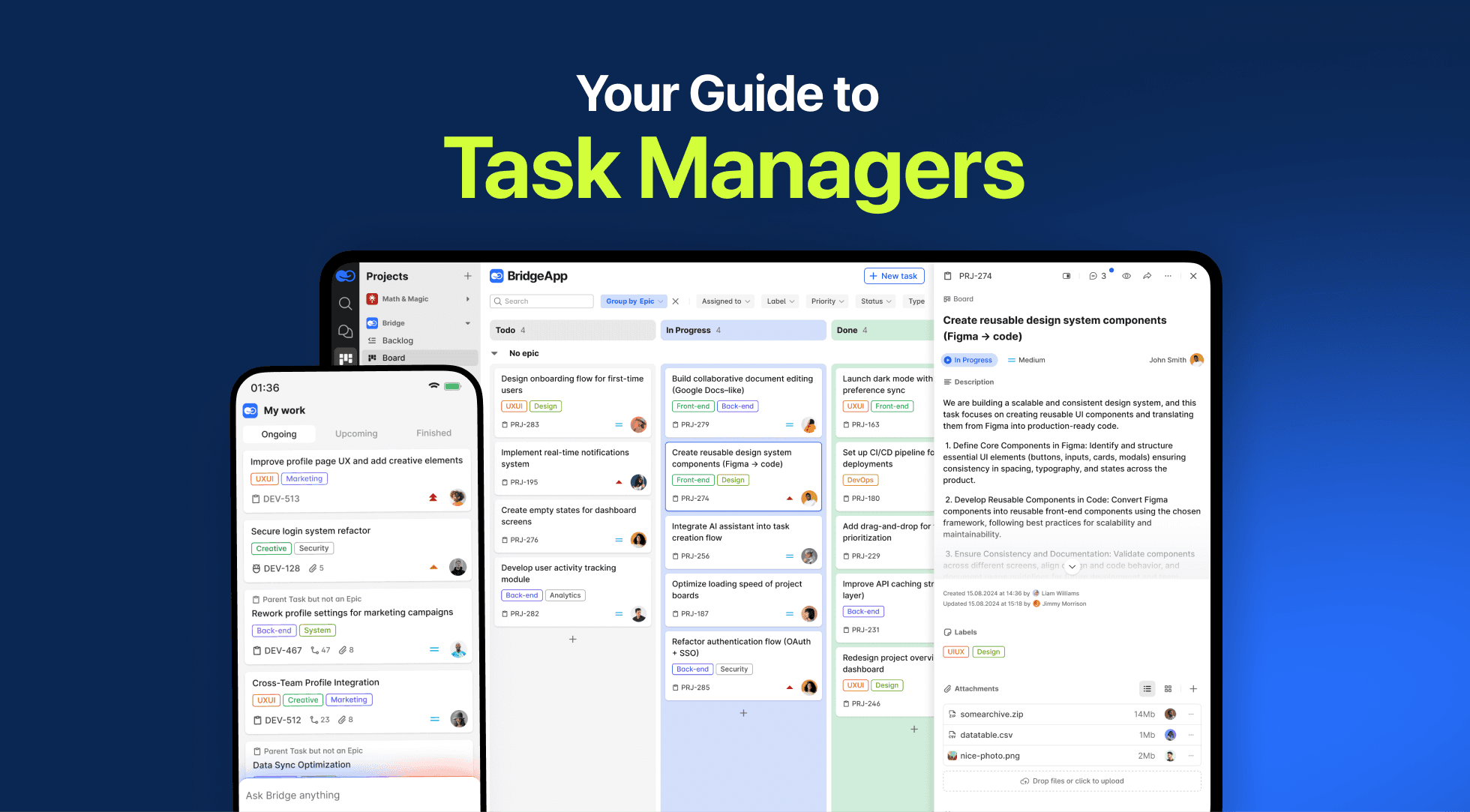
A Complete Guide to Task Management Software
A task manager is software that helps teams and individuals create, organize, assign, and track work from start to finish. At its simplest, it turns a scattered to-do list into a structured system where every task has an owner, a deadline, and a clear status. At its most advanced, task management software becomes the backbone of project management — coordinating people, schedules, and resources across multiple projects at once.
This guide explains what a task manager is, how it fits into project management, what features matter, and how project teams use these tools to drive project success.
What Is Task Management?
To define task management: it is the process of identifying, prioritizing, tracking, and completing individual tasks throughout their lifecycle. It covers everything from task creation to assignment, monitoring task progress, and confirming that work is done.
Task management answers a few core questions for any team:
- What needs to be done, and by whom?
- When is each task due, and what depends on it?
- How is the work progressing right now?
When you scale this up from personal to-do lists to a project team handling complex initiatives, you move into task management software — purpose-built tools that keep everyone on the same page.
What Is a Task Manager in Project Management?
In project management, a task manager is the system that breaks large goals into manageable, trackable units of work. A project is rarely one big effort — it is dozens or hundreds of individual tasks with dependencies, owners, and deadlines.
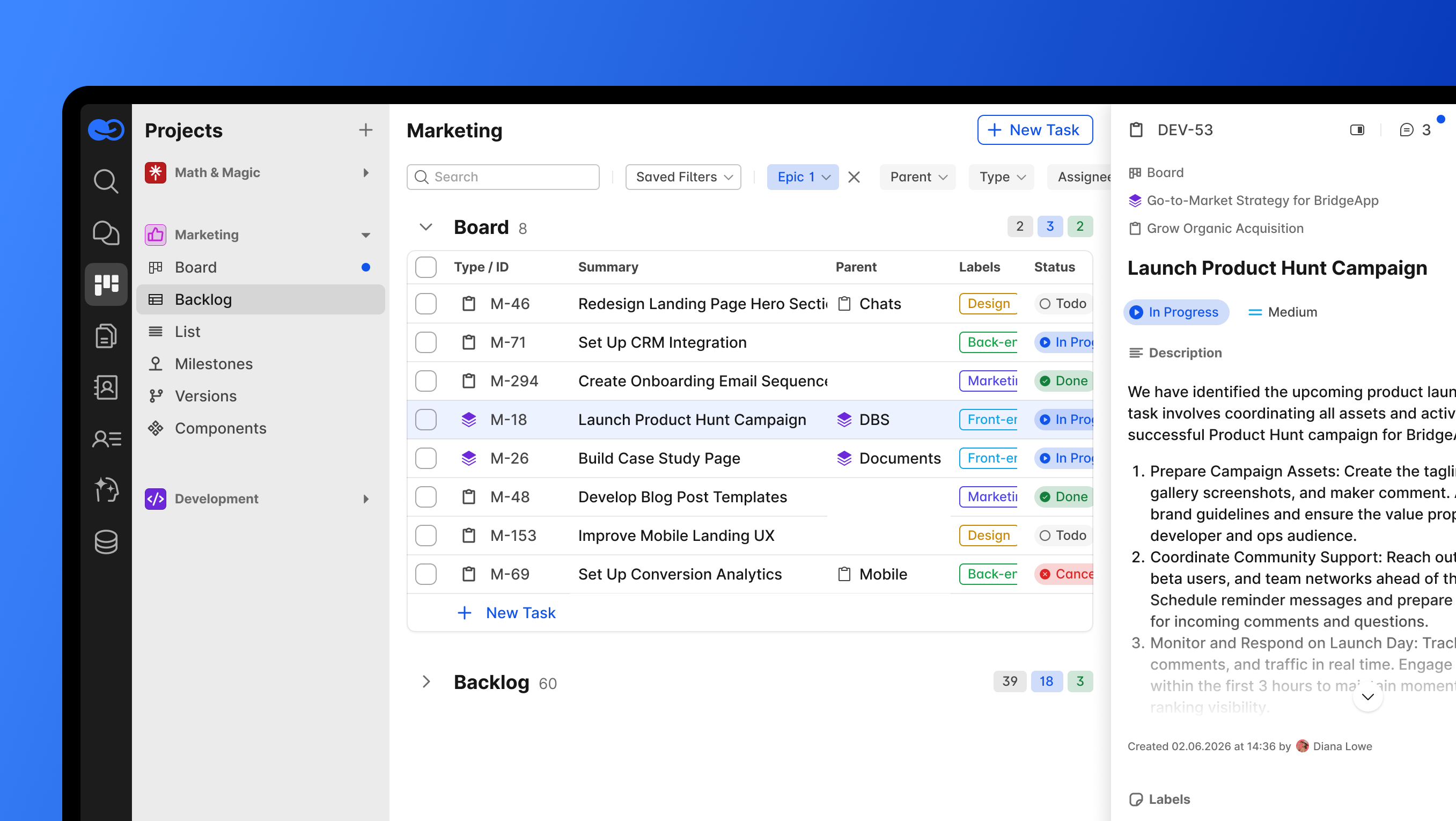
Project managers use task management tools to:
- Decompose the project scope into individual tasks and subtasks
- Assign work to team members and set priorities
- Track progress against project schedules
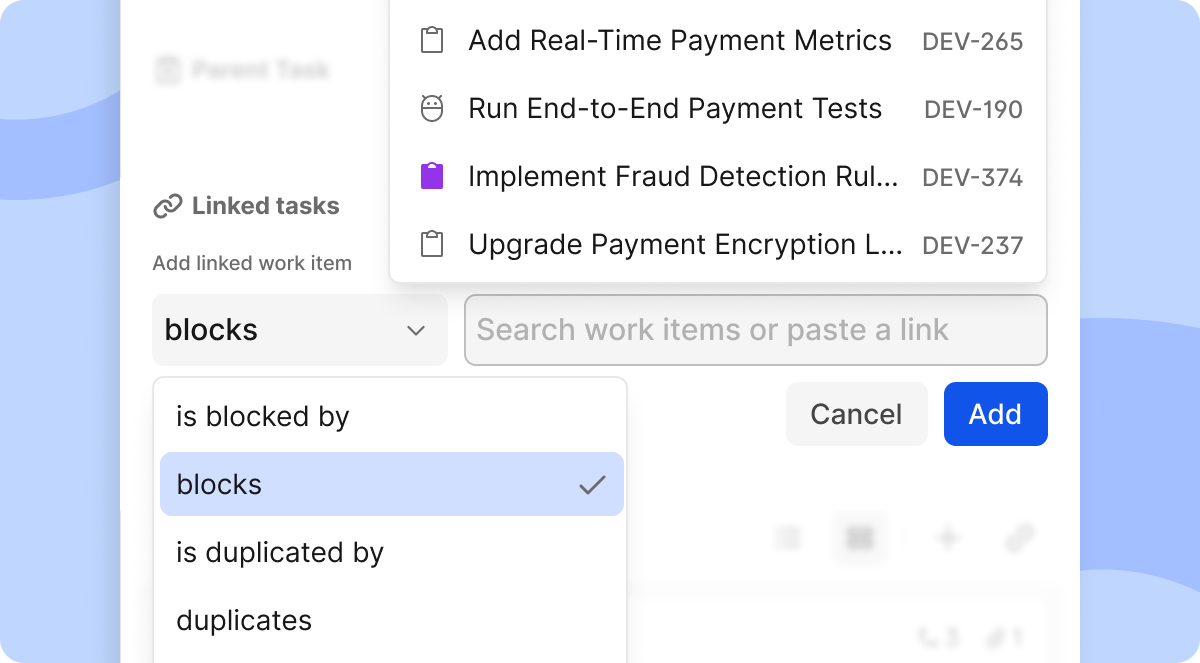
- Manage task dependencies so work happens in the right order
- Surface risks early through clear visibility into project progress
In short, task management software is where project planning becomes day-to-day execution. It connects high-level project goals to the specific actions that achieve them.
Core Features of Task Management Software
Modern project management software shares a common set of capabilities. The strongest task management tools cover the following:
Task Creation and Organization
Every tool starts here. You create tasks, group them into task lists, and structure them with labels, priorities, and due dates. Good software supports recurring tasks for repeatable work and hierarchical structures so a parent task can hold multiple subtasks.
Multiple Views for Managing Tasks
Different teams think differently, so leading tools offer several ways to view the same work:
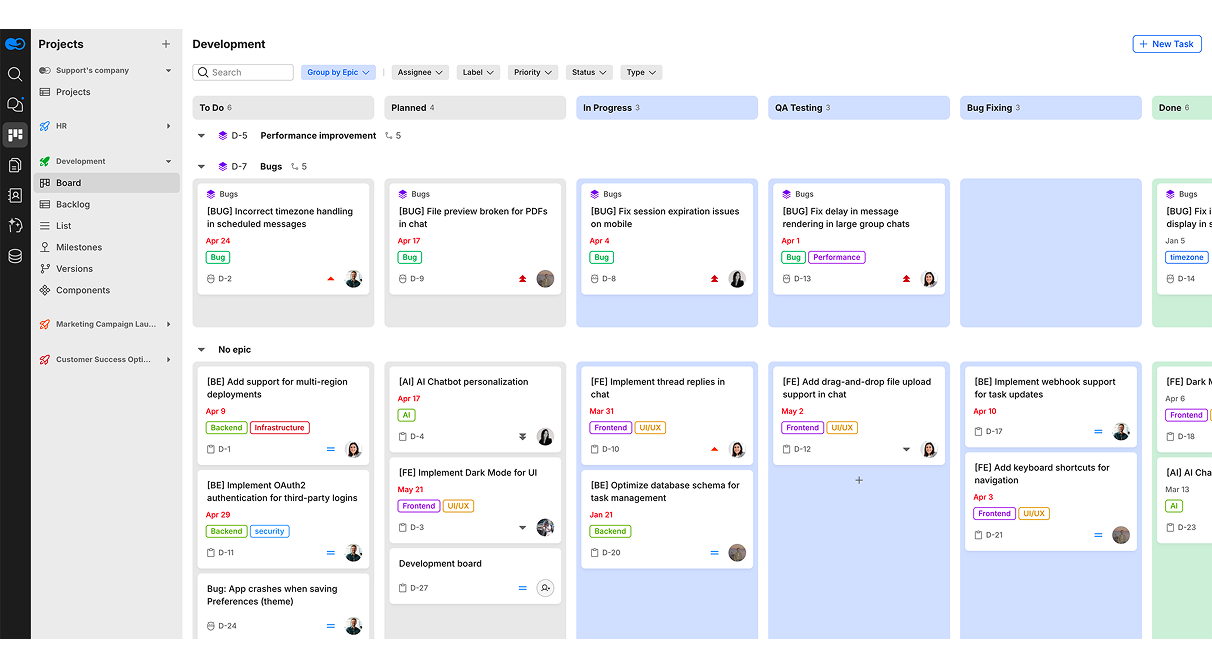
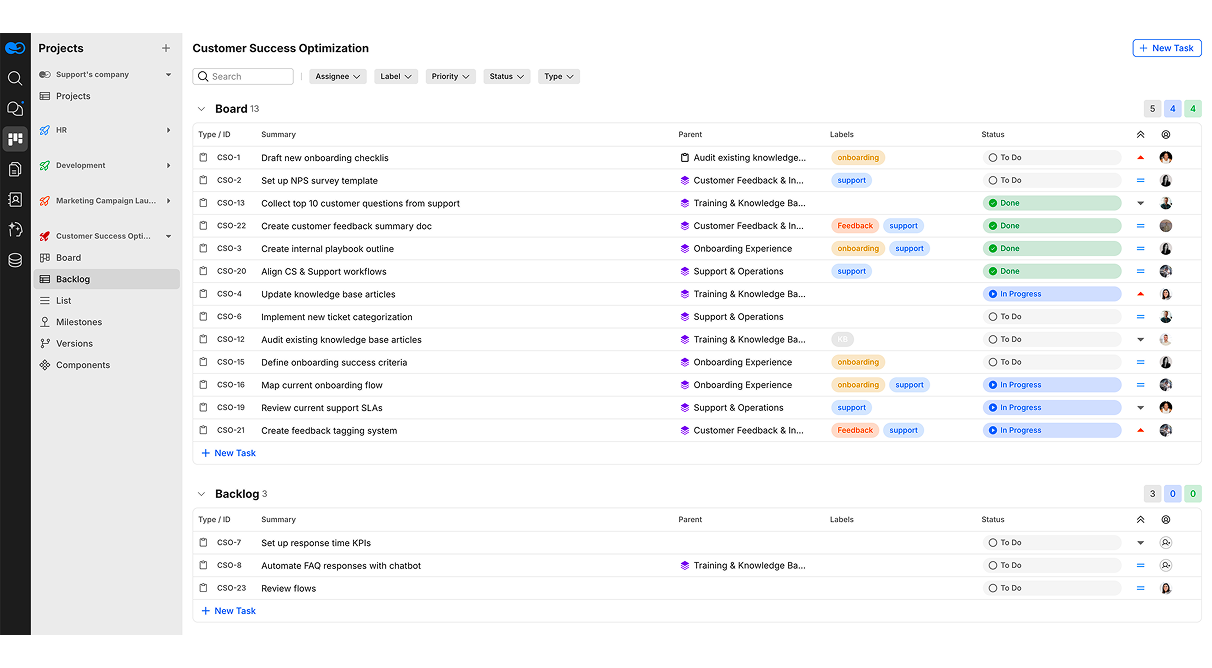
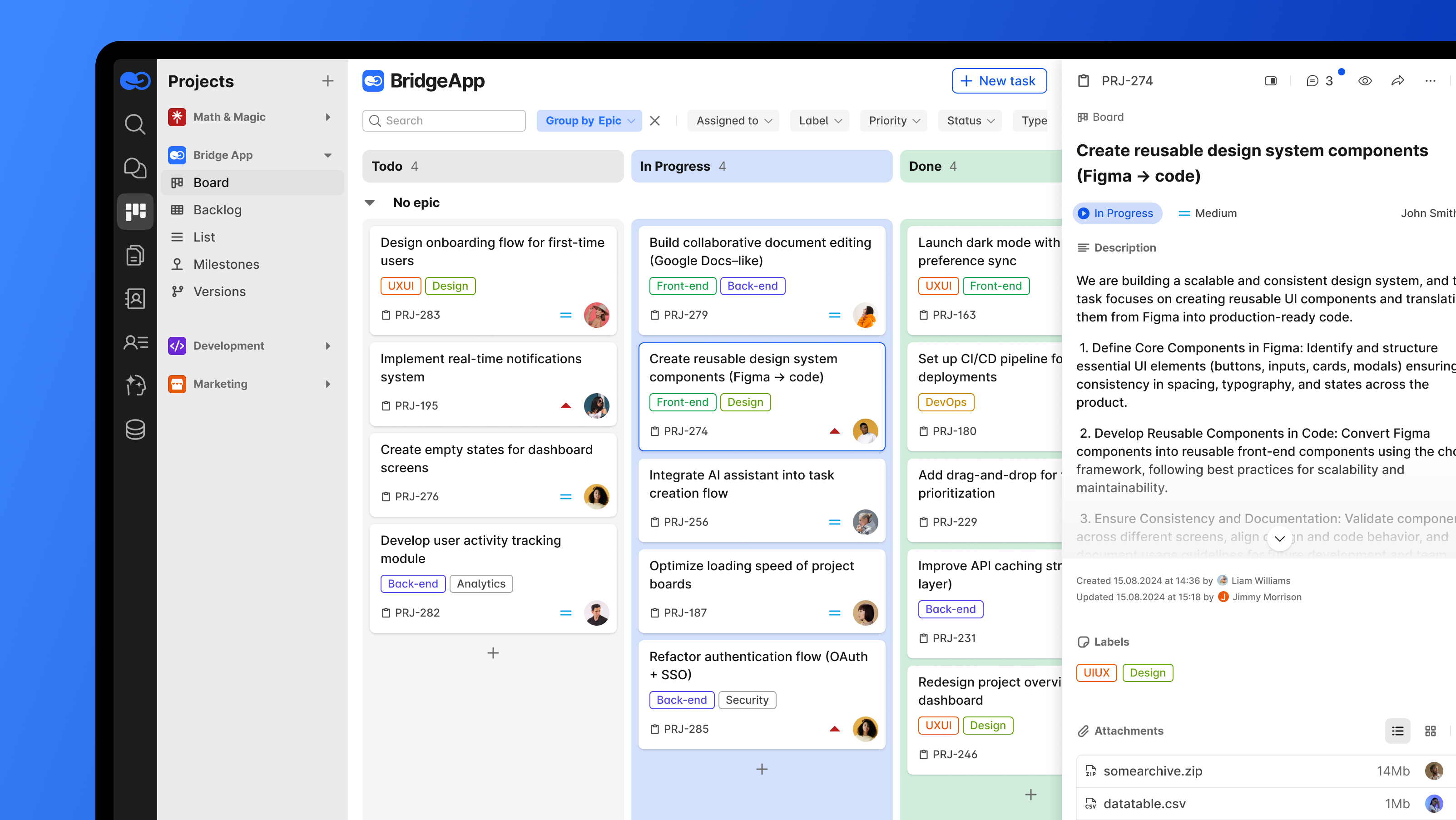
- Board (Kanban) view — drag-and-drop columns like To-Do, In Progress, and Done
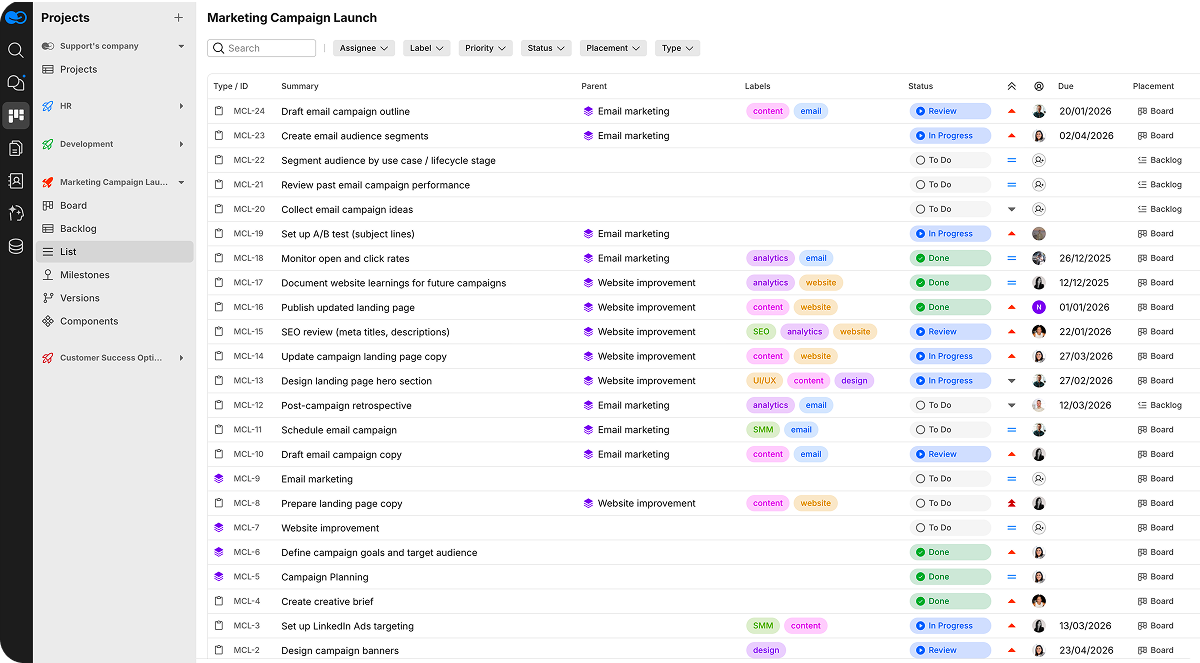
- List view — a spreadsheet-style layout for fast, inline editing
- Backlog view — a holding area to collect and prioritize tasks before execution
- Gantt charts — timeline visualizations that map task dependencies and project schedules across the project lifecycle
Assignment and Collaboration
Tasks are assigned to specific people, with comments, file attachments, and real-time updates keeping the project team aligned. Strong team collaboration features reduce the back-and-forth and help teams focus on the work itself rather than on status-chasing.
Tracking Progress
Individual task tracking and overall project progress monitoring are the point of any task manager. Dashboards and key performance indicators (KPIs) show how work is moving, where bottlenecks form, and whether the project is on schedule.
Resource and Budget Oversight
For complex projects, task management connects to broader disciplines: resource allocation, resource management, budget management, and cost management. Knowing who is available and where money is going prevents overcommitment under real resource constraints.
How Task Management Supports the Full Project Lifecycle
A capable task manager touches every stage of a project, not just execution. Across the project lifecycle, these tools support:
- Project planning — defining project scope, project goals, and the tasks required to reach them
- Execution — managing tasks, tracking progress, and keeping team members coordinated
- Risk management — spotting blockers and dependencies before they derail timelines
- Stakeholder management — giving stakeholders clear, current visibility into project progress
- Closure — confirming that the entire project met its objectives
This is why task management software is considered foundational to organizational success. When work is visible and structured, project teams make better decisions and deliver more predictably.
Who Uses Task Management Tools?
Task management tools serve a wide range of users:
- Project managers coordinating multiple projects and project schedules
- Project teams executing individual tasks and reporting task progress
- Cross-functional teams that need a shared view to stay on the same page
- Organizations aligning daily work with business goals and project success
The same software that manages a simple personal to-do list can scale to handle complex initiatives with hundreds of interdependent tasks.
Free vs. Paid Task Management Tools
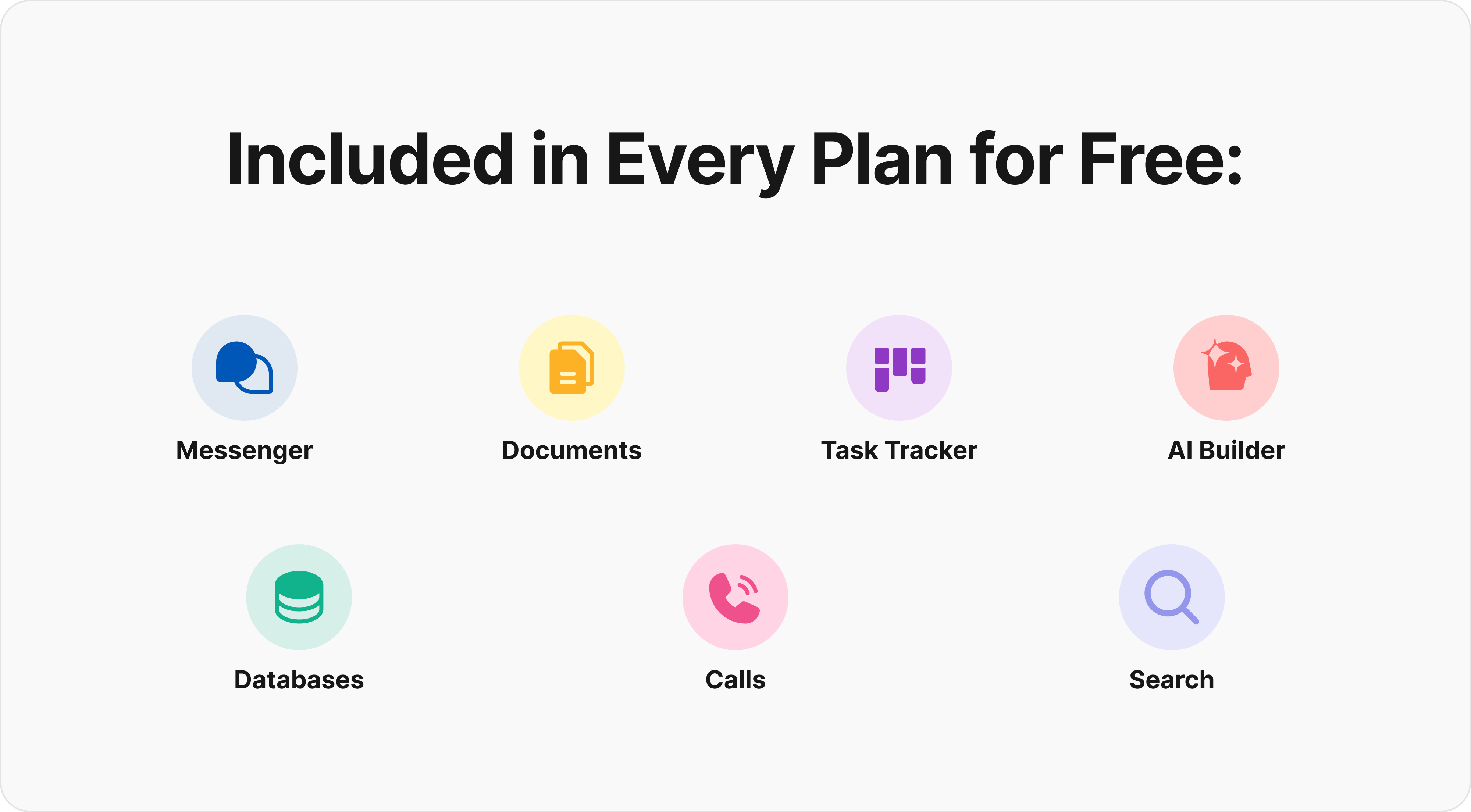
Many teams start with free task management tools to organize basic to-do lists and small workloads. These are excellent for getting started and for individuals or small teams managing tasks without heavy complexity.
As needs grow — more team members, multiple projects, deeper reporting, and tighter resource management — teams typically move to paid project management tools that add advanced features like Gantt charts, automation, KPIs, and budget management.
From Task Tracking to Work Orchestration
The role of task management software is expanding. Traditional tools were built to show what needs to be done and whether it is complete. Modern teams need more than visibility. They need orchestration.
Work orchestration means connecting the task with everything around it: the conversation that created it, the document that explains it, the approval that blocks it, the teammate responsible for it, and the next workflow step required to move it forward.
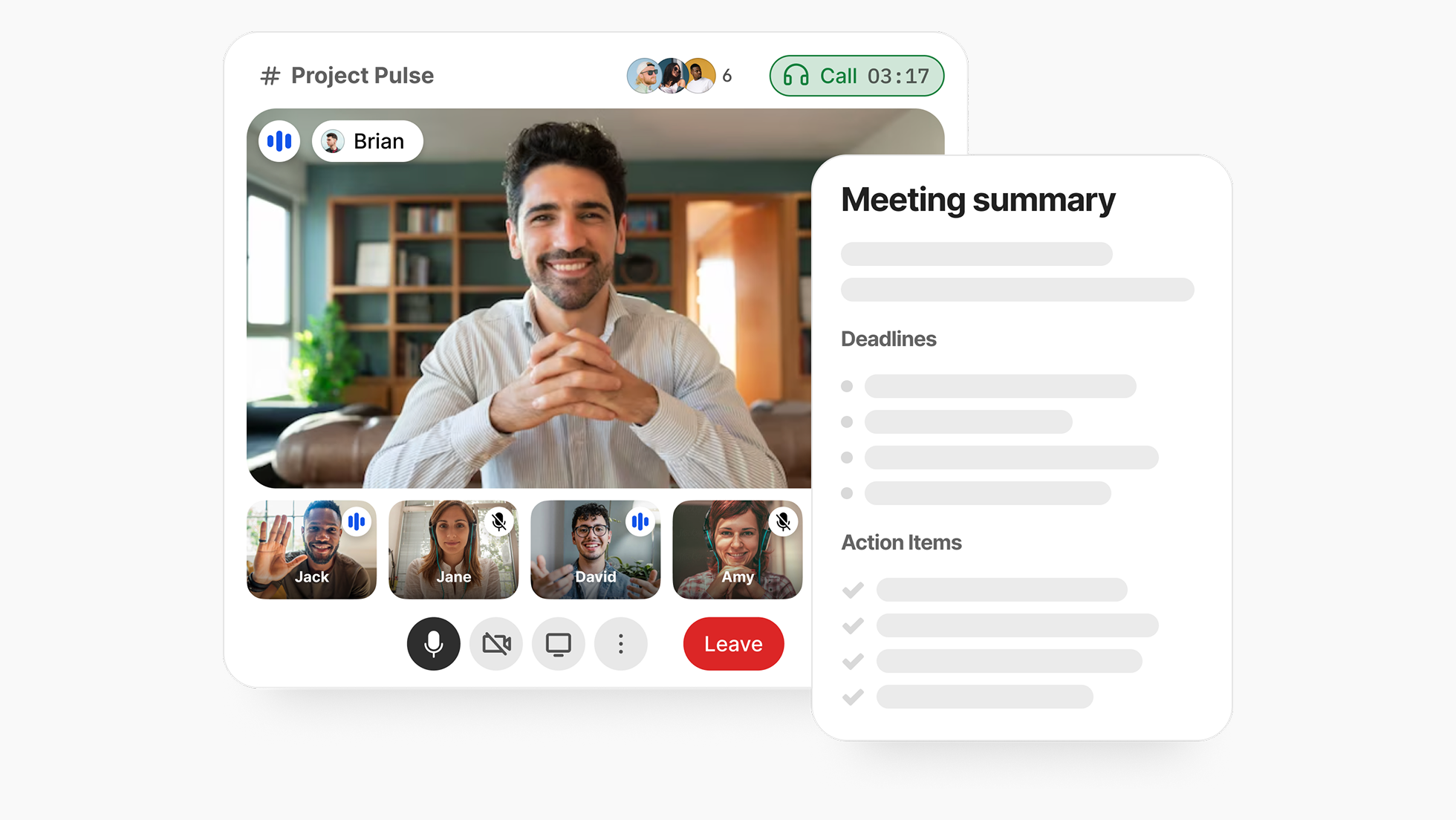
This is where task management starts to overlap with collaboration, knowledge management, automation, and AI.
Where All-in-One Platforms Fit
Traditional task management often lives in a tool separate from chat, documents, and data. That fragmentation forces teams to switch between apps, losing context with every jump.
A growing alternative is the unified workspace, where task management sits alongside team communication, document collaboration, and custom databases in one platform. BridgeApp, for example, combines project management with built-in chat, collaborative documents, databases, and custom AI agents — so teams organize their work, manage projects, and coordinate without juggling six or seven separate tools. For organizations with strict data requirements, BridgeApp also supports on-premise and self-hosted deployment, keeping data under their own control.
A task rarely appears out of nowhere. It usually comes from a customer request, an internal discussion, a product decision, a support issue, a meeting, or a document.
When task management is disconnected from communication and documentation, teams can see what needs to be done — but not always why it matters. This creates extra work: people search through chats, ask for updates, reopen old documents, and reconstruct decisions manually.
The stronger approach is to keep tasks close to the context that created them.
The advantage of this approach is context: a task can be discussed in chat, linked to a document, and tracked on a board without leaving the platform. Custom AI agents can answer questions from company data, handle routine formatting, and execute repeatable operations through a no-code builder — extending what a basic task manager does on its own.
Why Task Management Matters More in the AI Era
As AI becomes part of everyday work, task management becomes even more important. AI can summarize conversations, generate drafts, write code, prepare reports, and automate routine steps — but teams still need a reliable system to decide what should happen next.
Without task management, AI output can easily become another source of scattered information. A modern task manager gives AI-assisted work structure: ownership, deadlines, status, priorities, approvals, and accountability.
Choosing the Right Task Management Software
When evaluating task management tools, weigh the following against your team's needs:
- Scale — Can it handle multiple projects and a growing project team?
- Views — Does it offer the board, list, and Gantt chart views your team works best in?
- Dependencies — Can it model task dependencies for complex projects?
- Tracking — Does it provide the KPIs and progress visibility you need to track progress?
- Resources and budget — Does it support resource allocation, budget management, and cost management?
- Integration — Does it fit your existing stack, or can it replace fragmented tools entirely?
- Deployment and data control — Cloud, on-premise, or hybrid, depending on your compliance needs?
Summing Up
A task manager is far more than a digital to-do list. The right task management software turns scattered work into a coordinated system — helping project managers plan, helping teams focus, and connecting individual tasks to broader project goals and organizational success.
Task management becomes especially valuable when work moves across functions. A product request may start with a customer success conversation, move to a product manager, require input from engineering, involve documentation updates, and end with a customer-facing announcement.
Without a shared task system, each team may track its part separately. With a shared task manager, the entire workflow becomes visible from the delivery request.
Whether you are managing a single personal to-do list or coordinating complex initiatives across an entire project, task management tools provide the structure, visibility, and collaboration teams need to deliver consistently. As work grows more interconnected, the strongest choice is often a platform that brings task management together with communication, documents, and data in one place.