BlogIndustry Insights
Asana Pricing Plans Explained

Konstantin BuzzResearch Lead
8 min read
Asana’s product story is coherent. It started as basic task management, then expanded into project management and team collaboration, and ultimately to goal management and portfolio oversight. Each layer of that pyramid is monetized behind a specific paywall. By early 2026, Asana pricing is less about "how many tasks you create" and more about how quickly your team moves from execution hygiene to organizational governance.
At the bottom, Asana is still one of the cleanest project management software experiences for teams that need to track progress across multiple projects without the kind of configuration overhead that turns setup into a project of its own. But the real monetization begins when you try to connect execution to long-term strategy.
The payment tiers of the suite, each one selling a different set of key features, are divided up like this:
• Personal = individual task hygiene (free, capped).
• Starter = execution tracking, basic automation, and reporting.
• Advanced = oversight across teams: portfolios, workload, and goals.
• Enterprise / Enterprise+ = deep integrations, governance, compliance, centralized access control.
The Advanced tier, as the "Goals layer," is most important for this particular piece. It changes Asana from "a place to create and manage tasks" into a system that lets you see, track, and achieve your business's goals.
Asana Personal Plan: why it stops working even for small teams
Asana’s Free Personal Plan is “free forever,” but it’s no longer a tier for teams; it’s a showroom floor. It’s promoted as a playground with unlimited tasks, unlimited projects, and unlimited storage—but it’s capped at 2 users. So, you quickly hit the only limit that matters: collaborators. The moment you need a third person, the free plan stops being usable and does what it’s designed to do: force an upgrade.
Earlier, the limit was higher. Some users still effectively live in the ‘before’ world. Asana documents a Legacy Personal Plan for accounts created before November 12, 2025, which can include up to 10 seats—a meaningful difference if you’re a small team trying to stay free.
Asana has reduced the free plan's capacity over successive updates, the free plan has become more limited over time.
So, treat Personal Plan as what it now is: a marketing eye-catcher and a low-friction on-ramp. If you’re a real team, you don’t just need “unlimited tasks”, you need the connective tissue: workflows, dashboards, task dependencies, and admin controls. And that’s exactly what Asana starts selling once you step past the two-person glass ceiling.
Asana Starter Plan: the operational baseline (and the first real upgrade cliff)
The Starter plan is listed at $10.99 per user/month on annual plans ($13.49 month-to-month). The real entry price is twice as high as it looks, because Asana doesn’t sell a one-seat subscription. Starter Plan’s minimum is a two-seat package.
This is also the tier where Asana stops being “a nice place to list tasks” and starts monetizing coordination—features that look like common sense once you’ve tried to run a real team.
What you’re paying for at the Asana Starter Plan:
• Workflow builder + rules-based workflow automation — Asana positions this as “build your own workflows,” with unlimited automations on the plan grid.
• Visibility as a product — project dashboards and reporting become a capability.
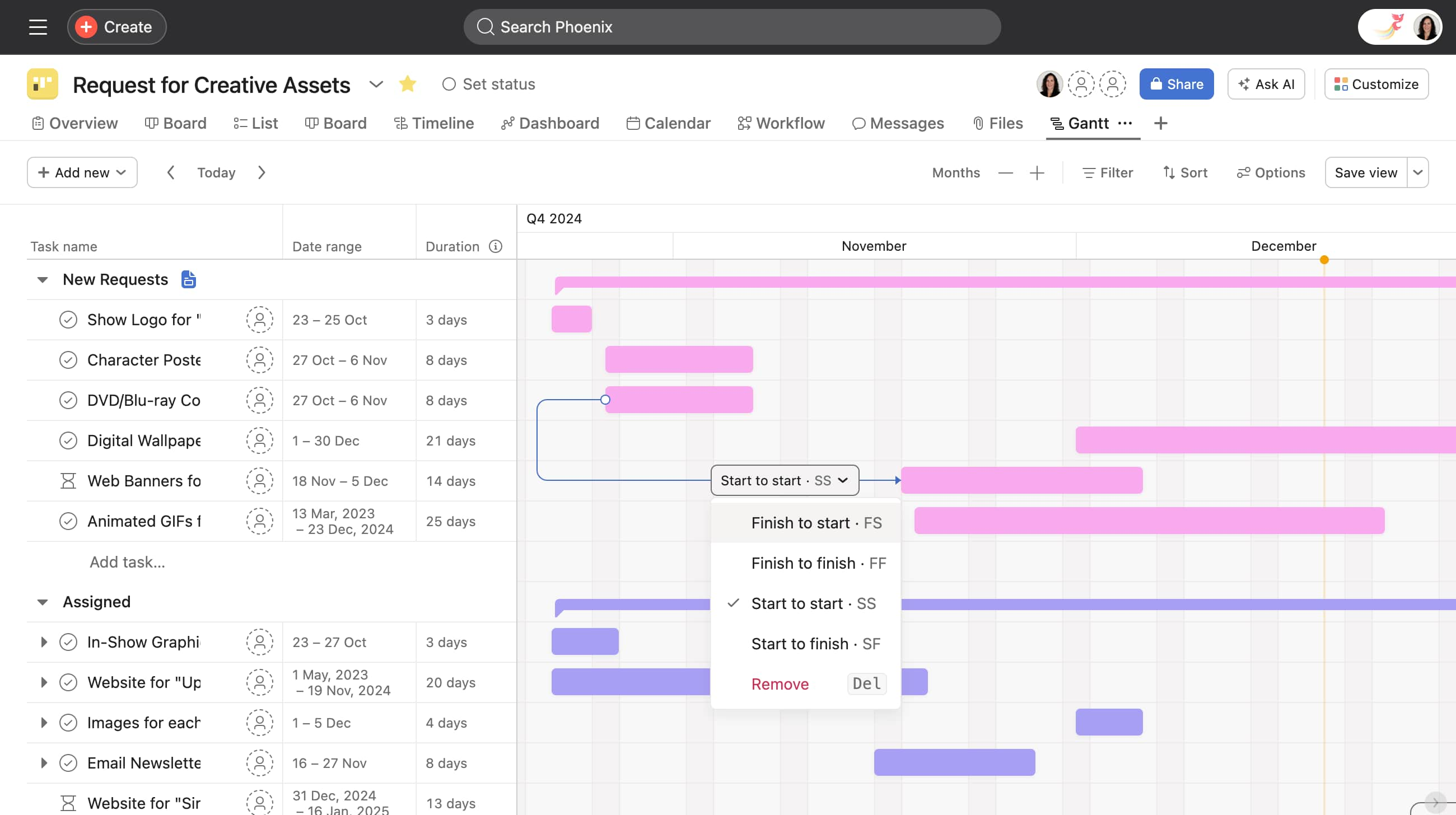
• Planning primitives teams actually use — Timeline and Gantt, plus the scaffolding features that make projects runnable: custom fields, forms, task dependencies, custom project templates, and more.
• An admin surface — the Starter feature set includes admin-level control.
• AI bundled, with a usage lever attached — Starter includes Asana AI, and Asana AI Studio. The former is basically a smart assistant that summarizes tasks (Smart Summaries), helps write texts (Smart Editor), creates draft projects by name (Smart Projects), and answers questions in chat (Smart Chat). The latter is a no-code builder for creating AI agents or complex automations. However, as it usually happens, “AI” is “included,” but it becomes a metered line item, and you have to additionally purchase credits (i.e., spend on tokens).
• Guests as a growth hack — Starter offers unlimited free guests.
Net: Starter is the “right Asana plan” when you need execution clarity—repeatable workflows, basic governance, and clean reporting—but you’re not yet buying the corporate control plane (SSO/SCIM, audit-grade compliance, enterprise policy enforcement).
AI Studio rules: the quiet economics of credits
You’ve got the mechanics exactly right: the moment AI Studio enters the picture, automation stops being a “feature” and becomes a computational usage economy. It runs on ‘credits’, and those credits are a hard resource. Burn through them, and the failure mode is not subtle: Asana’s own community warns that when credits run out, AI Studio rules can stop working—the smart layer simply goes dark until the meter resets or you top up, which is why teams end up having to monitor usage once AI Studio becomes operational.
And Asana doesn’t treat this as a minor footnote. AI Studio itself is packaged into distinct paid tiers—Basic, Plus, and Pro—with increasingly industrial credit ceilings. Plus is sold as a fixed-price add-on that includes 100K credits per month, while Pro is a sales-led tier that includes 5M credits per quarter. Credits can also be purchased as add-ons, with pricing depending on the plan.
Under the hood, the “credits” are math. Asana describes credits as being derived from the token volume processed by the selected model, and notes that different models consume credits at different rates. That’s also where the model choice becomes a budget decision. Asana explicitly supports both OpenAI and Anthropic models (so, GPT-family and Claude-family options), and credit multipliers vary by model.
This can be useful. AI Studio’s value is in higher-order automation: generating structure, interpreting messy inputs, and turning intent into execution. For example, “Smart Projects” can spin up a project scaffold by generating a description, organizing sections, and creating relevant custom fields based on a project name/purpose—exactly the kind of “setup work” teams hate doing by hand. Just don’t miss what Asana is doing strategically: Starter sells “automation” as table stakes; AI Studio sells “smart automation” as a metered utility, with plan-tiered capacity and paid top-ups.
Asana Advanced Plan is the intentional “management tax”
Asana Advanced is priced at $24.99 per user per month when billed annually, or $30.49 per user per month when billed monthly. This is where Asana stops making money off of task check-offs and starts monetizing operational control: running a portfolio, managing capacity, and connecting daily work to company objectives.
Here's what Advanced includes (and why it matters):
Goals: strategy linkage becomes a paid feature
This is the “exec dashboard that feeds itself” idea. Asana doesn’t treat Goals as a decorative OKR layer. The feature helps teams set and track goals by linking everyday work to company-level objectives and key results, so you can see progress emerge from the work you’re already doing. When you connect Goals to projects and portfolios, that progress becomes visible and continuously updatable as work gets completed.
Portfolios + Portfolio Workload: oversight as a paid capability
A portfolio is essentially a roll-up layer: a single place where multiple projects are displayed together so you get a high-level, bird’s-eye view of status, movement, and risk. Portfolio Workload is the next layer up: the capacity view—who’s overloaded, who has slack, and how work is distributed across projects. Asana describes Workload as a way to see how busy each team member is, with capacity visualization.
Asana Advanced also expands the control surface with:
• Approvals and Proofing (formal review loops, especially for creative/legal workflows)
• Lock custom fields (governance: stop teams from “fixing” shared taxonomy mid-flight)
• Native time tracking (resource economics: forecasting, budgeting, resourcing)
Integrations:
Where Starter Plan lets you “connect your tools,” the Advanced moves toward “connect your systems of record.” Starter includes 100+ free integrations—think Microsoft 365, Google Workspace, Slack—useful for reducing app-switching. Advanced Plan adds the integrations that matter when advanced reporting becomes political: Salesforce, Tableau, and Power BI, explicitly positioned as an Advanced-tier capability.
The real reason Advanced feels expensive is that you're buying the the ability to run program-level oversight from a single surface. Here, leadership can see whether execution is still aligned with strategy, which initiatives are drifting, and where capacity is becoming the constraint. That’s why Portfolios (executive aggregation), Workload (capacity management), and the BI/CRM connectors (portable reporting outside Asana) live here: Advanced is the tier where Asana sells the control plane for day-to-day operations.
Asana Enterprise Plan: what corporations are buying
Like most of its competitors, Asana doesn’t publish an Enterprise list price. It’s explicitly sales-led (“Contact sales for custom pricing”), which is usually your first signal that the product you’re buying is no longer “software”— it’s a procurement and multi-stage integration object. It’s a bundle of governance knobs: centralized identity, controlled collaboration boundaries, standardized admin policy, and the ability to treat work data as something your security team can actually audit. That's the pivot: Asana is shifting its focus from selling seats to selling risk management.
The company markets it as the security-and-admin control plane for deploying Asana at scale. The page calls out the identity plumbing that enterprises expect: SAML (Security Assertion Markup Language), used to enable single sign-on; SCIM (System for Cross-domain Identity Management) for automated user provisioning; audit logs for activity tracking; service accounts for secure integrations; advanced compliance APIs; admin app management; and APIs for third-party SIEM (Security Information and Event Management) integrations—plus controls like trusted guest domains. Enterprise also includes Resource management (the capacity layer), alongside “Workflow bundles”.
So, if we sum it up, this most expensive plan will add:
• Resource management
• SAML + SCIM + service accounts
• Admin announcements / project admin controls / team membership admin controls
• Custom branding + 24/7 support
Enterprise+ is where strict compliance becomes product: audit log APIs, SIEM/DLP hooks, and eDiscovery/archiving support for legal record-keeping. Plus, data residency to choose where your data is stored, Enterprise Key Management (EKM) for total control over encryption, and HIPAA compliance for handling sensitive healthcare data.
This is the classic enterprise monetization pattern: once your IT/security org needs centralized access control, auditability, and compliance-grade retention/export, the price becomes bespoke.
Who should choose which Asana plan?
• Personal plan: truly personal projects only (2 users), or just to pilot the tool with a partner before rolling it out to the wider team.
• Starter: growing teams who need essentially a project management tool with workflow builder, dashboards, advanced reporting, and can tolerate additional seat tax.
• Advanced: mid-market teams running portfolios, cross-functional programs, aimed at business goals and looking for a tool to monitor progress toward them.
• Enterprise / Enterprise+: regulated orgs that need SAML/SCIM, service accounts, audit log API, and compliance integrations.
Alternative: BridgeApp
If what you want from Asana is the feeling—the visual calm, the legible, understandable old-school task tracking process, and stakeholders' peace of mind that they have ‘bought what everyone else is using’ — then Asana fits.
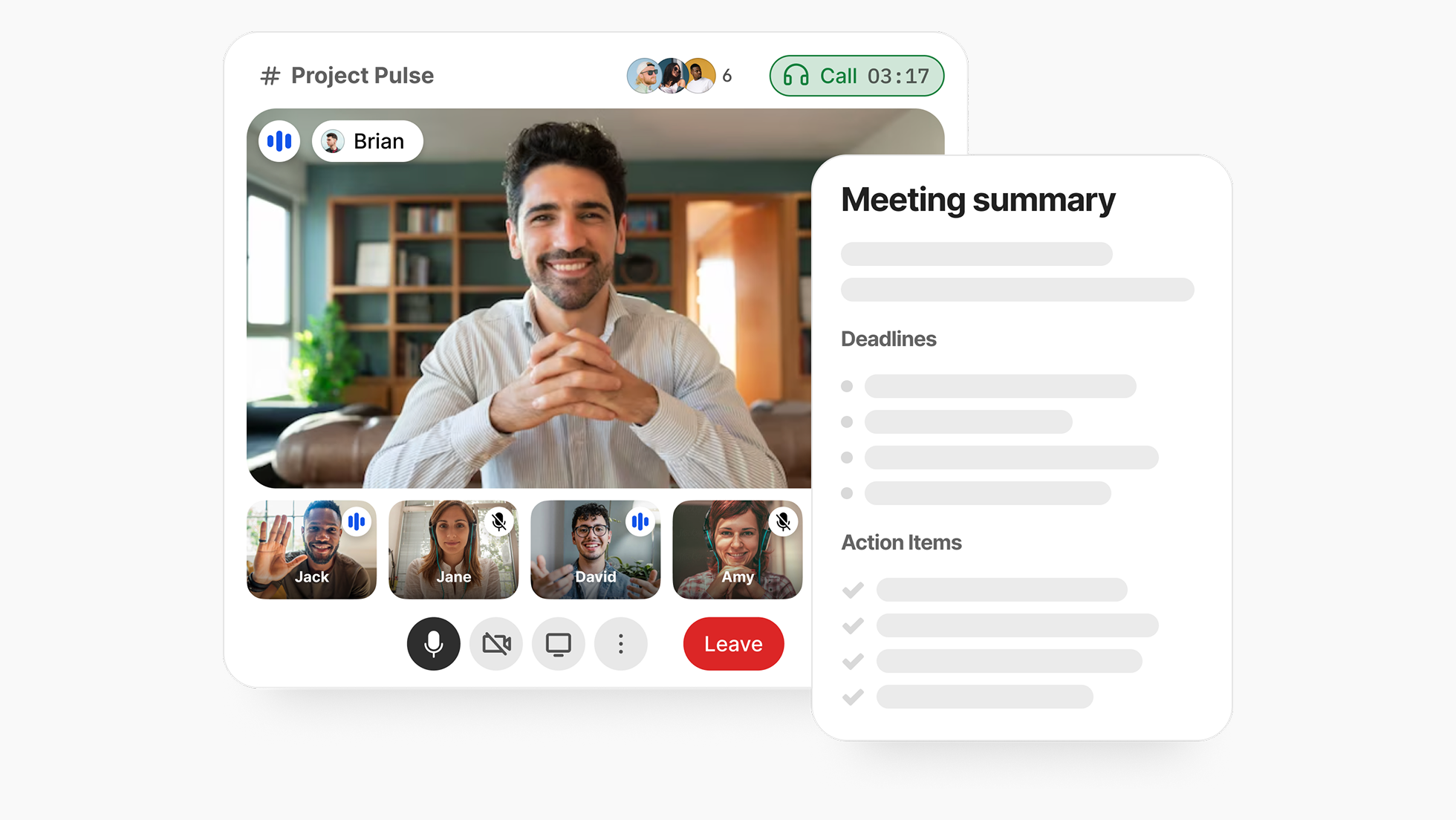
Because Asana’s pricing logic is built around a familiar SaaS escalation: execution is affordable, but oversight becomes premium. Portfolio visibility is “management,” and management is $25–$30 per seat. And then there’s the seat-step math—packages, minimums, and billing quirks that quietly inflate what a small team thought it was agreeing to. Automation looks unlimited until it becomes computational, and Asana costs can climb into four figures per year once AI Studio usage becomes material.
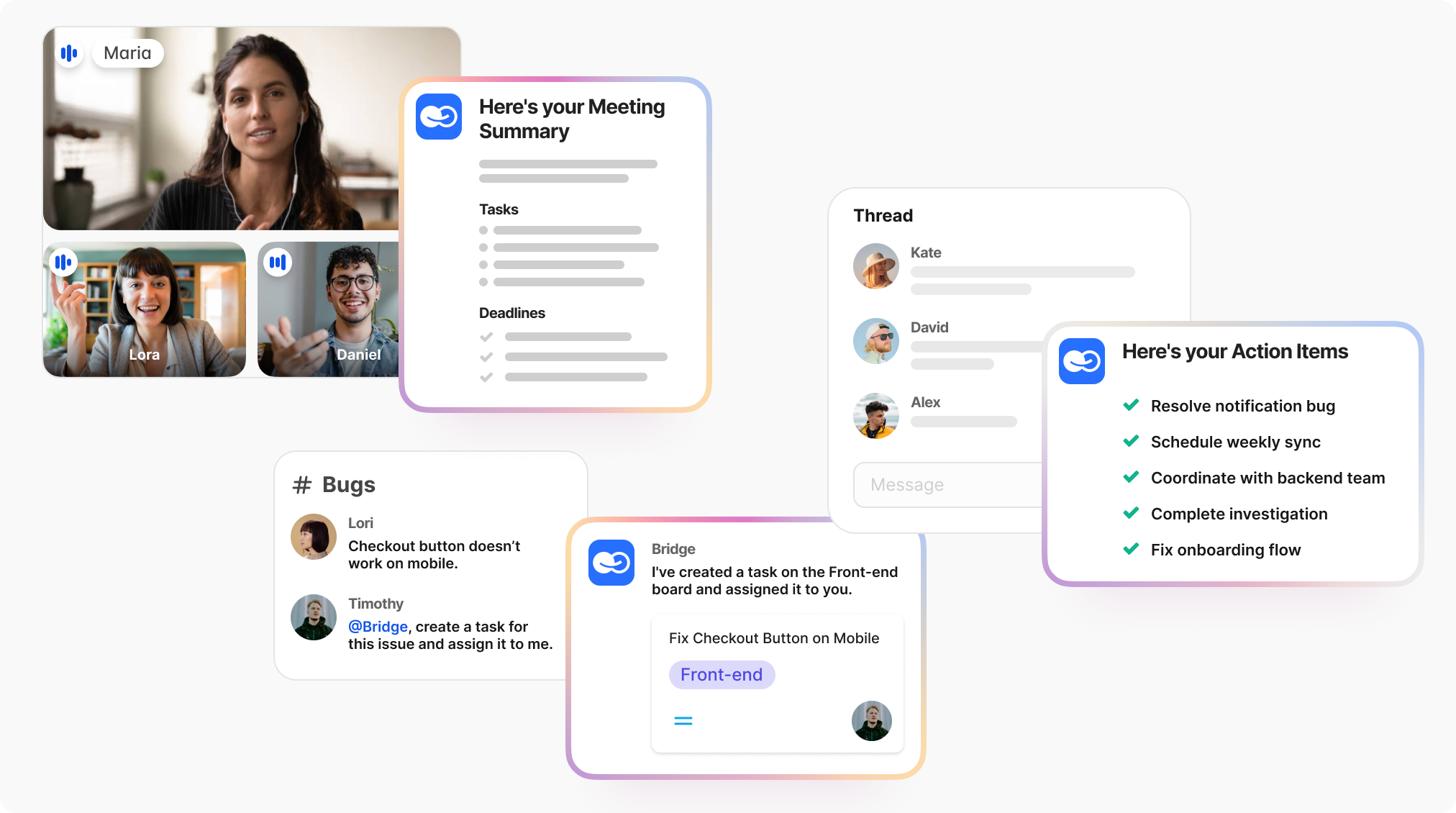
But if you really want to be confident that nothing is forgotten, it's time to look at new systems made for teams of people and AI.
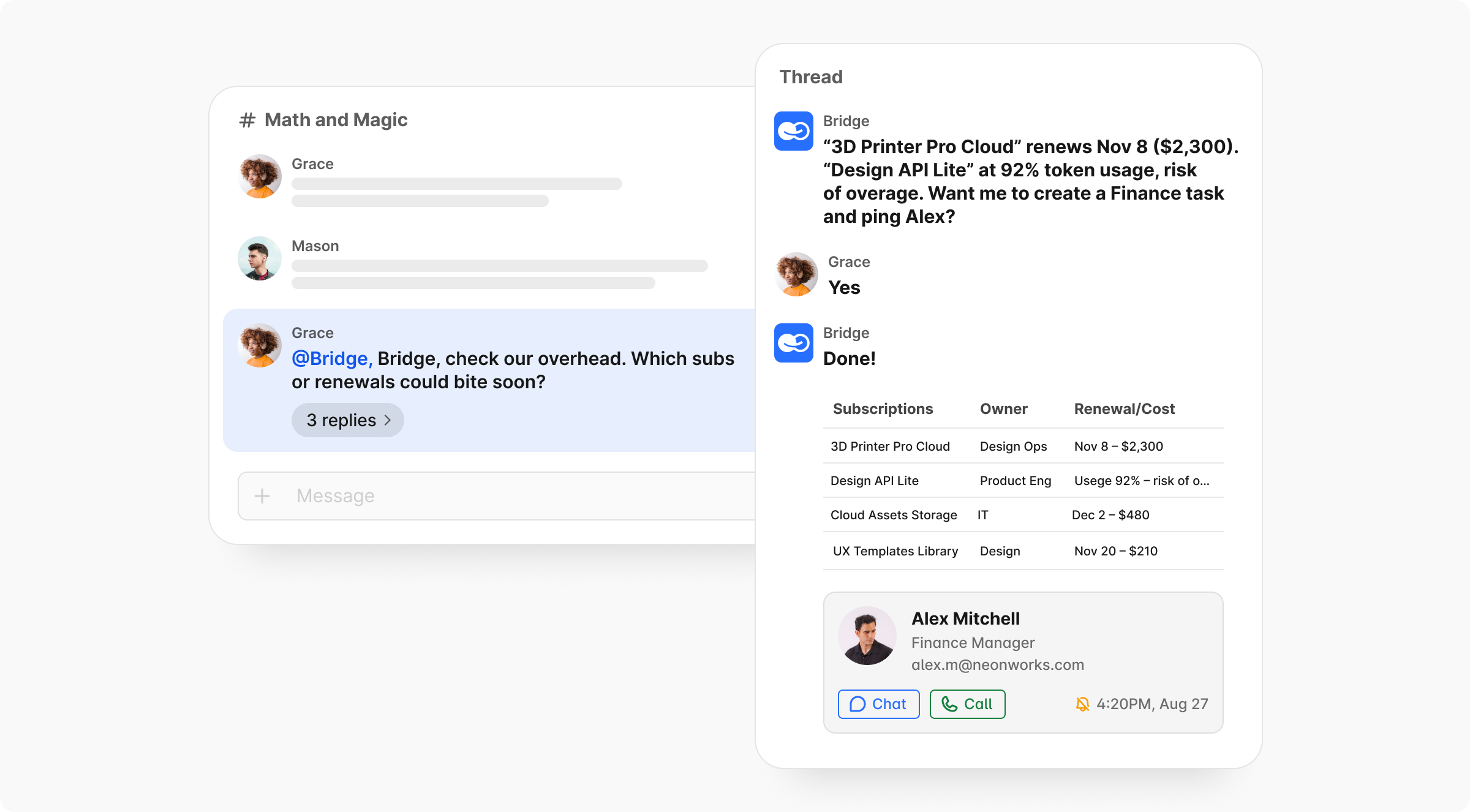
BridgeApp enters the market from that angle. It’s not trying to become another project management OS by rebuilding every feature as a layer. It positions itself as a context-aware workspace, which is built for such hybrid teams, where tasks, conversations, knowledge, and live data exist in a single environment — so work doesn’t fragment into a dozen tabs and tool hops.
Furthermore, it can be deployed on-premises, which is where Asana's cloud-only SaaS proves to be unexpectedly weak, not allowing for self-hosted rollout.
Where Asana expands through feature tiers, BridgeApp emphasizes flow. AI agents operate inside the project context rather than on top of it. “Data sovereignty” is treated as a design principle instead of a compliance add-on. And the pricing philosophy is meant to stay closer to first principles: costs should track real usage and real seats (Pro Plan — €9 per user/month, or €7.50 when billed annually.) Notably, there are no seat-bucket mechanics or surprise meters that can shut off critical automations midstream.
None of this is a moral victory — just a different bet on what modern collaboration software is becoming. If the core problem in your org isn’t feature scarcity but context loss, then a context-native model may be the cleaner fix than paying for yet another rung on a tier ladder.
CTA: run the side-by-side test
Try BridgeApp and run one disciplined comparison with your current project management tools on a single live workflow.
[Explore BridgeApp’s Pricing] | [Request a Demo] | [Start with a Free Plan]