BlogIndustry Insights
A Remote Teams Software Stack in 2026: The Complete Guide

Maria ZhuHead of content
7 min read
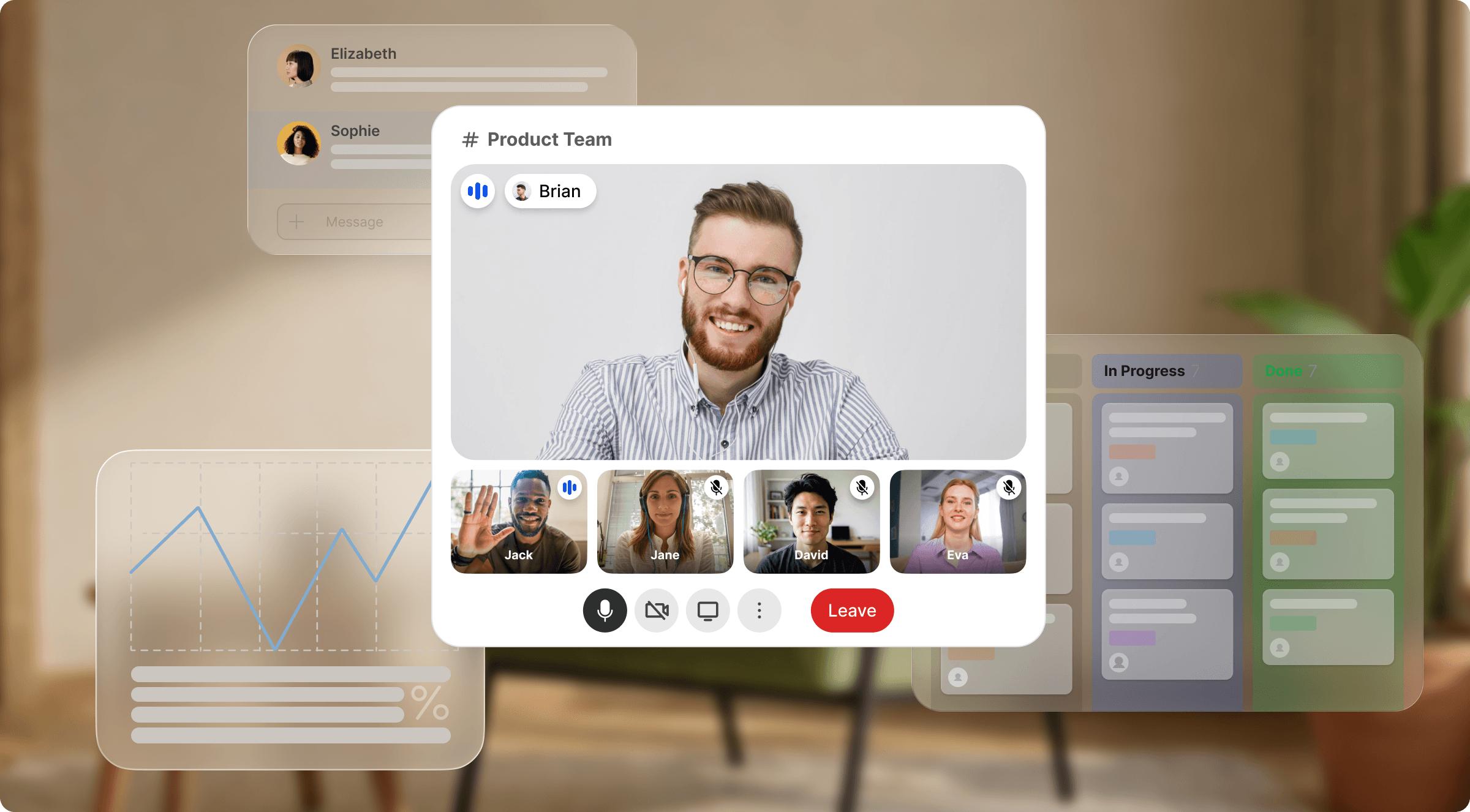
A remote work tech stack is the curated collection of online collaboration tools and platforms that enable distributed teams to communicate, collaborate, and handle project management effectively. In 2026, significant advancements in technology have shifted this stack towards an async-first approach, emphasizing asynchronous communication and workflow over traditional synchronous methods. Workflow automation and AI integrations have become commonplace, enhancing productivity through smart automation and improved decision-making. The concept of modularity has also gained traction — allowing remote and hybrid teams to customize their stack by selecting specialized tools that fit their unique needs.
Why does this matter? Companies with well-defined right tech stacks can improve remote work productivity by up to 30%. By strategically leveraging the latest collaboration tools, teams can streamline their processes, reduce friction, and enhance overall performance.
What Are the Core Software Categories for Remote Teams in 2026?
A remote teams software stack must encompass several core categories, each addressing specific challenges and enabling team members to collaborate effectively across various time zones. The core categories are: Communication, Project Management, Documentation and Knowledge Sharing, Scheduling and Time Zones, File Sharing, and Security.
1. Communication (Sync/Async)
Communication tools form the foundation of any remote team. They facilitate video calls and instant messaging for synchronous work, and asynchronous communication like threaded chats and project updates. In 2026, the trend is shifting toward async-first team chat tools, enabling remote team members to communicate without the pressure of immediate responses. This reduces burnout, as evidenced by the 65% of top-performing distributed teams that adopted such tools in 2025.
2. Project Management
Project management tools help remote workers plan, execute, and track progress efficiently. In 2026, every quality project management app will become more integrated with AI capabilities, allowing smarter task assignments across multiple projects simultaneously.
3. Documentation and Knowledge
Sharing Document collaboration tools are crucial for capturing team knowledge and processes. As cross-functional teams become more distributed, a robust document sharing system helps preserve institutional knowledge and fosters transparency. Unlike static file storage, modern knowledge tools connect documentation directly to live work.
4. Scheduling and Time Zones
Managing schedules across different time zones remains one of the hardest challenges for hybrid teams. Smart scheduling and calendar apps that automatically adjust for time zone differences reduce the risk of missed team meetings and improve overall collaboration.
5. File Sharing and Collaboration
Seamless file-sharing tools enable team members to create, share, and edit documents in real-time collaboration. Features like version control and inline comments streamline feedback, making it easier for remote workers to collaborate on complex projects regardless of physical location. Cloud storage ensures everything is accessible from any device.
6. Security
As remote work grows, so does the need for robust security features. In 2026, the emphasis is on creating secure environments that allow remote team members to collaborate freely while minimizing risks associated with data breaches. This is especially critical when relying on third-party tools that store data outside your control.
7. Custom Business-Type Needs
Beyond these core categories, specific industries have unique needs — a marketing team might require visual proofing tools, while software development teams need version control and sprint management. Creative teams often need visual collaboration boards. Tailoring your tech stack to your business type is essential.
Which 2026 Tools Work Best?
The best collaboration tools in 2026 depend on team type and workflow. A well-chosen stack can transform productivity, with costs ranging from $29 to $94 per seat/month — an increase of 15% from 2025.
Communication Tools
| Tool | Best For | Key Features | Pros | Cons | 2026 Price |
|---|---|---|---|---|---|
| BridgeApp | All-in-one remote and hybrid teams | Channels, threads, audio/video calls, AI agents, MCP, tasks, docs, databases | Replaces 6–7 other tools; AI-native; full data sovereignty | Newer to market | From €7,5/user/mo |
| Slack | Team chat & messaging | Channels, integrations, screen sharing | User-friendly, extensive integrations | Requires other tools for tasks/docs; no data sovereignty | $8/user/mo |
| Microsoft Teams | Enterprises | Video meetings, file sharing, and collaboration features | Robust security features are great for large remote teams | US cloud dependency; complexity deters new users | $12/user/mo |
| Zoom | Video conferencing | HD video calls, webinars, breakout rooms | High-quality video, easy to use | Single-purpose tool; limited advanced features on free tier | $15/host/mo |
Project Management Tools
| Tool | Best For | Key Features | Pros | Cons | 2026 Price |
|---|---|---|---|---|---|
| BridgeApp | Remote teams wanting PM + comms unified | Kanban, backlog, list view, subtasks, AI task creation | Tasks live next to conversations; agents auto-create tasks; great for complex workflows | — | From €7,5/user/mo |
| Asana | Task management & tracking | Task assignments, timelines, and reporting | Intuitive; great for cross-functional teams | Standalone; no built-in comms | $10/user/mo |
| Trello | Visual project tracking | Boards, lists, cards | Easy; works for small remote teams | Limited reporting; standalone | $9/user/mo |
| Monday.com | Custom team's workflows | Workflow automation, dashboards | Highly customizable | Pricing escalates; no communication tools | $12/user/mo |
Documentation and Knowledge Sharing
| Tool | Best For | Key Features | Pros | Cons | 2026 Price |
|---|---|---|---|---|---|
| BridgeApp | Remote teams wanting docs + comms unified | Real-time collaboration editor, nested pages, linked to tasks/chats | No switching between other tools; context stays connected | — | From €7,5/user/mo |
| Notion | All-in-One Workspace | Notes, databases, wikis | Highly customizable; good for document collaboration | Steeper learning curve; no comms | $8/user/mo |
| Confluence | Document sharing | Collaboration, templates, search | Great for distributed teams | Gets cluttered; standalone | $10/user/mo |
| Google Workspace | File sharing & collaboration | Google Docs, Sheets, Slides | Familiar, real-time collaboration, seamless file sharing | US cloud; limited offline | $6/user/mo |
Why BridgeApp Is the Best Alternative for Remote Teams in 2026
Here's the honest problem with the traditional approach: you pick the "best" tool in each category, then spend the rest of the year stitching them together. Slack + Asana + Notion + Zoom + cloud storage + a database tool = five separate subscriptions, five login screens, five places your remote team members' knowledge gets scattered across.
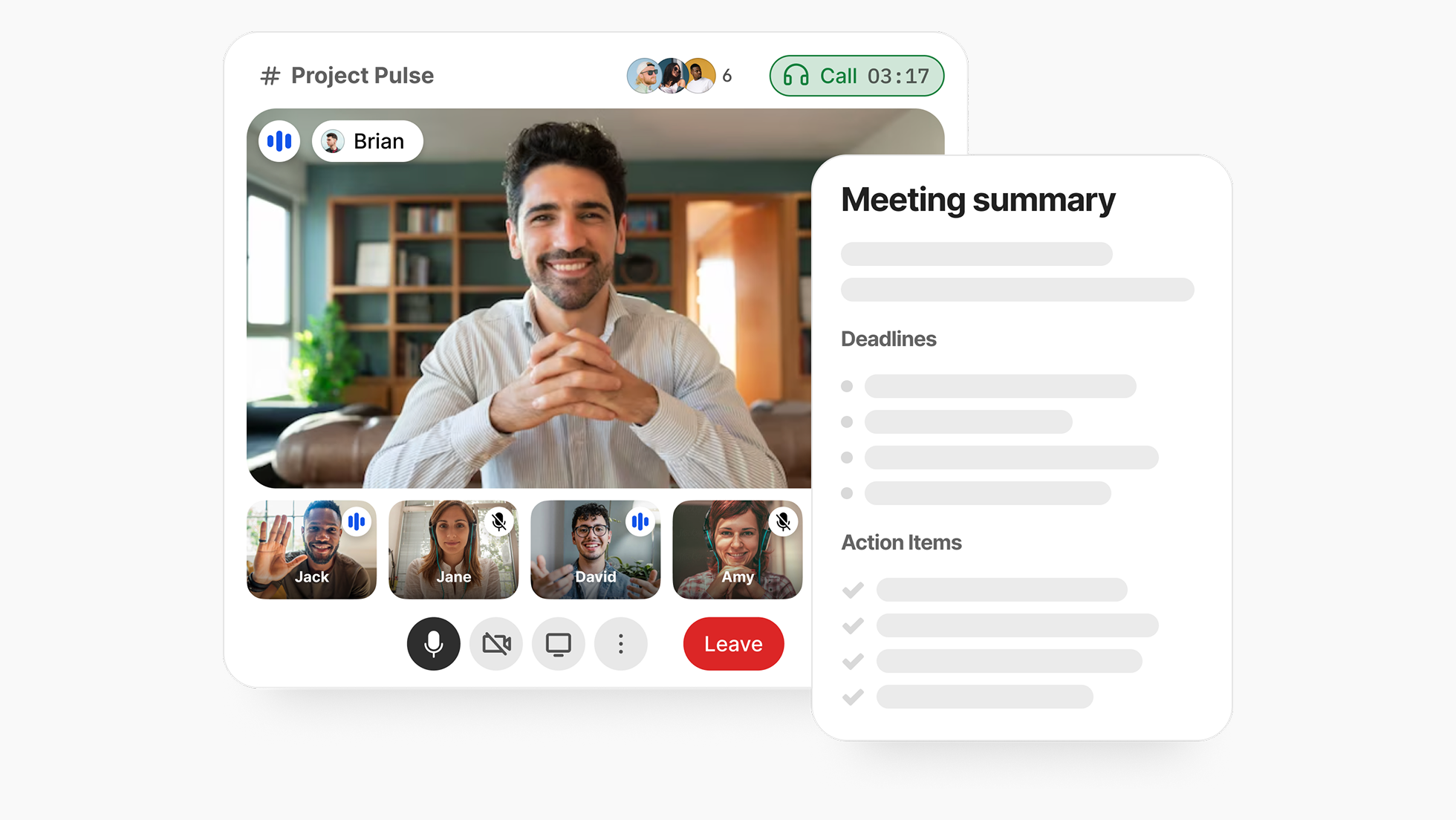
BridgeApp was built to solve exactly this. It's an AI-native virtual collaboration workspace that replaces 6–7 fragmented productivity tools with one unified platform — channels, threads, audio/video conferencing, task management, document collaboration, custom databases, and a visual no-code AI agent builder, all in a single window. Unlike video conferencing platforms or standalone chat apps, BridgeApp is designed to enable teams to handle every part of their work without switching context.
The result for remote and hybrid teams:
- 40% productivity increase through unified workspace and AI automation
- 60% less context switching — all essential tools in one place
- 4.6 hours saved per employee per week by automating repetitive tasks
- Full data sovereignty — deploy on-premise, private cloud, or hybrid; no US cloud dependency
- GDPR-compliant with EU-hosted environment options — critical for distributed teams in regulated industries
For budget-conscious teams tired of paying separately for collaboration software, project management apps, video conferencing apps, and file storage, BridgeApp delivers the clearest ROI in 2026. And for small remote teams that can't afford dedicated IT overhead, having everything in one workspace is not just convenient — it's transformative.
How Do I Build My Remote Stack?
Building your remote work tech stack is itself a workflow — here's exactly how to do it. Only 22% of companies conduct annual audits of their stacks, meaning most remote teams miss significant efficiency opportunities.
Step 1: Evaluate Your Current Stack
Audit your existing collaboration tools. Identify what's working, what's redundant, and what gaps exist — especially around team communication, project tracking, and document sharing.
Step 2: Identify Team Needs
Gather input from your remote team members on their specific pain points. Consider asynchronous communication needs, how they currently track progress across multiple projects, and where seamless collaboration breaks down. Build a list of key features required per role.
Step 3: Research and Shortlist Options
Research digital collaboration tools that align with your identified needs. Compare advanced features, integrations, and costs. Make a shortlist of 3–5 tools per category — or consider whether a unified platform like BridgeApp eliminates the need to choose across categories entirely.
Step 4: Run Pilot Tests
Test shortlisted tools with a small group of remote workers. Collect feedback on usability, especially for complex workflows and cross-timezone team meetings.
Step 5: Gain Team Buy-In and Roll Out
Present findings, address concerns, and create a rollout plan with timelines and training sessions. Pay particular attention to onboarding creative teams and cross-functional teams who may use specialized tools differently.
Best Practices and Common Pitfalls for 2026
The biggest remote work stack mistakes stem from poor onboarding and tool fragmentation. Onboarding new collaboration software can cost up to $750 per employee in productivity loss if not integrated properly.
| Do | Don't |
|---|---|
| Invest in onboarding programs for every new tool in your tech stack | Skip training for asynchronous communication tools |
| Schedule periodic reviews of project management effectiveness | Over-automate complex workflows without human oversight |
| Set clear permissions and security features across all tools | Overlook version control and access controls |
| Foster open feedback loops about team communication quality | Allow multiple chat apps or video conferencing platforms to coexist without a standard |

Common Pitfalls for Remote and Hybrid Teams:
- Shadow IT — remote workers adopt unapproved third-party tools, creating compliance and security gaps. This is especially common when the official stack doesn't adequately support asynchronous communication or document collaboration.
- Fragmented permissions — poorly defined access levels across other tools limit productivity and create confusion for cross-functional teams.
- Failure to adapt to async workflows — teams default to synchronous video meetings even when asynchronous communication would serve distributed teams better across time zones.
- Neglecting regular audits — outdated productivity tools remain in use, especially specialized tools that were once needed but now overlap with newer software.
One of the strongest arguments for a unified platform like BridgeApp is that it dramatically reduces shadow IT risk. When one workspace genuinely covers team communication, task management, document sharing, and databases — allowing team members to find everything in one place — there's far less reason to go looking for workarounds.
Most-Asked Questions About Remote Stacks in 2026
Async vs. Sync: What's the difference? Asynchronous communication allows remote team members to collaborate without needing to be online simultaneously — ideal for distributed teams across time zones. Sync tools like video conferencing platforms require real-time presence. The 2026 trend leans firmly async-first, reducing unnecessary video meetings and team meetings that interrupt deep work.
What's the average pricing for teams with fewer than 25 seats? The average cost ranges from $29 to $94 per seat/month — a 15% increase from 2025. Budget-conscious teams and small remote teams can reduce this significantly by choosing a unified platform like BridgeApp over stacking multiple specialized tools. BridgeApp also offers a free plan with unlimited seats — making it one of the few all-in-one platforms where growing teams aren't penalized for adding members.
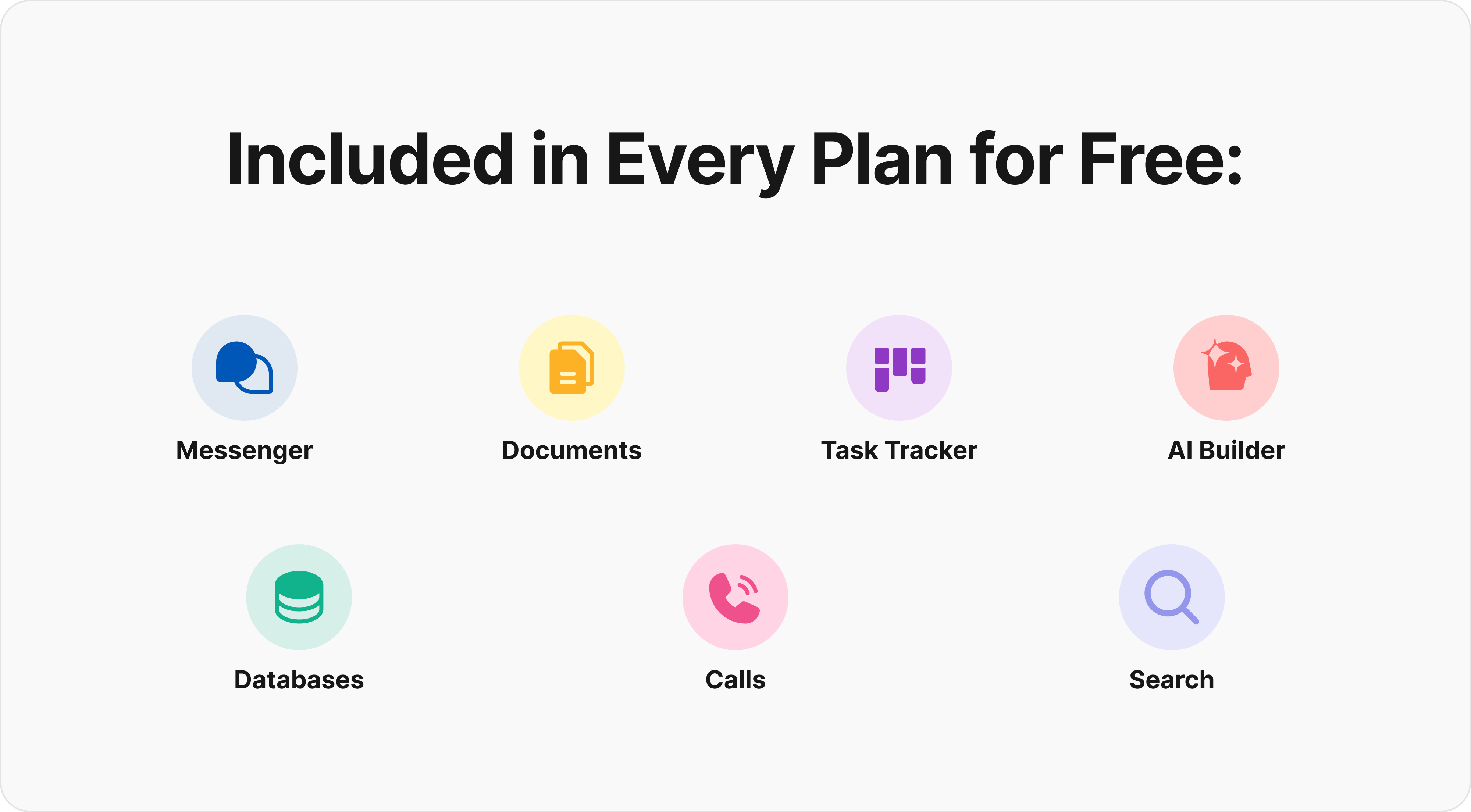
Unlike the strict 90-day limitations of a typical free tier, BridgeApp offers a robust free plan featuring unlimited users and access to all core modules. This includes the messenger, documents, the task tracker (with Kanban/backlog views), databases, calls, and even a personal AI agent builder.
How do I migrate my existing tools to a new stack? Document your existing team's workflows first, then implement new collaboration tools gradually. Train your team — especially on asynchronous communication patterns and new project management app interfaces. A phased approach improves adoption for both small teams and cross-functional teams.
How frequently should I upgrade my software stack? At least annually. 47% of teams plan to audit their remote work tech stack within the next 12 months. Regular assessments keep essential tools aligned with evolving needs — especially as workflow automation and AI capabilities advance rapidly.
How can I secure my data in a remote stack? Employ encryption, multi-factor authentication, and regular backups. Establish clear access controls, especially across third-party tools. For teams with strict requirements, on-premise deployment — as offered by BridgeApp — provides the highest level of data sovereignty, eliminating dependency on foreign cloud storage providers.
What are the top mistakes to avoid? Neglecting team input in selection, over-relying on synchronous video conferencing, failing to train on asynchronous communication, and choosing too many specialized tools when digital collaboration tools now exist that cover the full remote work tech stack in one place.