BlogIndustry Insights
Company Knowledge Hub: Complete Guide

BridgeApp Team
7 min read
A knowledge hub is one of the most valuable investments any organization can make — yet most teams either don't have one, or have one that nobody actually uses. In this guide, you'll find a direct knowledge hub meaning, a visual framework, and a beginner-ready checklist for creating your own company knowledge hub — even if you're not technical. This guide provides everything you need to build a hub that drives enhanced collaboration, continuous learning, and real organizational knowledge management.
What Is a Company Knowledge Hub?
A company knowledge hub is a centralized online library where employees, customers, or partners can find, access, and contribute knowledge in one place. It's a single source of truth for your organization — consolidating documents, training materials, learning resources, research papers, project resources, and institutional memory into one accessible, searchable space.
While often confused with a knowledge base — which typically focuses on support articles and FAQs — a knowledge hub encompasses a broader range of valuable content, including documents, onboarding materials, and operational guides. It also differs from a Knowledge Management System (KMS), which is a more comprehensive system managing knowledge management processes across an entire organization.
Knowledge Hub vs. Knowledge Base vs. KMS
| Feature | Knowledge Hub | Knowledge Base | KMS |
|---|---|---|---|
| Focus | Enhanced collaboration & information sharing | Support articles and FAQs | Comprehensive knowledge management processes |
| Audience | Employees, clients, partners | Primarily customers | Internal teams and management |
| Typical Use Case | Single source for all organizational knowledge | Troubleshooting and support | Managing knowledge management workflows |
| Complexity | Moderate | Simple | High |
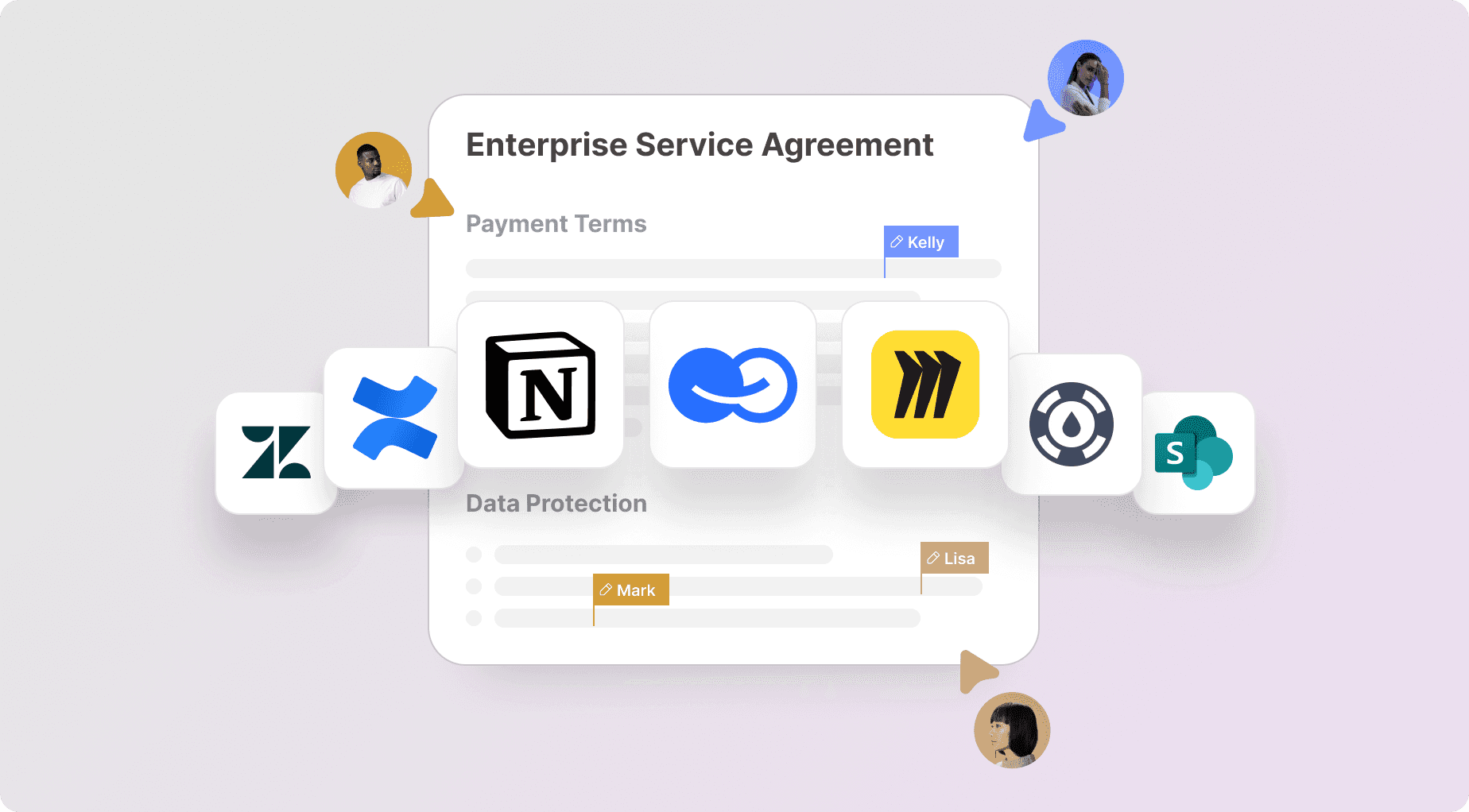
| Example Platform | BridgeApp, Confluence | Zendesk, Help Scout | SharePoint, Miro |
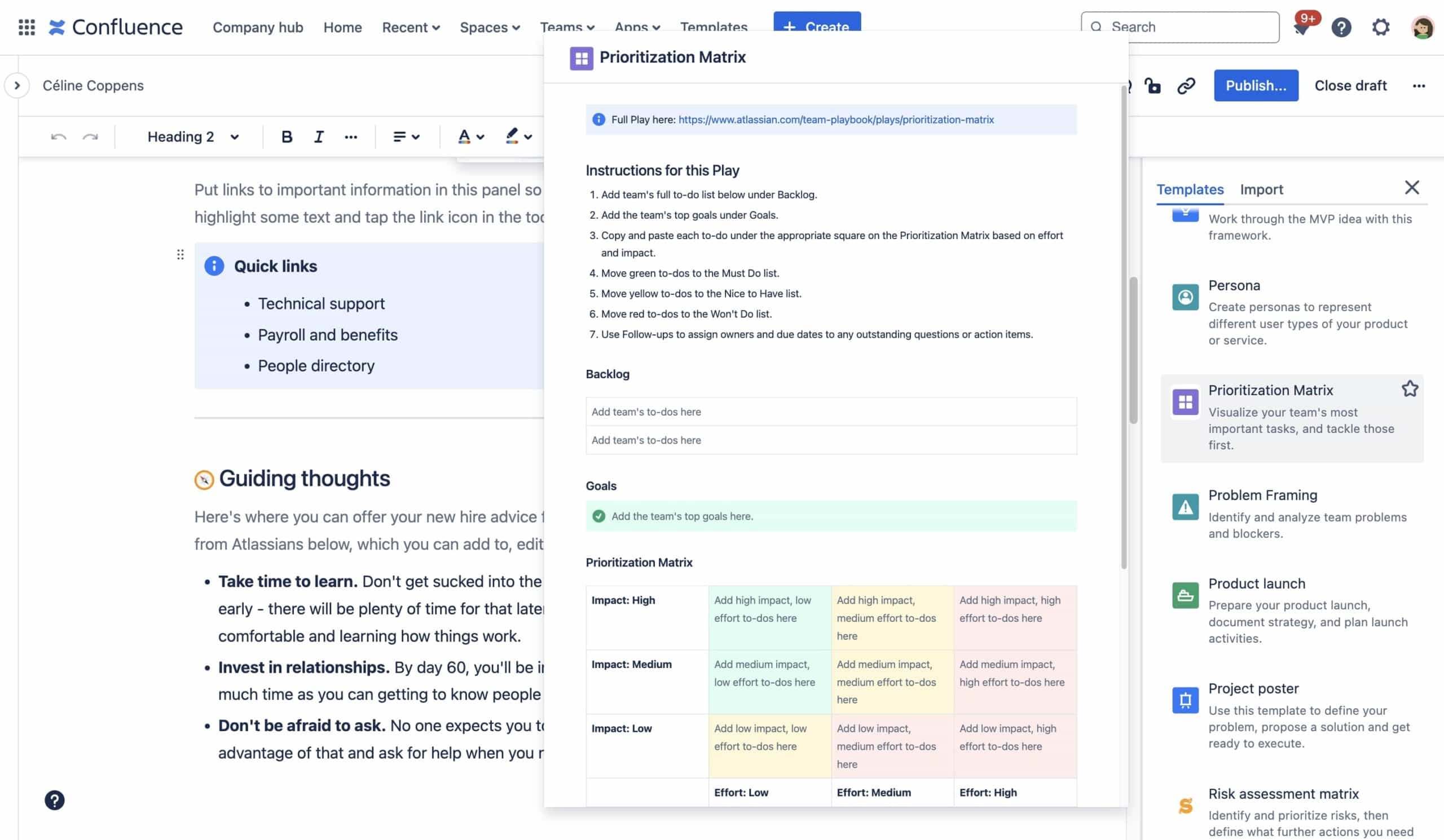
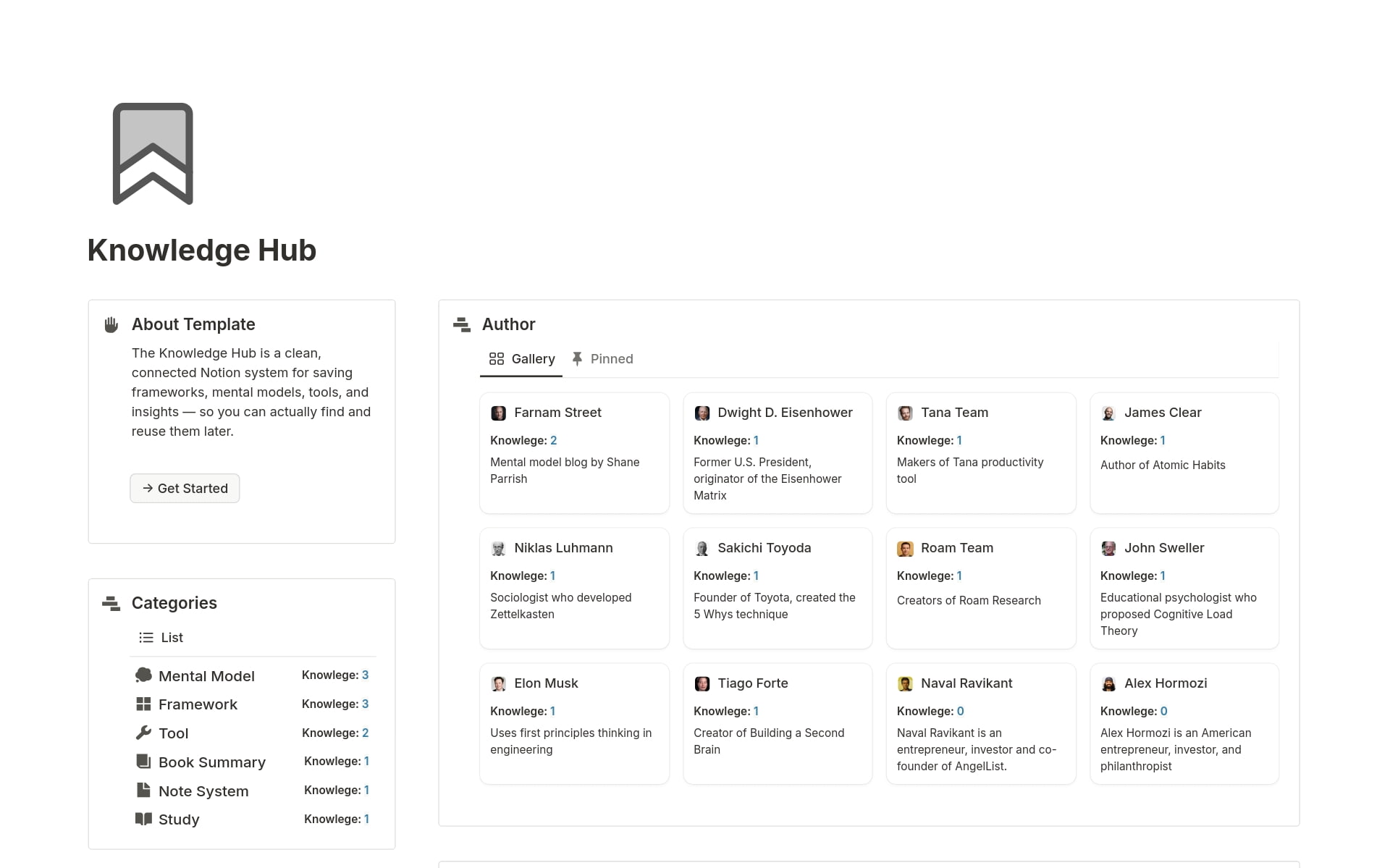
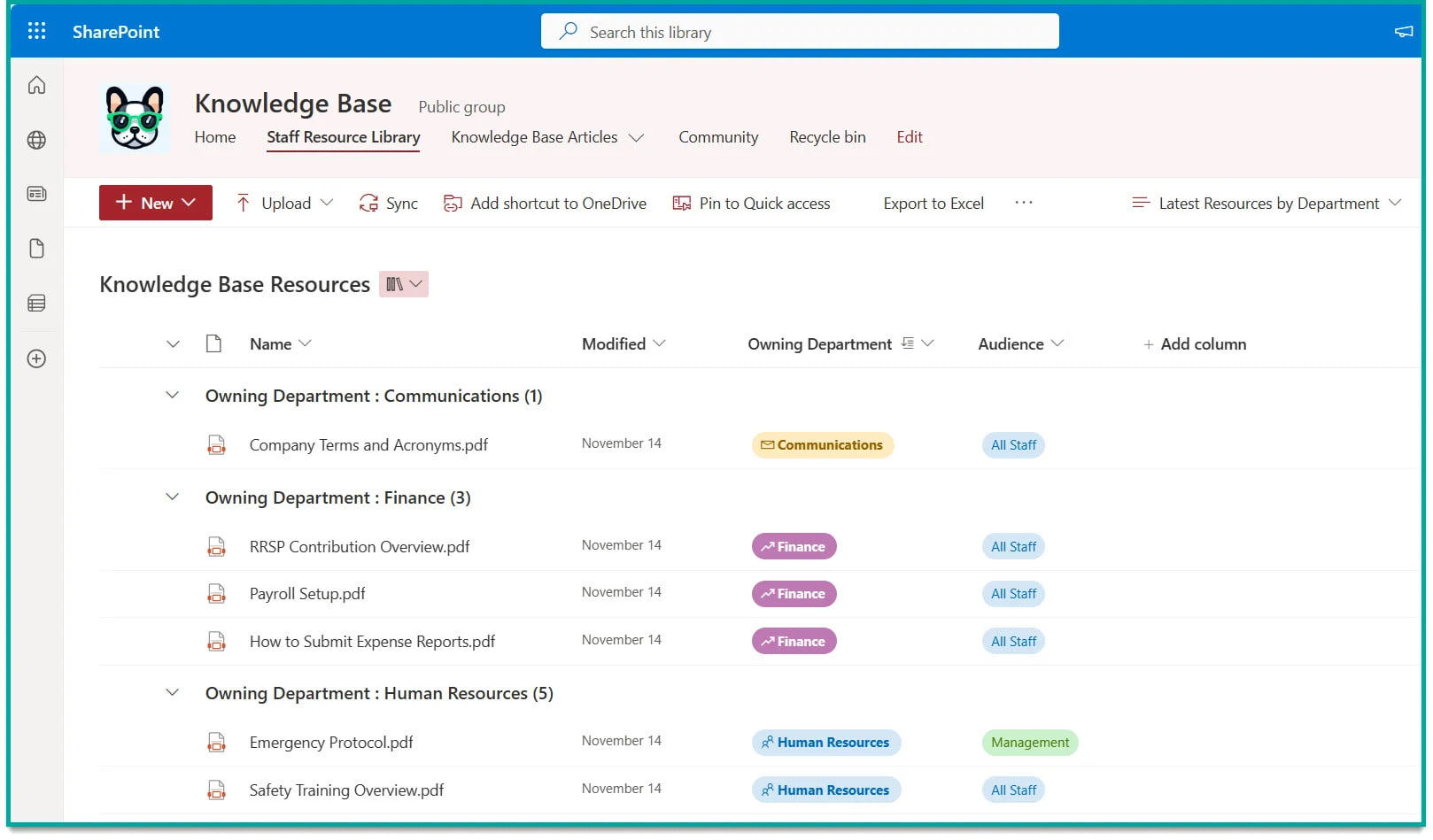
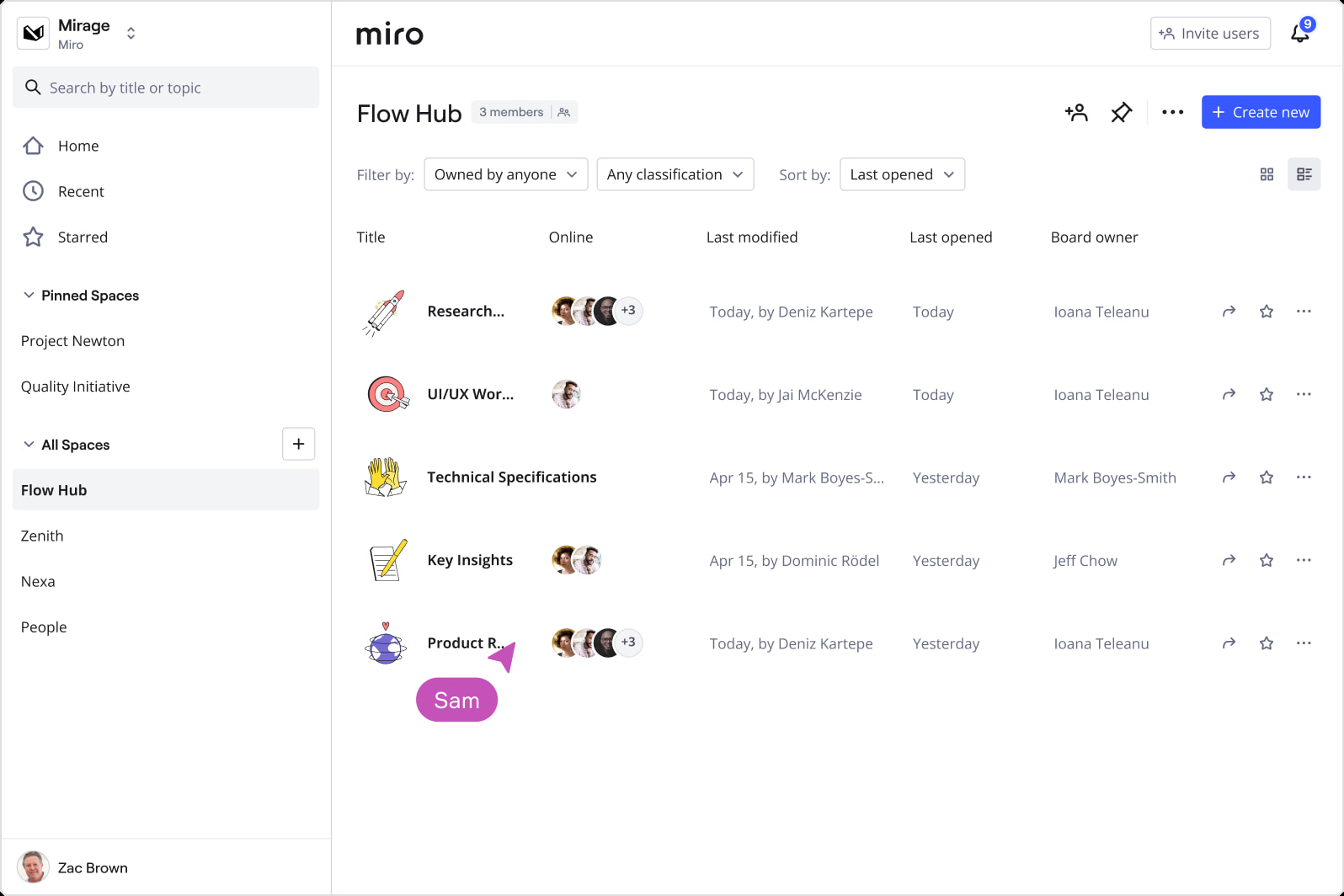
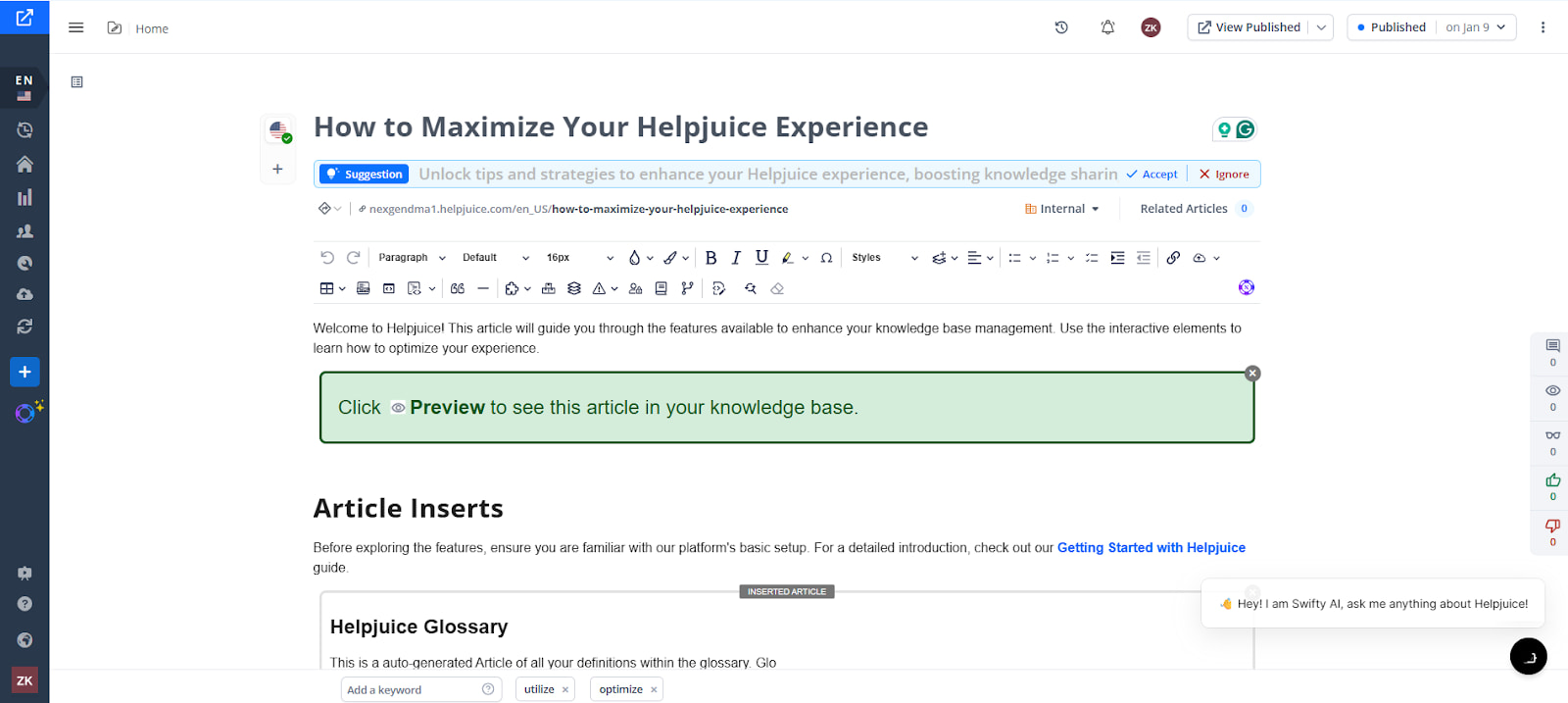
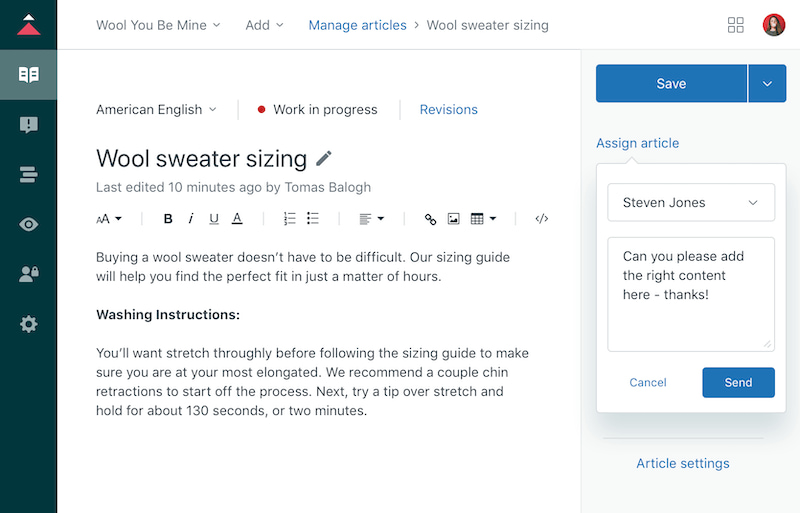
This structure clarifies the distinctions and helps organizations understand which solution best fits their needs. A well-built knowledge hub fosters a culture of continuous learning and knowledge management that improves efficiency, engagement, and innovation at every level.
Why Does a Company's Knowledge Hub Matter?
A company knowledge hub matters because it makes relevant information findable, drives enhanced collaboration, and supports continuous learning across your organization. With a well-organized hub, employees can access what they need instantly — leading to faster onboarding, improved project delivery, and stronger knowledge management.
Key benefits:
Faster Onboarding — New hires access essential learning resources, training materials, and documents in one place, cutting time-to-productivity significantly.
Better Project Delivery — Teams stay aligned on relevant information and reduce miscommunication, keeping multiple users working from a single source of truth.
Knowledge Retention — Institutional knowledge is preserved and accessible, minimizing the loss of expertise when employees leave. This is one of the most crucial and underappreciated benefits of a knowledge hub.
Continuous Learning Culture — When learning resources, videos, training guides, and insights live in one platform, skill development becomes embedded in daily work rather than a separate effort.
Enhanced Collaboration — Multiple users can contribute knowledge, leave feedback, and build on each other's work — turning a static repository into a living organizational brain.
From a broader organizational perspective, investing in a knowledge hub is a strategic move that supports both operational efficiency and innovation. Teams that collaborate around shared knowledge make better decisions, onboard faster, and maintain higher quality output — especially as they scale.
What Are the Core Components of a Knowledge Hub?
Every effective knowledge hub shares five key components that determine whether it actually gets used — or quietly collects digital dust.
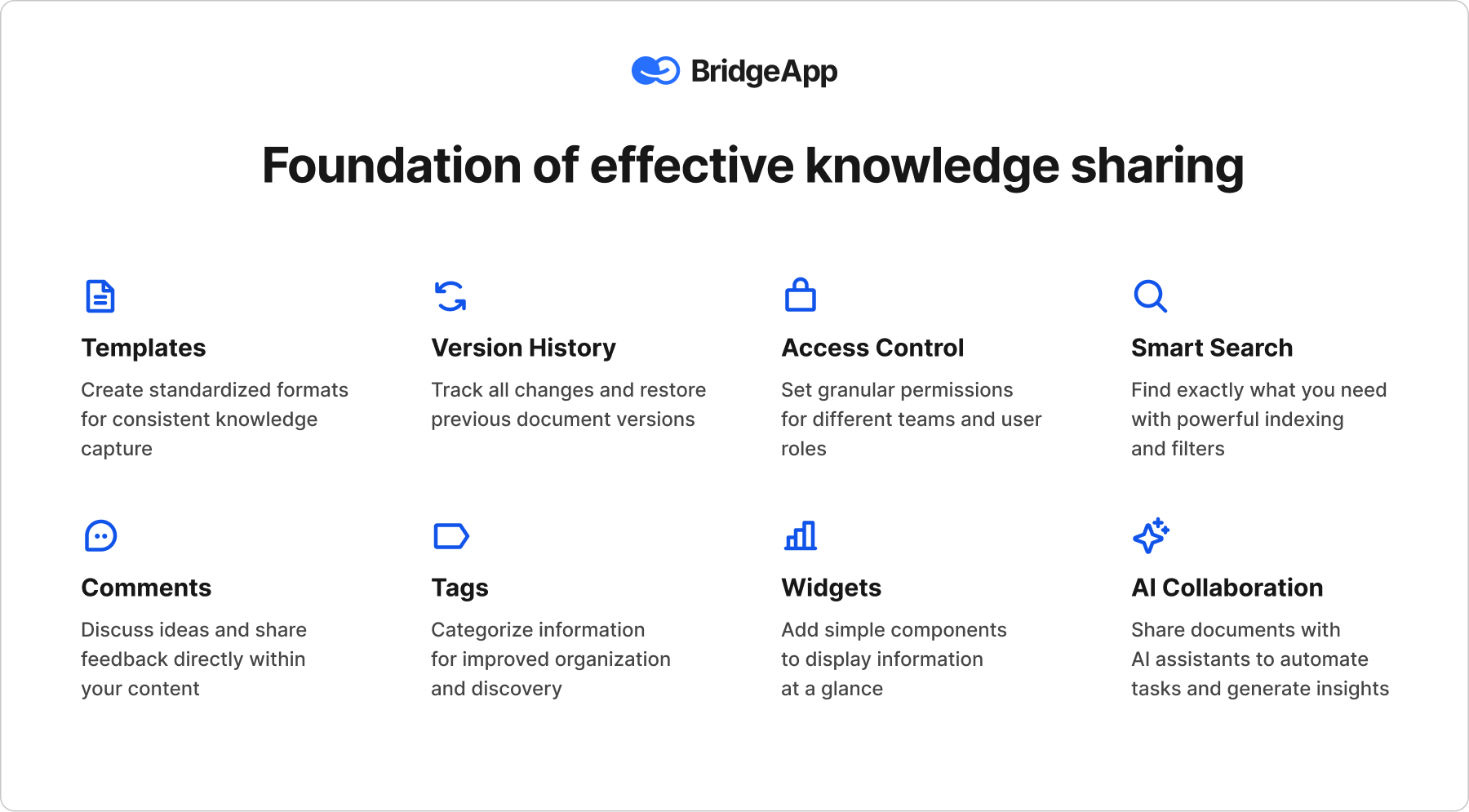
Searchable Content: The backbone of any hub. Multiple users must be able to find relevant information, documents, articles, and learning resources instantly. Poor accessibility is the single fastest way to kill adoption.
User Access Controls: Different users have different needs. Security and access controls protect sensitive data while enabling the right people to contribute knowledge, collaborate, and access what they need.
Contribution and Workflow Tools: These tools facilitate enhanced collaboration — enabling users to add valuable content, provide feedback, and keep the hub current. A knowledge hub where only administrators can write quickly becomes stale and loses engagement.
Analytics: Understanding usage patterns is crucial. Analytics reveal which resources are most accessed, which documents get ignored, and where users struggle to find relevant information — giving you the data to continuously improve.
Integration with Existing Tools: A knowledge hub should connect seamlessly with the platform and systems your team already uses — project management software, collaboration tools, and communication systems — so knowledge flows naturally into daily work rather than requiring a separate effort to maintain.
How Does a Knowledge Hub Differ from a Knowledge Base or KMS?
While all three store organizational knowledge, a knowledge hub is broader and more collaborative than a knowledge base, but simpler and more focused than a full KMS.
| Aspect | Knowledge Hub | Knowledge Base | KMS |
|---|---|---|---|
| Focus | Collaboration & community learning | Storing support articles | Comprehensive knowledge management |
| Audience | Employees, customers, partners | Primarily, customers and support teams | Internal teams and knowledge management leads |
| Typical Use Case | Enhanced collaboration, onboarding, and training | Self-service support | Managing knowledge management processes |
| Complexity | Moderate — accessible with continuous learning features | Simple | High — requires significant effort and integration |
| Example Platform | BridgeApp, Confluence, Notion | Zendesk, Helpjuice | SharePoint, Miro |
The key distinction: a knowledge hub is designed for contribution and continuous learning across your organization, not just retrieval. It's a living resource that multiple users actively engage with — not a static library.
How Do You Build a Company Knowledge Hub Step-by-Step?
You can set up a functional knowledge hub in 7 steps — even without technical skills. Follow this checklist to create a single source of truth that drives enhanced collaboration and continuous learning across your organization.
Step 1: Define the Audience. Identify who will access the hub — employees, customers, partners, or all three. This shapes every subsequent decision, from platform choice to content quality standards.
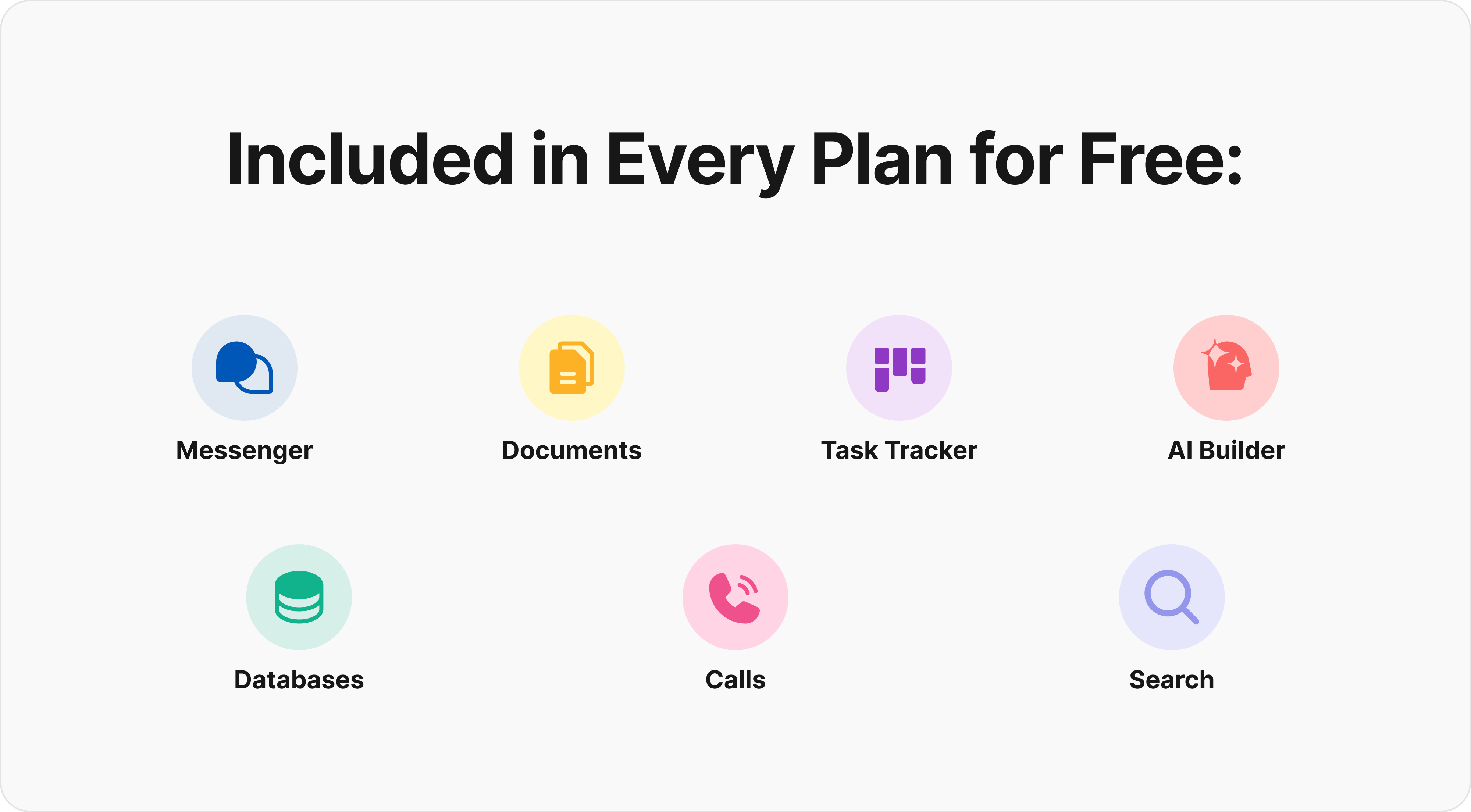
Step 2: Choose a Platform. Select a platform that fits your organization's needs, security requirements, and skill development goals. Options range from simple document sharing tools to fully integrated workspaces. For teams that want their knowledge hub embedded directly inside their daily work environment — rather than living in a separate platform — BridgeApp's collaborative document editor and database tools provide a single source of truth connected to live projects, tasks, and team conversations.
Step 3: Organize Topics. Create a clear structure with logical categories that reflect how your users actually think and search. Good organization is what separates a knowledge hub from a dumping ground for documents.
Step 4: Gather and Upload Initial Content. Compile relevant information — guides, FAQs, training materials, research papers, videos, policies, and onboarding resources. Prioritize quality over quantity: valuable content that answers real questions beats a large archive nobody trusts.
Step 5: Set User Permissions. Define who can view, edit, or contribute knowledge. Appropriate security and access controls protect sensitive data while encouraging broad contribution — a crucial balance for long-term engagement.
Step 6: Enable Search and Feedback. Implement a robust search so users find relevant information instantly. Add a feedback mechanism so multiple users can flag outdated content, suggest improvements, and contribute their own insights — making continuous learning a shared responsibility.
Step 7: Announce and Launch. Once the hub is ready, communicate its value clearly to your organization. A brief training session that demonstrates accessibility and shows users how to find — and contribute knowledge — dramatically improves adoption rates.
Quick Start Template:
Knowledge Hub Setup Checklist
- Define Audience: [Who will access the hub?]
- Choose Platform: [Select your tool]
- Organize Topics: [List main categories]
- Gather Initial Content: [Upload relevant documents]
- Set User Permissions: [Define access and security levels]
- Enable Search and Feedback: [Implement features]
- Announce Launch: [Plan training and communication]
The most successful knowledge hubs make relevant information easy to find, maintain content regularly, and actively encourage contribution. Here's what separates knowledge hubs that drive continuous learning from ones that quietly get abandoned.
| Do | Don't |
|---|---|
| Ensure content is easily searchable and accessible | Make it hard to find relevant information |
| Regularly maintain and refresh valuable content | Let documents and articles stagnate |
| Encourage multiple users to contribute knowledge and provide feedback | Ignore user permissions and access levels |
| Organize content logically to ensure alignment | Overcomplicate the structure and create confusion |
| Use analytics to track usage and improve quality | Fail to monitor engagement and data |
| Connect the hub to your existing collaboration tools | Let the knowledge hub live in isolation from daily work |
The last point deserves emphasis: a knowledge hub that exists separately from where work actually happens will always struggle with engagement. The most vital evolution in knowledge management thinking is moving from "a place to store things" toward "a living part of how teams collaborate." This is precisely the philosophy embedded in BridgeApp — where documents, tasks, and team conversations are interconnected by design, rather than requiring manual effort to keep in sync.
Real-World Examples of Effective Knowledge Hubs
Apple
Apple's knowledge hub addresses the challenge of consistent, accessible support for a vast product ecosystem. Its key components — clear categorization, robust search, and multimedia integration including videos and visual guides — make relevant information findable for multiple users with varying technical skills. The hub maintains high content quality through strong editorial practices and regular updates.
What to borrow for your organization:
- Clear categorization that helps users navigate without training
- Videos and visuals that make complex knowledge digestible
- Consistent content quality standards across all articles
Hubspot
HubSpot's knowledge hub solves the problem of centralizing marketing, sales, and support resources in one place. It features community-driven contributions — allowing users to add insights and share learning resources — alongside interactive elements like quizzes that drive engagement and skill development. The result is a hub that feels alive rather than archived.
What to borrow for your organization:
- Encourage community contribution to build valuable content collaboratively
- Interactive elements that drive continuous learning and engagement
- A clean interface that prioritizes accessibility over comprehensiveness
Both examples share a key insight: the most effective knowledge hubs are designed around how users actually access and contribute knowledge — not around what's convenient for administrators to maintain.
How BridgeApp Powers Your Company Knowledge Hub
Most knowledge hub solutions require your team to maintain a separate platform disconnected from where work actually happens. Documents live in one system, tasks in another, conversations in a third — and the knowledge hub becomes an effort to keep updated rather than a natural byproduct of how the team collaborates.
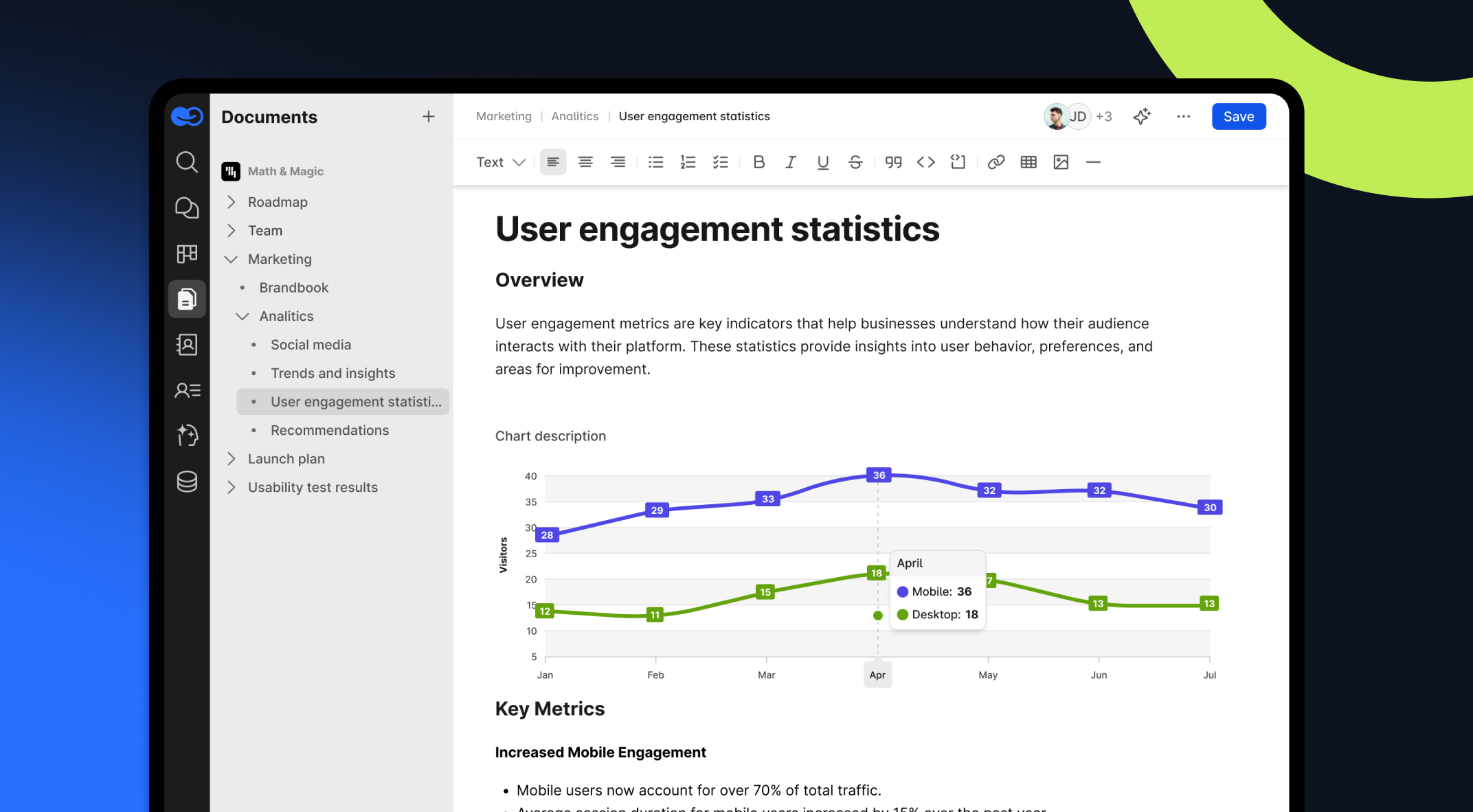
BridgeApp takes a fundamentally different approach to knowledge management:
Connected by design — BridgeApp's collaborative document editor connects documents and knowledge directly to tasks, projects, and team conversations. When a decision gets made in a channel, it can become a knowledge hub entry with one click — no separate effort required to maintain alignment.
Real-time collaboration — Multiple users can create, edit, and contribute knowledge simultaneously, with auto-save and full version history. Continuous learning happens in context, not in a separate training system.
Flexible structure — Unlimited nested pages let your organization build exactly the knowledge hub architecture that fits — by department, project, clients, or any structure that serves your users.
AI-powered knowledge retrieval — BridgeApp's AI agents draw on your knowledge hub content to answer team questions directly in chat. Instead of asking users to navigate to the hub, the hub comes to them — dramatically improving accessibility and engagement with your valuable content.
Security and sovereignty — On-premise and private cloud deployment options keep your organizational knowledge and sensitive data fully under your control. Security isn't a feature add-on; it's built into the deployment architecture.
Free plan with unlimited seats — Unlike most knowledge management platforms that charge per user, BridgeApp's free plan includes unlimited seats, making it one of the few solutions where growing organizations aren't penalized for scale.
For teams evaluating knowledge hub tools, the critical question isn't just "where do we store documents?" It's "how does knowledge flow into the work we're already doing?" BridgeApp's answer to that question is what sets it apart from standalone knowledge bases and knowledge management systems.
How a Company Knowledge Hub Supports SEO
A well-structured knowledge hub can drive organic traffic, strengthen internal linking, and build thought leadership for your organization. Long-tail keywords account for 70% of all search traffic — and dedicated knowledge hub pages targeting specific queries are one of the most efficient ways to create valuable content that captures that traffic.
Internal linking is where knowledge hubs deliver compounding SEO value. When you connect relevant articles, documents, and resources within your hub, you help search engines understand the relationships between pages — distributing authority and improving rankings for your core content. Websites with strong internal linking structures see up to 40% more page views.
High-quality knowledge hub content also naturally attracts backlinks. When your hub provides genuinely valuable insights — research papers, detailed guides, training resources — other sites reference your work, building domain authority over time. According to Moz, backlinks remain one of the top three Google ranking factors.
SEO Wins Checklist for Knowledge Hub Content:
- Target long-tail keywords with dedicated hub pages
- Implement internal linking between relevant articles and documents
- Create valuable content that earns backlinks naturally
- Ensure accessibility — fast load times, mobile-friendly, clear navigation
- Use analytics data to identify content gaps and maintain freshness
Frequently Asked Questions About Knowledge Hubs
What is the knowledge hub's meaning? A knowledge hub is a centralized digital space that consolidates valuable content, resources, and tools for easy access and sharing — facilitating knowledge management and continuous learning across an organization.
What are the key benefits of a company knowledge hub? The primary benefits include faster onboarding, better project delivery, stronger knowledge management, improved accessibility to relevant information, and a culture of continuous learning and enhanced collaboration across multiple users.
How does a knowledge hub differ from a knowledge base? A knowledge base typically stores support articles and FAQs for customers. A knowledge hub is broader — encompassing documents, training materials, learning resources, and collaborative tools for employees, clients, and partners alike.
What platform should I use to build a knowledge hub? The key criteria are accessibility, security, integration with your existing collaboration tools, and the ability for multiple users to contribute knowledge easily. BridgeApp offers a uniquely integrated solution — embedding knowledge management directly into your team's daily collaboration environment, with a free plan and unlimited seats.
How do I maintain content quality in a knowledge hub? Define clear ownership for each content area, use analytics to track usage and identify stale documents, build feedback mechanisms so users can flag outdated information, and make contribution a team norm rather than an individual effort.
How do knowledge hubs support continuous learning? By making learning resources, training materials, videos, and institutional knowledge part of the daily work environment — rather than a separate platform — knowledge hubs embed skill development and continuous learning into how teams actually collaborate.