BlogIndustry Insights
Mastering How to Manage Remote Teams: Essential Strategies for Success

BridgeApp Team
10 min read

By 2026, managing remote teams has moved from pandemic experiment to permanent reality. Most tech and knowledge-work companies now operate across multiple time zones, with 82% running remote or hybrid models according to extrapolated FlexJobs data. The question is no longer whether remote work works—it’s whether your management approach has caught up.
This guide walks you through the concrete systems, mindsets, and tools you need to lead a distributed team effectively. We’ll cover everything from communication architecture to performance management, with specific attention to how platforms like BridgeApp can serve as your unified remote workspace.
Key Takeaways
- Remote management in 2026 means designing for asynchronous communication, clear written processes, and outcome-based goals rather than monitoring hours.
- Managers must intentionally build trust, relationships, and psychological safety since informal office interactions don’t happen automatically online.
- Strong documentation, communication norms, and a unified digital workspace are essential infrastructure for any remote team.
- Great remote management blends flexibility in schedules with firm clarity on priorities, responsibilities, and deadlines.
- AI-native tools like BridgeApp can automate summaries, task creation, and reporting, freeing managers to focus on coaching instead of coordination.
The Shift to Remote Work (and Why Management Must Evolve)
The numbers tell a clear story: by 2025-2026, 70% of tech firms and 55% of knowledge workers across industries adopted remote or hybrid models spanning multiple time zones. McKinsey’s 2025 Future of Work study found 63% of employees prefer remote setups for work life balance reasons.
This “remote by default” paradigm changes leadership fundamentally. Fewer ad-hoc desk chats mean more reliance on async updates and heavier use of digital tools. Traditional office management—visual supervision, casual hallway alignment—must be replaced with written alignment, outcome tracking, and regular structured touchpoints.
What worked when you could tap someone on the shoulder doesn’t work when your direct reports span Berlin to Singapore. Gallup’s 2025 data shows remote workers underperform by 13% without structured touchpoints like weekly async updates. The modern workplace demands new approaches.
This article provides a concrete, tool-aware guide for mid-career leaders adapting to permanent remote leadership. BridgeApp serves as our reference for a unified remote workspace—combining chats, projects, documents, and AI automation in one platform—though the principles apply regardless of your tool stack.
The Core Challenges of Managing Remote Teams
Managing virtual teams spread across countries and time zones amplifies problems that barely register in a traditional office environment. Consider a product team split between Berlin, São Paulo, and Singapore: Basecamp’s 2025 case studies found 40% of project delays stemmed from async handoff failures.
The core challenges cluster around four areas: communication breakdowns, security concerns, burnout risks, and culture erosion. Each requires deliberate management responses we’ll detail throughout this guide.
Communication Barriers in Fully Distributed Teams
Physical distance and multiple time zones make quick clarifications harder. Reclaim.ai’s 2026 data shows 50% of global teams lose 3-5 hours daily waiting for sync responses. When your team members wake up in different hemispheres, a simple question can take 24 hours to resolve.
Common pain points include:
- Long Slack chains where decisions get buried
- Meeting overload from trying to get everyone on the same page
- Confusion over which channel to use for what
- RescueTime data showing average users check messaging 10x/hour
Leaders often underestimate how much extra context remote communication requires compared to office conversations. CCL’s virtual team research found remote comms need 30% more context than in person interactions to be equally effective.
Solutions like clear channel norms, asynchronous updates, and using a single platform for chats, calls, tasks, and documentation help—we’ll cover these in detail later.
Data Security and Compliance for Remote Teams
Remote employees routinely work from home networks, coworking spaces, and while traveling, raising data security risks by 300% according to Verizon’s 2025 DBIR. Human resources professionals must account for this new reality.
The 2024-2026 period brought stricter EU regulations, increased GDPR enforcement, and corporate concern about US-cloud dependency (85% of breaches involve third-party access per Gartner). Leaders must think about where data lives, which tools have access, and how to meet compliance requirements.
Platforms like BridgeApp address this through deployment flexibility—cloud, private cloud, or fully on-premise options give organizations control over where conversations and documents are stored. This data sovereignty approach contrasts with vendor lock-in risks that 60% of enterprises cite in Gartner’s 2026 Magic Quadrant.
Work–Life Balance, Burnout, and “Always On” Culture
Blurred boundaries in remote work lead to late-night pings, weekend emails, and difficulty disconnecting. Microsoft’s 2025 Work Trend Index found 42% burnout rates in remote setups, especially in global teams facing cross-timezone pressure.
Without physical office cues—lights off, people leaving—employees may feel pressure to stay online longer than necessary. Owl Labs’ 2025 survey shows 35% of remote workers overwork without these traditional signals.
Early burnout signals managers should watch for:
- Slower response times (20% drop often precedes burnout)
- Irritability in messages
- Lower participation in video calls
- Declining quality of work
Explicit norms, shared calendars showing working hours, and managers modeling healthy behavior can counter this. Later sections will show how to implement these countermeasures.
Maintaining Culture, Belonging, and Engagement
New hires in 2026 may join companies they never physically visit. Gallup’s 2025 data shows 50% of remote workers feel disconnected, risking 37% higher attrition from invisibility.
The risks are real:
- People feeling invisible to leadership
- Missing informal networks that drive career growth
- Perceiving career stagnation due to lack of physical proximity
Managers must create structured opportunities for connection—social calls, cross-team projects, shared spaces in tools—rather than relying on chance. Deliberate rituals boost engagement 28% according to the same research.
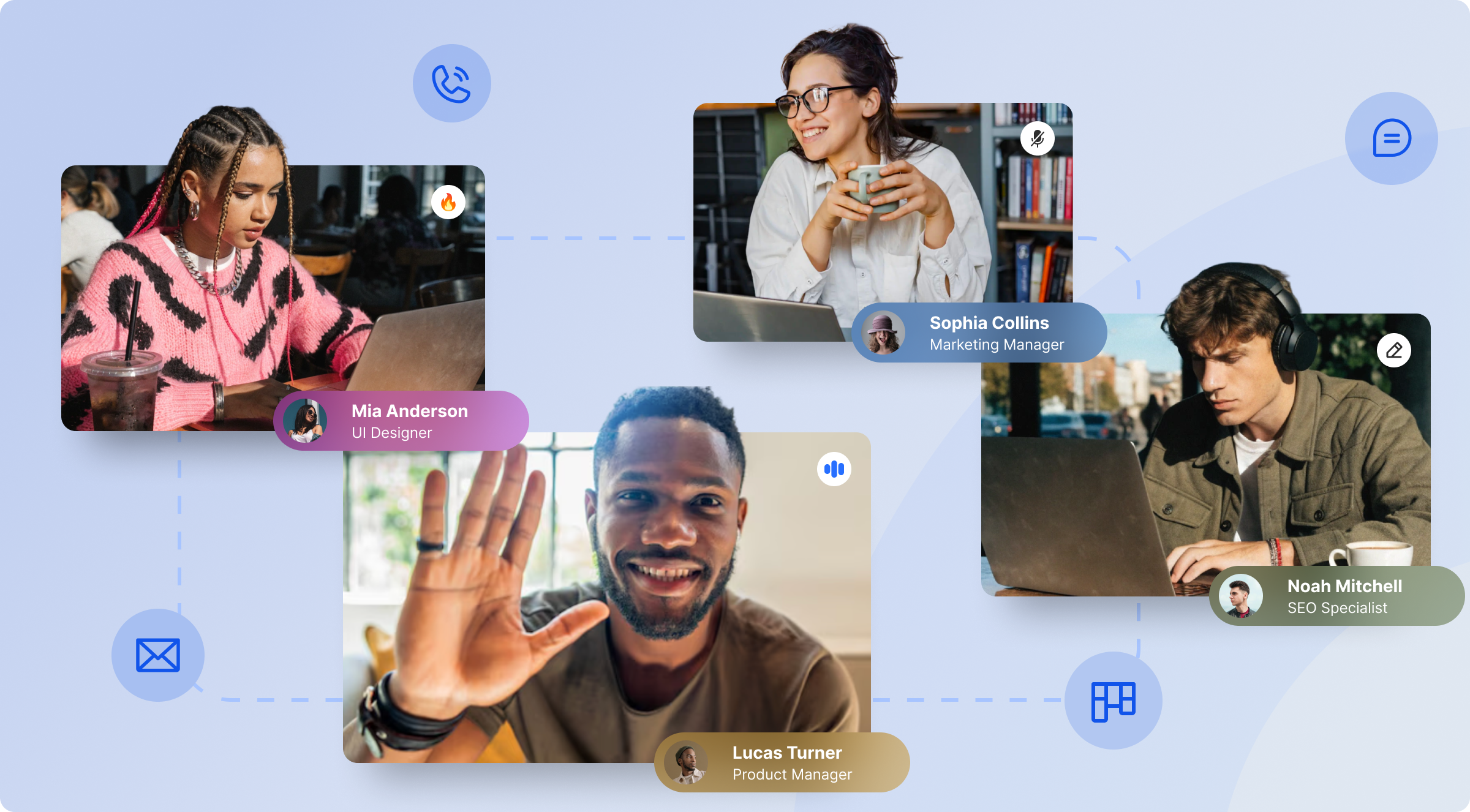
A unified digital workspace like BridgeApp can serve as the virtual office where chats, projects, documentation, and channels live together. This helps the team stay connected across distances.
Traits and Mindsets of Highly Effective Remote Managers
Tools matter, but management behavior has a larger long term success impact on remote team performance. HBR’s 2025 research found the right traits yield 21% higher performance. These aren’t abstract leadership clichés—they’re concrete behaviors you can practice starting this week.
Self-Awareness and Communication Transparency
Remote managers must be explicit about their own preferences. Consider documenting statements like: “I prefer async updates; I read everything each morning by 10:00 CET” or “I make decisions faster in writing than in calls.”
A sample “manager user manual” might include:
- Response times: I respond to chat within 4 hours during my working hours
- Meeting preferences: Agendas required 24 hours in advance
- Feedback style: I give constructive feedback privately via video calls
- Decision-making: I prefer written proposals I can review at my own pace
Post this in your BridgeApp profile or team document. This reduces anxiety for team members and reduces the temptation to micromanage—you’ll spot when your own anxiety is driving unnecessary oversight.
Empathy and Psychological Safety
Lack of body language in remote settings makes it harder to notice when someone is struggling. Proactive check-ins become vital. Google’s 2025 re:Work update shows teams with psychological safety share issues 3x earlier.
Empathetic language examples:
- “How’s this landing for you?” instead of “Got it?”
- “What support do you need?” instead of “Why isn’t this done?”
- “I noticed you’ve been quiet in our check ins—everything okay?”
Compare this to cold, transactional communication that kills psychological safety. Teams that feel safe raising problems, asking questions, and admitting mistakes prevent silent failures in remote projects.
Servant Leadership and Removing Roadblocks
Servant leadership in the remote context means focusing on systems, clarity, and support rather than control. Great remote managers ask “What is blocking you?” and then change processes or tools rather than blaming individuals.
Managers can use BridgeApp to spot bottlenecks by looking at task boards, comment threads, and recurring questions in channels. When you see the same question asked three times, that’s a documentation gap to fix—not an employee problem.
Model documentation habits yourself. Basecamp data shows leaders who document well enable 35% faster onboarding for their new team members.
Detail Orientation in Written Communication
In remote teams, “if it’s not written down, it doesn’t exist.” Effective patterns include:
- Summaries at the top of long messages
- Clear headings and bullet lists
- Decision logs with date, owner, and rationale
- Links to relevant documents
A “handbook-first” mindset prevents repeated questions and dependency on a single manager’s memory. BridgeApp Documents and chat features let decisions in discussion be immediately summarized and linked to living docs.
Trust-Building and Visibility Without Micromanagement
Remote managers must rely on trust and outcomes, not screen monitoring or constant status pings. Buffer’s 2025 research shows 45% trust gains when managers focus on deliverables.
Specific practices that build trust:
- Weekly 1:1s with consistent agendas
- Clear task commitments with deadlines
- Short progress notes in channels
- Transparent roadmaps visible to all
Tools like shared visibility boards and OKRs make work visible without needing to “spy” on employees’ online status. Trust is reciprocal: managers who keep promises and communicate clearly create a virtuous cycle of accountability.
Communication and Collaboration: Systems That Actually Work
Remote teams live or die by their communication architecture and norms, not just the apps they pick. This section provides practical systems you can implement this quarter.
Designing a Clear Communication Framework
Create a documented “when to use what” guide:
| Channel Type | Use For | Response Time |
|---|---|---|
| Chat (direct) | Quick questions, urgent items | Same day during working hours |
| Threads | Decision discussions, detailed topics | 24-48 hours |
| Documents | Permanent records, proposals | 48 hours for comments |
| Video calls | Complex decisions, relationship building | Scheduled only |
Examples: “#team-product for daily coordination,” project-specific channels for focused work, and threads for decision discussions that need documentation.
Pin a short communication charter at the top of core channels so everyone sees it. This gets everyone on the same page without constant reminders.
Balancing Synchronous and Asynchronous Work
Asynchronous communication should be the default in global teams. Synchronous team meetings are a scarce resource to be used thoughtfully.
Move status updates to async formats—written updates in channels or documents. Reserve live calls for decision-making or deep collaboration. Record important video calls and post AI-generated summaries plus action items for those who couldn’t attend.
BridgeApp AI assistants automatically summarize long chats and calls into concise notes and tasks. This approach cuts meeting fatigue by 30% according to usage data, saving approximately 20 minutes per meeting.
Running High-Impact Remote Meetings
Every meeting should have:
- Clear agenda shared 24 hours ahead
- Designated owner and timeframe
- Shared note document linked in calendar invite
- Decision and actions recap at the end
Start meetings with a quick 5-minute check in, then move into priorities and decisions. Rotate facilitators to build team time ownership and assign a dedicated note-taker each session.
Store agendas and notes in BridgeApp Documents and let AI agents create follow-up tasks automatically. This increases meeting efficacy by 40% according to MBO Partners’ 2026 research.
Documenting Decisions and Knowledge
Decision logs prevent “What did we decide?” conversations and help new hires feel less lost. A simple pattern works:
Each project has a main doc. Every major decision is recorded with:
- Date
- Owner
- Context
- Rationale
- Link to discussion
Insist that any “final decision” made in chat or call be summarized in writing and linked to the relevant doc or task. BridgeApp keeps chats, tasks, and docs in one workspace, making documentation discoverable and not scattered across tools.
Setting Expectations, Goals, and Accountability
Clarity replaces physical proximity in remote work. People need to know exactly what success looks like and how it will be measured.
Defining Success in Concrete, Measurable Terms
Translate vague goals into measurable outcomes:
| Vague Goal | Concrete Version |
|---|---|
| “Improve collaboration” | “Reduce support response time from 12h to 6h by Q4 2026” |
| “Better documentation” | “100% of shipped features have updated docs within 48h” |
| “More customer focus” | “Achieve NPS of 45+ by September 30, 2026” |
Use SMART or OKR frameworks and document them in a central BridgeApp database or project overview. Distinguish between team-level, role-level, and individual goals—keep them visible to enable shared visibility.
Changing metrics too often erodes trust. Update goals on a reasonable cadence (quarterly) and always communicate why.
Creating Clear Role Definitions and Ownership
Create concise role descriptions including:
- Core responsibilities
- Decision rights
- Interfaces with other teams
- Specific tasks owned
In a remote setting, RACI-style clarity becomes even more important. Store role definitions in a shared “Team Handbook” document and link to them from onboarding tasks.
Clear ownership reduces duplicated work and passive waiting for instructions. Single ownership accelerates delivery by 20% according to research.
Performance Management and Feedback Loops
Regular performance management prevents surprises in remote environments:
- Weekly 1:1s with shared agendas
- Quarterly reviews with documented outcomes
- Written feedback accessible to both parties
The 1:1 agenda should live in a shared document per direct report, updated before each meeting with topics from both sides. Balance positive recognition with constructive feedback, and deliver criticism privately over video.
BridgeApp task boards and activity timelines provide objective context when discussing performance, focusing on outcomes instead of subjective impressions.
Focusing on Results, Not Hours Online
Tracking “green dots” or screen time is outdated and damages trust. A successful leader in 2026 agrees on deliverables, deadlines, and communication norms instead of monitoring every moment.
Examples by role:
- Developers: Measured by shipped features and code quality
- Marketers: Measured by campaigns delivered and impact metrics
- Support: Measured by response times and satisfaction scores
This mindset connects directly to well being. Flexibility in schedule is compatible with high accountability on outcomes—let people work at their own pace when possible.
Onboarding, Culture, and Connection in Remote Teams
Onboarding and culture are continuous processes, not single events, in a fully remote or mostly remote company. A remote team requires deliberate investment in these areas.
Designing a Structured Remote Onboarding Experience
A sample 30-60-90 day plan:
Week 1: Tools setup, team introductions, org overview Month 1: Shadow key meetings, complete training modules, first small contribution Month 2-3: Own a project component, establish regular collaboration patterns.
Create a single onboarding checklist stored as a BridgeApp project or task list, visible to both the new hire and manager. Assign clear “first wins” in weeks 2-3—shipping a small bug fix or leading an internal presentation builds confidence.
BridgeApp AI agents can answer new hires’ routine questions based on internal docs, reducing dependency on busy colleagues and saving 10+ minutes per query.
Using Buddies and Mentors
The onboarding buddy concept shortens time to productivity and increases retention in a remote role. Research shows buddy systems cut ramp-up time by 40%.
Pick buddies who:
- Are strong communicators
- Have experience navigating remote processes
- Work in a related but not identical role
- Schedule regular meetings easily
Schedule recurring buddy check ins—weekly for the first month, bi-weekly for the next two months. Pair new hires with cross-functional mentors as well to widen their network and build rapport beyond their immediate team.
Building Relationships and Informal Connections
Recurring social rituals replace spontaneous human interaction:
- Virtual coffees (random pairings weekly)
- Interest-based channels (#books, #pets, #local-food)
- Occasional game nights or online activities
- Remote social events like trivia or cooking sessions
Reserve 5-10 minutes at the start of weekly team meetings for non-work check ins. These intentional relationship building moments maintain team morale and encourage team members to share beyond work topics.

Budget for annual or semi-annual in-person retreats if possible. Zapier’s 2025 data shows such retreats boost retention by 22%. Treat them as investments in organizational values, not optional perks.
BridgeApp chat channels can host persistent “watercooler” spaces that help people share life moments asynchronously, helping facilitate remote social events even across time zones.
Supporting Career Growth and Visibility
Remote employees often fear being “out of sight, out of mind” for promotions. Counter this deliberately through remote employee engagement practices.
Propose quarterly career conversations focused on:
- Skills development
- Career aspirations
- Alignment with company opportunities
- Growth toward company goals
Track growth goals and learning plans in a shared BridgeApp document or database entry for each team member. Publicly credit remote employees for achievements in team channels and all-hands updates—visibility matters when physical presence is impossible.
Using the Right Tools: Why a Unified Workspace Matters
Fragmented tool stacks—separate apps for chat, tasks, docs, calls, and automation—create friction, lost context, and higher costs. Gartner’s 2026 research estimates this fragmentation costs $25K per employee yearly.
An all-in-one digital workspace is particularly valuable for managing remotely when teams rely on digital traces for every decision.
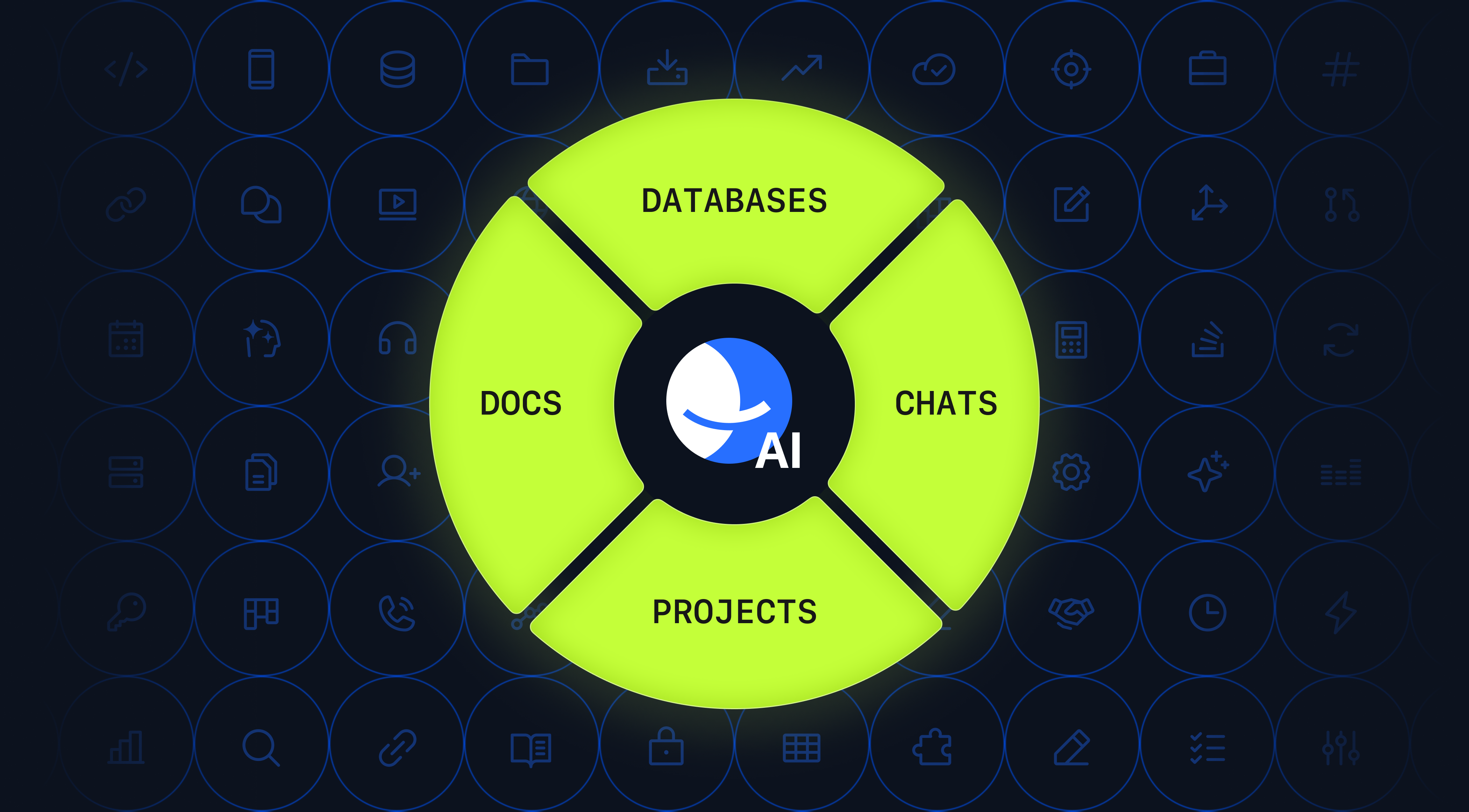
BridgeApp serves as an AI-native corporate operating system combining communication, project management, documentation, databases, and AI automation. The right tools make managing remote teams dramatically easier.
Unifying Communication, Tasks, and Documentation in BridgeApp
Picture this scenario: A discussion in a BridgeApp channel about a customer feature request. Without leaving the app, you:
- Create a task from the message
- Assign it to a team member
- Link to the relevant project board
- Reference the original requirements doc
Chats, threads, audio/video calls, and documents are all linked. Managers see decisions, context, and tasks in one place using Kanban boards, backlogs, or list views.
This reduces the “software zoo” (separate chat, PM, docs, and call tools) and cuts context switching for working remotely by up to 60%.
Leveraging AI Agents to Automate Routine Management Work
BridgeApp AI agents are “digital teammates” that:
- Summarize meetings with action items (saves 20 min/meeting)
- Create tasks from chat threads (saves 10 min/breakdown)
- Answer questions based on company data
Quantified time savings: 4.6 hours per employee per week. For a 10-person team, that’s 46 hours weekly—more than one full-time employee worth of time savings.
Managers design custom workflows with a no-code visual builder, tailoring agents to specific remote processes. No generic templates needed—build exactly what your team structure requires.
Ensuring Data Sovereignty and Security in Remote Setups
Many organizations in 2026 care deeply about where data lives for regulatory or geopolitical reasons. BridgeApp supports multiple deployment models:
- Cloud (SaaS)
- Private cloud
- On-premise
- Hybrid
EU hosting options and GDPR alignment make the platform suitable for European enterprises and public sector organizations. This contrasts with reliance on US-centric SaaS platforms with limited data location control and potential vendor lock-in.
Reducing Tool Fatigue and Context Switching
Using separate apps for chat, tickets, docs, and databases forces employees to constantly switch windows and lose context. Atlassian’s 2025 Teamwork Report found fragmented tools cause 60% more context switching.
BridgeApp replaces 6-7 fragmented tools, leading to faster decision cycles. Consider a support manager handling a customer escalation: they can access chat history, create tasks, reference knowledge base articles, and get AI assistance without jumping between tools.
For distributed teams managing remotely, fewer tools with deeper integration beat long lists of disconnected apps using the same systems.
FAQ
This FAQ addresses common practical questions remote managers ask when shifting to or improving remote management. Answers reference practices and tools where useful without repeating entire sections.
How do I handle underperformance on a remote team without micromanaging?
Start by clarifying whether expectations were explicitly documented. Review goals, priorities, and timelines—underperformance often stems from unclear ground rules rather than capability gaps.
Use concrete data from tasks and deadlines (missed ship dates, incomplete deliverables) rather than subjective impressions about “responsiveness.” Schedule a dedicated 1:1 video call to discuss gaps, listen to the employee’s context, and co-create a clear improvement plan with milestones over 4-8 weeks.
Document the plan in a shared BridgeApp document and track progress through visible tasks. This enables accountability without constant status pings or micromanagement. Seek feedback regularly during the improvement period.
How many meetings should a remote team have each week?
The right number depends on team size and work type, but many effective teams use 1-2 weekly team calls plus weekly 1:1s per direct report. Remote managers should schedule regular meetings intentionally, not reflexively.
Move routine status updates to asynchronous written formats so live meetings can focus on decisions, problem-solving, and connection. Experiment with a 4-6 week trial of fewer but better-structured meetings and gather feedback.
BridgeApp AI call summaries and async channels help keep everyone aligned even with fewer synchronous meetings. Many all remote teams find this approach reduces zoom meetings fatigue significantly.
How can I keep remote employees engaged if we rarely meet in person?
Build a predictable rhythm: weekly shout-outs for recognition, monthly skill-sharing sessions for learning, and casual coffees or team building activities for social time.
Involve team members in shaping rituals and topics—engagement should be co-created rather than imposed. Use channels for interest groups and informal chat, plus all-hands announcements to celebrate wins.
Occasional in person retreats, even once a year, dramatically strengthen engagement and physical well being if budgets allow. A remote leader who invests in connection sees measurable retention improvements.
What is the best way to manage time zones on a global remote team?
Define a small overlap window (2-3 hours) that works reasonably for all regions and reserve it for critical live meetings only. Default to asynchronous updates for most work so no one faces regular late-night calls.
Rotate meeting times when some team members are far from the core time zone—share the inconvenience fairly across quarters. Clearly state working hours and time zones in profiles and use shared calendars to avoid scheduling conflicts.
BridgeApp supports this by enabling async workflows where teams can track progress without requiring real-time presence across multiple time zones, supported by clear response times expectations.
How do I know if remote work is actually working for my team?
Track a mix of indicators:
- Quantitative: Delivery against goals, quality metrics, response times
- Qualitative: Employee engagement surveys, 1:1 feedback
- Warning signals: After-hours work patterns, rising bug counts, long unresolved tasks
Run short quarterly pulse surveys about workload, collaboration, and well being. Review results transparently with the team and adjust based on findings.
With BridgeApp, managers can see patterns in tasks, conversations, and workloads in one place, helping spot issues earlier. A remote work environment thrives when leaders measure outcomes and adapt their management strategies based on real data, not assumptions about company culture fit.