BlogIndustry Insights
Top Remote Team Communication Tools in 2026: The Complete Guide

BridgeApp Team
12 min read
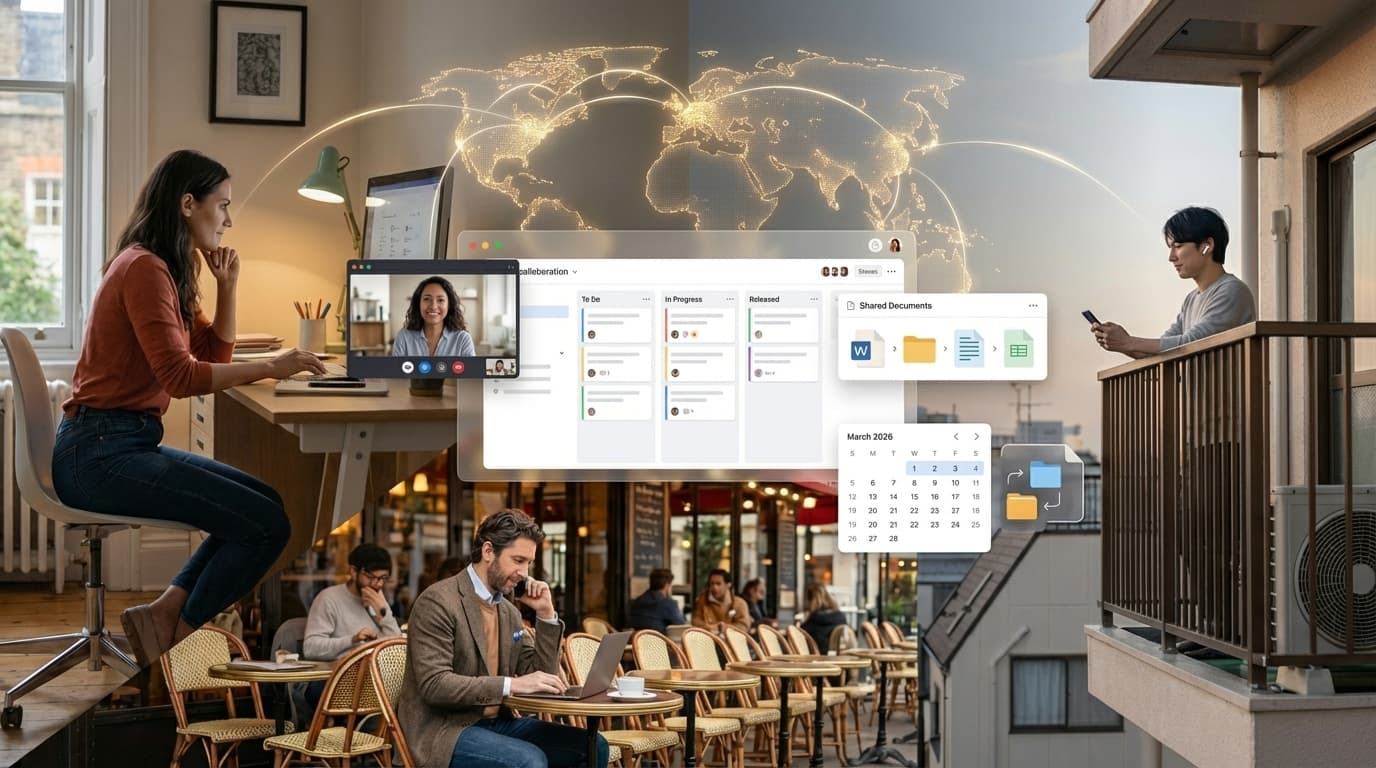
Top remote team communication tools in 2026 are essential digital platforms that empower distributed teams to collaborate effectively across time zones and channels. As technology evolves — especially with the rise of AI and asynchronous communication — there's a growing demand for effective remote collaboration tools. A recent survey found that 68% of remote teams adopted a new tool within the past year, underscoring the urgency of selecting the right tools to enhance team collaboration and productivity. Choosing the best collaboration tools can significantly improve team performance and internal communication, making it imperative to stay up to date on the latest offerings.
What Are Remote Team Communication Tools?
Remote work collaboration tools are digital platforms that enable remote employees to collaborate effectively across time zones and channels — via instant messaging, video conferencing, asynchronous communication, document sharing, and more. These collaboration tools are essential for maintaining productivity in a remote environment and keeping everyone on the same page. In fact, 74% of remote teams utilize three or more communication platforms daily.
As remote work continues to grow, understanding how these tools facilitate clear, effective communication becomes increasingly important. The right tools not only overcome geographical barriers but also streamline workflows, enhance interactions between remote workers, and improve overall team performance across remote workplaces.
Why Do Communication Tools Matter for Remote Teams in 2026?
Modern communication tools are essential for remote and hybrid teams in 2026 because they directly enhance team collaboration, project progress, and overall business operations. A staggering 85% of remote businesses reported measurable productivity gains after adopting advanced collaboration software that integrates instant messaging, AI, and asynchronous communication capabilities.
Moreover, unified all-in-one platforms significantly outperform fragmented setups of multiple apps, delivering a fourfold increase in task completion rates. AI-driven features — such as automated summaries and workflow automation — are pivotal in reducing time spent on routine tasks, with many managers saving up to 6 hours a week.
For decision-makers evaluating tools for remote teams, understanding the direct ROI is crucial. The hidden cost of stitching together other apps — lost context, duplicate work, communication gaps, and tool-switching fatigue — rarely appears on a spreadsheet but consistently drains remote employees' productive hours.
What Communication Challenges Do Remote Teams Face?
Remote workers face a unique set of challenges that can significantly impact team performance and project progress. Studies suggest that poor communication can cost businesses up to $1.2 million annually in lost productivity.
1. Misunderstandings and Communication Gaps
Misinterpretations arise from the absence of context — especially when remote employees rely on text-only instant messaging without visual cues. Clear and effective communication is harder to achieve when nuance gets lost in chat threads.
2. Tool Overload and Multiple Apps
Many distributed teams juggle 5–7 productivity tools at once, leading to fatigue and diminishing returns. Remote workers who switch between multiple apps lose hours every week to context-switching rather than actual work.
3. Time Zone Differences
Coordinating video meetings and scheduling across time zones leads to conflicts and reduced participation — a daily reality for remote and hybrid teams alike.
4. Lack of Non-Verbal Cues
Remote collaboration often lacks the body language present in face-to-face interactions, making it harder to gauge understanding during video calls or in instant messaging threads. Even video conferencing partially restores what's lost in text-only communication.
5. Coordination and Project Management Issues
Keeping remote team members aligned while they manage projects and track tasks across complex projects is challenging without a centralized strategy. Tasks get lost, decisions go unrecorded, and project progress stalls when communication and project management platforms don't integrate.
What Are the Top Remote Collaboration Tools by Category?
The best collaboration tools for remote collaboration fall into five categories: instant messaging, video conferencing, async video/voice, project management, and document sharing. In fact, 61% of remote teams utilize tools from each of these major categories to streamline workflows and collaborate effectively.
Instant Messaging and Team Chat Communication
Instant Messaging platforms built around instant messaging facilitate quick communication and keep remote employees on the same page. In 2026, Slack stands out with AI-powered search, while Microsoft Teams integrates seamlessly with enterprise environments. Both facilitate real-time communication — though neither replaces a complete remote work collaboration tools stack on its own.
Video conferencing tools
Video conferencing tools are essential for video meetings and face-to-face interaction among remote workers. Zoom leads with screen sharing, breakout rooms, and live transcription. Google Workspace users often default to Google Meet for its tight calendar integration and ease of scheduling meetings across time zones.
Async Video and Voice Tools
Asynchronous communication tools allow remote team members to share updates without live video calls. Loom enables quick screen-sharing recordings and video messages; Yac focuses on voice messages for teams looking to reduce video meeting fatigue while preserving tone and context.
Project Management Platforms
Project management software helps remote employees organize tasks, assign tasks, track tasks, and monitor project progress across complex projects. Trello offers a visual board for managing teams with straightforward task management; Asana handles complex projects with detailed project management features for larger distributed teams.
Document Sharing and Collaboration
Document sharing tools enable real-time communication around shared content. Google Drive and Google Workspace remain staples for file sharing capabilities and co-editing. Notion combines documentation and basic task management — though it still requires separate communication platforms and video conferencing tools to cover a full remote work stack.
| Category | Top Tools |
|---|---|
| Instant messaging | BridgeApp, Slack, Microsoft Teams |
| Video conferencing | Zoom, Google Meet, BridgeApp |
| Async Video/Voice | Loom, Yac |
| Project management | Trello, BridgeApp, Asana |
| Document sharing | BridgeApp, Google Workspace, Notion |
How Do Key Tools Compare on Features, Pricing, and AI?
| Tool | Price/seat/mo | Key Features | AI Capabilities | Free Tier |
|---|---|---|---|---|
| BridgeApp | From €7,5 | Instant messaging, video calls, task management, copilots, docs, databases, AI agents | AI-native agents; workflow automation; call summaries; context-aware across all modules | Free forever plan |
| Slack | $6.67 | Instant messaging, file sharing, and integrations | AI search, auto-suggestions | Yes, limited |
| Microsoft Teams | $5.00 | Video conferencing, chat, and file sharing capabilities | AI meeting notes, smart compose | Yes, limited |
| Zoom | $14.99 | Video conferencing, webinars, screen sharing | AI transcription, virtual backgrounds | Yes, 40-min limit |
| Google Meet | $6.00 | Video calls, Google Workspace integration | Smart replies, AI search | Yes, limited |
| Trello | $5.00 | Project management boards, track tasks | AI automation with Butler | Yes, limited |
| Loom | $8.00 | Async video calls, screen sharing | AI video summaries | Yes, limited |
| Notion | $8.00 | Notes, databases, task management | AI content suggestions | Yes, limited |
The critical insight: every tool listed except BridgeApp covers one or two categories. To get full coverage across instant messaging, video conferencing, project management, document sharing, and workflow automation, you're combining 4–5 subscriptions. That's where the real cost of working remotely lies, both financially and in the remote employees' daily focus.
Why BridgeApp Is the Best Alternative for Remote and Hybrid Teams
Here's the pattern across every category above: individual remote tools work well in isolation, but the seams between them create friction that compounds daily. Remote workers lose context constantly, switching between instant messaging apps, project management platforms, and document-sharing tools.
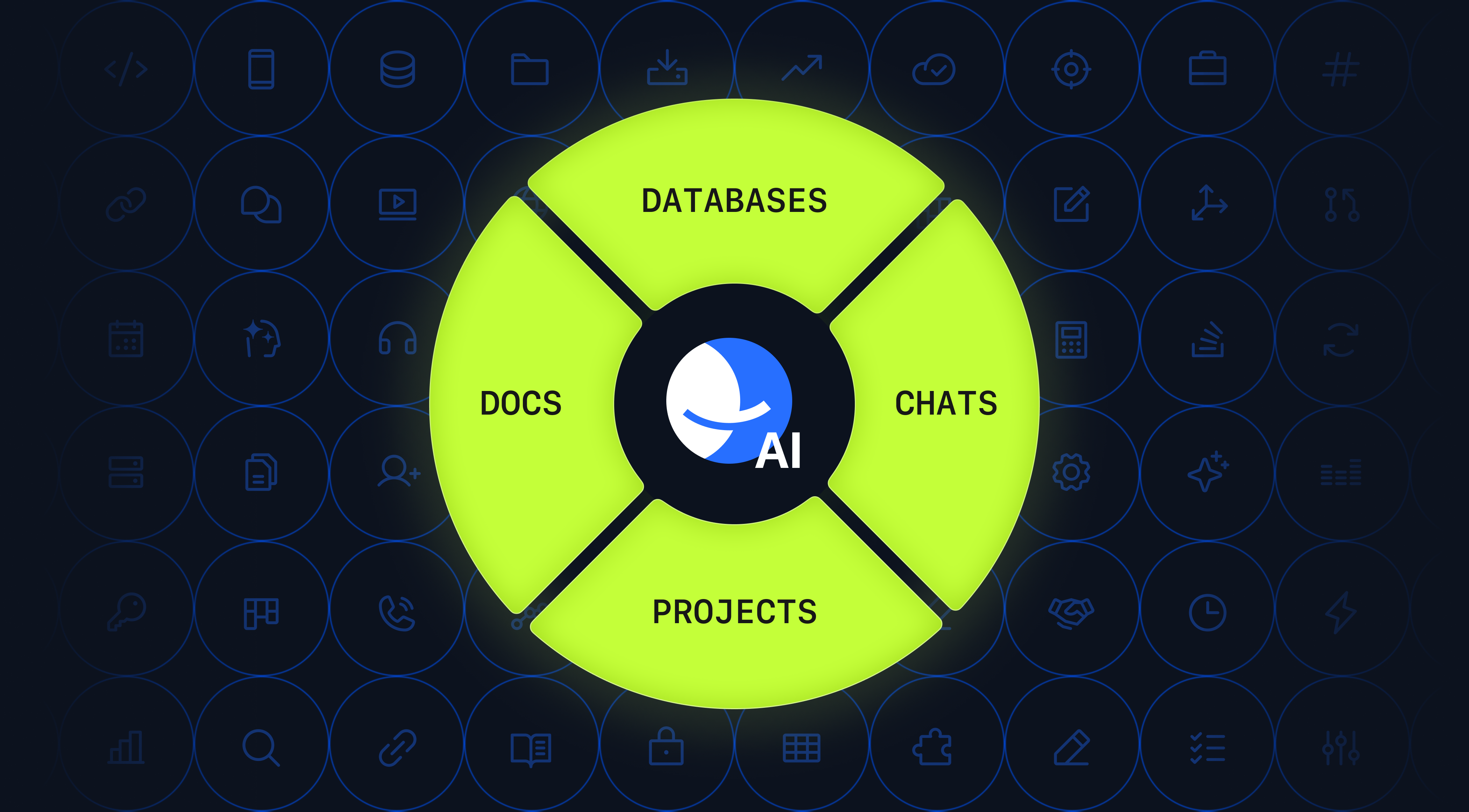
BridgeApp is the only all-in-one platform in 2026 that genuinely covers all five categories in a single AI-native workspace — built specifically to help remote and hybrid teams collaborate effectively without the overhead of multiple apps:
- Channels and threads replace fragmented instant messaging across other apps
- Built-in audio and video calls — developed entirely in-house, not embedded from third-party video conferencing tools or SDKs
- Kanban, backlog, and list views for full project management and task management, including the ability to assign tasks, track tasks, and monitor project progress
- Real-time communication around collaborative documents with nested pages for document sharing and knowledge management
- Custom databases instead of spreadsheets and disconnected file-sharing tools like standalone Google Drive integrations
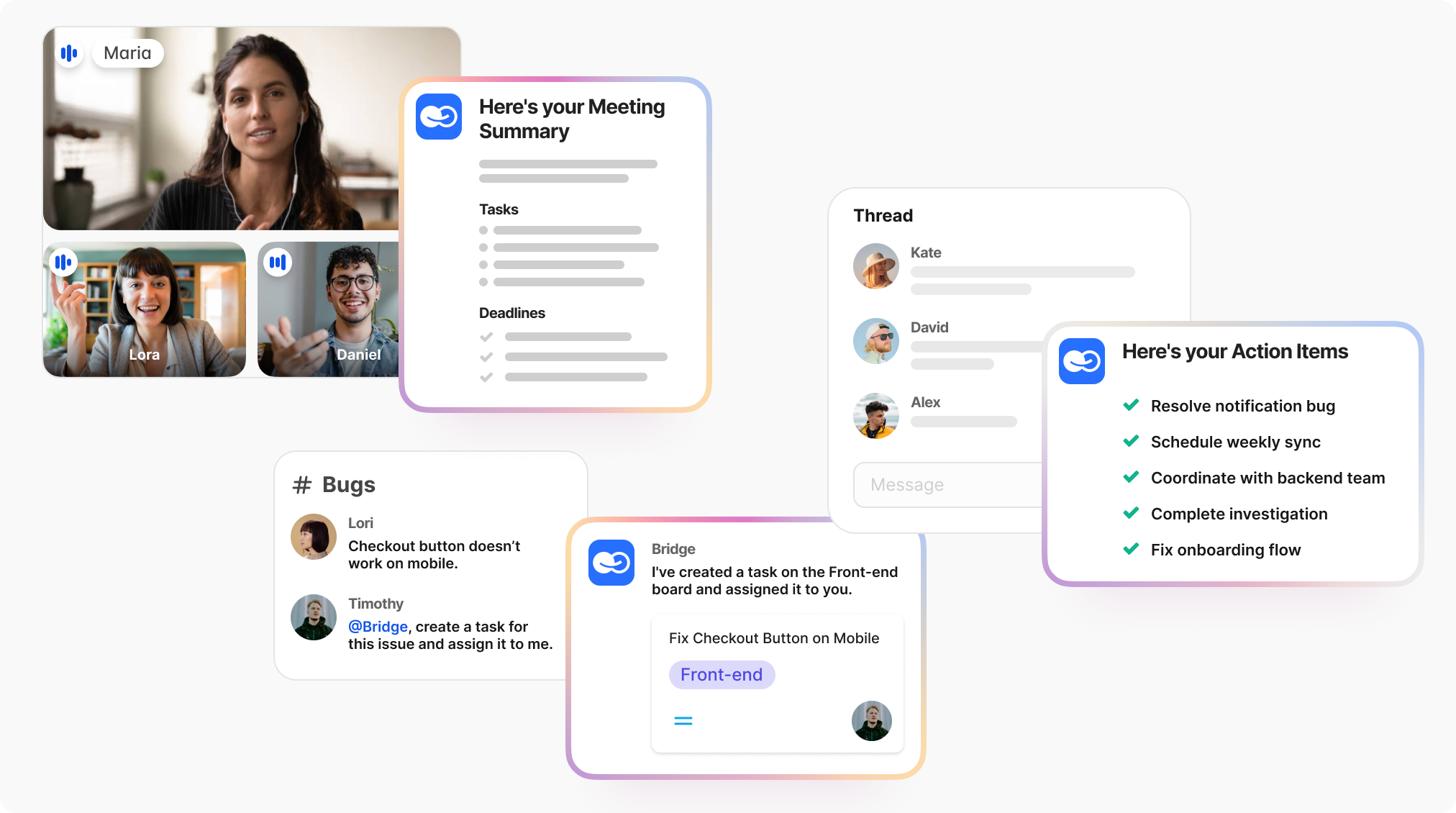
- AI agents that automate routine work, summarize threads, create tasks from conversations, and answer questions using your company data — keeping everyone on the same page without additional scheduling meetings overhead
For remote and hybrid teams dealing with complex projects across time zones, this means:
- 4.6 hours saved per employee per week through AI workflow automation
- 60% less context switching — all tools for remote work in one place, with mobile apps for access anywhere
- $1.656M annual savings for a 250-person team on routine operations alone
- Full data sovereignty — on-premise, private cloud, or hybrid; no dependency on foreign cloud providers storing your company data
- GDPR-compliant with EU-hosted environments — critical for distributed teams in regulated industries

For teams frustrated by stacking 5–6 subscriptions to cover remote collaboration, BridgeApp replaces the entire remote work collaboration tools stack at a lower total cost. BridgeApp also actively supports company culture in remote workplaces by keeping all context, conversations, and decisions in one searchable, connected workspace — rather than scattered across multiple apps that erode institutional memory.
Which Tools Are Best by Team Type?
SaaS and Software Development Teams typically use: Slack + Loom + Notion + GitHub + Jira. The challenge: Remote engineering employees need version control, sprint project management, and asynchronous communication — currently spread across separate digital tools that require constant manual syncing. Better alternative: BridgeApp centralizes instant messaging, task management, and documentation, with AI agents that track tasks automatically and surface project progress without leaving the workspace.
Marketing Teams typically use Microsoft Teams, Trello, Confluence, and Google Workspace. The challenge: The marketing team juggles briefs, approvals, document sharing, and project management across communication platforms that don't share context. Better alternative: BridgeApp connects conversations directly to tasks and documents — so a brief discussed in a channel becomes an assigned task with one click, keeping the whole team on the same page.
Field and Sales Teams typically use Zoom, Google Drive, and Asana. The challenge: Remote workers in the field need fast remote access to information and the ability to manage projects from mobile apps — not another login screen. Better alternative: BridgeApp's mobile apps give field teams access to instant messaging, their task management queue, and company knowledge bases in one place — with AI agents answering questions instantly from internal databases.
Creative Teams typically use: Slack + Figma + Notion + Zoom for video meetings. The challenge: Visual collaboration, feedback loops, and document sharing span multiple communication tools that don't connect naturally. Better alternative: BridgeApp consolidates feedback threads, task management, and documentation so remote employees in creative roles spend less time coordinating across other apps and more time creating.
Best Free and Freemium Options — and Where BridgeApp Fits
49% of remote teams operate primarily on free plans. Here's how free tiers compare for remote collaboration:
| Tool | Free Highlights | Limits | AI on Free |
|---|---|---|---|
| Slack | Instant messaging, integrations | 10,000 message history | Yes, limited |
| Microsoft Teams | Chat, video calls, Office integration | 100 users | Yes (Copilot) |
| Zoom | Video conferencing, screen sharing | 40-min meeting limit | Yes, limited |
| Google Meet | Video meetings, Google Workspace integration | 100 users | Yes (captions) |
| Trello | Project management boards, track tasks | 10 team members | No |
| Notion | Document sharing, task management | 5 members | No |
| BridgeApp | Full trial — all-in-one platform | Contact for details | Yes — AI agents included |
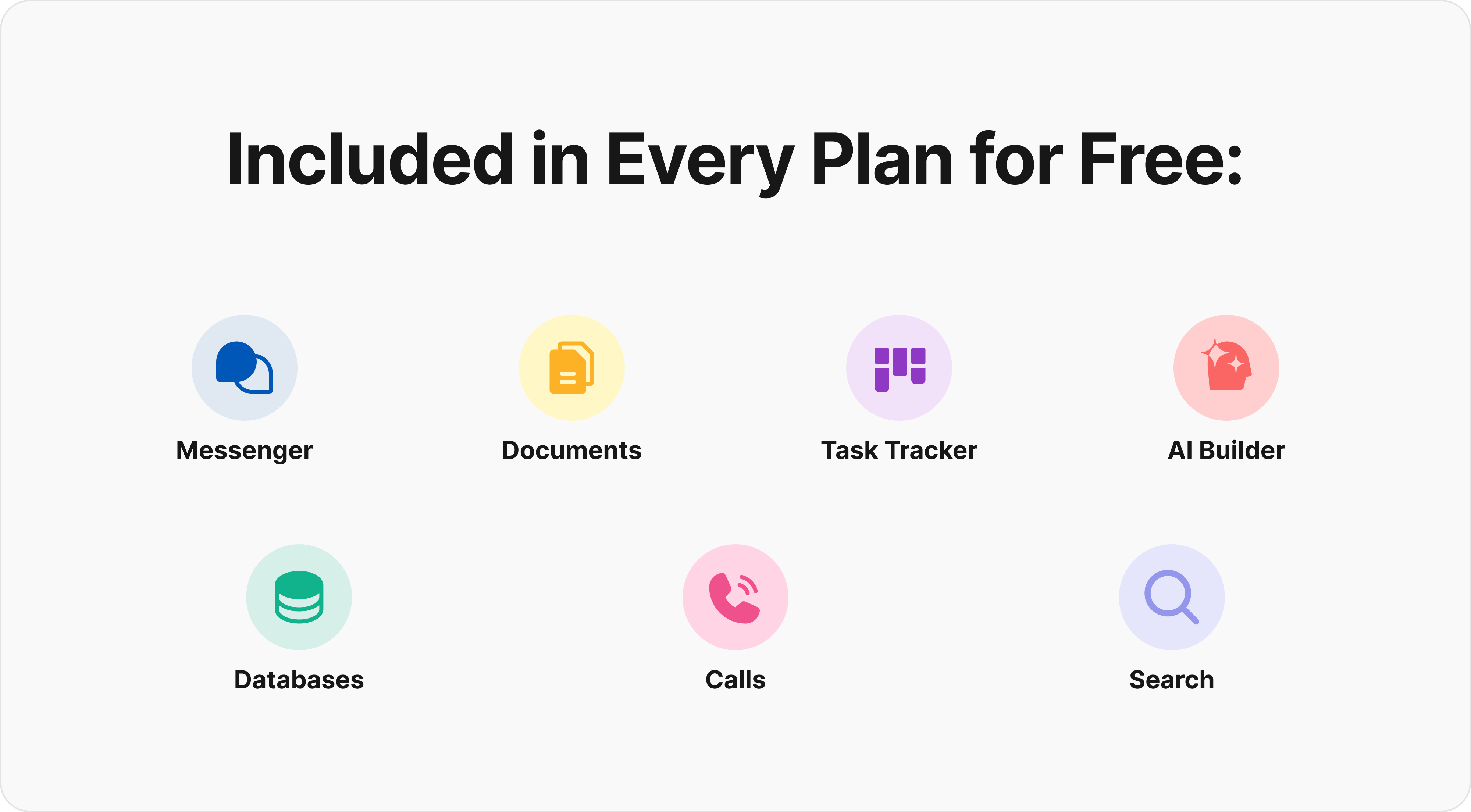
The free tier conversation matters for small remote teams — but the more important question is total cost of ownership. A team using five free remote tools is still paying in integration overhead, communication gaps, and the cognitive load on remote workers navigating multiple apps throughout the day.
Async Communication for Global and Distributed Teams
58% of global distributed teams shifted to an async-first approach in 2025–26, reducing dependency on live video meetings and enabling remote team members across time zones to operate without constant scheduling meetings overhead.
| Tool | Best For | Key Features |
|---|---|---|
| BridgeApp | Full async remote collaboration + context | Threads, AI summaries, task management, calls, MCP, document sharing — all in one |
| Loom | Video updates | Screen sharing, video messages |
| Yac | Voice updates | Voice messaging, async audio |
| Notion | Documentation | Document sharing, wikis |
| Trello | Project management updates | Visual boards, track tasks, and comments |
| Slack | General instant messaging | Channels, threading, integrations |
BridgeApp's particular advantage for asynchronous communication is context continuity. When a thread ends, an AI agent summarizes it, creates tasks from it, and adds relevant notes to your knowledge base — automatically. Remote employees joining late don't need to scroll back; the AI has already kept everyone on the same page.
How to Choose the Right Communication Tools for Your Remote Team
73% of failed remote work tool adoptions stem from poor upfront requirement scoping. Here's a practical framework for how to choose collaboration tools that actually fit your remote environment:
Step 1: Assess team size and structure
- Under 10 remote workers → prioritize simplicity; look for an all-in-one platform or tools with strong free tiers
- 10–50 remote employees → prioritize seamless collaboration, project management software, and workflow automation
- 50+ people → prioritize security, admin controls, and scalability across distributed teams and remote or hybrid teams
Step 2: Map your async needs
- Heavy asynchronous communication across time zones → need strong threading, AI summaries, and document sharing built in
- Mostly same-timezone video meetings → video conferencing tools quality and scheduling meetings integration matter more
Step 3: Audit your current stack
- Count how many multiple apps your remote workers currently switch between daily
- Identify communication gaps and project management blind spots
- Ask whether an all-in-one platform could eliminate the need to choose collaboration tools across categories separately
Quick decision guide:
- Need everything unified → BridgeApp
- Enterprise on Microsoft ecosystem → Microsoft Teams
- Pure video conferencing → Zoom
- Async video only → Loom
- Simple visual task management → Trello
- Document sharing and file sharing capabilities → Google Workspace
FAQs: Remote Team Communication Tools in 2026
What are the top remote team communication tools in 2026?
For teams wanting to consolidate their stack, BridgeApp is the strongest all-in-one platform — covering instant messaging, video calls, task management, document sharing, and AI workflow automation in one workspace. For teams already in the Microsoft ecosystem, Microsoft Teams remains capable. For pure video conferencing, Zoom leads.
Can these tools work for remote or hybrid teams?
Yes. The best collaboration tools — including BridgeApp, Microsoft Teams, and Zoom — are designed for remote and hybrid teams, supporting remote employees whether they're in the office or working remotely.
What are the hidden costs of these tools?
Hidden costs include fees for additional file-sharing capabilities, web versions vs. full mobile apps, premium features, and extra integrations. More significantly, the time remote workers spend switching between multiple apps is rarely calculated but consistently significant.
How do async tools support project management?
Asynchronous communication tools like Loom allow remote team members to record updates at their convenience. BridgeApp goes further — AI agents automatically convert async discussions into tasks, meaning remote collaboration and task management are natively connected rather than separated across other apps.
What's the most secure option for company data?
For maximum protection of company data, on-premise deployment offers the highest control. BridgeApp's on-premise and private cloud options provide end-to-end encryption with zero third-party access — a meaningful advantage over SaaS-only communication platforms for distributed teams in regulated industries.
How do I get remote employees actually to adopt new tools?
Start with clear onboarding, connect the tool directly to existing business operations, and wherever possible, reduce the total number of multiple apps rather than adding another. Remote workers adopt tools faster when they genuinely streamline workflows rather than add complexity.