BlogIndustry Insights
Top Zoom Alternatives for Effective Online Meetings in 2026

BridgeApp Team
10 min read
Key Takeaways
- Zoom remains popular in 2026, but many teams now need deeper team chat, AI-powered features, and data control than Zoom’s core product delivers.
- Classic Zoom alternatives include Webex Meetings, Google Meet, Microsoft Teams, and open-source options like Jitsi Meet—each with distinct strengths.
- Some tools go beyond video meetings to combine calls with chat, tasks, documents, and automation in a single platform.
- Tool fragmentation (Zoom + Slack + Asana + Notion) costs enterprises $10,000+ annually for 50 users and burns 2-3 hours weekly per employee in context-switching.
- BridgeApp stands out as an AI-native, all-in-one digital workspace with built-in audio and video calls that can fully replace a fragmented stack of collaboration tools.
Why Look for a Zoom Alternative in 2026?
Zoom’s explosive growth during the 2020 pandemic made it synonymous with remote work. At its peak, the platform handled over 300 million daily meeting participants. By 2026, Zoom still commands roughly 50% market share in enterprise video tools, but hybrid work models have evolved expectations well beyond basic video conferencing.
Here’s why teams are exploring other options:
- Cost adds up quickly. Zoom’s Pro plan runs approximately $13-16 per user per month for 30-hour meetings and basic admin features. The Business plan climbs to $20+ for webinar capabilities, and Enterprise tiers exceed $25 for advanced security. If your team uses video meetings just a few times a week, paying for dedicated meeting software while also subscribing to separate chat and project management tools becomes expensive overkill.
- Feature gaps on the free version. Free plan users hit a 40-minute cap per meeting, get minimal admin controls, and face limited integrations. Teams needing persistent team messaging, task tracking, or workflow automation find Zoom’s core offering incomplete. Paid plans add features, but they don’t eliminate the need for supplementary tools.
- Security and data sovereignty concerns. Organizations in the EU, public sector, and regulated industries increasingly require self-hosting, on‑premise deployments, or EU-only data residency. Zoom’s compliance options (GDPR, HIPAA) require premium add-ons and don’t natively support on-premise installations. U.S.-based data storage makes some sectors uncomfortable.
- Tool fragmentation drains productivity. A typical enterprise stack includes Zoom for calls, Slack or Teams for team communication, Asana or Jira for tasks, Notion for docs, and spreadsheets for databases. Gartner estimates this costs enterprises $10,000+ annually per 50 users in licenses alone—plus 2-3 hours weekly per employee lost to context-switching between apps.
- AI expectations have shifted. In 2026, 78% of teams expect post-meeting summaries, action-item extraction, and workflow automation. Zoom offers AI companions as add-ons, but these features aren’t seamlessly integrated into broader business operations. Teams want AI that connects meetings to tasks, databases, and reports automatically.
What Makes a Great Zoom Alternative?
Criteria differ by team size and industry, but several pillars are universal when evaluating a video conferencing tool:
- Video quality and audio clarity. Look for consistent high definition video (HD or 4K support), adaptive bandwidth optimization, and noise cancellation using modern DNN models. Webex, for example, maintains 1080p at just 1.5Mbps through ML-based optimization.
- Ease of use. One-click or meeting link-based joining without mandatory downloads makes a difference. Google Meet’s browser-first approach supports 100+ participants on free plans with no account requirements for guests. Desktop and mobile devices should work equally well.
- Useful collaboration tools. In-call chat, reactions, whiteboards, screen sharing, and meeting recordings are table stakes. Better alternatives offer persistent threads or documents connected to the meeting—so decisions don’t vanish after the call ends.
- AI and automation. Meeting transcripts, live captions, and summaries are baseline. The best alternatives extract action items and integrate with task tools and databases. This is a key differentiator in 2026.
- Security and deployment flexibility. End to end encryption, SSO, role-based access control, and compliance certifications (HIPAA, SOC2, ISO) matter for regulated industries. Options for cloud, on-premise, or hybrid deployments let organizations maintain control.
- Cost and scalability. Check participant limits, time limits on meetings, and how pricing scales from small teams to hundreds of multiple users. Some tools charge per host; others per user. Trials showing 20-40% time savings in meeting prep and post-work help justify ROI.
The 10 Best Zoom Alternatives at a Glance
Before diving into detailed comparisons, here’s a quick cheat sheet of the best Zoom alternatives worth evaluating in 2026:
- Microsoft Teams — best for Microsoft 365-heavy organizations
- Google Meet — best for teams living in Google Workspace
- Webex Meetings — best for stable, enterprise-grade video quality
- Discord — best for communities and informal, always-on audio
- Jitsi Meet — best free/open-source, no-account option
- RingCentral / RingEX — best when you need phone + video in one UCaaS platform
- Dialpad Ai Meetings — best for AI-heavy calling and customer engagements
- GoTo Meeting — best for budget-conscious teams needing long, recorded meetings
- Whereby / Brave Talk — best lightweight browser-only options with privacy focus
- BridgeApp — best all-in-one AI-native workspace that includes built-in meetings, chat, tasks, databases, and agents
The following sections group and compare these options in more detail rather than ranking them strictly.
BridgeApp: An All‑in‑One AI Workspace with Built‑in Video (A Bigger Alternative to “Just Zoom”)
Unlike single-purpose meeting apps, BridgeApp unifies team messaging, tasks, documents, databases, AI agents, and audio/video calls in a single workspace. It’s designed as the next-generation corporate operating system for teams that want to eliminate tool fragmentation entirely.
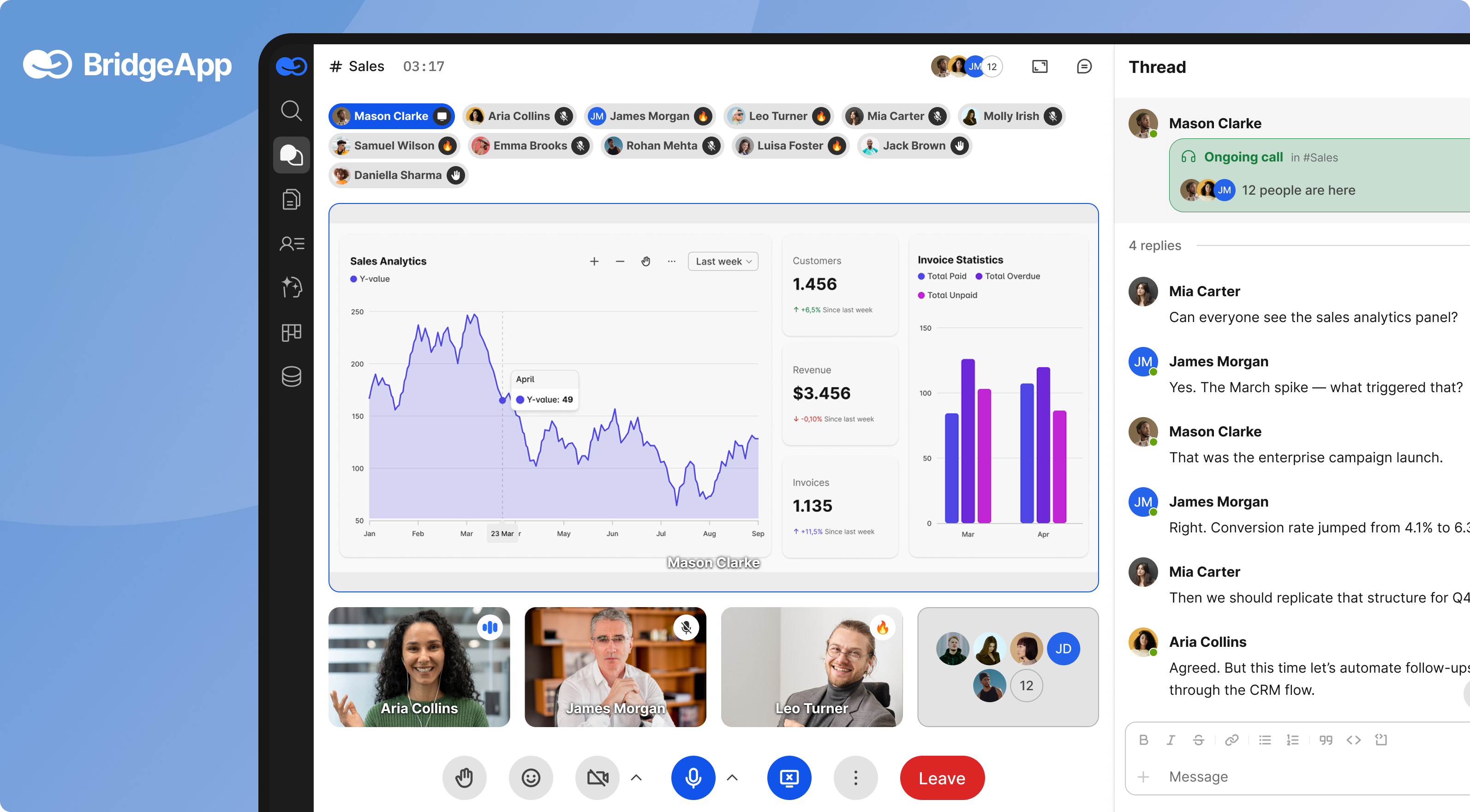
- Communication hub. Channels, threads, and direct messages replace Slack-like tools. Any chat can spin up an audio or video call without leaving the app—no switching to a separate video conferencing app. Call history and decisions stay linked to the original conversation, so you never lose context.
- Audio and video meetings. BridgeApp’s calls are built natively by the BridgeApp team—not embedded third-party SDKs. Features include screen sharing, in-call chat, and AI summaries of who attended, what was decided, and next steps. High quality video and high quality audio work across web, mobile apps, and desktop.
- Work management. A built-in task tracker offers Kanban board, backlog, and list views. Action items from calls convert directly into tasks. AI agents auto-create tasks from meeting notes or chat decisions, eliminating manual handoffs.
- Documents and knowledge. Teams maintain project docs, onboarding guides, and procedures directly in BridgeApp, linked to relevant projects and communication channels. Real-time collaborative editing with role-based access replaces scattered Google Docs or Notion pages.
- Databases and structured data. Custom databases replace scattered spreadsheets for leads, invoices, assets, and more. Agents can read/write to these databases and answer questions about them via group chat—like asking “How many units of Product X are in stock?” and getting an instant answer.
AI agents and automation. A visual no-code builder lets teams create AI “digital employees” that summarize meetings, create tasks, query databases, and generate reports. Concrete examples include:
- Automatic meeting summaries saving 20 minutes per meeting
- Invoice data extraction saving 10 minutes per invoice
- Database queries answered in chat saving 15 minutes per query
- First-line support handled from the knowledge base, reducing support resources by 30%
- Deployment and data sovereignty. BridgeApp offers cloud SaaS, on‑premise deployment, private cloud, or hybrid options. EU-hosted environments and the ability to install in your own infrastructure provide true digital sovereignty—critical for finance, healthcare, government, and any organization needing to keep Zoom alternatives secure.
- Productivity and ROI. Teams report approximately 4.6 hours saved per employee per week through AI automation. For a 10-person team, that’s 46 hours weekly. For 250 people, it translates to roughly $1.656 million annually at $30/hour—just from eliminating routine operations.
Before BridgeApp: Teams juggle 6-7 apps. Zoom call happens → someone manually writes notes in Slack → project manager creates tasks in Asana → finance updates Excel spreadsheets. 60% of time lost to switching and searching.
After BridgeApp: Single workspace. Call happens → AI auto-generates summary and tasks → data flows to relevant databases → message history stays searchable. 80% fewer logins, 60% less time searching.
Classic Zoom Competitors: Enterprise Video and Collaboration Suites
The first group of alternatives are large, enterprise-focused platforms that often come bundled with broader productivity suites.
Microsoft Teams
Microsoft Teams integrates deeply with Microsoft 365—Outlook, SharePoint, OneDrive, and Office apps work seamlessly together. The Microsoft Teams free plan offers 60-minute meetings for up to 100 users, while paid tiers (starting around $6/user/month via M365) support 300+ participants, unlimited durations, and webinar features.
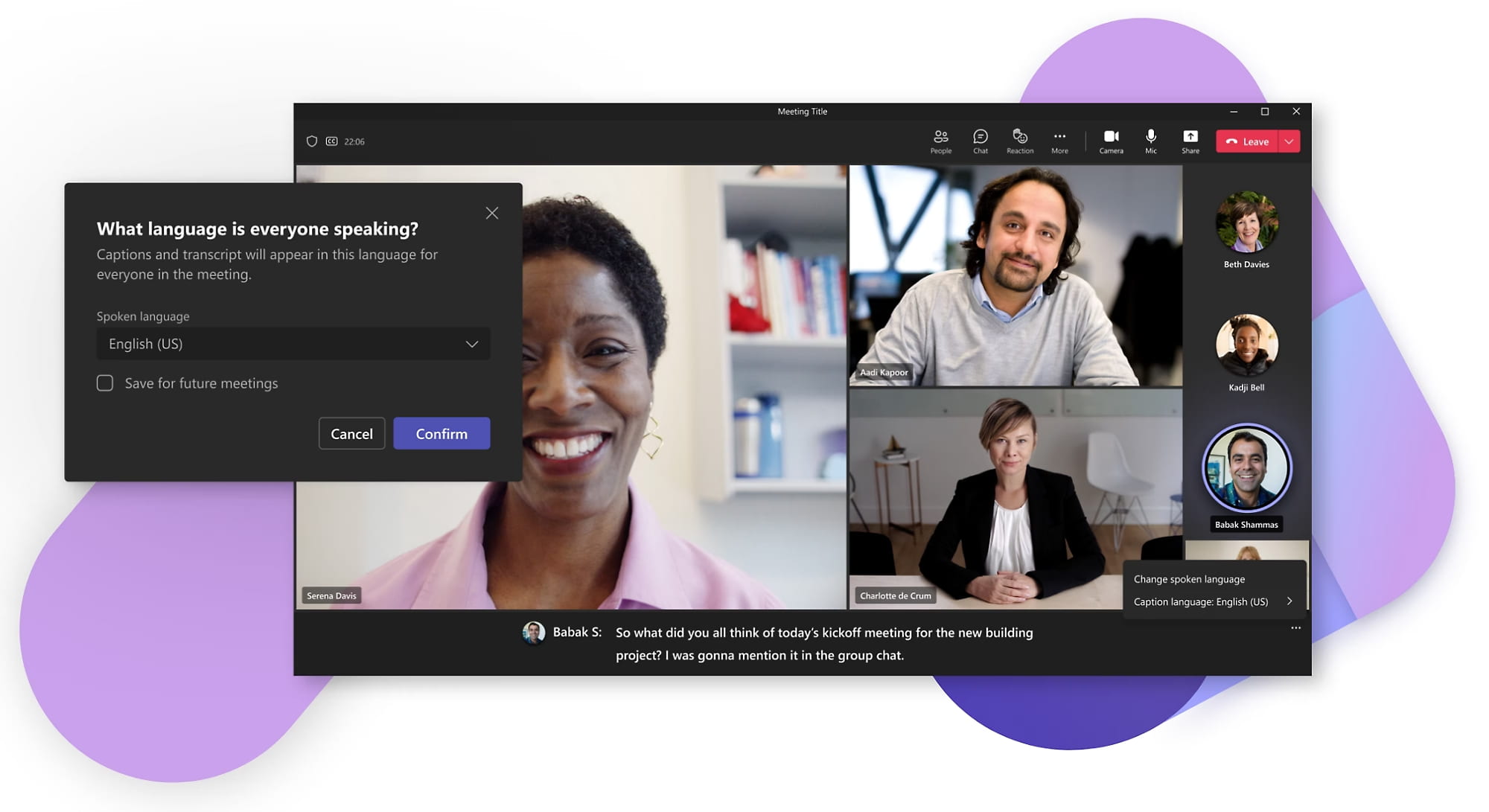
Strengths include persistent team chat, file sharing, and deep Office integration. Pain points? The UI can feel complex, and external guests often find the experience less intuitive than simpler tools. G2 NPS scores place Teams slightly below Zoom on ease of use.
Google Meet
Google Meet integrates natively with Gmail, Google Calendar, Drive, and Docs. The browser-first experience requires no mandatory installs—just click a meeting link and join. Free plans support 100+ participants for up to 60 minutes.
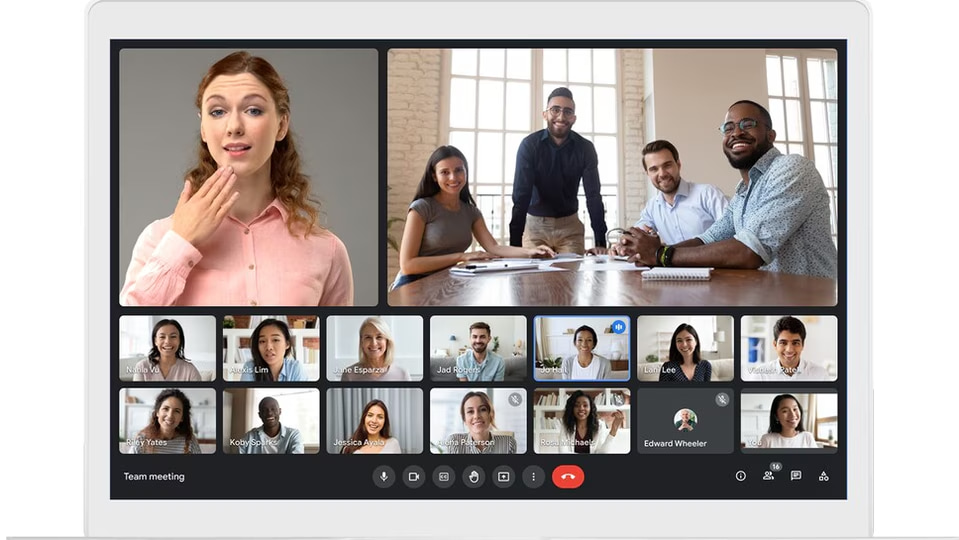
Paid tiers (Google Workspace users at $6+/user/month) unlock meeting recordings, breakout rooms, translated captions, and AI-powered summaries. For teams already in the Google ecosystem, Meet is the best free Zoom alternative that requires zero friction.
Webex Meetings
Webex has a reputation for network optimization and enterprise-grade security. Recent G2 reviews score Webex 15% higher than Zoom on reliability. Features include whiteboards, breakout rooms, AI-driven noise cancellation, and real-time translation.
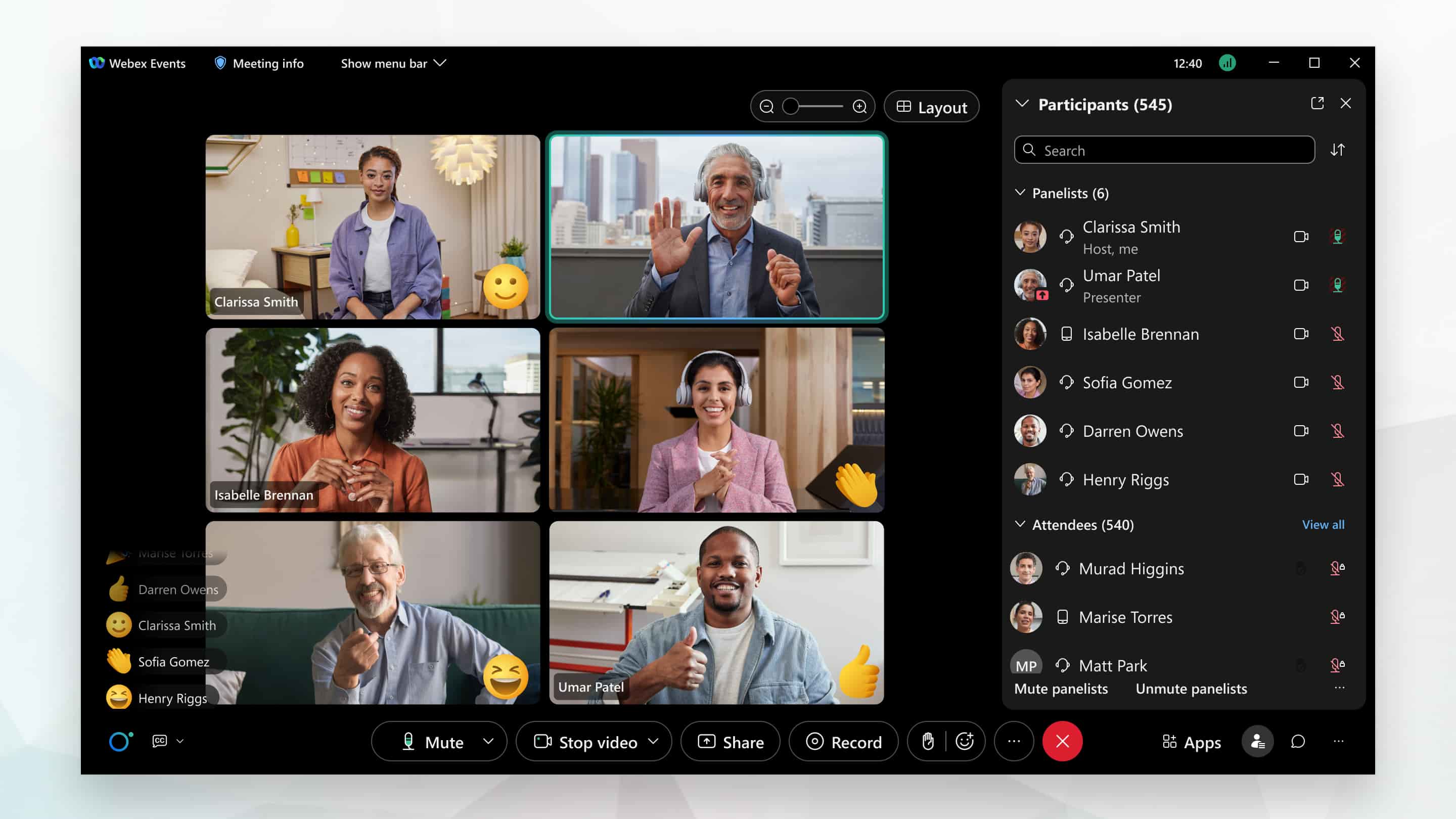
Free plans offer 40-minute meetings for 100 users. Paid tiers start around $14/user/month and target large organizations needing HIPAA, FedRAMP, and other compliance certifications.
GoTo Meeting
GoTo Meeting positions itself as a mid-market, cost-conscious web conferencing platform. Paid plans (around $12/user/month) include unlimited meeting length, cloud recording with unlimited storage, and basic AI summaries.
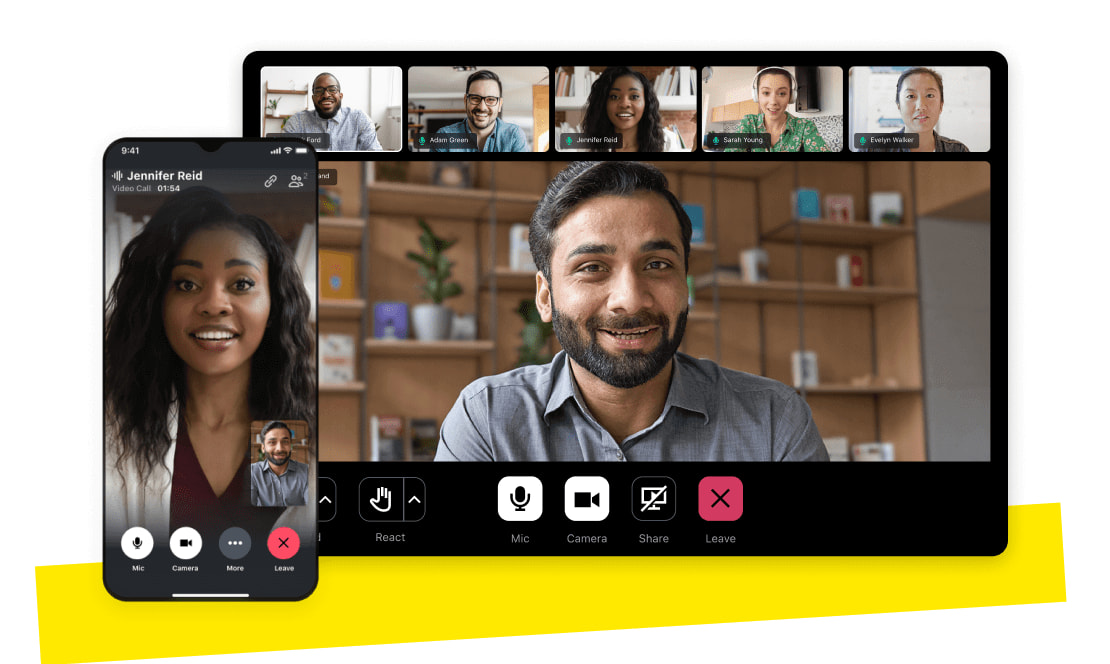
It’s a solid fit for SMBs that prioritize reliability and record meetings frequently without needing bleeding-edge features.
RingCentral / RingEX
RingCentral (rebranded RingEX) takes a UCaaS approach: phone, SMS, video, and team messaging in one service. Meeting capacities reach 500+ participants with strong telephony integration.
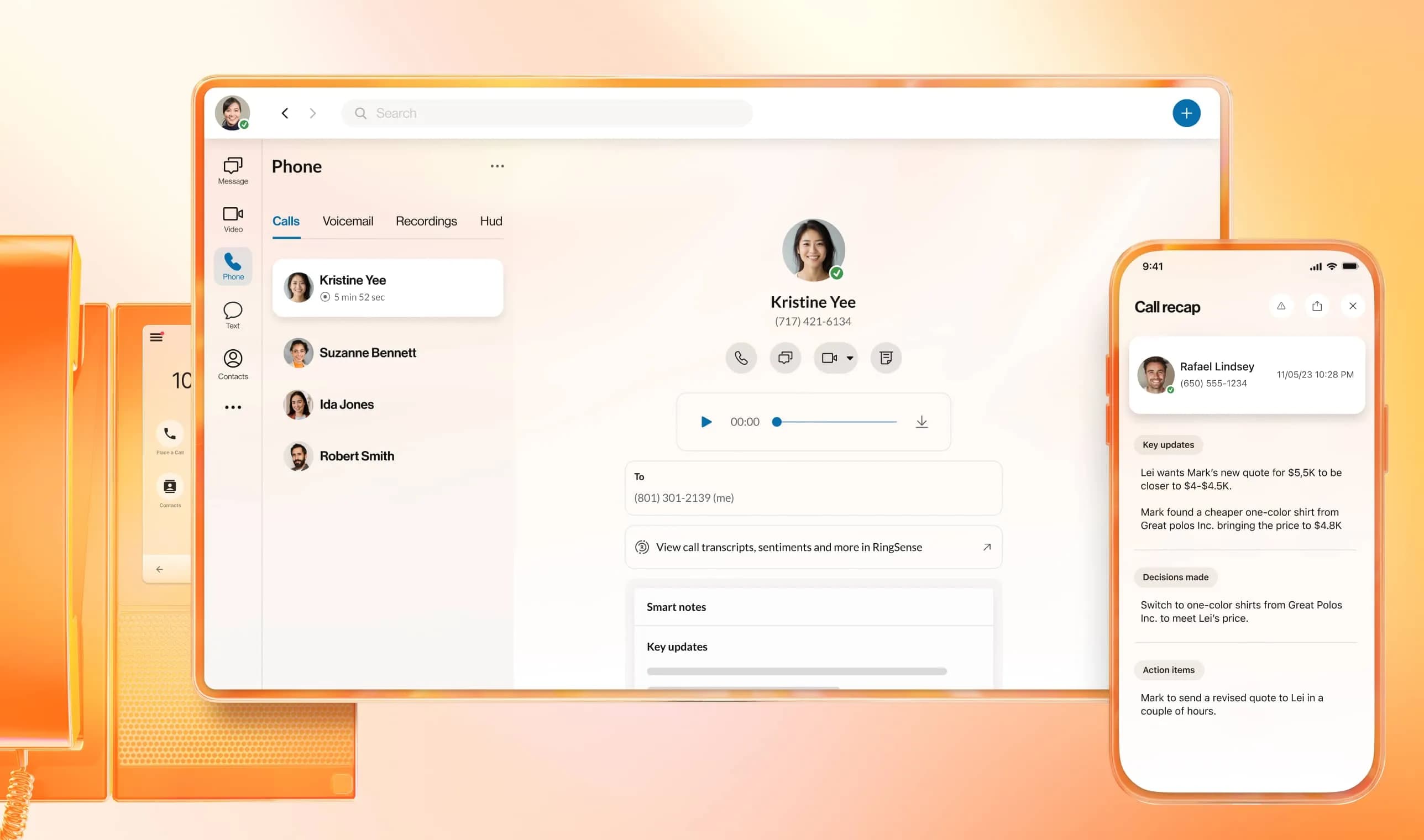
At around $20/user/month, it suits call-heavy organizations—contact centers, sales teams, and businesses needing voice calls alongside video conferencing.
Community and Lightweight Zoom Alternatives
Not every team needs an enterprise suite. Some prefer tools built for communities, small teams, or quick browser-based calls.
Discord
Discord originated in gaming but has evolved into a communication hub for communities and small teams. Always-on voice channels with low latency (<50ms), high-quality audio, and screen sharing up to 4K make it appealing for informal collaboration.
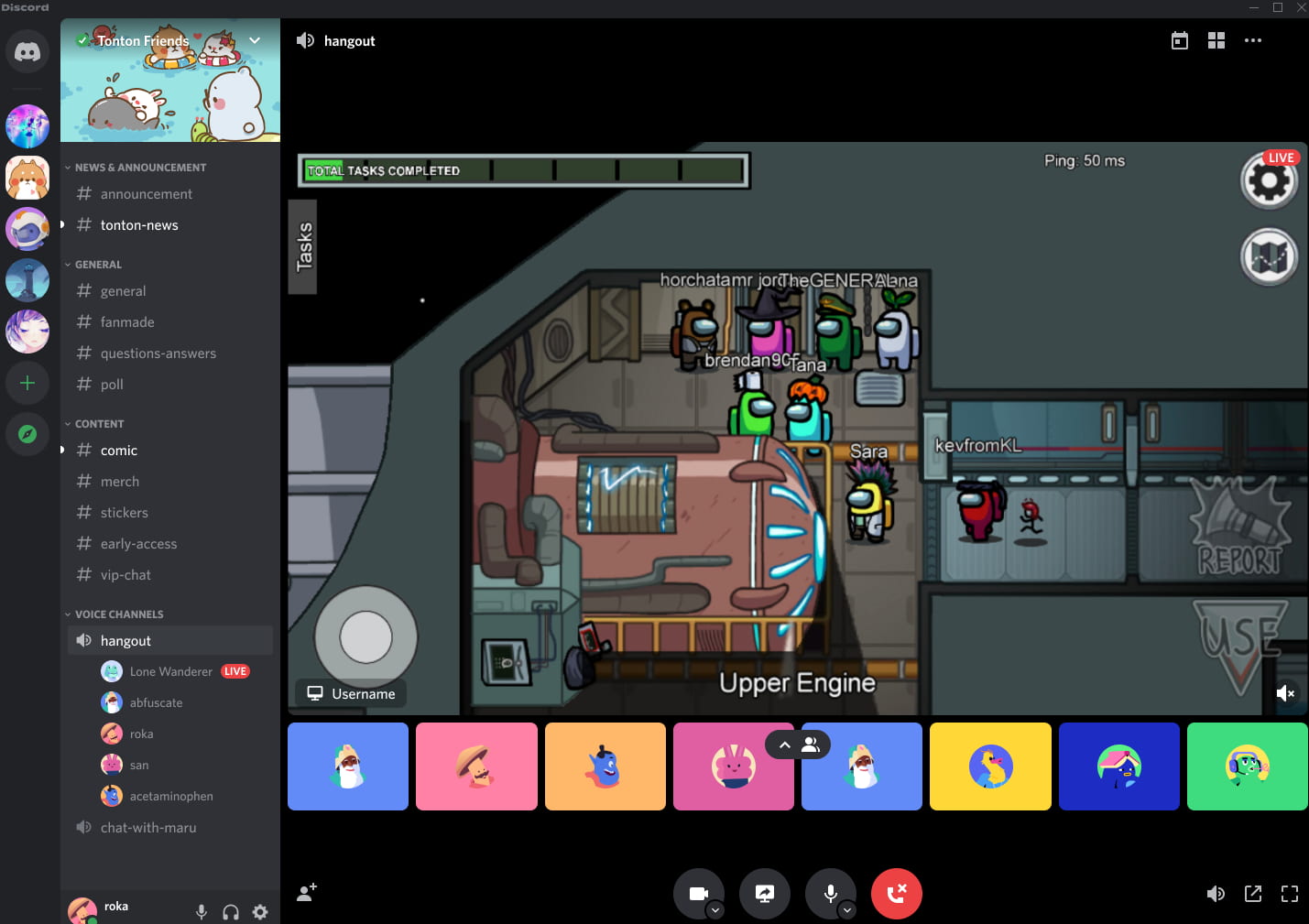
Trade-offs exist: the UX feels informal rather than professional, Discord retains all direct messages (raising privacy concerns), and occasional downtime hits. It’s not tailored for regulated industries but works well for communities and creative teams seeking a free alternative.
Jitsi Meet
Jitsi Meet is open-source and can be fully self-hosted for maximum control—no accounts required, just join meetings via browser. Features include screen sharing, in-meeting chat, and basic recording.
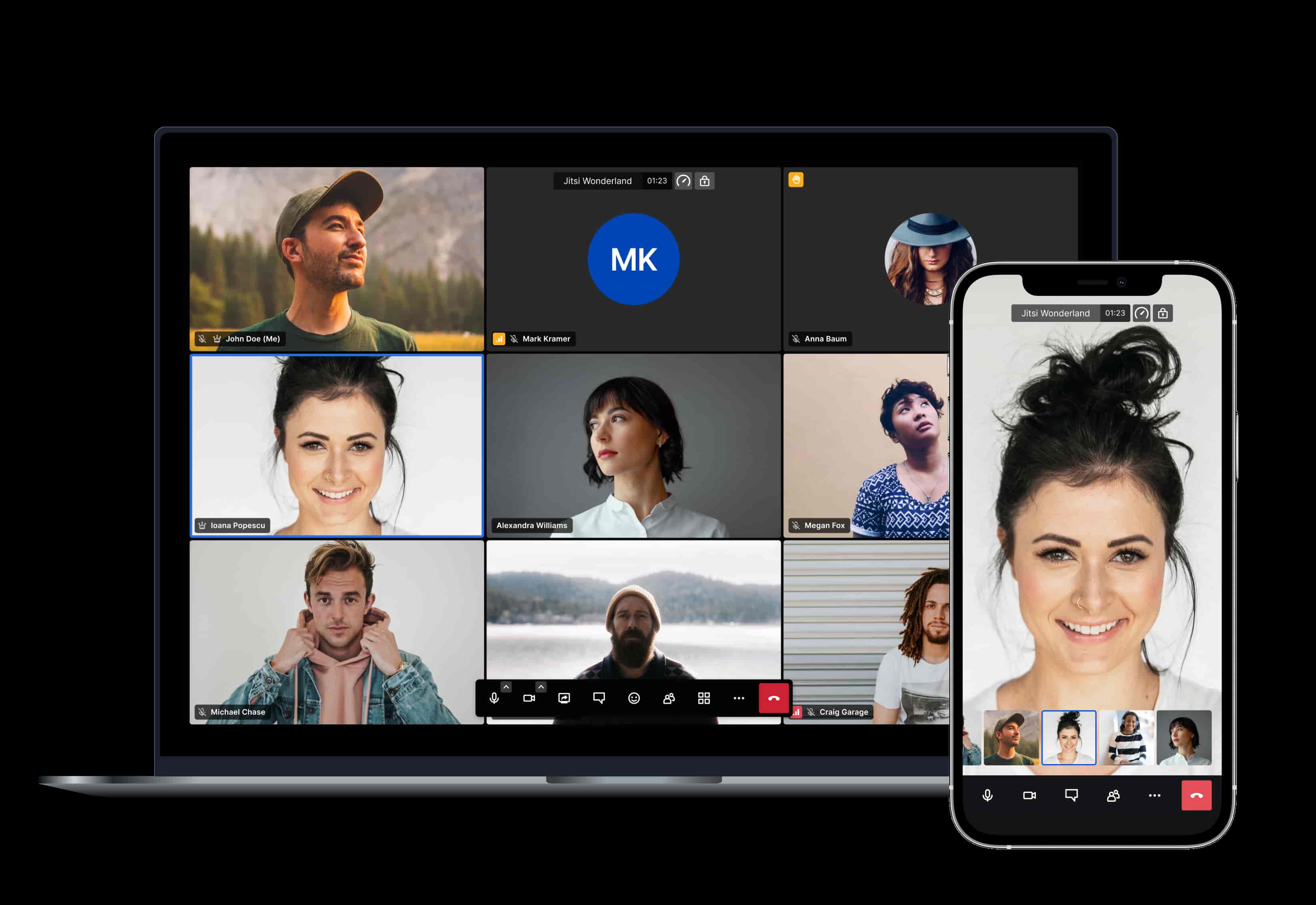
Performance can degrade beyond 200 participants without tuning, and native AI features are minimal compared to commercial rivals. But for teams wanting complete sovereignty and zero vendor lock-in, Jitsi delivers.
Whereby
Whereby offers clean, browser-only video with simple room links and minimal setup. Free tiers support modest participant counts and unlimited duration. Paid plans ($9.99+/user) add recording, custom branding, and higher capacities.
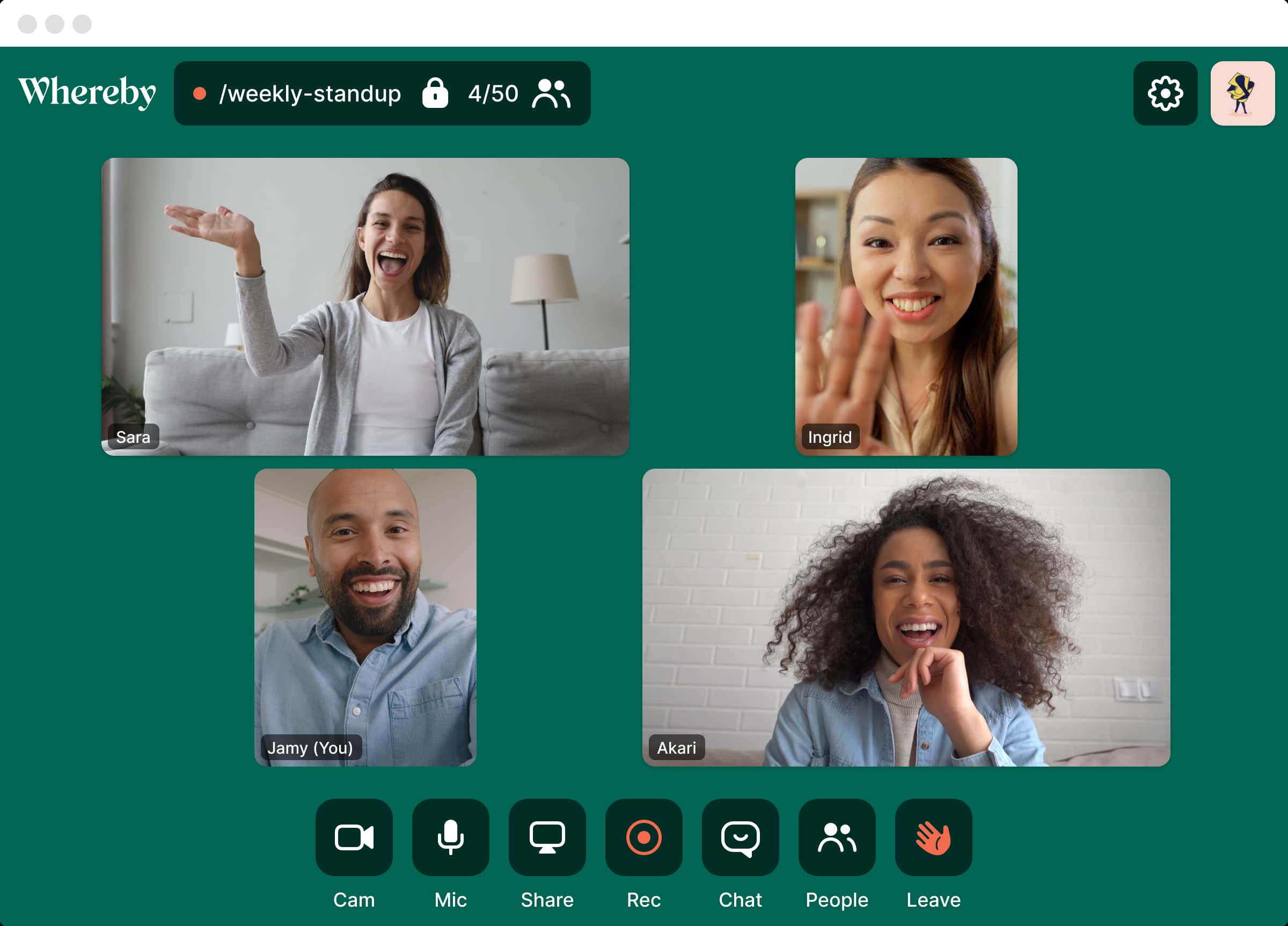
It’s ideal for small teams, freelancers, or client calls where simplicity matters more than advanced features.
Brave Talk
Built into the Brave browser, Brave Talk leverages Jitsi under the hood but adds strong privacy defaults and end to end encryption out of the box. Users can start encrypted calls from the browser without accounts.
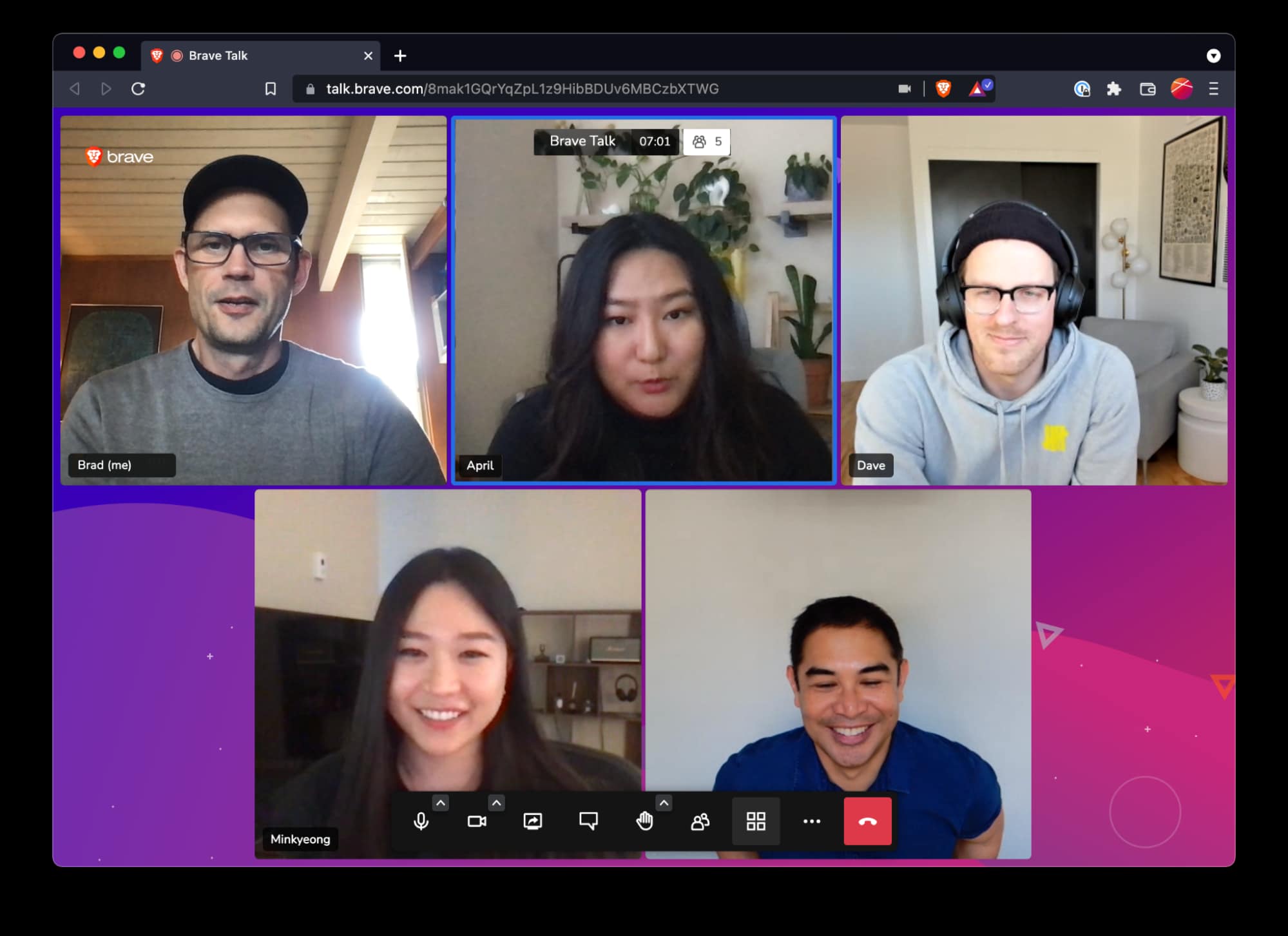
Free plans have modest capacity limits, but for quick, secure calls without ecosystem lock-in, Brave Talk is a solid choice.
AI-Centric and Phone-Integrated Zoom Alternatives
This group focuses on advanced AI powered features or tight phone system integration.
Dialpad Ai Meetings
Dialpad offers browser-based meetings with AI transcription accuracy above 92%, live summaries, action-item detection, and sentiment analysis. Enterprise analytics and CRM integrations (Salesforce, HubSpot) make it suitable for sales, support, and contact centers.
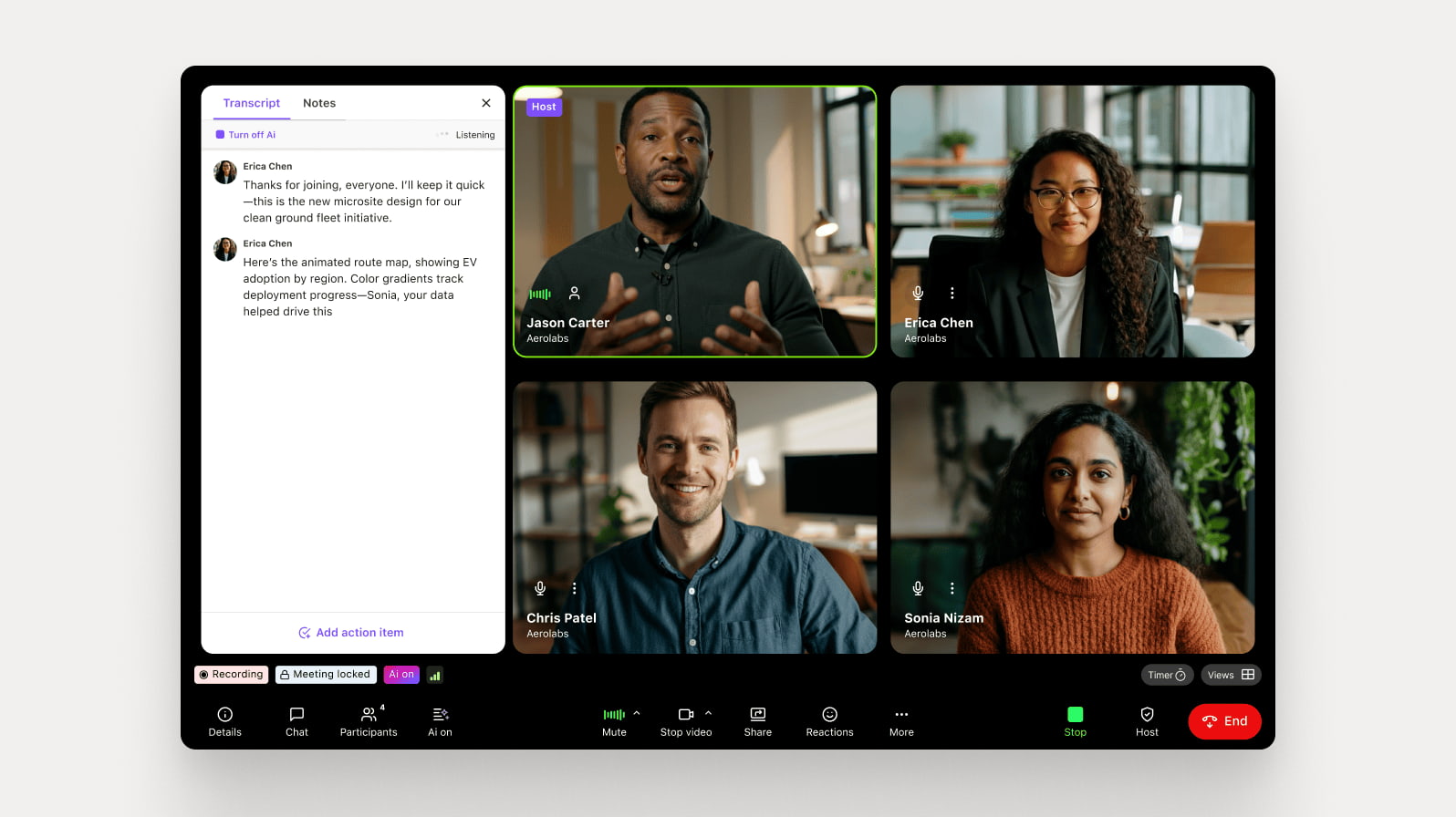
Pricing starts around $15/user/month. For teams where customer engagements drive revenue, Dialpad’s AI depth is a differentiator.
RingCentral Video
When treated separately from RingEX, RingCentral Video provides seamless connection between VoIP voice calls and video meetings. AI noise suppression, virtual backgrounds, and large meeting capacities round out the offering.
How these compare to BridgeApp:
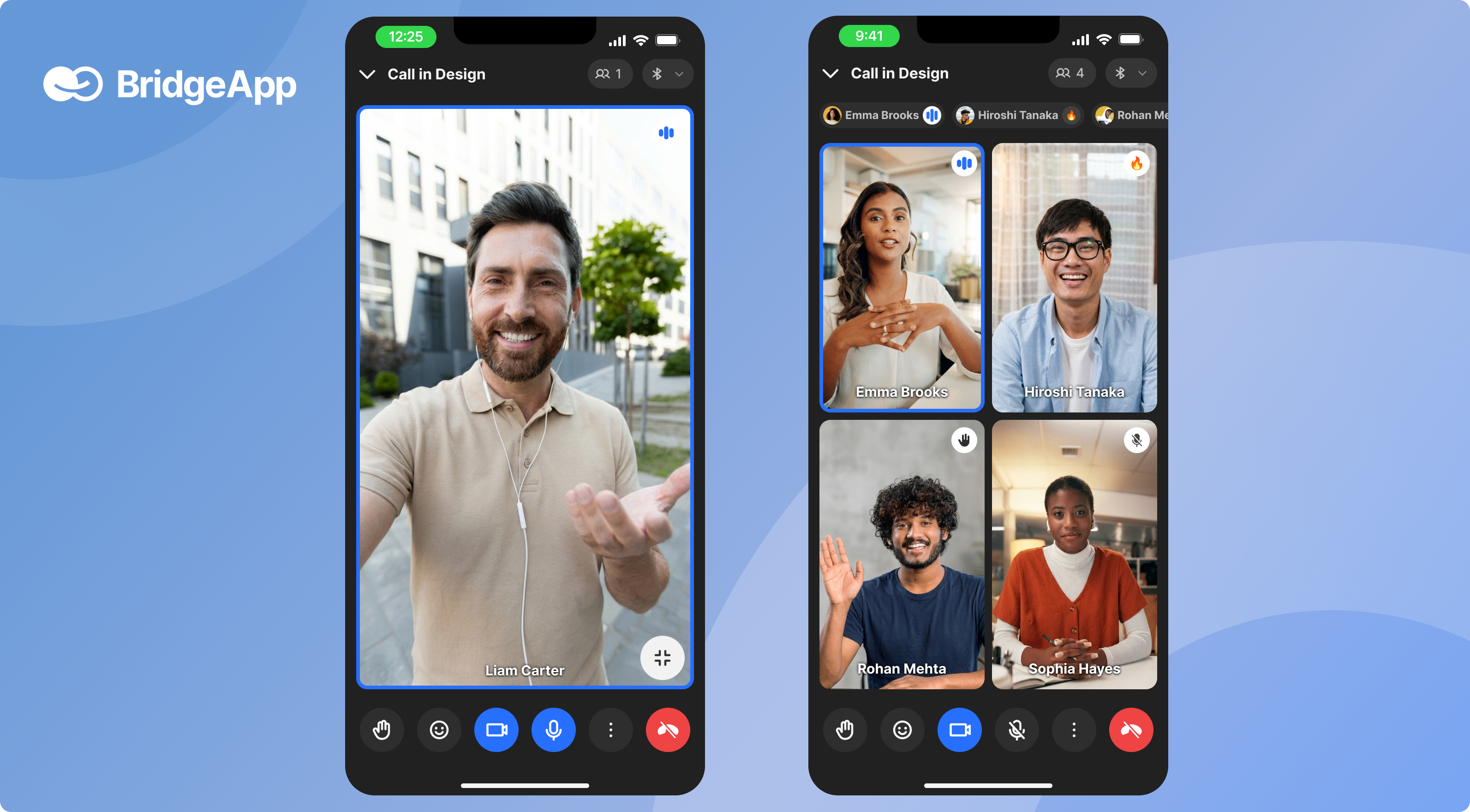
While Dialpad and RingCentral excel at voice and meetings, they don’t replace project management, document systems, and databases. BridgeApp positions AI centrally across chat, tasks, docs, and data—going beyond call analytics to full workflow automation. If your goal is consolidating tools rather than adding another specialized app, BridgeApp covers more ground.
Security, Compliance, and Data Sovereignty: How Zoom Alternatives Compare
In 2026, security and data location are top priorities for finance, healthcare, government, and EU organizations. EU fines for sovereignty violations have exceeded $2B+, making this more than a theoretical concern.
- Encryption and compliance. Enterprise-focused tools like Webex, RingCentral, and Microsoft Teams typically offer HIPAA, ISO, and SOC2 certifications. Business Associate Agreements (BAAs) for healthcare and contract addenda for regulated sectors are available on premium tiers.
- Self-hosting and open source. Jitsi Meet allows full self-hosting via Docker-based deployment, giving organizations complete technical control. Trade-offs include responsibility for scaling, patching, and monitoring—requiring dedicated IT resources.
- Data residency challenges. Many global cloud providers store data in multiple regions by default, which may not satisfy strict EU sovereignty requirements. Zoom’s multi-region defaults, for example, don’t always meet compliance needs for sensitive sectors.
- BridgeApp’s approach. BridgeApp offers cloud SaaS, on‑premise, private cloud, and hybrid deployment options. EU-hosted environments and installation in your own infrastructure provide true digital sovereignty. With GDPR alignment, ISO, and SOC2 positioning, BridgeApp suits enterprises and public sector bodies that cannot rely on purely US-hosted tools.
How to Choose the Right Zoom Alternative for Your Team
“Best” depends on whether you’re optimizing for cost, ecosystem fit, AI, or data control. Here’s a practical framework:
- Assess your current stack. List every tool your team uses: chat, tasks, docs, CRM, video conferencing app, spreadsheets. Identify overlaps with each potential Zoom alternative. If you’re paying for 5+ tools, consolidation offers significant savings.
- Define must-haves. Specify participant limits, meeting duration requirements, whiteboard needs, webinar capabilities, password protected meetings, and schedule meetings functionality. Clarify your AI expectations—do you need basic meeting transcripts or full workflow automation?
- Evaluate ecosystem fit. Microsoft-heavy organizations naturally gravitate toward Teams. Google Workspace users find Meet frictionless. Open-source-driven environments may prefer Jitsi. BridgeApp suits teams ready to break free from any single vendor ecosystem.
- Pilot test rigorously. Run 2-3 parallel trials with small groups over 2-4 weeks. Track user satisfaction, stability, admin overhead, and integration with third party apps. Compare how each tool handles file sharing, video messages, and seamless integration with existing workflows.
- Think beyond meetings. Ask whether you want “just a Zoom replacement” or a consolidated workspace handling chat, tasks, docs, and automation. If internal communication and workplace communication fragmentation is the real pain point, all-in-one platforms like BridgeApp deliver more value than swapping one video conferencing tool for another.
FAQs
These FAQs address practical questions not fully covered in the sections above.
Is it worth replacing Zoom if my team only meets a few times per week?
If meetings are rare, a free or low-cost browser-based tool like Google Meet, Whereby, Jitsi Meet, or Brave Talk may be sufficient—especially since they avoid the 40-minute cap that Zoom’s free plan imposes.
However, if your main pain point is tool overload rather than meeting cost, moving to an all-in-one platform like BridgeApp still makes sense. You’d replace Zoom plus your chat, task management, and doc tools simultaneously. Evaluate total SaaS spend and time lost to context-switching, not just Zoom licensing alone. Even occasional meeting users benefit when the video call happens inside the same workspace where tasks and decisions live.
Can I completely replace my current stack (Zoom, Slack, Asana, Notion) with a single tool?
Most video-first tools (Meet, Webex, GoTo Meeting) aren’t designed to replace chat, project management, and documentation at once. They’re excellent at video meetings but leave you needing supplementary tools for everything else.
BridgeApp is built as a unified digital workspace that includes team chat (channels, threads, DMs), a task tracker, collaborative documents, custom databases, AI agents, and native audio/video calling. Benefits include fewer logins, consistent search across all conversations and message history, and automatic workflows that link meetings to tasks and databases. It’s designed to eliminate the “software zoo” rather than add another animal to it.
Which Zoom alternatives are best for strict data residency and on-premise requirements?
Self-hosted Jitsi gives full technical control but requires internal IT resources for scaling, patching, and monitoring. If you have the infrastructure team, it’s a viable open-source option.
BridgeApp offers on‑premise and private-cloud deployment with EU-hosted options, aligning with GDPR and sovereignty needs. For regulated sectors (finance, healthcare, government), specifically look for on‑premise and regional hosting options in any RFP or vendor comparison. BridgeApp’s hybrid deployment flexibility—cloud, on-prem, private cloud, or mixed—makes it particularly well-suited for organizations that cannot depend on US-based cloud providers.
How do AI features differ between these Zoom alternatives?
Many meeting tools in 2026 offer AI transcription, live captions, and basic summaries. Google Meet, Webex, Dialpad, and GoTo Meeting all provide these capabilities to varying degrees.
BridgeApp extends AI beyond calls. Agents can summarize long chat threads, auto-create tasks from any conversation, update databases without manual data collection, and generate reports based on full workspace context. The visual no-code builder lets teams create custom AI workflows for their specific business needs—invoice extraction, first-line support from knowledge bases, sentiment analysis on customer conversations, and more. Think of it as an automation layer for everyday work, not just a meeting bot.
What’s the simplest path if I want to test BridgeApp as my Zoom alternative?
Start with a small pilot team—ideally 5-10 people working on active projects. Migrate one or two projects into BridgeApp, including their tasks, docs, and communication channels. Use built-in audio and video calls for all standups, team meeting check-ins, and ad-hoc discussions.
Connect AI agents to summarize meetings and create tasks automatically. Organizations can begin with the cloud version for speed, then move to private or on-prem deployment later if needed. After a few weeks, track metrics: number of tools replaced, upload files consolidation, average time spent searching for information, and hours saved on routine tasks. Teams typically see the 4.6 hours/week savings materialize quickly once the workspace replaces fragmented alternatives to Zoom and other disconnected tools.
Choosing the right Zoom alternative in 2026 isn’t just about video quality—it’s about building a workflow that scales with your team’s business operations. Whether you need a lightweight free Zoom alternative for occasional calls or a comprehensive workspace that replaces your entire SaaS stack, the options exist.
Start by auditing your current tools and identifying where time gets lost. If the answer is “everywhere,” consider whether swapping one video tool for another actually solves the problem—or whether consolidating into an all-in-one platform like BridgeApp delivers the internet connection between your team’s communication, work, and decisions that you’ve been missing.