BlogIndustry Insights
What Is On-Premises? Vendor Cloud vs. Sovereign Stack

Konstantin BuzzResearch Lead
6 min read

Back in the 2010s, SaaS startups were the undisputed darlings of venture capital. They hoovered up press, users, and profits. Think of everyday powerhouse collaboration tools like Asana or Slack. They usually infiltrate a company when the team is drowning in missed deadlines and scattered ownership, and someone finally decides to bring the chaos into one system. Suddenly, you are added to a workspace, and you see an endless stream of short messages and reactions—the living fabric of the team's daily coordination. The beauty is that the setup is already done. You just log in, pay a monthly fee, and enjoy a new way of working. The vendor handles the server racks, the security patches, and the uptime.
The appeal of the SaaS model was undeniable. It delivered the kind of rapid deployment and instant access that modern teams crave, entirely bypassing the headaches of complex setups and heavy upfront costs. There’s zero infrastructure burden—no dark, humming server rooms to build or maintain. Instead, you get effortless scalability where upgrading is as simple as clicking a button. For small-to-medium teams moving fast, this means predictable launches and a practically non-existent barrier to entry.
But the market's demands are shifting. Faced with unpredictable billing, vendor lock-in, and tightening data protection laws, enterprises are realizing that the cloud honeymoon is over. According to the latest data, as many as 83% of companies are now considering moving at least some of their workloads from the public cloud back to private infrastructure.
The pendulum is swinging back to control. Let's break down exactly what that means.
What is on-premise?
At its core, on-prem refers to a local hosting model where an organization hosts its software and data entirely within its own IT infrastructure, relying on fully owned, rather than rented, servers. Instead of leasing server space from a third-party provider, the company buys, installs, and maintains the physical hardware itself. It is the digital equivalent of owning your house versus renting an apartment.
With on-premises software, everything runs on servers physically located on-site. This gives the IT team direct access and complete ownership over the entire stack.
Key differences: Cloud computing vs. on-premises
The core difference between software as a service and on-premises solutions comes down to convenience versus control. SaaS gives you instant deployment, but you are effectively renting your workspace on someone else's land. More importantly, you surrender absolute privacy. You can never be entirely certain that the vendor lacks visibility into your data—even if they are just harvesting telemetry for marketing purposes. On-premise, conversely, means you own the factory, but you are also responsible for fixing the plumbing.
Financial calculus boil down to CapEx (Capital Expenditure) versus OpEx (Operational Expenditure).
Cloud-based solutions operate on a pay-as-you-go OpEx model. They are highly scalable, but the meter is always running.
The on-premises model is a strict CapEx play. You absorb the maintenance costs and hardware depreciation, but your monthly run-rate stabilizes. In fact, for steady, predictable workloads, running your own hardware can slash infrastructure costs by 30% to 60%.
The Engine Room: IT infrastructure and Data centers
Running your own stack requires deep technical expertise. You are investing in heavy metal. This means procuring enterprise-grade server hardware capable of handling massive traffic spikes, managing cooling systems, securing physical access, and ensuring redundant power supplies within your own facilities.
When a server goes down in a public cloud, it's Jeff Bezos's problem. Granted, massive outages are rare, but when they happen, you are just a passenger. When networking equipment fails in an on-premises environment, it's your problem. Your IT staff must handle all system management, regular updates, security patches, software configurations, and access permissions.
However, absolute physical control introduces a new nightmare: disaster recovery. If a localized disaster strikes your facility, your data could be incinerated forever. Architecting secure, geo-distributed data backups requires essentially mirroring your entire infrastructure footprint—a massive capital drain that often makes the native redundancy of the cloud look extremely attractive.
Data security and Data protection
Why take on this headache? Because for many organizations, keeping a tight grip on proprietary and user data isn't a whim—it is a strict necessity dictated by regulators and internal security policies.
When evaluating cloud vs. on-premise, this is often the ultimate dealbreaker. The average cost of a data breach in the U.S. continues to skyrocket, recently hitting $10.22 million, driven heavily by complex cloud environments and shadow AI.
When sensitive data is scattered across multiple cloud services, the attack surface expands exponentially. Data security becomes a nightmare of misconfigured permissions and exposed APIs.
Highly regulated industries needing on-premises software deployment
For highly regulated industries like healthcare, finance, and government, a data leak is an existential threat. These sectors operate under the constant threat of punishing compliance audits. Take healthcare as an example: navigating HIPAA in the U.S. or the strict health data provisions of GDPR in Europe requires absolute certainty about who touches your data and where it physically sits.
This concept, known as data sovereignty, forces companies to prove exactly where their data lives. When you rely on a third-party data center, guaranteeing that a specific dataset hasn't quietly crossed a regional border can be a logistical nightmare.
Hosting your own data storage eliminates this ambiguity entirely. By keeping internal systems off the public internet, on-premises software deployments provide enhanced security guarded by a distinct, physical perimeter.
Pros & Cons of On-Premise Deployments
If you are evaluating your business strategy, here is the unvarnished breakdown of keeping your tech in-house:
| Pros | Cons |
| Complete ownership: Absolute control over data storage, data backups, and hardware. | CapEx heavy: Requires significant upfront investments in server hardware. |
| Enhanced security: A physical perimeter protecting sensitive data from public internet vulnerabilities. | Your own responsibility: If it breaks, your internal team has to fix it. |
| Predictable long-term costs: No surprise spikes in recurring subscription fees. | Scalability delays: Scaling up requires purchasing and provisioning new physical hardware, rather than just clicking a button. |
| Customization: Deep integration capabilities with specific business needs and localized workflows. |
The Hybrid Compromise: Cloud-based solutions and Partial Alternatives
Modern IT has evolved past a simple binary choice. You don't always have to choose between a pure public cloud and a basement full of servers. There is also the hybrid model. It is entirely possible to keep critical workloads on-premise—where data is stored locally—while consuming less sensitive, supplementary services from the cloud. This allows companies to leverage cloud elasticity for front-end applications while keeping the core database securely locked inside their own perimeter.
Then there is the private cloud and colocation route. Perhaps you want to rent bare-metal servers from a third-party data center, but you refuse to buy turnkey SaaS solutions. You deploy your own proprietary software on dedicated hardware. In this on-premises variant, your server rental costs fall under OpEx, but your software and architecture investments remain CapEx. It delivers single-tenant security without the real estate overhead.
So, how does the market divide? For agile startups lacking a dedicated infrastructure team, fully managed SaaS remains the only logical choice. Large, highly regulated organizations treat on-premise deployments as mandatory for compliance and data sovereignty. Meanwhile, scaling enterprises usually land on a hybrid approach, maintaining strict data control where it matters while bursting into the cloud when they need to scale fast.
The Smarter Way: Meet BridgeApp
BridgeApp is a modern alternative to legacy project management and team collaboration systems. It solves the persistent problem of tool sprawl by bringing your team, projects, and data into one unified ecosystem. Instead of forcing users to jump between disparate apps for chat, task tracking, and documentation, BridgeApp intersplices task management, knowledge hub, live databases, and team communication into a single, seamless environment.
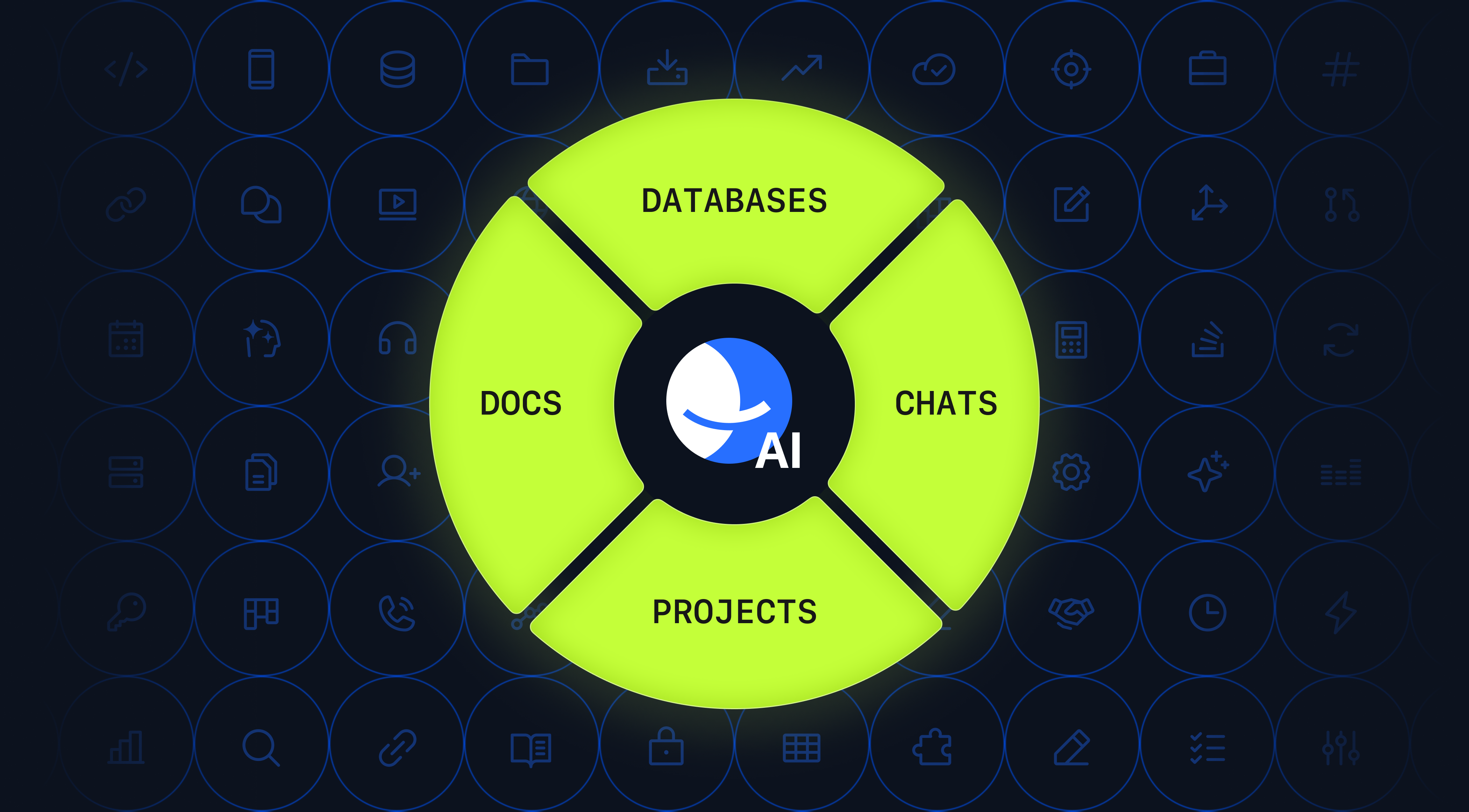
While BridgeApp can be deployed in a private cloud or accessed as a SaaS product, its on-premises option is what gives enterprises true operational sovereignty. Instead of placing critical collaboration, knowledge, and AI workflows inside someone else’s cloud, organizations deploy BridgeApp directly within their own infrastructure. The platform becomes a single hub that restores architectural coherence across the organization, creating a secure perimeter where hybrid teams of humans and AI agents can collaborate.
Crucially, the vendor doesn't just hand over a license and walk away. The BridgeApp team provides hands-on engineering support to handle the integration onto your bare-metal hardware.
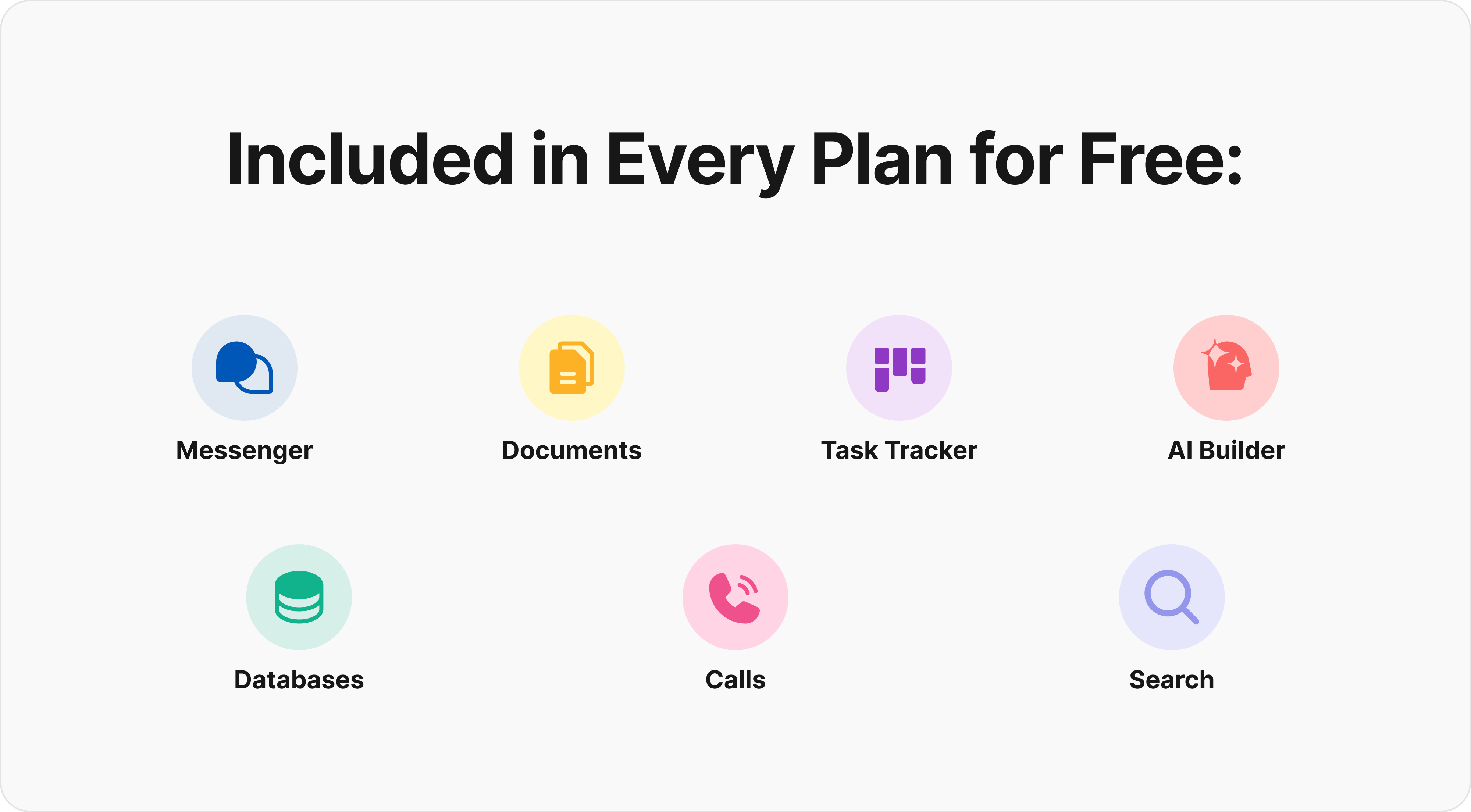
Because the platform integrates with your company’s existing tech stack, enterprises can build intelligent automation workflows without ever exposing sensitive operational data to external platforms. The offering includes an engine for designing and deploying tailored AI agents for heavy-lifting use cases such as document processing, onboarding, reporting, and ticket routing.
Combined with white-label customization, BYOK (Bring Your Own Key) support, strict uptime SLAs, and a dedicated account-management layer, BridgeApp on-premises is less a hosting option than a foundation for secure, integrated, and durable enterprise operations.
BridgeApp is built with security and privacy in mind, offering both cloud and on-premise deployment options, EU-hosted infrastructure, and GDPR-compliant data handling.
If you have any questions, please email us at hello@mathandmagic.ai
[Explore BridgeApp's Pricing] | [Request a Demo] | [Start with a Free Plan]
FAQ
What is the on-premise meaning in simple terms?
It means installing and running software on computers and servers physically located within your own building, rather than accessing it via the internet from a third-party provider.
Why do companies still prefer on-premises solutions?
Primarily for data sovereignty, strict regulatory compliance, and to maintain full control over their IT infrastructure and security measures.
Can on-premise software work without the internet?
Yes. Unlike cloud services, on-premises software operates on a local network, making it ideal for environments with limited internet connectivity or strict air-gapped security protocols.
Are cloud-based deployments cheaper?
It is true that on-premises deployments require significant upfront investments in physical hardware and software licenses. However, you have to look at the Total Cost of Ownership (TCO) over a three-to-five-year horizon.
With cloud platforms, you are hit with endless recurring subscription fees. Add in the costs for data egress—moving your data out of the cloud—premium support tiers, and the creeping expenses of SaaS tool sprawl, and the math changes. While you save on immediate maintenance costs, a well-managed in-house setup often becomes significantly more economical at scale.
Who should choose the on-premises model?
The on-premises model isn't for a ten-person startup moving fast and breaking things. It is designed for mature operations where data control is non-negotiable. This includes highly regulated industries like healthcare, government, and finance, where regulatory compliance dictates exactly how data is handled. It is also the logical path for data-heavy enterprises processing massive amounts of proprietary information and looking to avoid punishing cloud storage and egress fees. Finally, traditional operators with deeply integrated internal systems often require direct access and custom integration capabilities that a public cloud simply cannot support.