BlogProduct Updates
Project Management for Modern Teams: How to Work Faster Without Losing Context

BridgeApp Team
14 min read

Project management has changed. Modern teams no longer work in a single office, on a single schedule, or inside a single tool. Work now happens across chat, task boards, documents, calls, databases, and AI assistants. The problem is that every extra tool creates friction. People lose context, duplicate effort, miss decisions, and spend more time switching between apps than actually moving work forward.
That is why the best project management systems today are not just about timelines and status updates. They are about creating a connected workflow where communication, execution, and knowledge live together. When teams can move from discussion to task to documentation without leaving the workspace, projects become easier to run and much easier to scale.
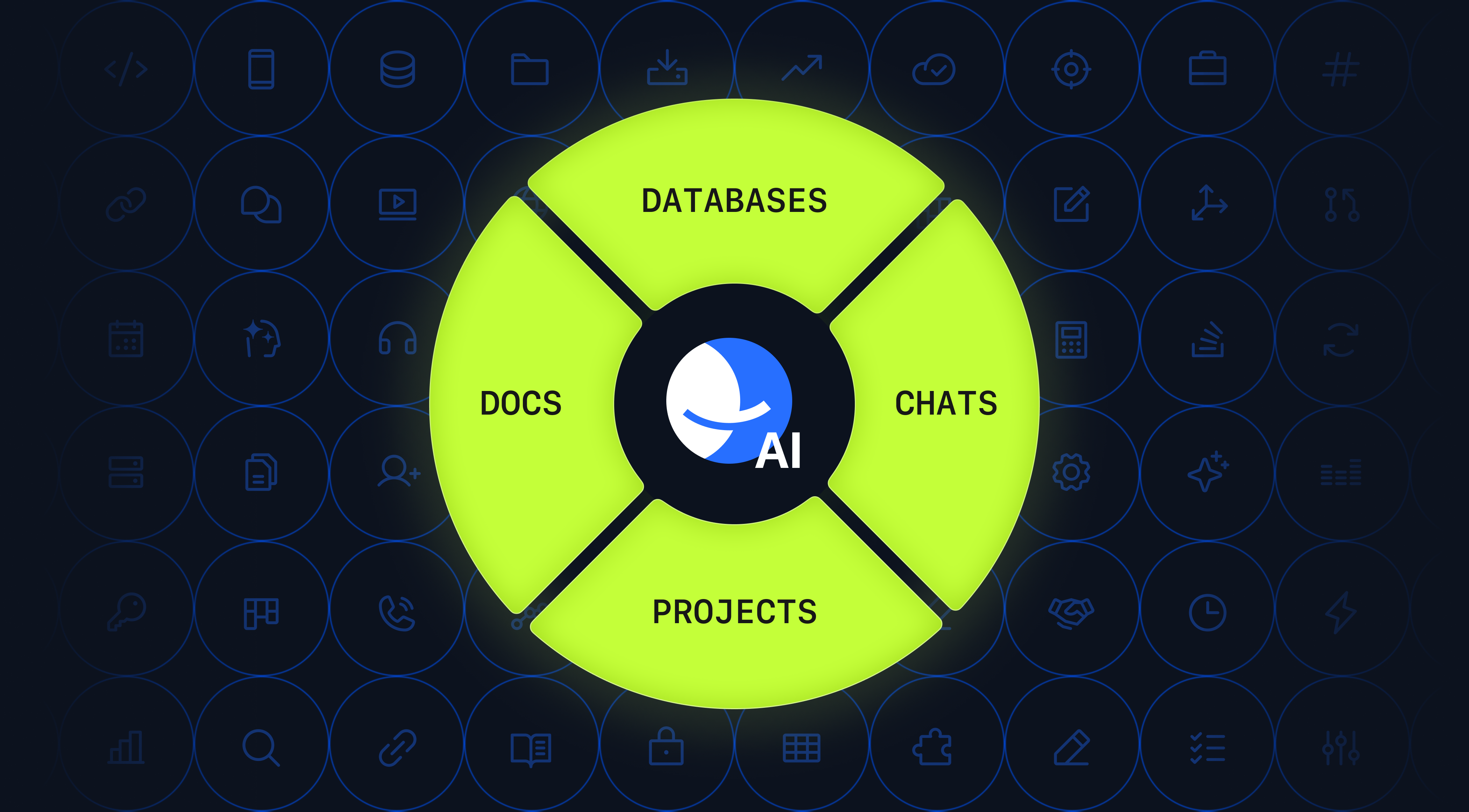
BridgeApp is built for that reality. It is an AI-native workspace that unifies chat, tasks, knowledge, databases, and AI agents in one place. Instead of forcing remote teams to stitch together disconnected tools, BridgeApp keeps context intact from the first conversation to the final delivery. For modern teams, that means less switching, fewer handoff errors, and more time spent on meaningful work.
What Is Project Management?
Project management is the process of planning, organizing, tracking, and completing work so a team can reach a specific goal within a defined scope, timeline, and budget.
In practice, project management answers questions like:
- What are we trying to deliver?
- Who is responsible for each part?
- What needs to happen first?
- Where are we blocked?
- How do we know the work is done?
A strong project management system gives teams visibility and structure. It helps managers coordinate priorities, helps contributors stay aligned, and helps organizations deliver work consistently.
The purpose of project management
Good project management does more than keep tasks in order. It helps teams:
- clarify goals and responsibilities
- reduce confusion and duplicate work
- manage deadlines and dependencies
- improve accountability
- track progress in real time
- protect focus by reducing chaos
When project management works well, the team spends less time asking for updates and more time executing.
Why Project Management Breaks Down in Modern Teams
The biggest challenge in modern project management is not a lack of tools. It is too many tools.
A typical team may use one app for chat, another for tasks, another for docs, another for meetings, and another for knowledge storage. Over time, this creates a fragmented workflow where important decisions get buried in messages, action items get lost in threads, and documentation goes stale.
The real cost of context switching
Context switching happens when people jump between tools, conversations, and tasks. Each switch may seem small, but the hidden cost is high:
- mental fatigue
- slower execution
- missed details
- more errors
- duplicated communication
- weaker ownership
In project management, context loss is especially dangerous. A task might be discussed in chat, assigned in one app, documented in another, and updated somewhere else entirely. By the time someone returns to the work, the original reasoning is gone.
Common symptoms of fragmented project management
If your team struggles with any of the following, your system may be broken:
- “Where was that decided?”
- “Can you send me the latest version?”
- “I didn’t know this was already assigned.”
- “We already discussed this in a call.”
- “Can someone summarize the thread?”
- “Why are there two versions of the same task?”
These are not just communication problems. They are workflow design problems.
The Project Management Lifecycle
Project management usually follows a lifecycle made up of five core stages.
1. Initiation
This is where the project begins. The team defines the goal, scope, stakeholders, and success criteria. It is important to align early so the project does not drift later.
Typical initiation activities include:
- defining the business need
- identifying stakeholders
- estimating complexity
- setting expected outcomes
- establishing ownership
2. Planning
Planning turns the idea into a workable roadmap. This is where teams define tasks, dependencies, resources, deadlines, and risks.
Planning often includes:
- work breakdown
- role assignment
- milestone setting
- timeline estimation
- resource planning
- risk assessment
3. Execution
Execution is where the team does the work. Most collaboration, content creation, development, and problem-solving happens here.
Good execution depends on:
- clear task ownership
- fast communication
- visibility into blockers
- easy access to reference material
- timely decision-making
4. Monitoring and control
This stage runs alongside execution. The team tracks progress, measures performance, and adjusts when priorities change.
Monitoring helps answer:
- Are we on time?
- Are we within scope?
- What is blocked?
- What changed?
- What needs escalation?
5. Closure
Every project needs a proper finish. Closure includes final delivery, approvals, documentation, and lessons learned.
A strong close means the team can reuse what they learned instead of starting from zero next time.
Common Project Management Methods and Frameworks
Different teams use different methods depending on the type of work they do.
Waterfall
Waterfall is a linear method where work moves through fixed phases in sequence. It works well when requirements are stable and the project is predictable.
Best for:
- construction
- compliance-heavy work
- fixed-scope delivery
Agile
Agile breaks work into smaller cycles and emphasizes adaptability. Teams deliver in iterations, review progress often, and adjust based on feedback.
Best for:
- software development
- product teams
- fast-changing environments
Kanban
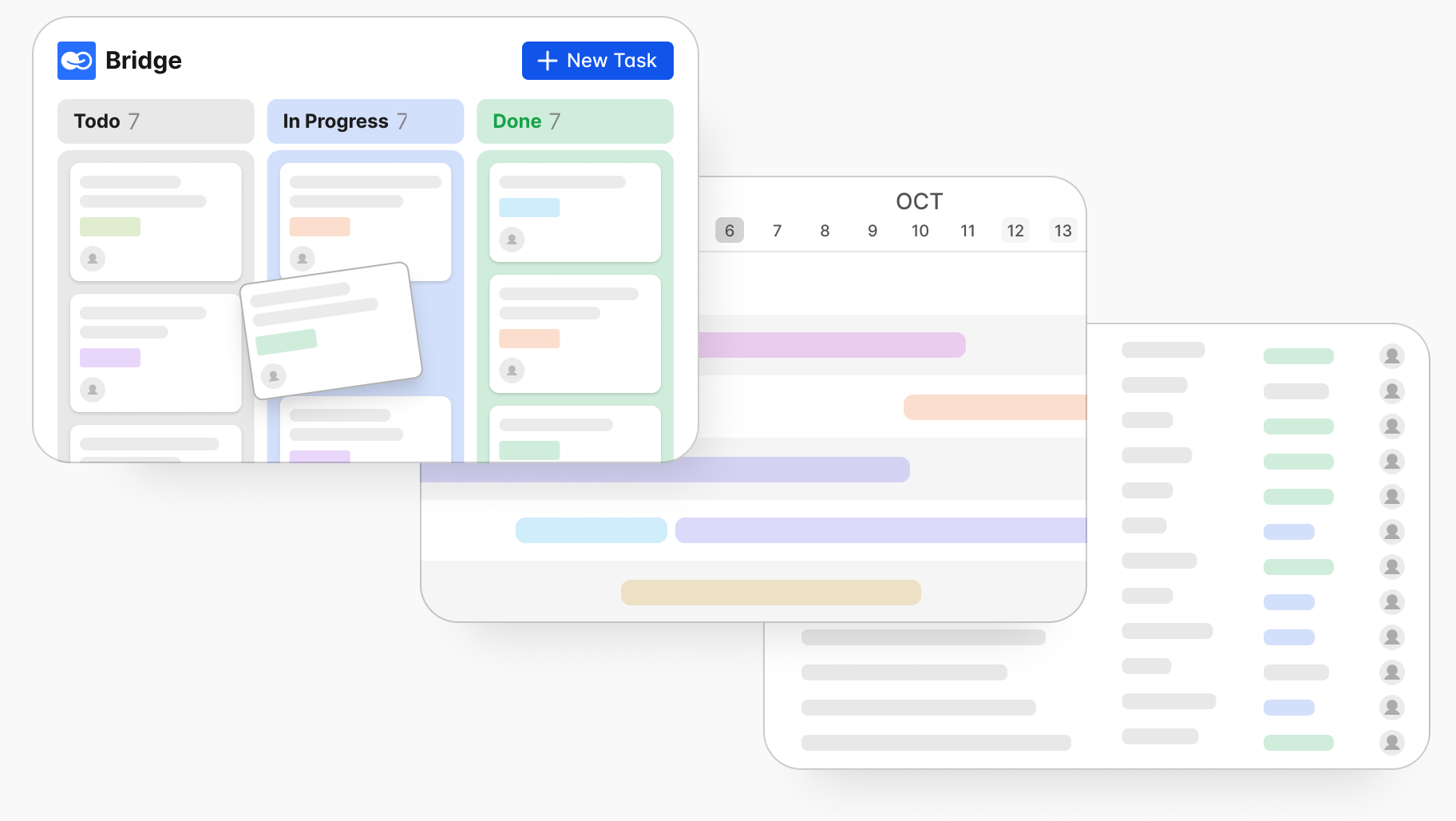
Kanban focuses on visualizing work and limiting work in progress. Tasks move through stages such as to do, in progress, review, and done.
Best for:
- operational teams
- support teams
- continuous delivery workflows
Scrum
Scrum is a structured Agile framework built around sprints, roles, ceremonies, and defined delivery cycles.
Best for:
- product teams
- engineering teams
- cross-functional project squads
Hybrid project management
Many modern teams use a hybrid approach. They may combine the predictability of Waterfall with the flexibility of Agile or Kanban.
This is often the most realistic model for real organizations because different departments have different needs.
What Makes Modern Project Management Different?
Traditional project management focused heavily on plans, charts, and reporting. Modern project management must also support speed, collaboration, and AI-assisted execution.
Modern teams need three things:
1. Shared context
The team needs one source of truth for decisions, documents, and tasks.
2. Fast collaboration
People must be able to discuss work and act on it immediately.
3. Intelligent automation
AI should reduce repetitive work, summarize context, and help move work forward.
This is where AI-native workspaces begin to replace the old tool stack.
AI-Native Project Management: A Better Workflow
AI is not just a feature anymore. In modern project management, it can act like a co-pilot, assistant, and workflow engine all at once.
What AI can do in project management?
AI can help teams:
- create tasks from conversations
- summarize meetings
- extract action items
- prioritize work based on deadlines and dependencies
- draft updates and reports
- search knowledge faster
- automate repetitive coordination work
Why AI-native matters
Many tools add AI on top of a fragmented system. That helps a little, but it does not fix the core issue: context is still spread across multiple apps.
An AI-native workspace is different. AI works inside the same environment where communication, tasks, and knowledge already live. That means the AI can understand the actual business context, not just isolated snippets.
How BridgeApp Changes Project Management
BridgeApp is designed to solve the biggest problem in project management: context loss.
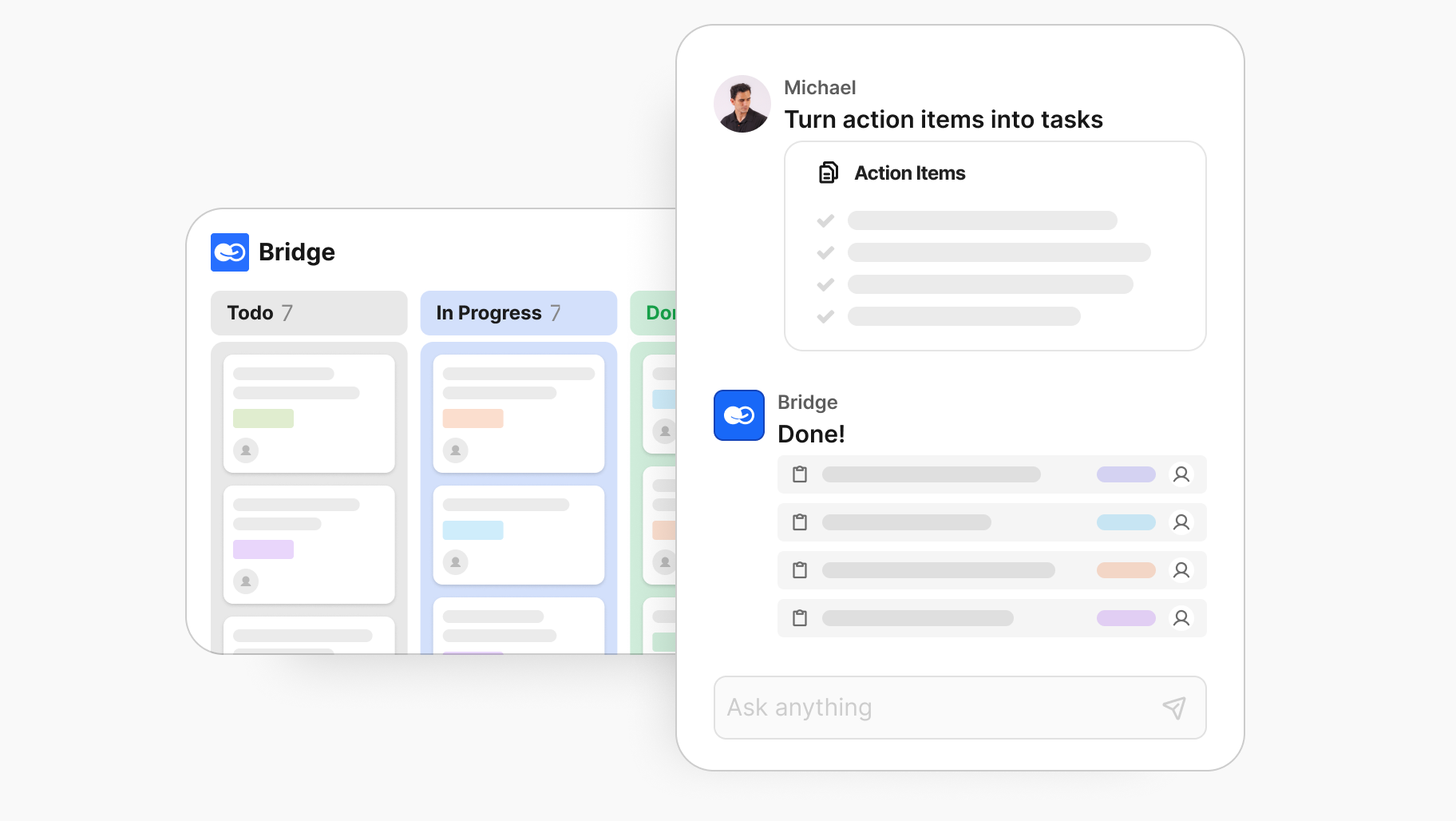
Instead of connecting separate tools and hoping the information stays aligned, BridgeApp brings chat, tasks, knowledge, databases, and AI agents into one workspace.
One workspace for communication, execution, and memory
With BridgeApp, teams can:
- discuss work in chat
- create tasks from conversations
- store project knowledge in living documents
- manage structured information in databases
- use AI agents to automate and assist
This creates a single flow from idea to action.
How BridgeApp reduces context switching
BridgeApp reduces the need to jump between tools by keeping work connected. A message can become a task. A task can link back to the discussion. A document can support the task. An AI agent can use all of that context to help.
That means:
- less retyping
- fewer handoffs
- fewer lost details
- faster decisions
- better team alignment
Chat, tasks, and knowledge in one system
In many organizations, chat is where decisions happen, task tools are where execution happens, and knowledge tools are where context disappears.
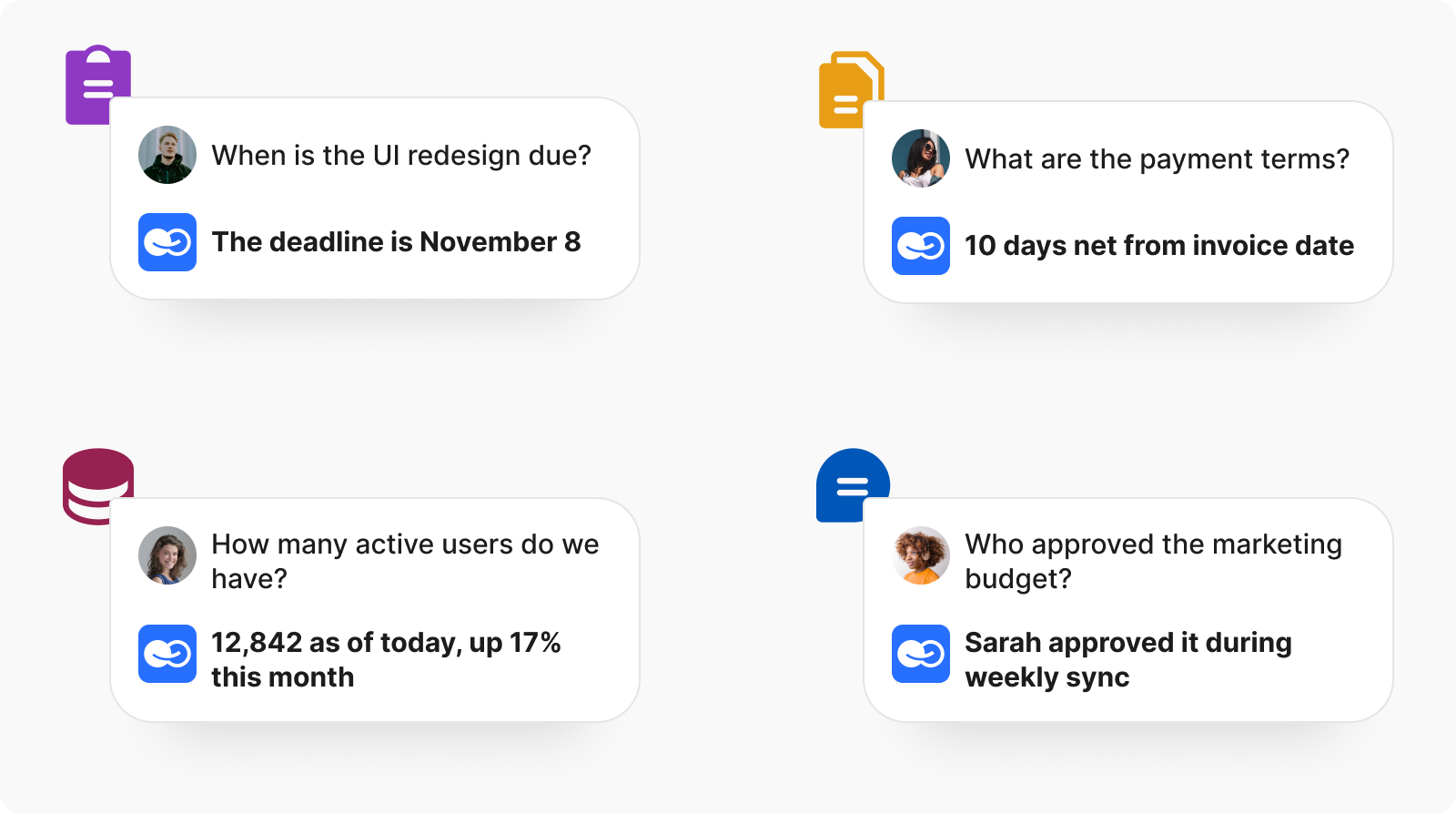
BridgeApp combines all three so teams can work continuously instead of reassembling context every time they move between apps.
AI agents as part of the team
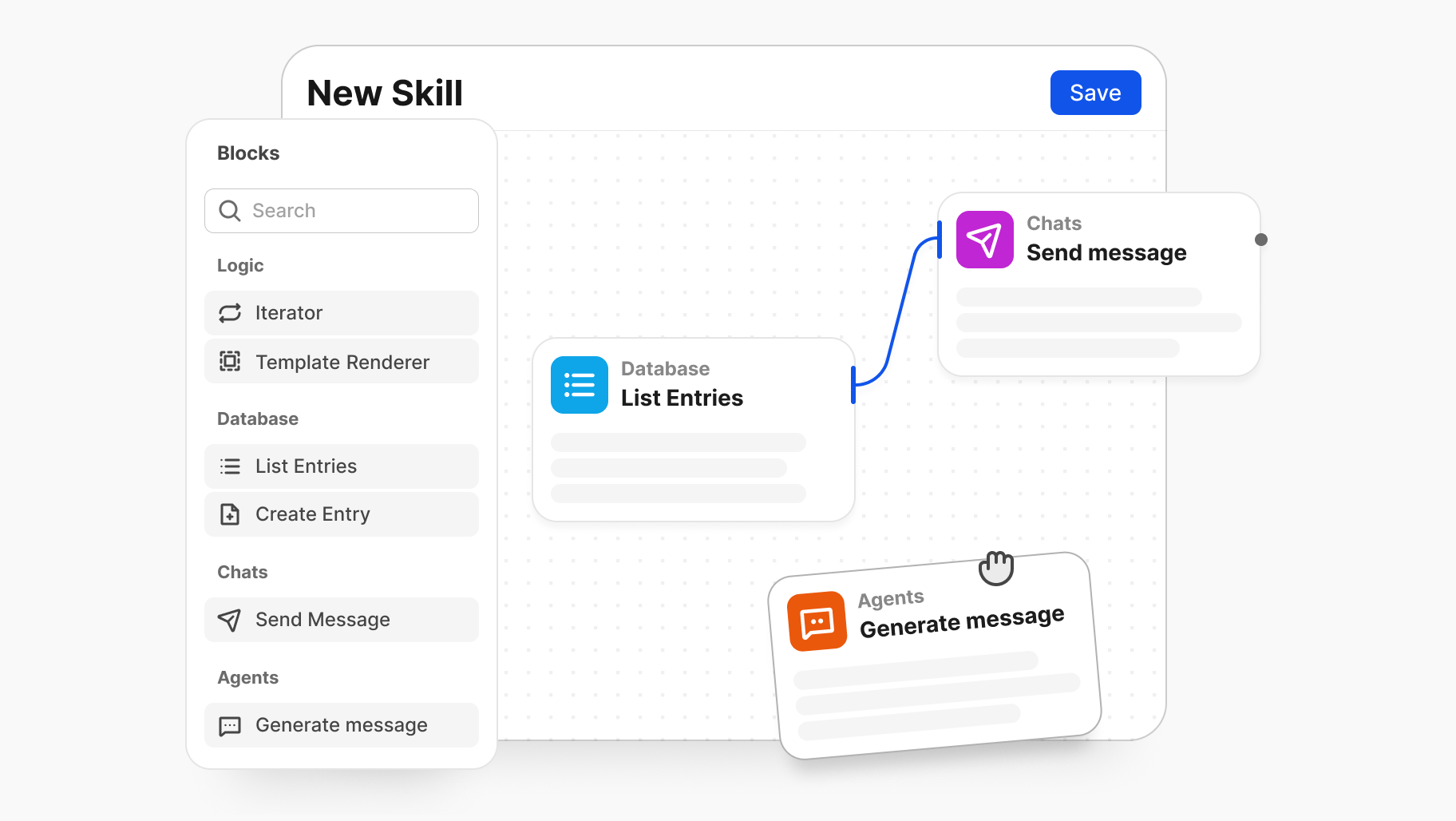
BridgeApp includes AI agents that can work with chats, tasks, documents, and databases. That makes AI a real part of the workflow, not just a separate assistant.
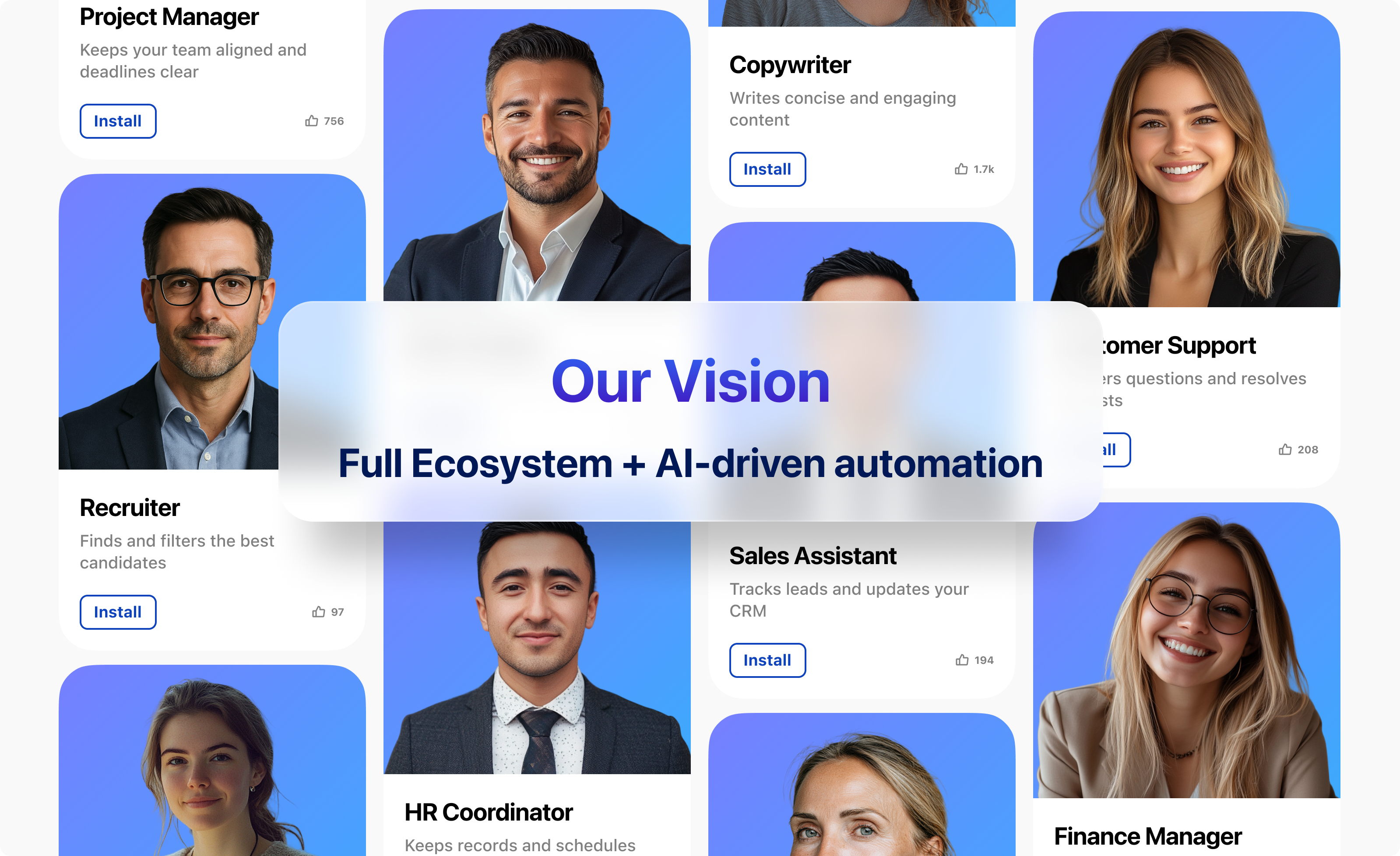
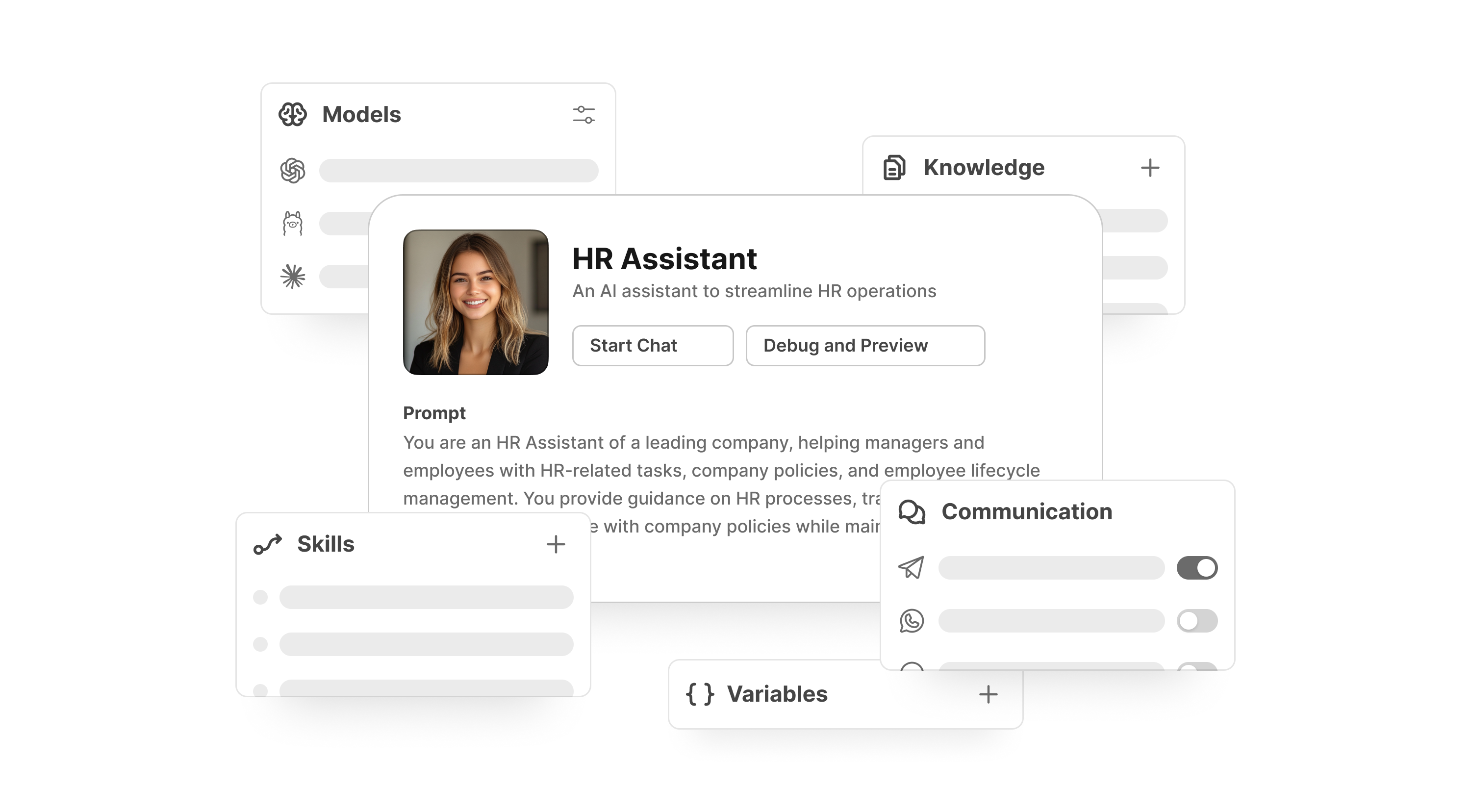
AI agents can help with:
- meeting follow-ups
- task creation
- content drafting
- knowledge retrieval
- repetitive coordination work
Core Project Management Features in BridgeApp
Intelligent task management
BridgeApp supports project tracking through native task management, including Kanban-style workflows, backlogs, and list views.
Teams can:
- assign ownership
- prioritize by urgency or dependency
- track progress visually
- manage workload more clearly
Living knowledge base
BridgeApp is not just a document store. It is a knowledge hub that grows with the team.
This helps teams:
- centralize process documentation
- store decisions and best practices
- make knowledge searchable
- preserve organizational memory
Structured databases
BridgeApp databases help teams organize operational information in a flexible, structured format.
Use cases include:
- client records
- internal directories
- project inventories
- issue tracking
- business operations data
Messenger with connected workflows
BridgeApp’s messenger is not isolated from the rest of the system. Conversations are tied to tasks, documents, and AI actions, so communication leads directly to execution.
AI agent builder
BridgeApp supports custom AI agents that can be tailored to specific roles, business logic, and communication styles.
That is useful for:
- operations
- HR
- project coordination
- support
- analysis
- content workflows
The Benefits of AI-Native Project Management
1. Better focus
Teams spend less time switching tools and more time working.
2. Faster execution
Work moves from conversation to task without delays.
3. Stronger accountability
Everyone can see what was decided, what is being done, and what still needs attention.
4. More reliable knowledge
Instead of scattered notes and forgotten threads, teams have one connected workspace for memory.
5. Less manual coordination
AI helps with summaries, drafts, lookups, and repetitive routing so people can focus on judgment and execution.
6. Easier scaling
As teams grow, a unified system is easier to manage than a patchwork of disconnected apps.
Common Project Management Problems BridgeApp Helps Solve
Problem: Lost decisions in chat
Solution: BridgeApp connects chat to tasks and knowledge, so decisions do not disappear.
Problem: Duplicate work
Solution: Shared context makes it easier to see what already exists and who owns what.
Problem: Too much manual administration
Solution: AI agents and automation reduce repetitive coordination work.
Problem: Knowledge trapped in silos
Solution: A living knowledge hub keeps documentation searchable and current.
Problem: Tool sprawl
Solution: BridgeApp consolidates communication, task management, knowledge, and AI in one platform.
Problem: Security and compliance concerns
Solution: BridgeApp supports private cloud and on-premise deployment for organizations that need sovereignty and control.
Why Data Sovereignty Matters in Project Management
For many organizations, especially enterprises, public institutions, and regulated teams, project management software must do more than improve productivity. It must also protect sensitive information.
BridgeApp supports on-premise and private cloud deployment, which gives organizations more control over:
- data residency
- security policies
- compliance requirements
- internal governance
- vendor dependence
This is especially important when project discussions contain confidential plans, operational records, or customer data.
Best Practices for Modern Project Management
If you want better results from any project management system, including BridgeApp, follow these best practices.
Define clear ownership
Every task should have a clear owner. Shared responsibility often becomes no responsibility.
Keep work visible
Use visual task boards or structured views so the team always knows what is moving and what is blocked.
Capture decisions where they happen
If a decision is made in chat or a call, record it in the same system so it remains connected to the project.
Limit work in progress
Too many active tasks create confusion and slow delivery. Focus on finishing work before starting too much new work.
Build a single source of truth
Documentation, task status, and project context should live together whenever possible.
Use AI to remove low-value work
Let AI handle summaries, drafts, lookups, and repetitive routing so people can focus on judgment and execution.
Project Management Checklist for Modern Teams
Use this checklist to improve how your team runs projects:
- Define the project goal and success criteria
- Identify the owner and key stakeholders
- Break work into clear tasks and milestones
- Set deadlines and dependencies
- Create a single workspace for communication and documentation
- Capture decisions as they happen
- Keep project knowledge searchable
- Review progress regularly
- Use AI to summarize, assign, and follow up
- Close the project with a lessons-learned review
When BridgeApp Is the Right Choice
BridgeApp is especially useful if your team:
- works across multiple departments
- struggles with context switching
- needs chat, tasks, and knowledge in one place
- wants AI to be part of the workflow
- needs secure deployment options
- wants to reduce tool sprawl
It is a strong fit for modern teams that want an AI-native workspace rather than another disconnected app.
FAQ: Project Management for Modern Teams
What is project management in simple terms?
Project management is the process of organizing work so a team can complete a goal on time, within scope, and with clear responsibilities.
Why is context switching a problem in project management?
Context switching slows people down, increases mental fatigue, and causes important details to get lost between apps and conversations.
What is an AI-native workspace?
An AI-native workspace is a system where AI is built into the core workflow, helping teams manage tasks, knowledge, and communication in one connected environment.
How does BridgeApp help with project management?
BridgeApp unifies chat, tasks, documents, databases, and AI agents so teams can move from discussion to execution without losing context.
Can BridgeApp replace multiple tools?
Yes. BridgeApp is designed to reduce tool sprawl by combining communication, task management, knowledge sharing, and AI-powered automation in one platform.
Is BridgeApp suitable for secure or regulated environments?
Yes. BridgeApp supports private cloud and on-premise deployment, making it a strong option for organizations that need more control over their data.
What is the best project management method for modern teams?
There is no single best method. Many teams use a hybrid approach, combining Agile, Kanban, and structured planning based on the type of work they do.
Why does knowledge management matter in project management?
Because projects depend on shared understanding. If decisions, processes, and reference material are scattered, teams waste time repeating work and asking for context.
Final Thoughts
Project management is no longer just about tracking tasks. For modern teams, it is about creating a system where communication, execution, and knowledge stay connected. The teams that win are not the ones with the most tools. They are the ones with the least friction.
BridgeApp is built for that future. By unifying chat, tasks, knowledge, databases, and AI agents in one secure workspace, it helps teams reduce context loss, move faster, and work with far more clarity.
If your team is ready for AI-native project management, the next step is not adding another app. It is bringing everything into one place.