BlogIndustry Insights
Best Archbee Alternatives for Knowledge Management

Maria ZhuHead of content
9 min read
Finding the right documentation tool can make or break your team’s productivity. Archbee has carved out a niche among engineering teams with its clean interface, api documentation features, and Git integration. But as organizations scale, many discover gaps that send them searching for alternatives.
Documentation drift occurs when product changes are not reflected in the documentation, leading to inconsistencies that can confuse users. This common challenge, combined with concerns about limited customization depth, pricing that escalates beyond $99/month for pro plans, and search capabilities that don’t leverage modern AI, drives teams to explore what else is available.
The knowledge management landscape has evolved dramatically. Automated maintenance tools can significantly reduce the manual effort required to keep documentation accurate and up-to-date, addressing the common issue of stale content. The best archbee alternatives now offer everything from AI-powered content auditing to unified workspaces that eliminate tool fragmentation entirely.
How We Chose the Best Archbee Alternatives
Selecting the right knowledge base software requires evaluating platforms against criteria that matter for real-world usage. Here’s what we assessed:
Search Functionality and AI Capabilities. AI-powered search can reduce query time by 40-50% compared to basic keyword matching. We prioritized platforms offering semantic search and intelligent content suggestions.
Customization and Branding Flexibility Customization in documentation tools often includes the ability to modify design elements using CSS, enabling teams to create a unique look and feel for their knowledge bases. Custom domains and layout control matter for customer-facing documentation.
Integration Capabilities Integration capabilities are crucial for documentation tools, as they allow seamless connectivity with other platforms, enhancing workflow efficiency and collaboration. We evaluated connections with GitHub, Slack, Jira, and Zapier.
Collaboration Features: Real-time collaboration with conflict resolution separates modern platforms from static repositories. Inline comments and collaborative editing support team-based content creation.
Pricing Transparency Opaque pricing frustrates decision-makers. We favored platforms with clear tier structures that scale predictably.
Analytics and Performance Tracking: Understanding how users interact with documentation helps teams improve continuously. We assessed analytics depth and actionable insights.
Top 7 Archbee Alternatives for Knowledge Management
Let’s examine each platform’s strengths, limitations, and ideal use cases.
1. BridgeApp
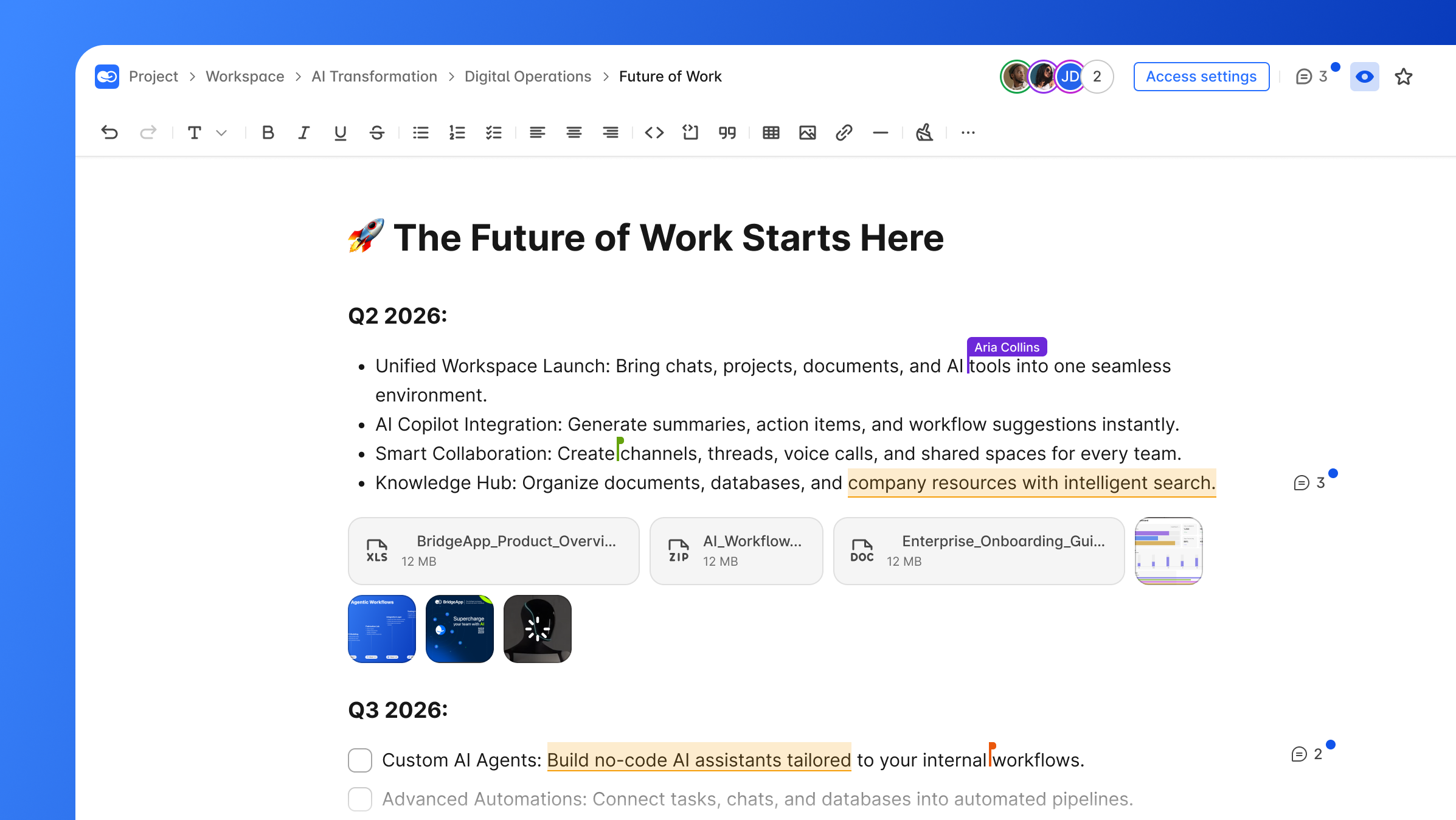
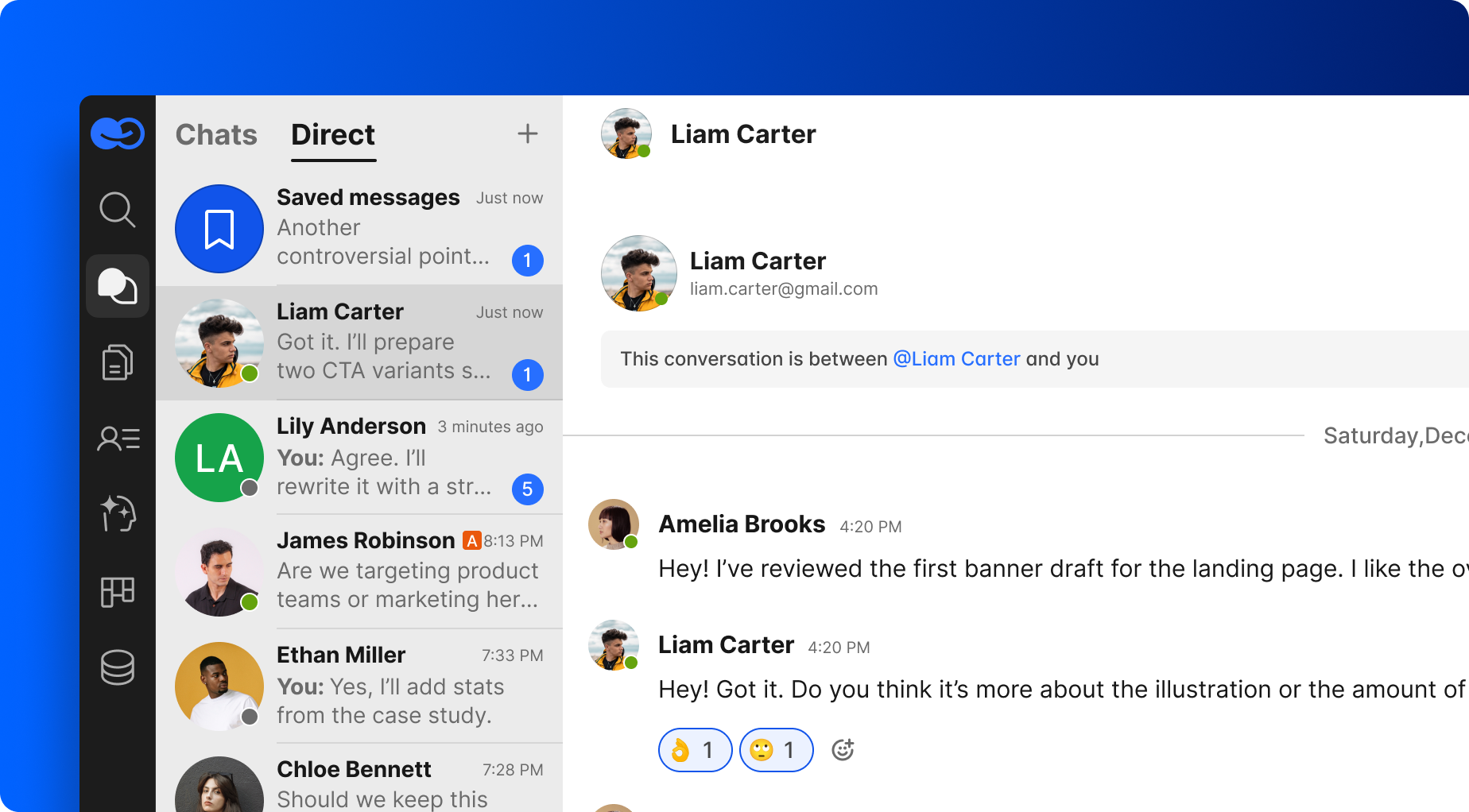
BridgeApp represents a fundamentally different approach to knowledge management. Rather than offering another standalone documentation platform, it delivers an AI-native digital workspace that unifies documentation with team collaboration, project management tools, databases, and artificial intelligence automation.
Why It Stands Out
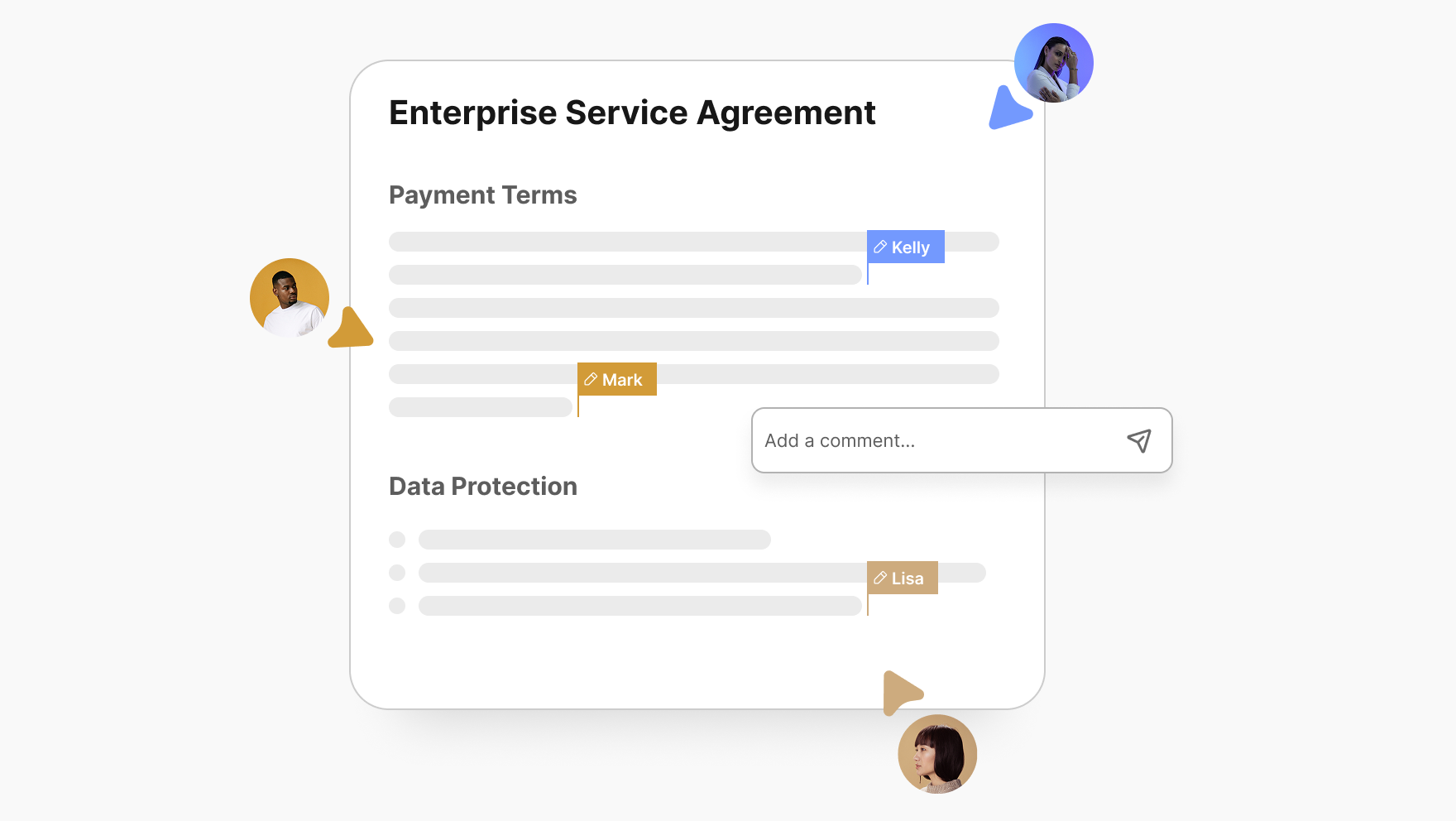
BridgeApp embeds AI-first architecture throughout its core, not as an afterthought. Its visual no-code AI agent builder lets teams create custom agents that automate routine tasks—including documentation maintenance. AI-driven documentation tools can proactively audit content, flagging inconsistencies and suggesting updates based on changes in the product or user feedback.
Best For
Teams seeking a unified workspace that combines documentation with communication, task management, and AI automation. Particularly valuable for organizations tired of switching between 6-7 fragmented SaaS tools.
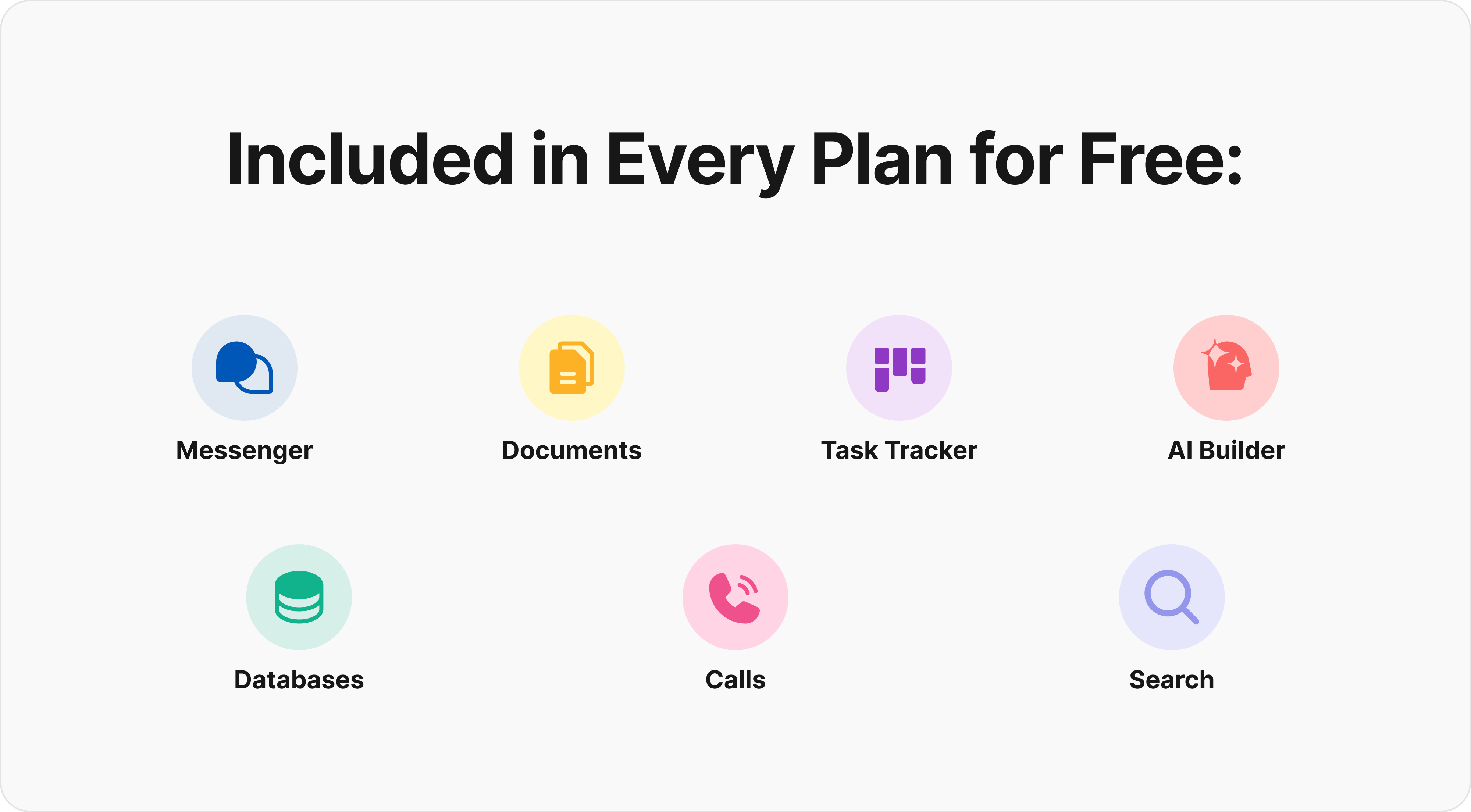
Now all your projects live in a growing knowledge base that scales with your team, where AI optimizes task prioritization based on deadlines, dependencies, and team capacity, keeping all discussions, files, and AI assistance together in one workspace — accessible from any device, anywhere.

Key Strengths
- Reduces context switching by 60% through an all-in-one architecture
- Custom AI agents create documentation from conversations, saving 10 minutes per task
- Flexible deployment options, including on-premise, cloud, and hybrid configurations
- Real-time editing in collaborative documents with integrated no-code databases
- MCP (Model Context Protocol) support enables agents to connect to external servers for unlimited automation scenarios
- Access to all major AI models (GPT, Claude, Llama) within a single platform
- BridgeApp is built with security and privacy in mind, offering both cloud and on-premise deployment options, EU-hosted infrastructure, and GDPR-compliant data handling.

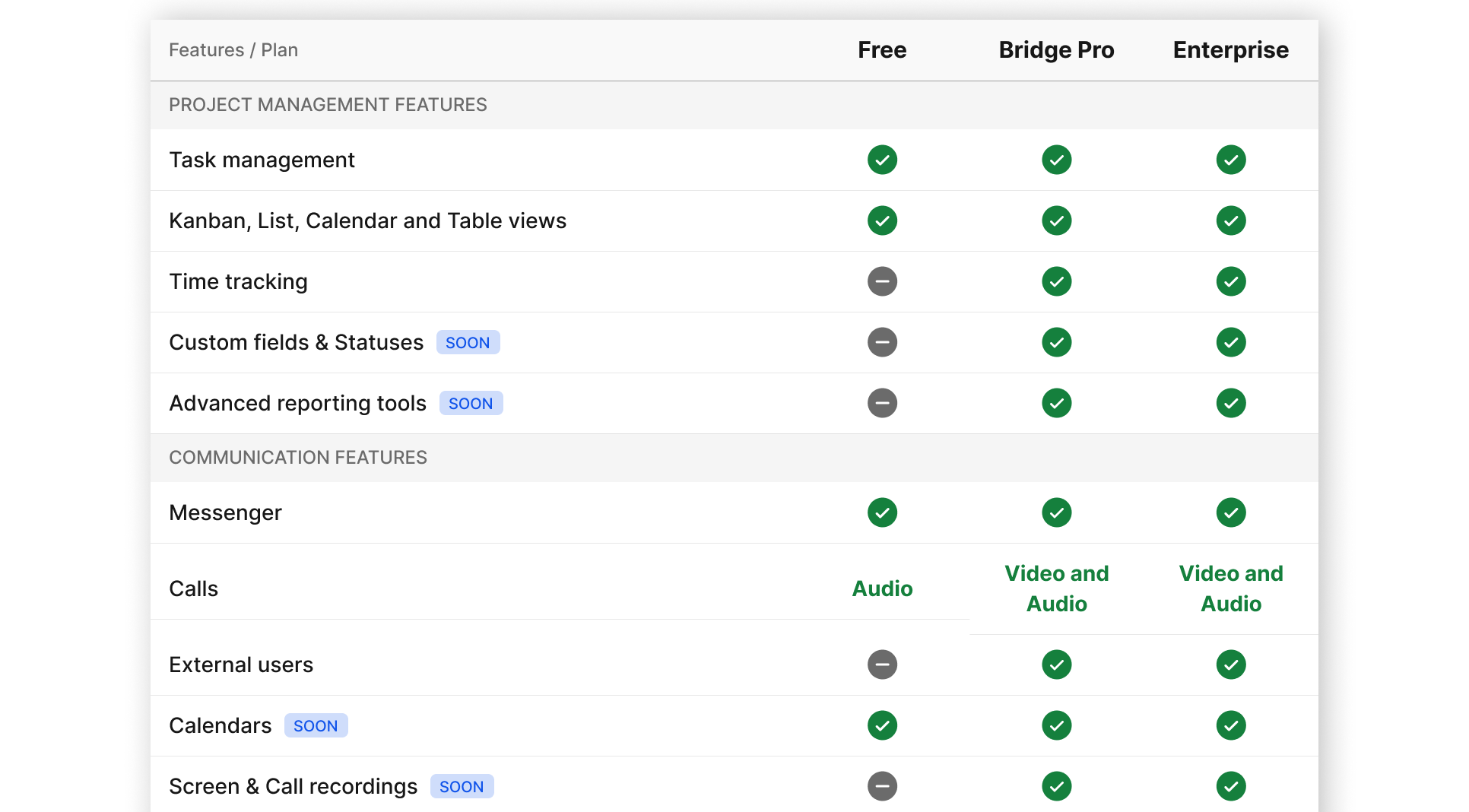
Pricing: Free forever (unlimited members, basic features), Pro at €9/user/month, Enterprise custom pricing for on-premise and advanced security requirements.
2. Confluence
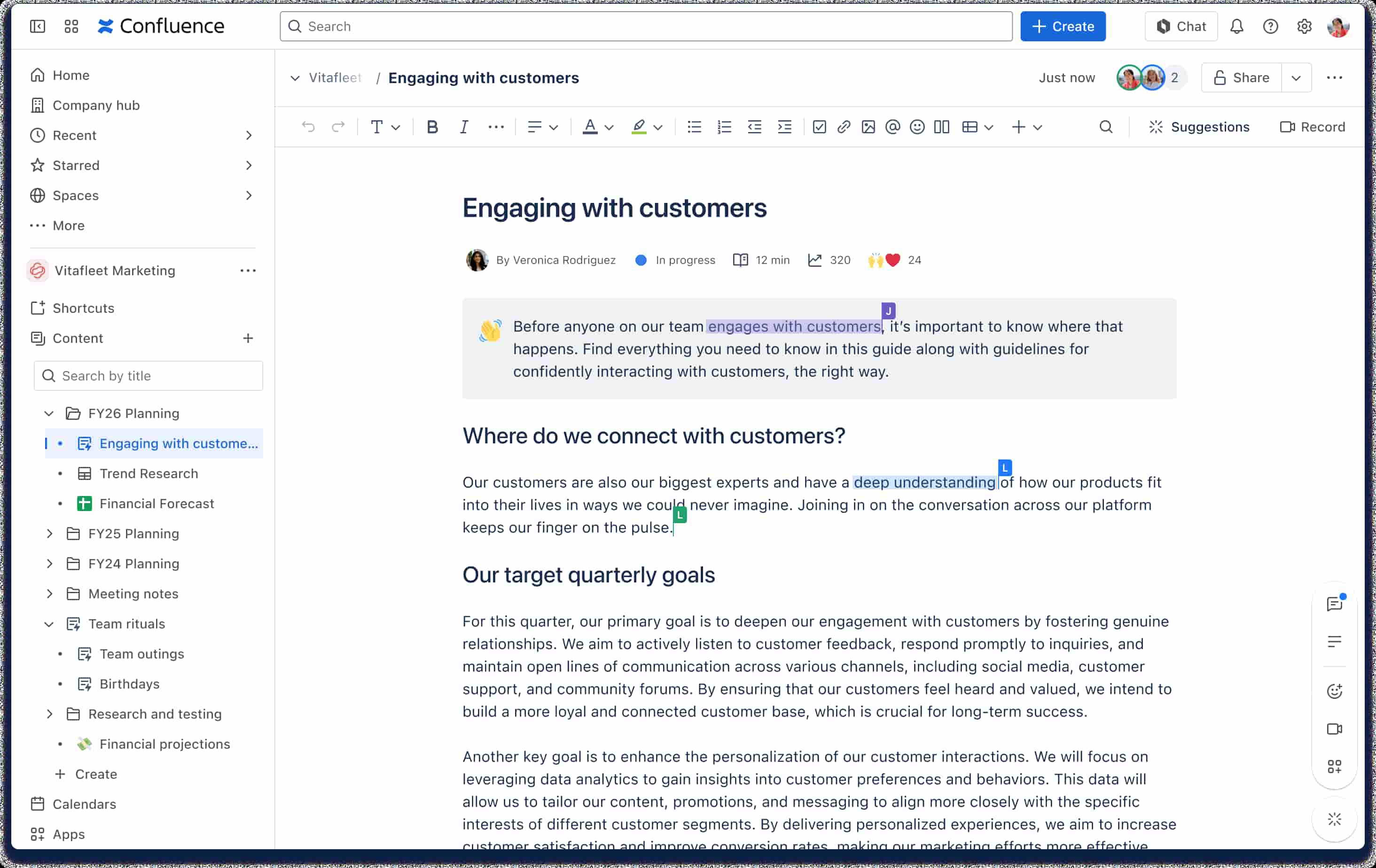
Atlassian’s Confluence has dominated enterprise collaboration since 2004, serving over 150,000 customers and 250M+ users.
Why It Stands Out
Deep integration with the Atlassian ecosystem creates seamless ticket-to-page linking. Many documentation platforms are evaluated based on their ability to integrate with popular collaboration tools, which can significantly streamline team workflows and improve productivity. Confluence delivers exactly this through its 1,000+ app Marketplace.
Best For
Teams already using Jira, Trello, or other Atlassian products need seamless integrations across their workflow.
Key Strengths
- Extensive integration capabilities, removing workflow barriers (65% of Fortune 500 use Jira-Confluence integration)
- Mature collaboration features with dynamic workspaces and customizable templates
- Strong version control and page history tracking with infinite rollback
- Templates for 100+ use cases and dynamic macros for embeds
Possible Limitations
- Can become complex and overwhelming for simple internal docs needs
- Teams report 20-30% time loss navigating permissions in large deployments
- Higher pricing as teams scale beyond free tier
Pricing: Free for up to 10 users, $6.05/user/month standard, $11.55/user/month premium.
3. Document360
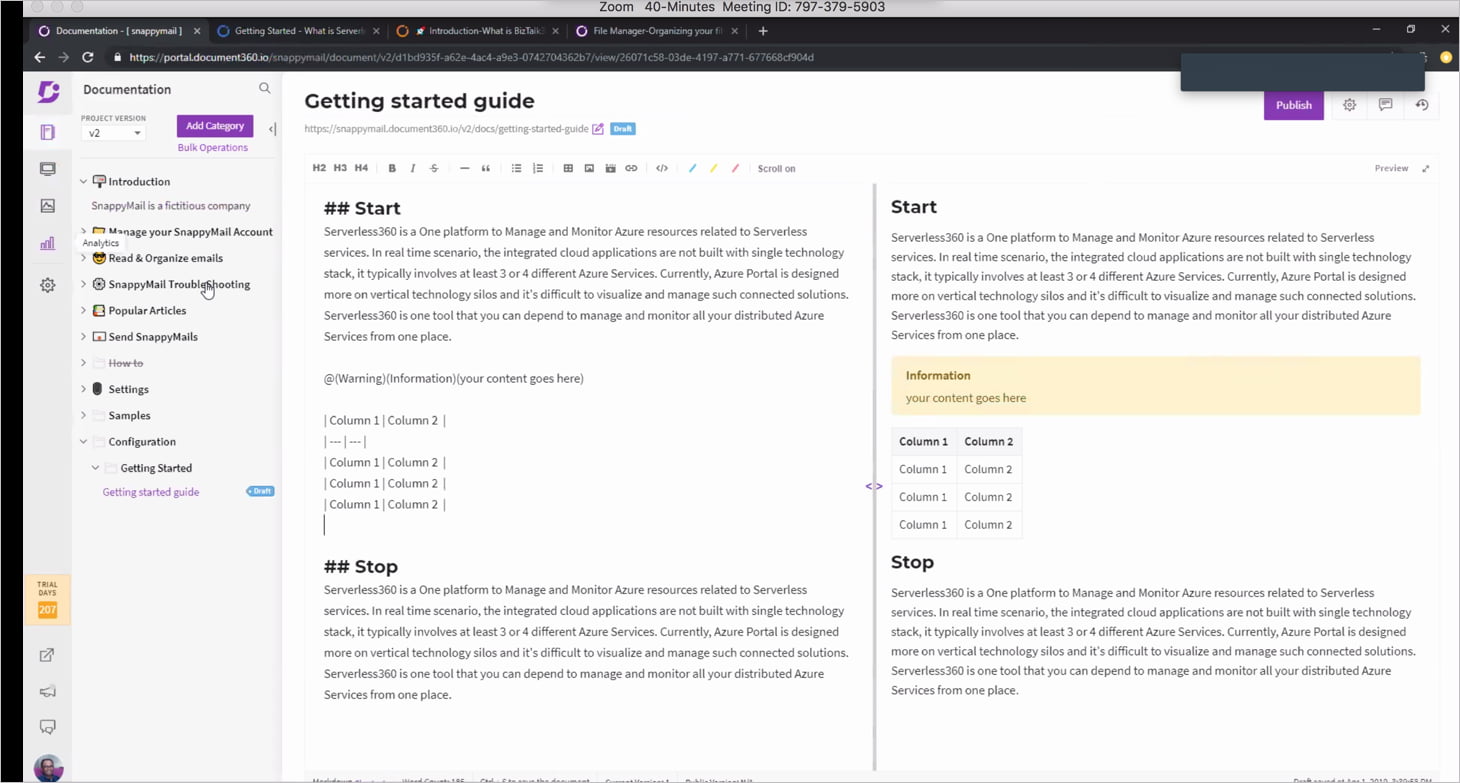
Document360 positions itself as an AI-powered knowledge base platform built for enterprises requiring formal content governance.
Why It Stands Out
Enterprise-grade features include approval workflows, role-based access control, and compliance-ready audit trails. Some documentation solutions provide advanced analytics and customization features that allow teams to track content effectiveness and tailor their knowledge bases to better serve user needs.
Best For
Mid-size to enterprise organizations requiring formal content governance, multilingual support, and advanced analytics.
Key Strengths
- Advanced analytics features in documentation tools can provide insights into user interactions, helping teams understand which content is effective and which needs improvement
- Documentation platforms that offer AI-driven analytics can help organizations track user engagement and content effectiveness, allowing for data-driven improvements
- AI writing assistant accelerates content creation by 25%
- Robust security with SOC2/GDPR compliance
- Support for 20+ languages for global teams
Possible Limitations
- Enterprise pricing starting at $199/month may strain smaller budgets
- Feature depth may overwhelm small teams with simple needs
Pricing: Starting at $199/month for the standard tier.
4. GitBook
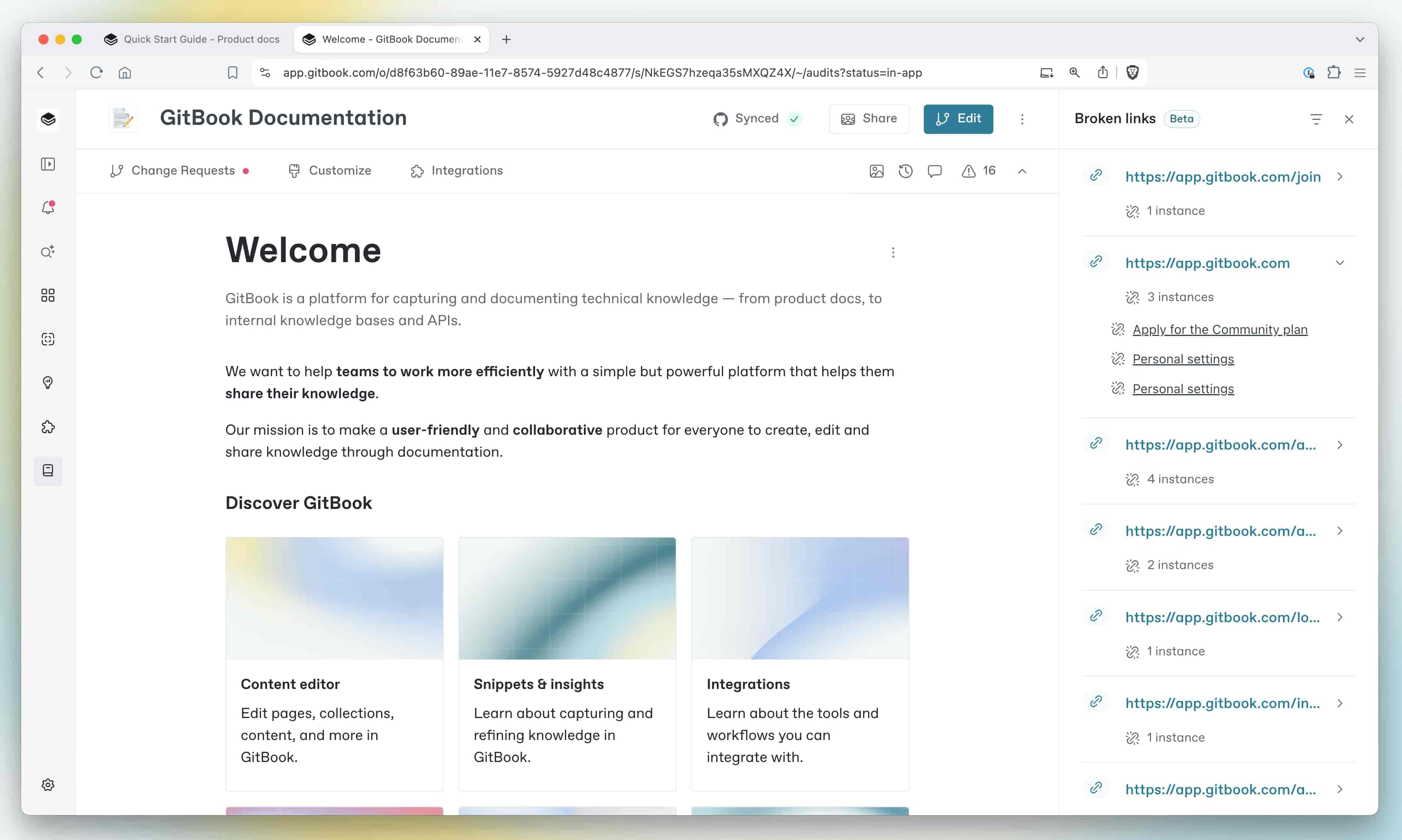
GitBook has served over 10,000 organizations with a modern documentation platform designed specifically for developer documentation.
Why It Stands Out
GitBook’s bidirectional GitHub/GitLab integration allows documentation to live alongside code, enabling developers to contribute through pull requests and version control. This git based workflows approach transforms documentation into a natural extension of the development process.
Best For
Development teams need developer-facing documentation that syncs with code repositories.
Key Strengths
- Bidirectional Git sync maintains documentation accuracy as code changes occur
- Developer-friendly contribution workflows with familiar pull request processes
- Clean, modern interface with AI writing assistance
- 99.9% uptime reliability
- Effective API documentation should include interactive elements that enhance user engagement and understanding, such as code samples and live API testing features
The quality of API documentation can significantly impact developer experience, influencing how easily developers can integrate and utilize APIs in their applications. GitBook excels here with OpenAPI auto-generation capabilities.
Possible Limitations
- Limited real-time collaboration features compared to unified platforms
- Primarily designed for technical audiences, non-technical users may struggle
- Weaker fit for product docs beyond technical content
Pricing: Free tier for unlimited public books, Pro at $8.40/user/month.
5. Helpjuice
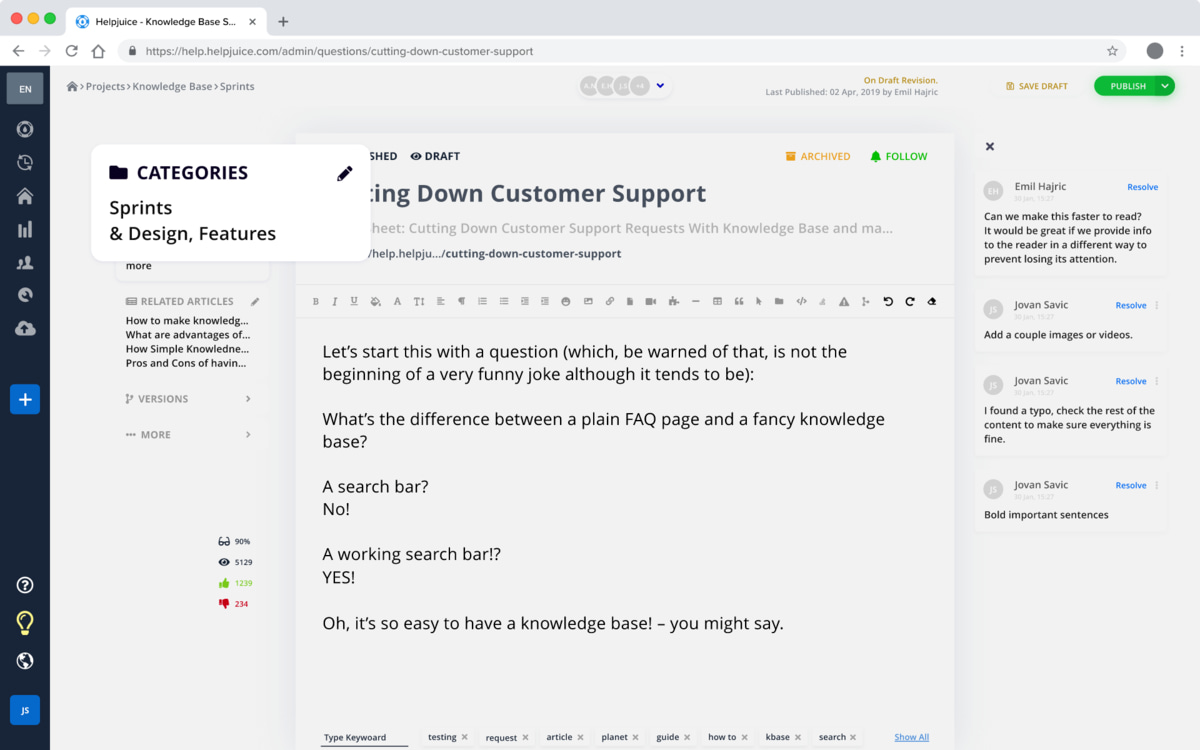
Helpjuice has built its reputation since 2011 as a customer-focused knowledge base solution prioritizing customization.
Why It Stands Out
Unlimited customization capabilities and advanced content analytics set it apart. Many documentation platforms allow for extensive customization options, including the ability to use custom domains, layout flexibility, and branding control to match the overall product experience.
Best For
Customer support teams needing highly branded customer facing knowledge base solutions.
Key Strengths
- A focused knowledge base solution can enhance the user experience by stripping away unnecessary features and providing a clean, professional interface for customer-facing documentation
- CSS/JS injection for complete design control (vs. Archbee’s restrictions)
- Bulk operations for managing large content volumes
- Many documentation tools now include features for tracking user feedback and content performance, which are essential for maintaining up-to-date and relevant documentation
- AI search yielding 90% accuracy rates
- Case studies show 25% support ticket reduction
Possible Limitations
- Higher pricing compared to simpler alternatives
- May lack some developer-focused features like api docs generation
Pricing: $200/month base (unlimited users), scaling to $700/month enterprise.
6. Notion
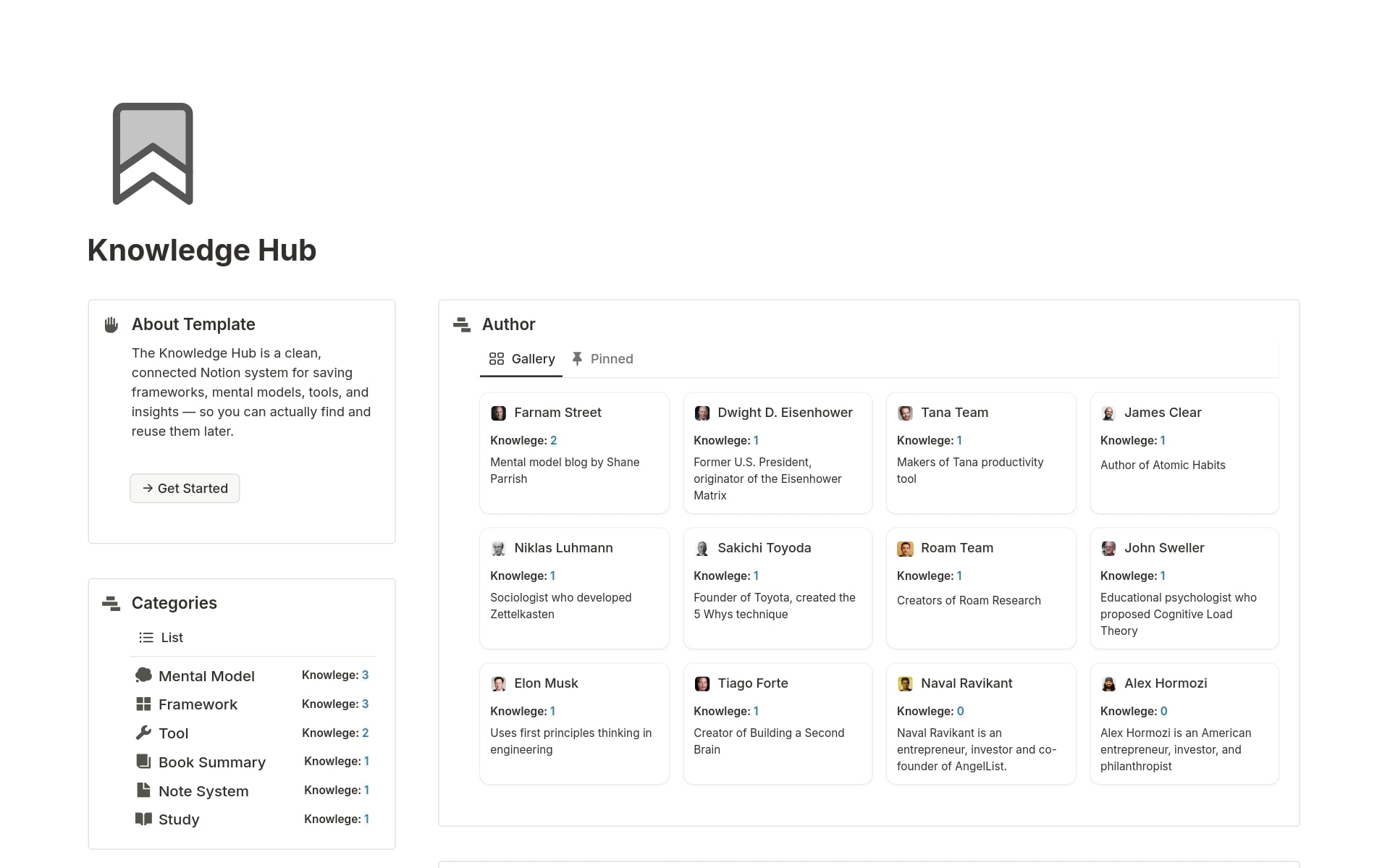
Notion has attracted 20M+ users with its flexible workspace combining documentation with databases and project management.
Why It Stands Out
Ultimate flexibility through block-based editing and infinite nesting adapts to virtually any workflow. The 10,000+ community templates accelerate onboarding by 50% compared to rigid tools.
Best For
Creative teams and startups need maximum flexibility in organizing information across multiple projects.
Key Strengths
- Simplicity in documentation tools often leads to better user engagement, as users can quickly find the information they need without navigating through unnecessary features
- Built-in databases and project management capabilities
- Strong community and template ecosystem with pre built templates for countless use cases
- User-friendly interface with wysiwyg editor and markdown editor support
- Custom blocks and interactive elements enable unique documentation structures
Possible Limitations
- Performance can lag with 10,000+ pages based on 2025 benchmarks
- Learning curve for advanced database features
- Search depth trails specialized documentation platforms
Pricing: Free for personal use, $10/user/month for teams.
7. Guru
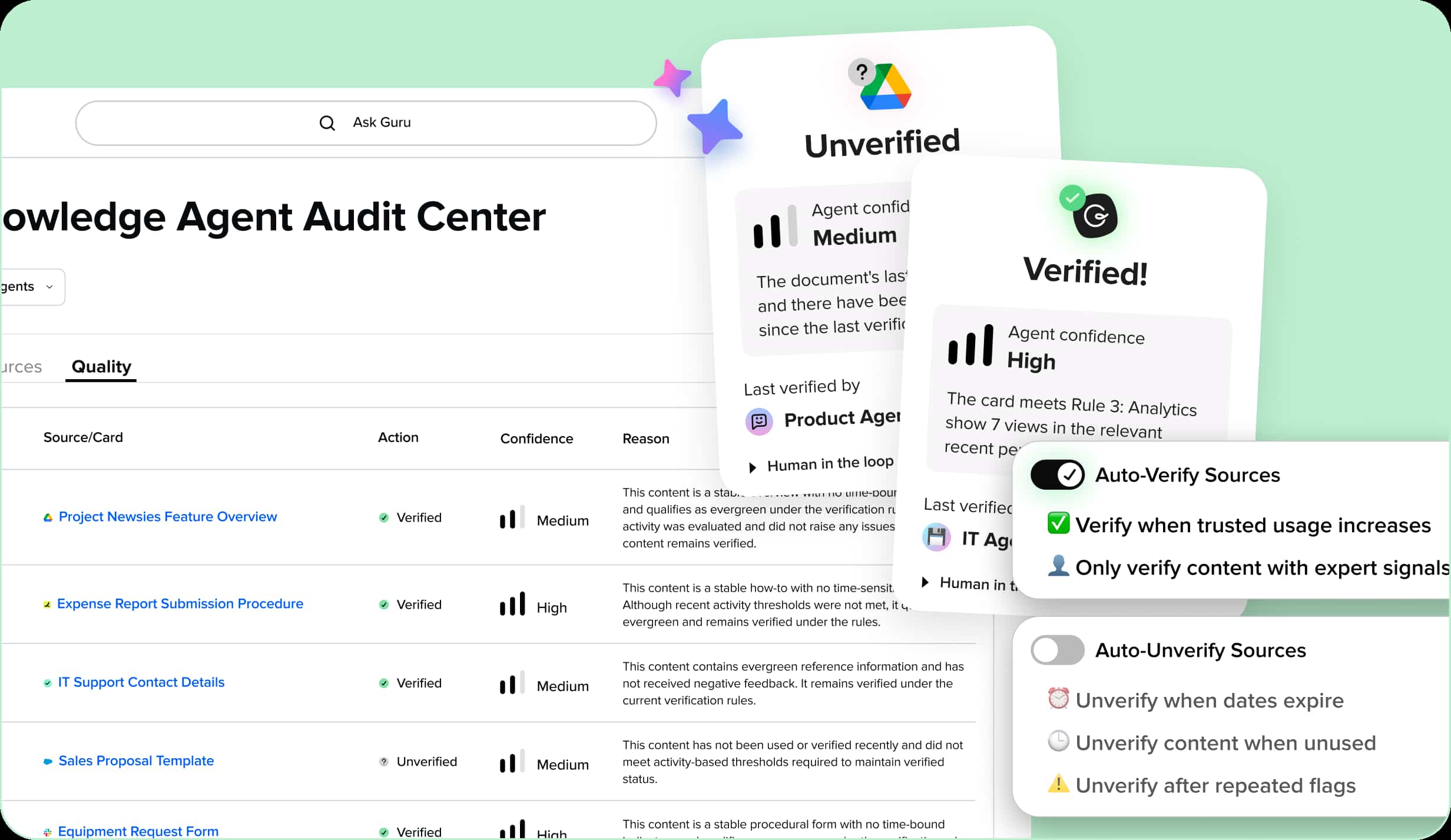
Guru approaches knowledge sharing differently—delivering relevant knowledge directly within existing workflows rather than requiring users to visit a separate portal.
Why It Stands Out
AI-powered knowledge delivery integrates knowledge cards into Slack, Chrome, and daily work tools, with over 1M+ verifications processed.
Best For
Teams want knowledge management that integrates seamlessly into daily work tools rather than living in a separate documentation platform.
Key Strengths
- Delivers relevant knowledge within existing applications (vs. Archbee’s portal isolation)
- AI-powered features for search and content suggestions
- Expert-verified content system maintains accuracy
- 40% knowledge reuse uplift reported by users
- Collaboration features designed for in-context knowledge sharing
Possible Limitations
- Higher per-seat pricing may challenge budget-conscious teams
- Limited customization options compared to dedicated documentation platforms
- Less suitable for technical documentation requiring code blocks and custom components
Pricing: $10/user/month for the starter tier.
Quick Comparison of the Best Archbee Alternatives
| Platform | Best For | Starting Price | Key Differentiator |
|---|---|---|---|
| BridgeApp | AI-powered unified workspace with documentation, communication, and automation | Free | All-in-one replacing 6-7 tools with AI agents |
| Confluence | Atlassian ecosystem integration and complex collaborative workflows | Free (10 users) | 1,000+ integrations via Marketplace |
| Document360 | Enterprise teams requiring advanced governance and analytics | $199/month | Compliance-ready with approval workflows |
| GitBook | Developer teams needing Git-synchronized documentation | Free (public) | Bidirectional Git sync with pull request workflows |
| Helpjuice | Customer support teams prioritizing customization and branding | $200/month | Unlimited CSS/JS customization |
| Notion | Flexible, creative documentation combined with project management | Free (personal) | Block-based flexibility with databases |
| Guru | Knowledge delivery within existing business applications | $10/user | In-context knowledge cards |
Worth noting: ReadMe is recognized as a leading tool for API documentation, offering an interactive API explorer that allows users to make real API calls directly from the documentation—a specialized option if api documentation is your sole focus.
How to Choose the Right Archbee Alternative?
Your archbee alternative depends on several factors unique to your organization.
Choose Based on Integration Needs
Developer-focused teams should prioritize platforms with native GitHub/GitLab connections. GitBook excels here with its git based workflows. Business-focused teams benefit more from Slack, Jira, and CRM integrations—Confluence and Guru shine in these areas.
For teams wanting full control, BridgeApp’s MCP support allows connecting multiple external servers to AI agents, enabling customization options that adapt to virtually any integration scenario.
Choose Based on Team Size and Structure
Documentation tools that prioritize simplicity often cater to small teams or specific use cases, allowing them to manage their knowledge bases effectively without the complexity of larger systems. Notion fits this profile well.
Mid-size organizations needing formal governance should evaluate Document360’s approval workflows. Enterprise teams with data sovereignty requirements need deployment flexibility—BridgeApp offers cloud, on-premise, and hybrid options with GDPR compliance.
Choose Based on AI and Automation Requirements
If your team spends significant time on routine documentation tasks, AI capabilities become deciding factors. BridgeApp’s no-code experience AI agent builder creates “digital employees” handling everything from meeting summaries (saving 20 min/meeting) to database queries (15 min saved/query).
Document360 and Guru offer strong AI search functionality, while GitBook provides AI writing assistance for technical content.
Which Archbee Alternative Is Best for Your Team?
Based on specific priorities:
Choose BridgeApp if you want to eliminate tool fragmentation entirely with an AI-powered unified workspace. Ideal for teams tired of context switching between communication, project management, documentation, and databases—especially those seeking full control over deployment and AI model access.
Choose Confluence if you’re heavily invested in Atlassian tools and need enterprise collaboration features that scale. The ecosystem integration delivers immediate workflow improvements.
Choose Document360 if you need enterprise-grade governance with professional knowledge base analytics, approval workflows, and compliance requirements.
Choose GitBook if your documentation must sync seamlessly with code repositories and your audience is primarily developers familiar with open source projects and pull request workflows.
Choose Helpjuice if customization and customer-facing branding are top priorities, with display rules and design flexibility beyond what other platforms offer.
The Real Shift
The best Archbee alternative ultimately depends on your team’s specific needs, workflow requirements, and growth plans. Modern knowledge management extends beyond static documentation to include communication, automation, and AI capabilities—a shift represented by platforms like BridgeApp that unify these functions.
Free trials and free plan options exist across most platforms covered here. Test your top 2-3 choices with real workflows before committing.
The landscape continues evolving toward integrated, AI-powered workplace solutions. By 2027, Gartner predicts 70% of enterprise knowledge bases will be AI-augmented. Choosing the right tool now positions your team for that future—one where documentation maintains itself, search delivers exactly what’s needed, and critical knowledge flows freely to those who need it.
Start with your biggest pain point. If it’s tool fragmentation, explore unified platforms. If it’s developer workflow integration, prioritize Git-native solutions. The right tool won’t just solve today’s problems—it will scale with your team’s ambitions.