BlogIndustry Insights
Best AI Coding Assistants for Developers in 2026

BridgeApp Team
10 min read
AI coding assistants have moved far beyond simple autocomplete. In 2026, these tools range from IDE-integrated copilots that fill in code line by line, to autonomous terminal agents that read your entire repository, plan changes, run tests, and generate pull requests without constant hand-holding.
A newer split is emerging within that second group too: some agents are standalone products, and some are the coding-focused face of a broader automation platform underneath. If you're wondering which AI coding tools actually deliver measurable productivity gains, the answer depends heavily on your workflow, team size, and security requirements - and, increasingly, on how much you want that agent to plug into.
This guide breaks down the seven best AI coding assistants available right now, explains how we evaluated them, and helps you match the right tool to your specific needs.
How We Chose the Best AI Coding Assistants
Picking the right assistant isn't like browsing a shop for headphones or laptops-you can't just compare specs on a page and call it done. We had to evaluate how each tool performs in real coding scenarios across multiple dimensions:
- Code quality and accuracy: How often do suggestions compile, pass tests, and maintain logic across files? We referenced benchmark data, including BestAI's May 2026 study across 50 tasks in Python, JavaScript, Rust, and Go.
- Integration and workflow fit: Support for popular IDEs, terminal workflows, CI/CD pipelines, and version control - plus whether the agent is a standalone binary or sits on top of a broader automation platform your team could grow into.
- Repository understanding: The ability to carry context across files, understand dependencies, and respect project conventions.
- Speed and responsiveness: Latency during completions and multi-file edits matters when you're deep in flow.
- Cost-effectiveness: Transparent pricing models versus confusing credit systems. Whether the price justifies the output.
- Security and privacy: Data retention policies, on-premise deployment options, shell command permissions, and vulnerability scanning.
- Language and framework support: Broad coverage across languages, with strong performance in your primary stack.
Best 7 AI Coding Assistants for Developers
1. Magic Coder by BridgeApp
Magic Coder is BridgeApp's autonomous coding agent, built on BridgeApp's underlying agent engine rather than shipped as a standalone binary. Pointed at a repository, it indexes the codebase into a queryable code graph, works from a Plan mode that proposes changes before execution, and executes through diff-based file edits and shell commands with session resume for multi-day tasks. It shares the same workspace as the rest of the team - documents, standards, task history - across repos.
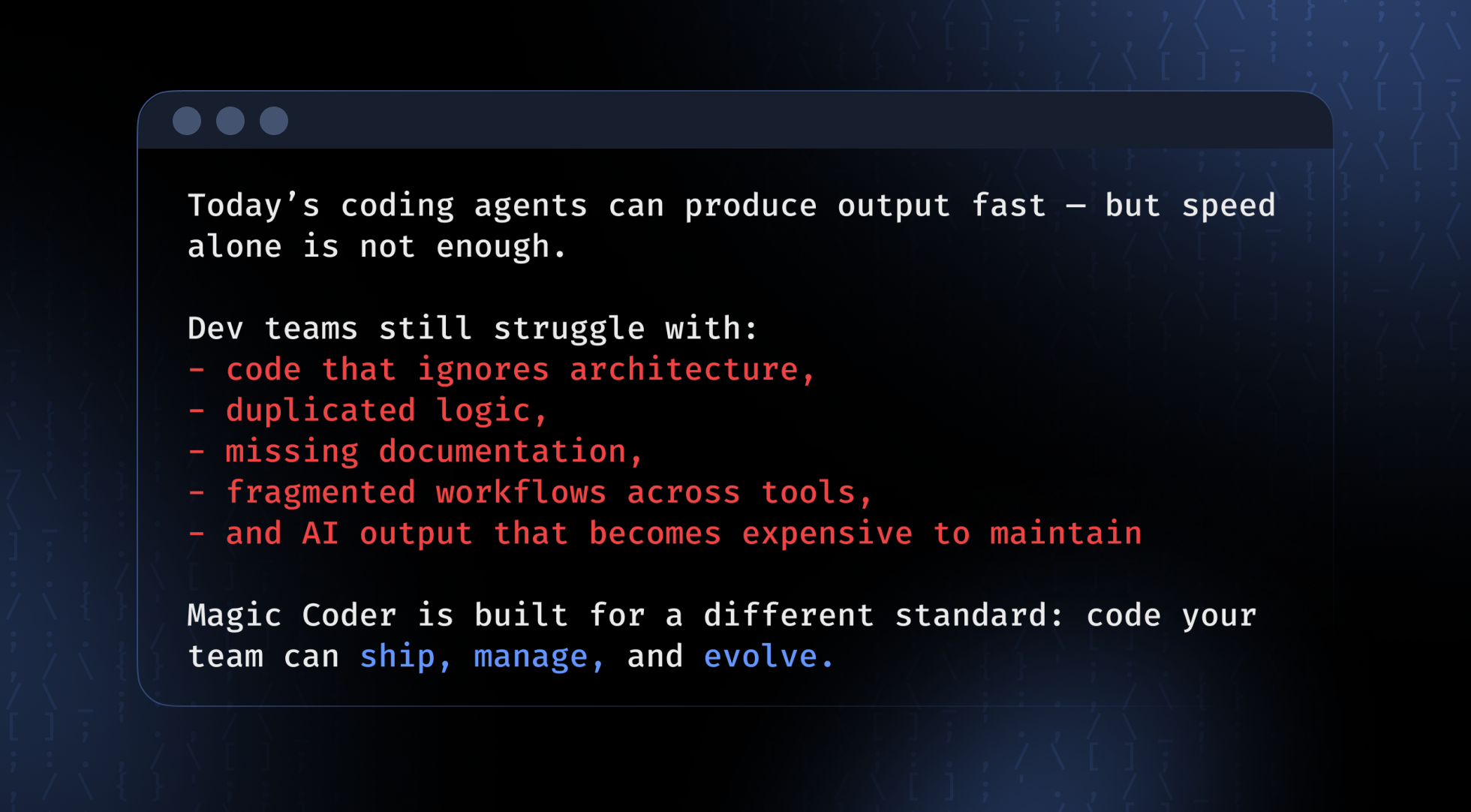
Magic Coder is BridgeApp's coding agent — the terminal-native surface of BridgeApp's broader agentic engine, not a standalone binary. You start it from your terminal, point it at a repository, and ask it to do work: fix a failing test, refactor a module, ship a feature, investigate a bug. It reads the codebase, edits files as diffs, runs shell commands, and keeps going until the task is done — while pulling in task context, docs, and team rules from the shared BridgeApp workspace along the way. That's the core distinction from the rest of this list: Magic Coder isn't trying to be the smartest autocomplete in the room, it's trying to run your whole development process end-to-end without losing the thread.
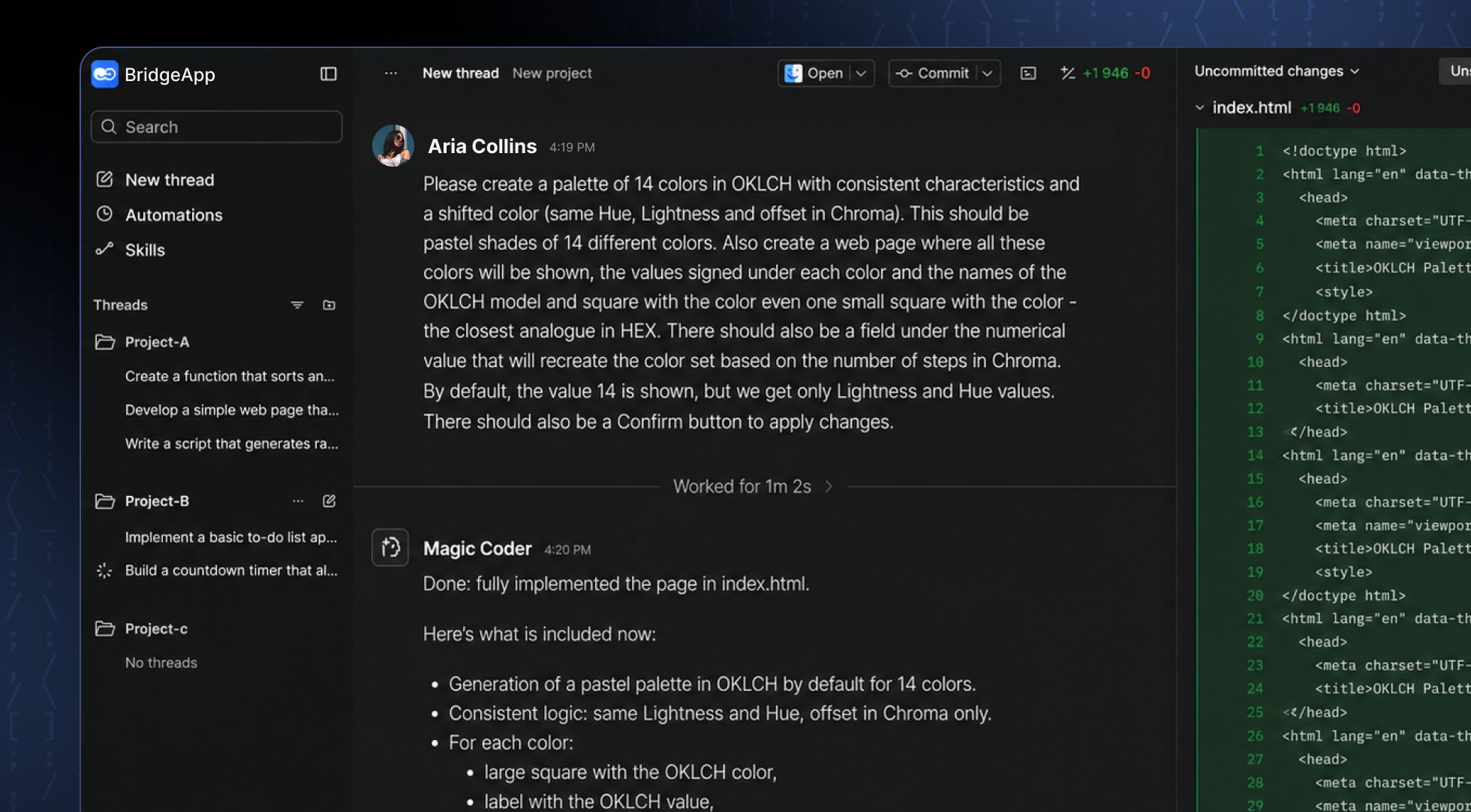
Why It Stands Out: Terminal-native autonomous agent backed by a full automation engine - crash-resumable orchestration and centrally audited tool access, rather than a standalone script. Most agents optimize for one moment — the edit, the completion, the commit. Magic Coder is built around the full path from task to shipped feature: it analyzes the codebase and architecture before writing anything, implements within your team's existing conventions, and helps move the work through testing and handoff rather than stopping at "here's a diff." It's backed by a full agent engine, not a wrapper around a single model call — durable, crash-resumable orchestration and centrally audited tool access come standard.
Best For: Engineering teams (individual engineers through CTOs who need predictable, auditable AI-assisted development, to enterprises that need centralized rules across repos and regulated-industry deployment options) needing controlled automation with centralized standards and session continuity. Suited for companies in regulated industries that require hybrid deployment (cloud, on-premise, or private cloud).
Key Strengths:
- Architecture-aware by design — indexes the repository into a queryable code graph, maps reusable components, and plans implementation against the existing structure instead of generating disconnected layers of code
- End-to-end, not prompt-to-snippet — covers task analysis, implementation, repository updates, documentation, and delivery workflow, not just the code generation step
- Plan mode proposes a concrete implementation plan before touching anything; Automagic mode auto-approves and runs hands-off for known task shapes, like fixing tests or regenerating artifacts
- Session resume — work is stored as threads; pick one up on a different machine with coder --continue <uuid>, built for multi-day tasks
- Shared workspace context — tasks, documentation, team rules, architecture decisions, and execution history live in one BridgeApp workspace alongside the rest of the team, human and AI
- Centralized standards — development rules and conventions defined once in BridgeApp apply automatically across repositories, branches, and teams, rather than being configured per developer
- Multi-agent orchestration — subagents run server-side and in parallel, each inheriting only the context it needs, with limits on depth, timeouts, and token/step budgets
- Organizational memory — shared memory per agent (personal or team-level) that dedupes, resolves contradictions, and forgets stale facts in the background while the agent is idle
- Knowledge/RAG with access control — documents are versioned and re-chunked on publish, with per-agent permissions and reranked retrieval, so answers stay current without manual reindexing
- Model-agnostic layer — runs on top of OpenAI, Anthropic, DeepSeek, Moonshot, Groq and others, with model and reasoning depth selectable per session, and retry-with-backoff for provider resilience
- Token economics — byte-stable prompt prefixes for caching, per-provider cache accounting, and dialogue compression that keeps cost per token down over long sessions
- Enterprise-grade security — workspace-scoped file access (only the repo roots you point it at), trust-gated project rules, per-command shell approval (or non-interactive --automagic), execution in isolated micro-VMs, short-lived scoped Git credentials, and a full audit trail on every permission change
- Flexible deployment — cloud, on-premise, or hybrid, suited to regulated industries
- Simple install — brew tap MathAndMagic/magic-coder && brew install magic-coder, or a binary from the releases page
- Runs on BridgeApp's agent engine: durable orchestration and centrally audited tool access
- Enterprise-class security: trust roots, workspace-scoped access, shell command confirmation
- Cloud, on-premise, or hybrid deployment
The full picture only shows up once you use it inside the BridgeApp workspace it's built on - as a bare CLI agent it's strong, but the workspace integration is where it pulls ahead of standalone competitors.
Magic Coder is a serious contender for teams that want an autonomous coding agent without sacrificing control over what gets changed and why — and for teams that eventually want the same engine running more than just their coding tasks. BridgeApp frames Magic Coder as the first proof point of a larger platform, not the whole story: the same engine underneath is built to bring tasks, context, execution, collaboration, and automation into one system.
2. Cursor
Cursor is an AI-native code editor built as a fork of VS Code, designed from the ground up around AI workflows. It includes Composer 2 for multi-file editing, BugBot for automated bug fixes, and background agents that handle tasks in parallel.
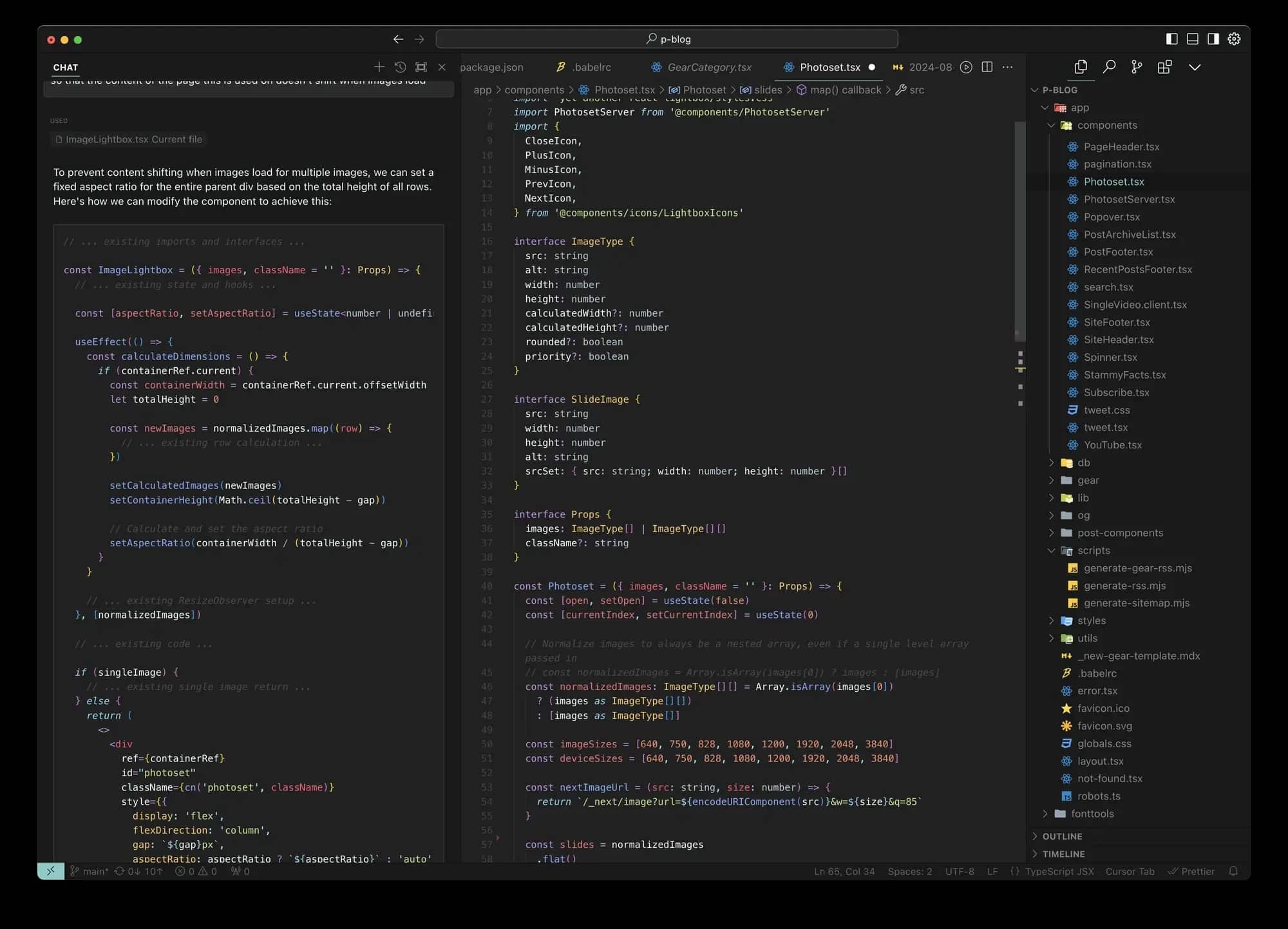
Why It Stands Out: Cursor isn't just an editor with AI bolted on-it's an editor built for AI-first development. Nvidia reported that over 30,000 engineers using Cursor internally tripled their code commit volume while defect rates stayed flat.
Best For: Individual developers and small teams who prioritize speed and a modern coding experience.
Key Strengths:
- ~91% accuracy on multi-file reasoning tasks in recent benchmarks
- Visual diff review before applying changes
- Model flexibility (Claude Sonnet, Gemini, and others)
- Background agents for parallel task execution
Possible Limitations:
- Performance can degrade with very large codebases (100K+ lines)
- Credit-based pricing (Pro at ~$20/month) can be confusing
- SpaceX acquisition may affect future model neutrality and direction
3. Claude Code
Claude Code is Anthropic's agentic coding assistant that operates across terminal, IDE, web, and desktop. It reads entire repositories, spawns subagents, runs shell commands, and generates pull requests-all while maintaining context through massive context windows.
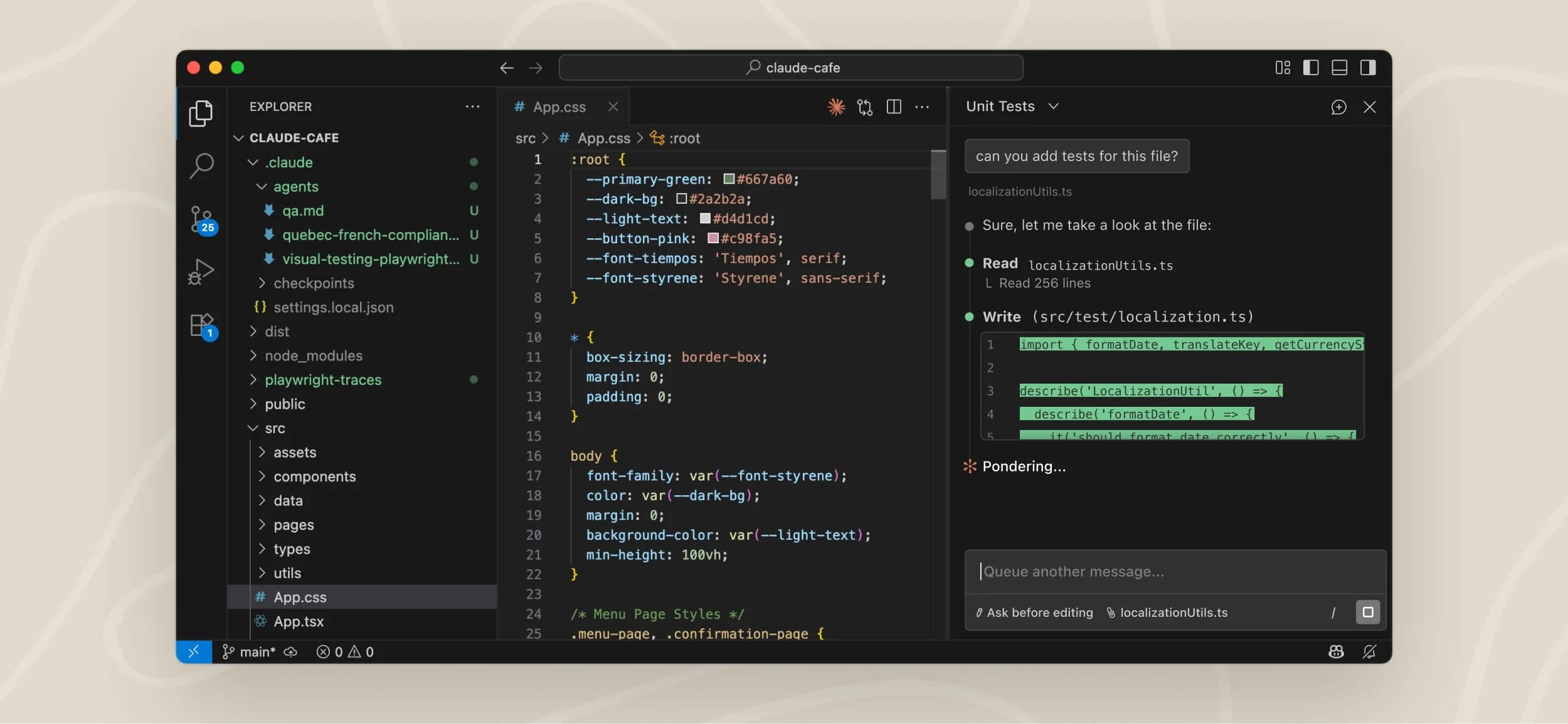
Why It Stands Out: Superior debugging and architectural problem-solving. In BestAI's benchmark, claude code achieved ~94% accuracy on multi-file reasoning tasks, the highest among tested tools.
Best For: Complex debugging sessions, unfamiliar codebases, and sophisticated refactoring where deep reasoning is the verb that drives results.
Key Strengths:
- Industry-leading accuracy for multi-file reasoning
- Context windows reportedly up to ~1 million tokens for full repository awareness
- Project configuration via CLAUDE.md files for spec driven development practices
- Subagent orchestration for parallel workstreams
Possible Limitations:
- Full agent access runs around ~$100/user/month-not a lower price option
- Terminal-first UI lacks visual diff editors some developers expect
- Security researchers have flagged remote code execution risks when permissions aren't carefully managed
4. GitHub Copilot
GitHub Copilot is Microsoft's widely-adopted AI pair programmer, integrated into VS Code, Visual Studio, JetBrains, Neovim, and Eclipse. It provides inline suggestions, chat-based debugging, and repository-aware completions powered by OpenAI Codex-derived models.
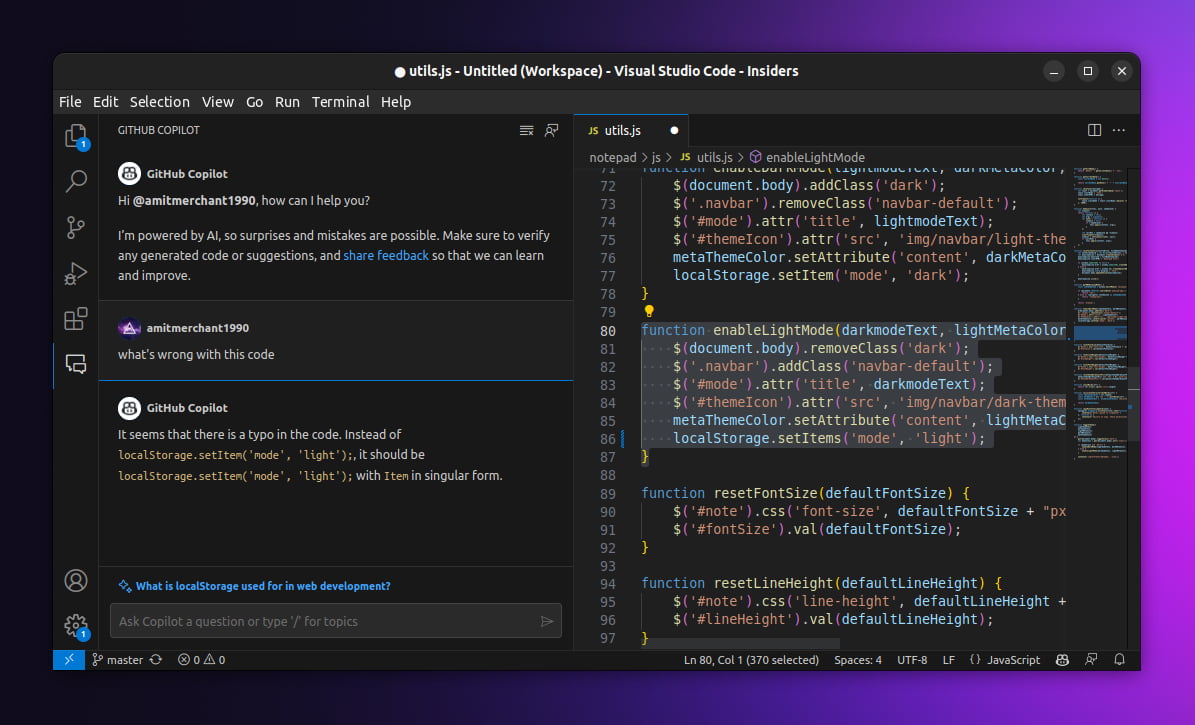
Why It Stands Out: The most mature tool on the market with the broadest IDE support and enterprise features like IP indemnity.
Best For: Teams already embedded in the Microsoft/GitHub ecosystem who want proven reliability without disrupting existing practices.
Key Strengths:
- Deep IDE integration with minimal setup
- Support for virtually all mainstream programming languages
- Strong enterprise governance and compliance features
- Predictable pricing at ~$10/month for individuals
Possible Limitations:
- Less capable for complex multi-file refactoring compared to agentic tools
- Some users report performance issues with context loss in large repositories
- Slower to adopt autonomous agent capabilities than newer competitors
5. Amazon CodeWhisperer
Amazon CodeWhisperer is AWS's AI coding companion focused on code suggestion, security scanning, and tight integration with AWS services. It offers autocomplete, vulnerability detection, and compliance features built around the AWS ecosystem.
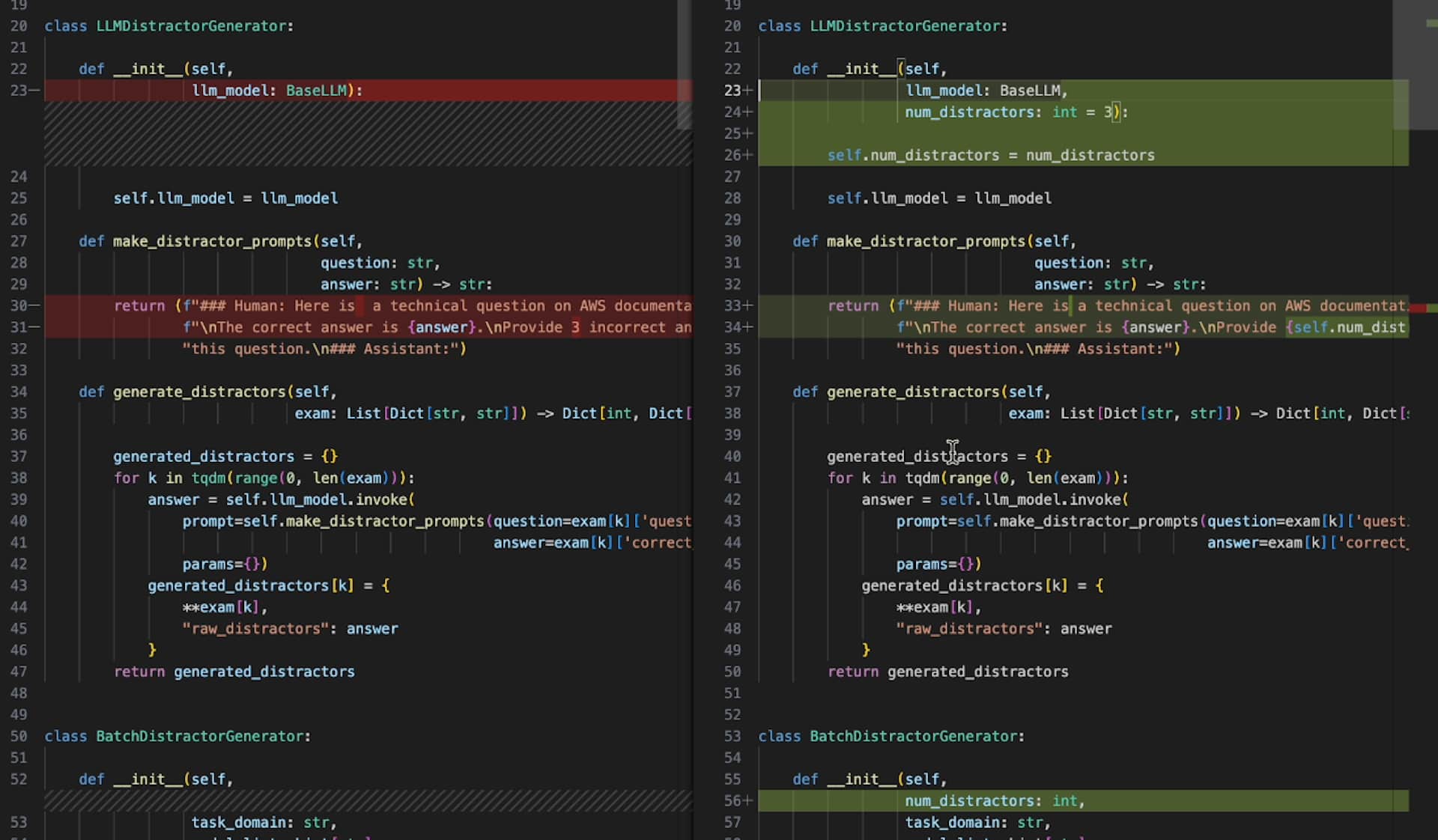
Why It Stands Out: If your company builds on AWS, CodeWhisperer understands IAM policies, SDK patterns, and service configurations in ways general-purpose tools don't.
Best For: AWS-centric development teams and enterprises with strict security requirements.
Key Strengths:
- Deep AWS service integration and best practices enforcement
- Built-in security scanning for vulnerable dependencies
- Free tier for individual developers; ~$19/user/month for professional features
- Enterprise compliance and admin controls
Possible Limitations:
- Less advanced in agentic capabilities-fewer autonomous workflows
- Limited support outside the AWS ecosystem
- Customers working across multiple clouds may find it too narrow
6. Tabnine
Tabnine is the privacy-first AI coding assistant, offering deployment options that include SaaS, private cloud, on-premise, and fully air-gapped environments. It delivers autocomplete and code suggestions with a focus on data sovereignty.
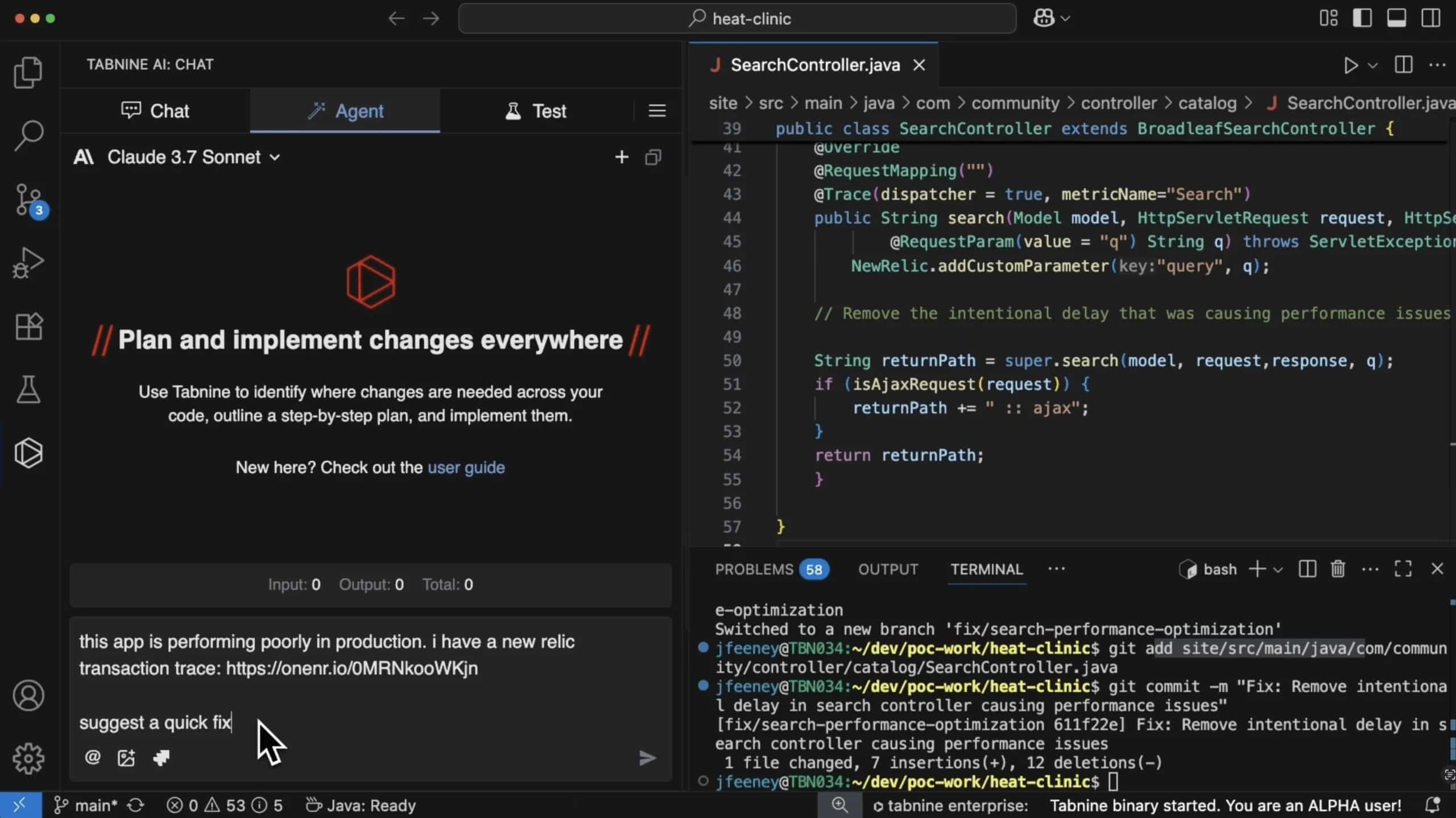
Why It Stands Out: No other tool on this list matches Tabnine's deployment flexibility for organizations where data never leaves the building.
Best For: Regulated industries-finance, healthcare, government-where on-premise deployment and audit trails are non-negotiable.
Key Strengths:
- Air-gapped and on-premise deployment for maximum privacy
- Broad IDE support across major editors
- Predictable SaaS or private installation models
- Strong data governance and compliance posture
Possible Limitations:
- Less powerful for deep refactoring or autonomous, multi-file changes
- On-premise setup adds maintenance complexity and cost
- Lags behind in agentic features compared to tools like Cursor or Claude Code
7. Codeium
Codeium offers fast autocomplete, broad editor support, and one of the most generous free tiers on the market. It's a solid entry point for developers exploring AI-assisted coding without committing money upfront.
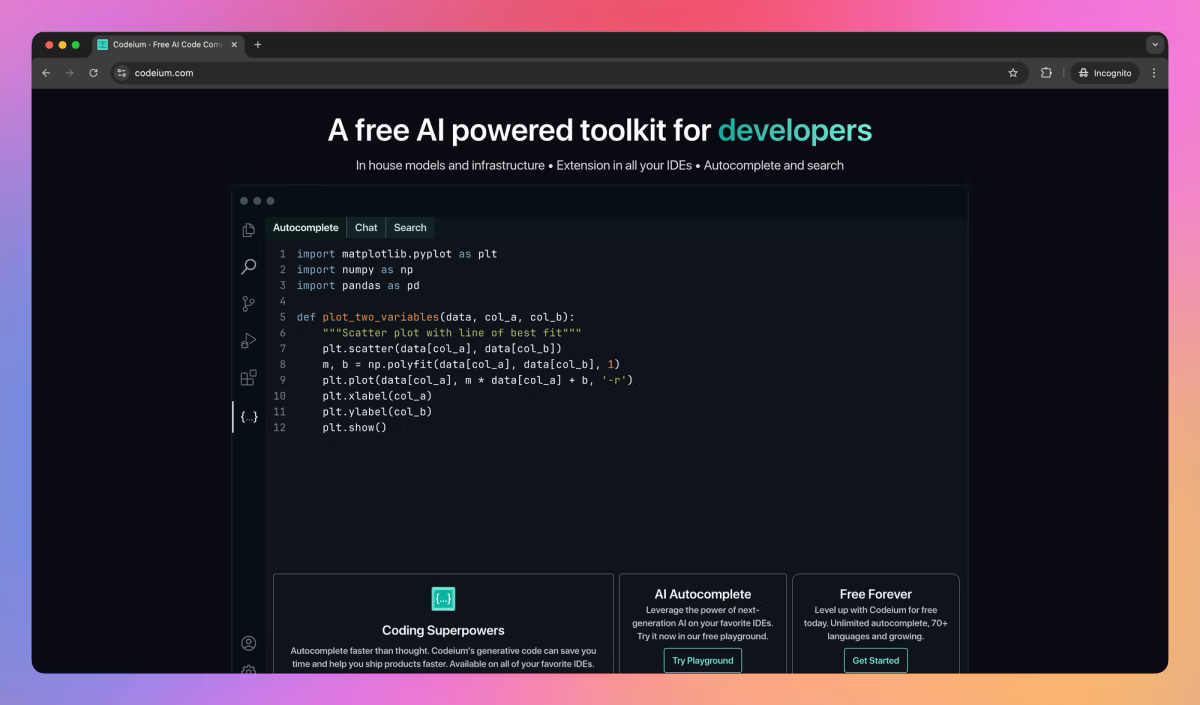
Why It Stands Out: You can evaluate its capabilities across multiple IDEs without paying anything-a rare deal in a space where premium tools dominate.
Best For: Budget-conscious developers and teams that want to explore AI coding tools before scaling up. Like browsing a museum of options before committing to a purchase.
Key Strengths:
- Generous free plan with competitive autocomplete speed
- Wide IDE support including VS Code, JetBrains, and Neovim
- Low barrier to entry for individuals and small teams
- Active development with regular improvements
Possible Limitations:
- Feature gaps in agentic workflows and multi-file reasoning
- Less enterprise proof-fewer case studies at scale
- Limited security and governance features compared to premium alternatives
Quick Comparison of the Best AI Coding Assistants
| Tool | Best For | Pricing | Deployment | Autonomy Level |
|---|---|---|---|---|
| Magic Coder by BridgeApp | Controlled terminal automation backed by a full agent engine | Contact sales | Cloud/On-prem/Hybrid | Fully agentic + platform |
| GitHub Copilot | Enterprise teams wanting proven reliability | ~$10/mo | Cloud | Autocomplete + Chat |
| Cursor | Speed-focused modern development | ~$20/mo (Pro) | Cloud | Agentic (multi-file) |
| Claude Code | Complex debugging and architecture | ~$100/mo (full) | Cloud/IDE/Terminal | Fully agentic |
| CodeWhisperer | AWS-centric development | Free / ~$19/mo | Cloud | Autocomplete + Scanning |
| Tabnine | Privacy-first, regulated industries | Tiered | SaaS/On-prem/Air-gapped | Autocomplete |
| Codeium | Budget-conscious exploration | Free tier | Cloud | Autocomplete |
How to Choose the Right AI Coding Assistant
Choose Based on Integration Requirements
Your existing toolchain matters more than any feature list. If your team lives in VS Code, GitHub Copilot or Cursor will feel natural. If your engineers wear the terminal as their primary device for writing code, Claude Code or Magic Coder by BridgeApp will fit better - and if you're also looking to formalize how work moves from ticket to pull request across a whole team, Magic Coder brings the BridgeApp workspace it runs on along with it, not just the agent. Don't force a tool that fights your workflow-adoption will stall regardless of how impressive the tech looks on a review site.
Choose Based on Autonomy Needs
There's a meaningful difference between a tool that completes the current line and one that reads your entire repository, plans a migration, runs your test suite, and submits a PR. Autocomplete assistants like Copilot and Tabnine work best when you want feedback on what you're already building. Autonomous agents like Claude Code and Magic Coder are the best way to handle large refactors, fix error patterns across modules, or tackle tasks you'd otherwise spend days on manually - and among the autonomous agents, it's worth separating tools that run in isolation from ones like Magic Coder that inherit an entire workspace's context and can hand off work between planning, implementation, and review as distinct steps rather than one long unsupervised run.
The history of developer tooling shows that the biggest productivity gains come from matching tool capabilities to task complexity-not from picking the most powerful option for every situation.
Choose Based on Security and Privacy Requirements
If your organization handles sensitive data, deployment models matter. Tabnine and Magic Coder by BridgeApp offer on-premise and hybrid options that keep code off third-party servers. For cloud-only tools, review their data retention policies carefully. Watch for how each tool handles shell command permissions-an agent with unrestricted access to your file system is a solution that creates new problems if governance isn't tight. This is also where a platform-backed agent shows its value: Magic Coder's shell and tool access runs through BridgeApp's centrally audited policy rather than being configured per-developer, so permissions don't quietly drift as a team scales.
Which AI Coding Assistant Is Best for You?
- Choose GitHub Copilot if you need proven reliability, broad enterprise adoption, and minimal setup friction across your existing editor.
- Choose Cursor if you want the fastest, most modern AI-native coding experience and your team wishes for visual diff tools and background agents.
- Choose Claude Code if your priority is handling complex debugging, architectural challenges, and large-scale refactoring with top-tier accuracy.
- Choose Magic Coder by BridgeApp if you need an autonomous, architecture-aware agent that carries team standards and workspace context into every task — with enterprise controls, hybrid deployment, and (per BridgeApp's reported numbers) roughly 10x lower cost than human engineering time on comparable work.
- Choose Amazon CodeWhisperer if you're AWS-focused and want integrated security scanning at a lower price point.
- Choose Tabnine if data privacy and on-premise deployment are non-negotiable for your company.
- Choose Codeium if you want to explore AI coding capabilities with minimal cost and search for the right fit before scaling.
Many developers don't pick just one. A common pattern is using Copilot for daily autocomplete, switching to Cursor or Claude Code for deeper work, and deploying Magic Coder - and the BridgeApp engine underneath it - for automated task execution and review across repositories. The tools aren't mutually exclusive-they're complementary, much like how you wouldn't use the same appliances for every job in a kitchen or the same speakers for every room.
Making the Right Choice
The best AI coding assistant is the one that matches how you actually work-not the one with the longest feature list or the flashiest toys on a demo page. Every tool on this list can deliver real productivity gains, but the quality and scale of those gains depend on your tech stack, team size, models you prefer, and how much autonomy you're comfortable granting an agent.
The market is evolving fast. Expect new capabilities, pricing changes, and consolidation throughout 2026 and beyond. Trial the free tiers, measure your output on real tasks, gather feedback from your team, and store what you learn. The developers getting the most value today aren't the ones who picked the trendiest tool on a tv segment or blog-they're the ones who tested multiple options against their actual codebase and chose based on results.