BlogHow-To Guides
How to Onboard a Large Team to a New Chat Tool

BridgeApp Team
10 min read

Migrating 250 team members from email, Slack, or Microsoft Teams to a new workspace in 2026 is not just a software rollout. It is a change in how your company communicates, stores context, tracks tasks, and helps every new team member become productive.
Key Takeaways
- The best answer for onboarding a large team to a new chat tool is a structured rollout: design, pilot, launch, train, migrate work, and improve.
- Establish clear rules for tool usage before launch, including what belongs in chat, email, project spaces, and private channels.
- Centralizing communication can reclaim up to 40% of productive time, while a single source of truth reduces duplicated efforts and missed context.
- AI-native ai tools can answer common questions, create tasks from conversations, summarize messages, and reduce support requests.
- Set a hard sunset date for deactivating old tools, then use monthly reviews to keep the new system clean and useful.
Why Onboarding to a New Chat Tool Feels Hard (And Why It’s Worth It)
Imagine a 250-person company juggling email, Microsoft Teams, a separate PM platform, scattered documents, and informal DMs. Most people are not failing at communication because they do a bad job; they are losing context because the system makes work hard to track.
Research on context switching shows that workers can lose significant focus when switching between tools, and some estimates put productivity loss at around 40%. That is why using one platform for communication reduces the need for multiple tools and makes the business more efficient.
Common pain points include:
- Decisions trapped in DMs instead of visible channels.
- Duplicated conversations across meetings, email, and chat.
- Knowledge gaps when new hires cannot find answers.
- Managers spending hours talking through the same onboarding requests.
- Complex issues escalating because no one knows where the truth lives.
Onboarding a large team requires a structured rollout. You are not just implementing software; you are defining where work lives, who can access what data, and how employees will rely on the platform during their first month and beyond.
Phase 1: Design Your Communication Blueprint Before You Invite Anyone
Don’t drop 250 people into an empty tool. Build channel architecture early in implementation, ideally 1–2 weeks before rollout, and gather requirements by auditing specific workflow needs.
Create a blueprint around:
- Teams: #team-sales, #team-product, #team-hr.
- Projects: #proj-website-redesign-2026 or #proj-enterprise-migration.
- Topics: #topic-product-feedback, #topic-security, #topic-customer-insights.
- Company-wide updates: #announcements-all.
- Sensitive work: private channels for leadership, finance, or legal discussions.
Create logical, standardized naming conventions so team members do not have to guess where messages belong. Every channel should have a steward who owns the description, pinned documentation, norms, and cleanup.
Secure budget by getting formal sign-off from stakeholders before the tool rollout. Also evaluate vendors by comparing security and integrations, and ensure data privacy aligns with company policies during review.
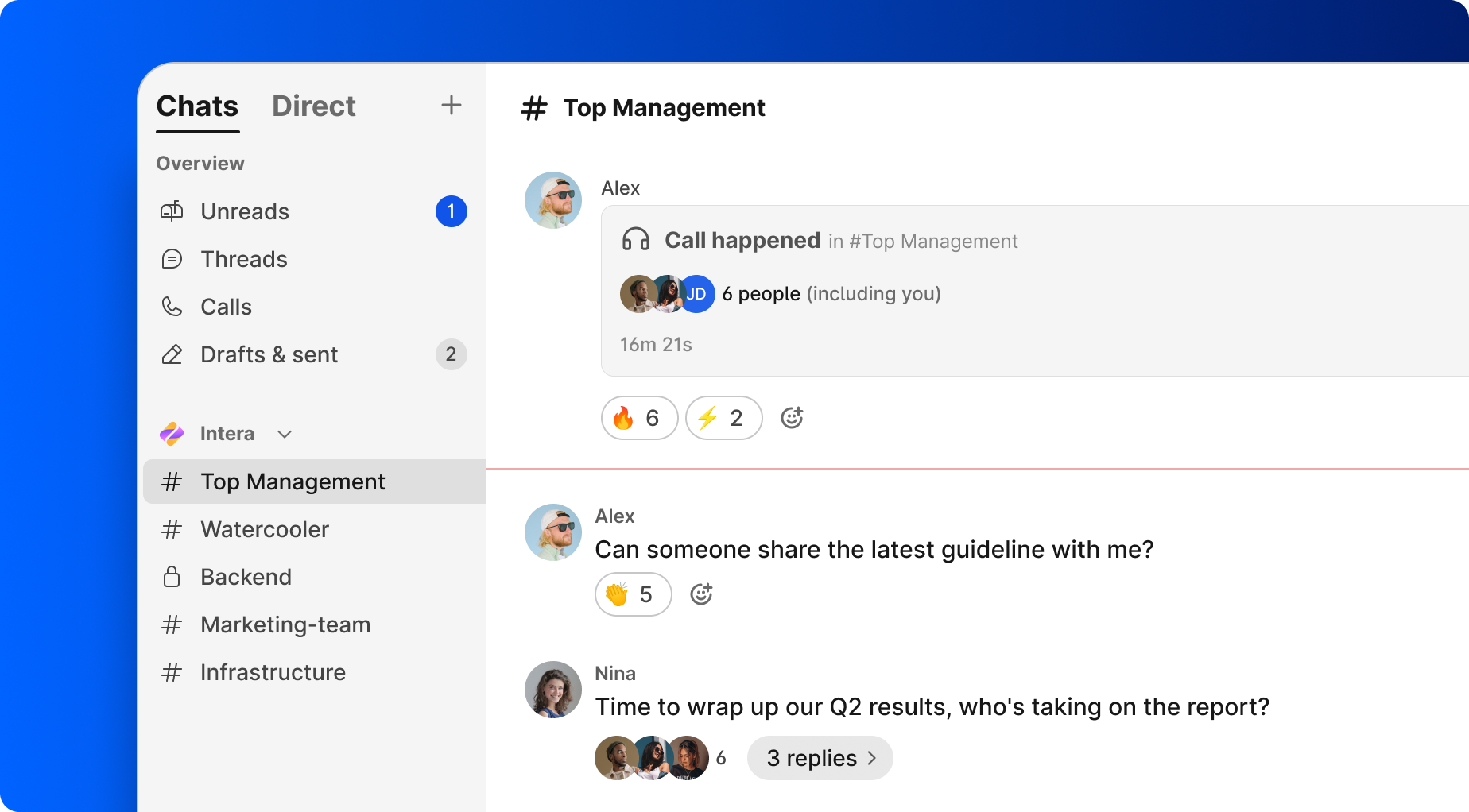
A platform like BridgeApp can simplify this map because it combines channels and threads, audio/video calls, tasks, documents, no-code databases, and AI agents in one workspace instead of stitching together 6–7 separate tools.
Phase 2: Set Clear Rules of the Road for Every Team Member
Publish a communication charter in #announcements-all on day one. Establish communication guidelines and rules for tool usage so the onboarding process feels consistent.
Use a simple rule: if it is work and not legally required to stay in email, it lives in the chat workspace.
Define clear use cases for communication tools:
- Chat: daily conversations, quick approvals, project updates, and questions.
- Documents: decisions, SOPs, meeting notes, and policies.
- Tasks: owners, deadlines, next steps, and recurring operations.
- Email: external legal, finance, or compliance messages when required.
Set @mention rules:
- @channel only for urgent, time-bound updates.
- @here for live meetings or business hours notices.
- Direct @name for a clear owner.
For remote teams, use async standups, status channels, and clear response-time expectations.
BridgeApp supports search across all your team conversations, and AI-powered search across all artefacts is planned soon, which helps structured communication become easier to retrieve.
Phase 3: Pilot With a Smaller Group Before Company-Wide Rollout
Start with 20–40 people for 2–3 weeks. A good pilot could include one product squad, HR, IT, and a few geographically distributed colleagues.
Test:
- Whether channel names make sense.
- Whether notifications are overwhelming.
- Whether a new hire can complete “Day 1 in chat” without help.
- Whether integrations and access permissions work.
- Whether internal champions can answer questions quickly.
Gather user feedback after two weeks of tool usage. Track usage metrics to adjust training and support, including internal emails reduced, average response speed, decisions documented in threads, and tasks created from chat.
Store a pilot playbook in the knowledge base with goals, dates, participants, a feedback form, and known risks. In BridgeApp, pilot users can also test an Onboarding Helper agent that answers workspace questions and reports knowledge gaps.
Phase 4: Run a Structured Launch for the Whole Organization
Set a clear go-live date, such as July 15, 2026, and announce it 2–3 weeks in advance through email, existing chat tools, and all-hands meetings.
Your launch checklist:
- Leadership announcement explaining the commitment and why the change matters.
- 30–45-minute demo showing channels, threads, search, tasks, documents, and meetings.
- Q&A to answer questions live.
- Hands-on job: every person posts in their team channel, updates their profile, and adjusts notifications.
- A Start Here space with login steps, video guides, FAQs, and links to resources.
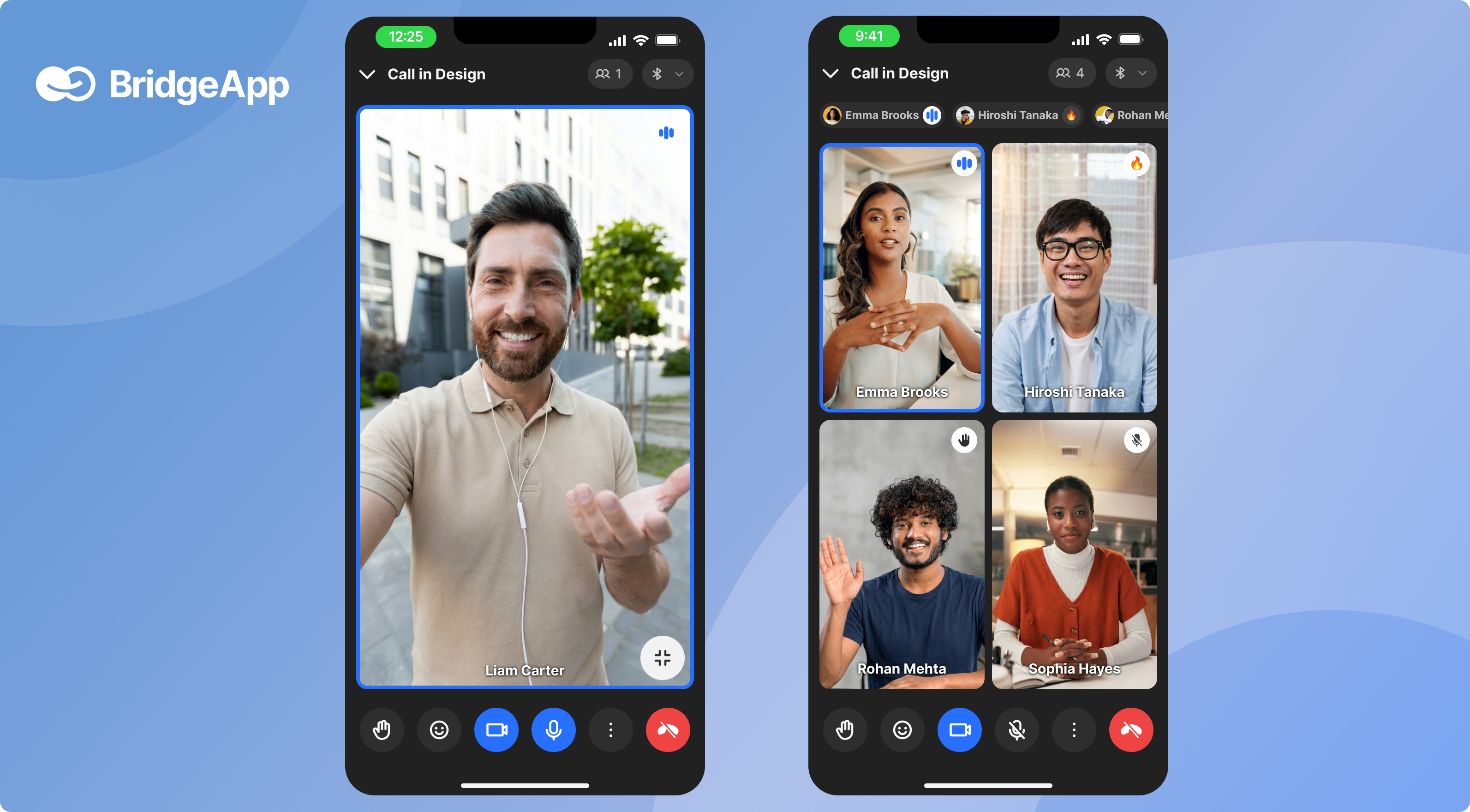
Create training materials including video guides and FAQs. Provide multi-format training for users because not everyone learns through one webinar.
AI can reduce the load on IT and HR during launch. AI handles 73.8% of live chat interactions in some service environments, and AI chatbots can deflect up to 60% of incoming requests. AI can automate tier-1 requests like password resets, while agents can summarize long threads and create tasks from conversations.
Phase 5: Train Different Roles with Focused, Short Sessions
Large teams need focused training, not one generic webinar. Run interactive workshops for training across different roles, usually 30–60 minutes each.
- Everyone: join channels, use threads, search past conversations, manage notifications, and understand privacy.
- Managers: run standups, weekly reviews, approvals, and project check-ins in the platform.
- ICs: ask for help, turn requests into tasks, and find answers without interrupting colleagues.
- New team members: follow a repeatable onboarding checklist, watch a short tour, and learn where the knowledge base lives.
- Admins and IT: manage access, support offboarding, review security settings, and monitor adoption.
For AI-native workspaces, include agent training. A well-structured training bootcamp takes 14 days to prepare agents, and agents can handle 2-3 concurrent chats without quality collapse. In BridgeApp, AI agents are digital employees built in a visual no-code interface; they can generate reports, respond in chats, populate databases, and execute custom workflows.
Phase 6: Move Work Into the New Tool and Retire Old Habits
After launch, leaders must move real work into the workspace. Otherwise, the new tool becomes “one more place to check.”
Use this migration process:
- Create one channel or space per active project.
- Post a current status summary.
- Link or recreate key documents.
- Assign tasks directly in the new workspace.
- Capture meeting notes as collaborative documents.
- Turn customer issues from chat into tasks with owners.
Set a hard sunset date for deactivating old tools. For example: “After August 1, 2026, internal project approvals will no longer happen by email.” Disable legacy tools to encourage adoption of new tools, but communicate the date early and export needed data first.
A unified workspace matters because BridgeApp’s channels, task tracker, and document editor can reduce context switching by about 60%. When someone sends an approval by email, the manager should move it into the workspace and reply there. That small nudge teaches the new habit.
Phase 7: Embed Long-Term Habits, Governance, and Continuous Improvement
The first launch creates momentum. Governance keeps the workspace from becoming clutter.
Recruit internal champions for support during implementation and long-term adoption. Identify tech-savvy advocates to champion the tool in each department.
Repeatable habits:
- Monthly channel audits to archive inactive spaces.
- Monthly reviews of common questions, broken links, and confusing workflows.
- Quarterly reviews of the chat onboarding process for new hires.
- Analytics checks for active users, task creation, participation, and unread announcements.
- Feedback from new team members after 30 days.
Centralized knowledge bases improve onboarding efficiency. New hires ask over 40 questions in their first month, and centralized tools can streamline onboarding by answering 40+ questions per new hire. With AI, knowledge bases can become self-healing with AI-generated articles based on repeated questions, missing documentation, and support patterns.
Using BridgeApp as Your Unified Chat and Onboarding Hub
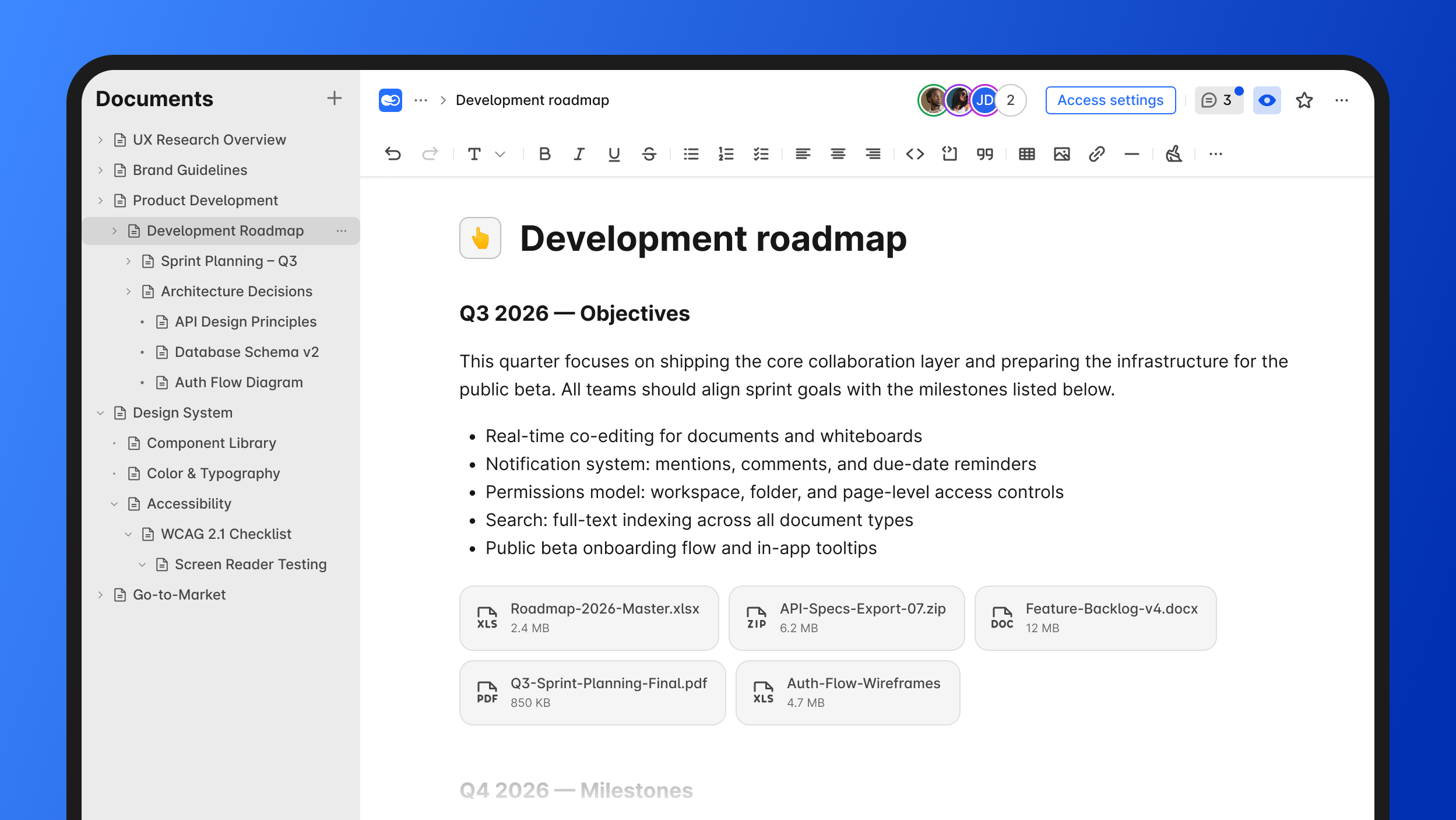
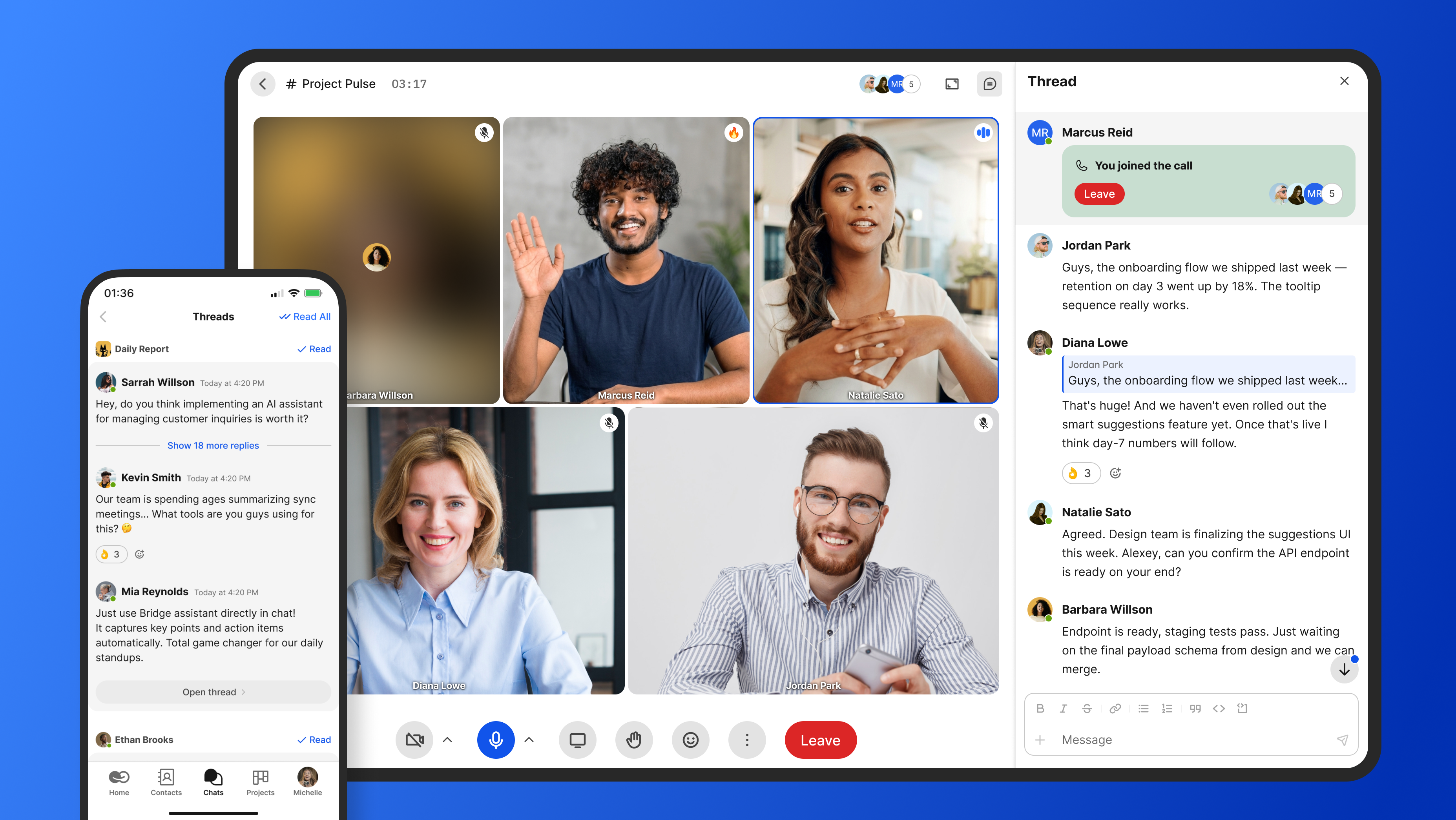
BridgeApp is an AI-native digital workspace that combines corporate messenger, channels and threads, built-in audio/video calls, task tracking, collaborative documents, no-code databases, and a visual no-code AI Agent builder.
For onboarding, this means:
- Real-time chat and collaborative onboarding documents live together.
- A knowledge base can be built with flexible documents and databases.
- AI agents can answer routine onboarding questions.
- Managers can create custom AI-powered workflows for any business process.
- Teams can use cloud, on-premise, private cloud, or hybrid deployment depending on IT and security needs.
BridgeApp plans include Free for unlimited members, Pro for growing teams, and Enterprise for large organizations needing options like on-premise deployment, BYOK, white labeling, uptime SLA, an account manager, and priority support.
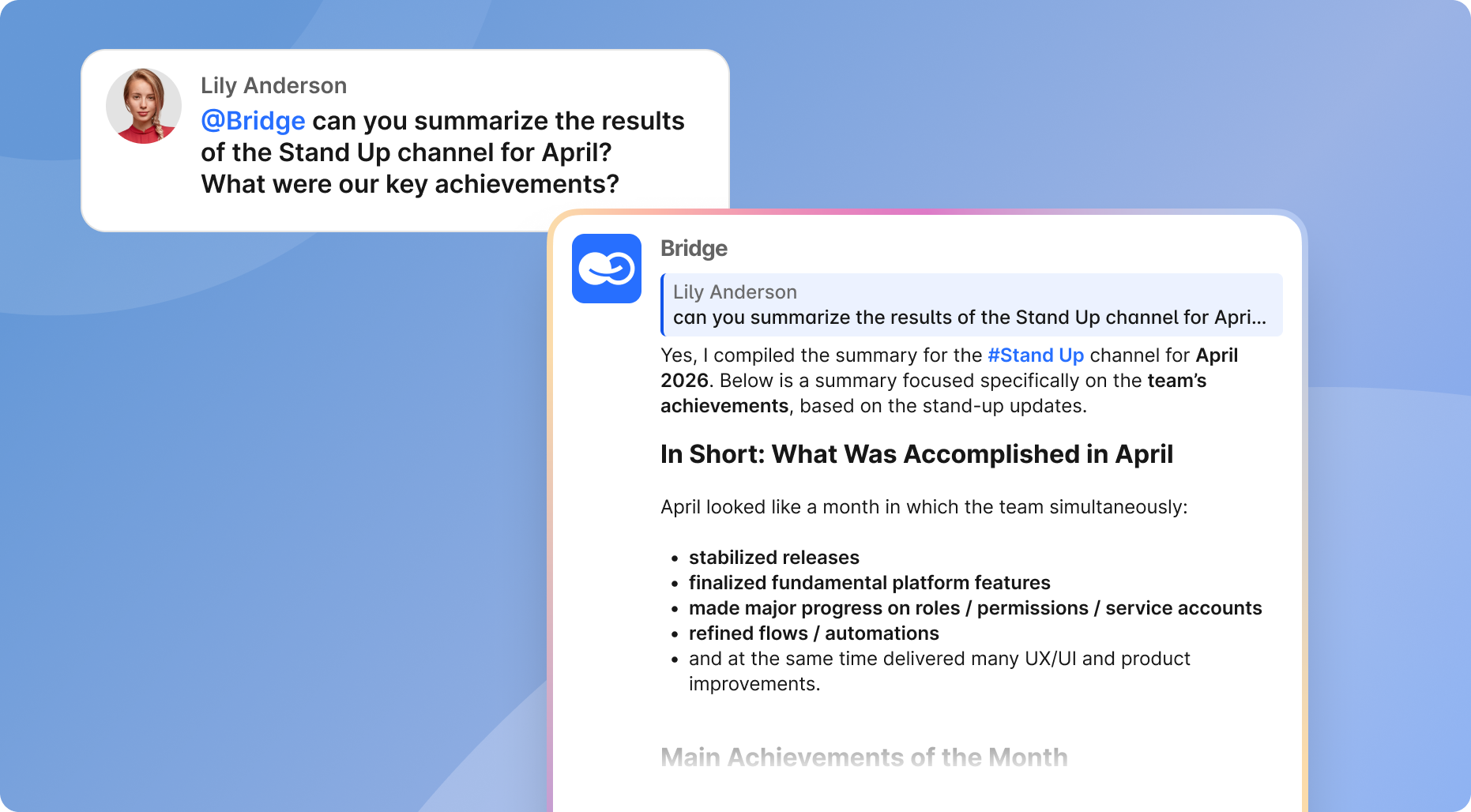
Think of BridgeApp’s AI agents as digital employees. They can surface relevant docs, summarize conversations a new system user missed, connect MCP servers for broader automation scenarios, and turn questions into tasks or database entries.
30-Day Rollout Plan: From First Pilot to Company Standard
Use a phased approach for tool rollout by department, then expand company-wide.
- Week 1: Map channels, prepare onboarding documents in the knowledge base, configure access, select pilot team members, and finalize vendor/security review.
- Week 2: Run the pilot, hold daily check-ins, collect feedback, and log recurring questions for FAQs or AI agents.
- Week 3: Refine the structure, finalize the communication charter, record short videos, and schedule role-based sessions.
- Week 4: Launch to the company, run training, move active projects, and enforce the one-place-for-work rule.
At the end of 30 days, measure quick wins: percentage of teams active daily, number of projects fully moved, number of tasks created, support tickets reduced, and feedback scores from hires and managers.
Automated workflows reduce onboarding time significantly because they remove repeated manual explanations, routing, and follow-up.
FAQ: Onboarding a Large Team to a New Chat Tool
How long does it realistically take to onboard a 200–300 person team?
The tool can be switched on in a day, but effective onboarding usually takes 4–8 weeks. A 30-day rollout can cover design, pilot, launch, and first adoption, followed by another month of reinforcement and cleanup.
What’s the best way to support new hires who join after the main rollout?
Create a “New Hire Chat Onboarding” checklist in the knowledge base and pin it in HR or #onboarding. Include key channels, video guides, the communication charter, manager contacts, and a 30-minute orientation. In BridgeApp, teams can create an onboarding AI agent trained on HR and IT docs.
How do we handle people who resist leaving email or older tools like Microsoft Teams?
Explain the cost of fragmentation: missed context, slower speed, harder onboarding, and duplicated work. Then make certain workflows, such as approvals and project updates, available only in the new workspace. Coaching helps, but leaders must model the behavior.
What should move into the new chat tool, and what should stay elsewhere?
Daily conversations, decisions, quick approvals, documentation links, meetings, and project coordination should move into the workspace. Systems of record such as HRIS, CRM, finance, and legal archives may stay where they are, with links or summaries in chat when appropriate.
How can AI actually help during onboarding, beyond basic chatbots?
AI can summarize long conversations, extract next steps, create tasks, answer common questions, and route requests. AI chatbots can answer employee questions in Microsoft Teams, but an integrated workspace can connect those answers to tasks, documents, channels, and company context.