BlogProduct Updates
Secure Team Messaging Software in 2026: How to Choose (and Why BridgeApp Stands Out)

BridgeApp Team
15 min read

Choosing the right secure team messaging software has become one of the most consequential decisions an IT leader or founder can make. In a world where hybrid work is the default, instant messaging carries everything from contract negotiations to incident escalations, and a single data leak can trigger regulatory fines and reputational damage. This guide walks you through what matters in 2026, how to evaluate your options, and where BridgeApp fits as an AI-native digital workspace with secure team chat at its core.
Diving Deep
Secure team messaging is now core infrastructure for internal communication, not a "nice-to-have" chat add-on. Over two-thirds of businesses rely on secure messaging tools for data protection, and the stakes keep rising as more sensitive decisions happen in real-time channels rather than email.
Consumer apps like WhatsApp, Telegram, iMessage, and Facebook Messenger are risky for business use. Admins lack control over audit trails, retention policies, and data ownership. Staff using private messaging apps on personal devices creates compliance blind spots that regulators are increasingly willing to penalize.
The most secure messaging app for a business combines end-to-end encryption options, strong identity and access controls, and flexible deployment across cloud, on-premise, or hybrid models. There is no single "best" encryption model for every company - the right secure messaging app balances privacy, auditability, and usability based on your actual risk profile.
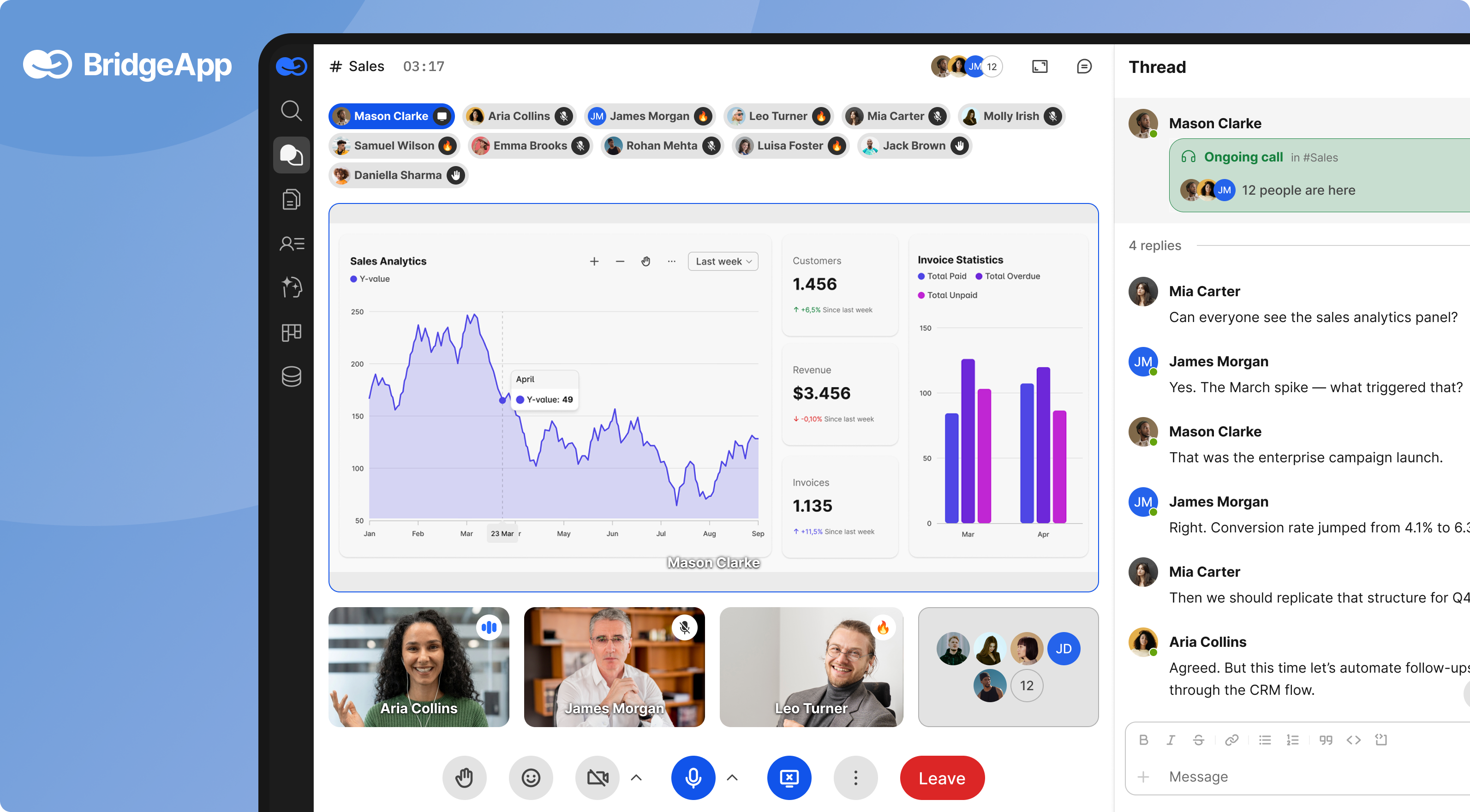
BridgeApp is an AI-native digital workspace that unifies team chat, video calls, task management, documents, databases, and AI agents with strong data security controls. It offers deployment flexibility from SaaS to fully on-premise, GDPR-aligned design, and EU-hosted environments.
This article compares secure team messaging approaches, outlines key features to look for in 2026, and shows where BridgeApp fits for SMBs, enterprises, and remote employees managing sensitive work across multiple platforms.
Why secure team messaging matters in 2026
By mid-2026, over 66% of businesses rely on remote collaboration tools, and the trend keeps accelerating. According to Gallup, 52% of U.S. employees with remote-capable jobs now work in hybrid arrangements, while roughly 26% are fully remote. Globally, about 44% of organizations employ hybrid workforces, with another third being primarily remote. The baseline has shifted permanently since 2020.
This shift means that team communication has moved from email inboxes to persistent chat channels. Teams use instant messaging for day-to-day decisions, project coordination, and even sensitive HR conversations. Over time, these channels accumulate years of customer data, product plans, legal discussions, and financial details. Secure messaging apps can reduce data leaks by encrypting all communications, but only when the platform itself is designed for business-grade controls.
Using consumer messengers for business communication introduces concrete risks. A BlackBerry survey of 700 security leaders found that 83% use WhatsApp for sensitive communications, despite widespread misunderstanding of what end-to-end encryption actually protects. Half of respondents wrongly believed encryption shielded metadata. Consumer apps provide no centralized audit trails, weak admin rights, tangled personal and work identities, and no formal SLAs. Group chats on personal devices become invisible to compliance officers.
Regulatory enforcement is tightening. U.S. regulators like the SEC and DOJ now penalize organizations that fail to capture business communications conducted on unapproved platforms. In the EU, GDPR enforcement continues to intensify, with strict data handling rules around message retention, data residency, and the right to erasure. For regulated industries - finance, healthcare, legal - the cost of using the wrong communication app is measured in fines, not inconvenience.
Secure team messaging software is now the backbone that connects remote employees, protects data security, and supports compliance audits. It is infrastructure, not a feature.
Core security concepts every team messenger should cover
Before diving into tools and comparisons, it helps to understand a few essential security concepts. This primer is intentionally brief. The goal is to arm you with enough knowledge to ask better questions when vendors claim to be the most secure messaging app on the market.
The three pillars below - encryption, compliance, and identity - form the foundation. If a messaging platform is weak in any one area, the others cannot fully compensate.
End-to-end encryption & encryption in transit/at rest
End-to-end encryption ensures only intended recipients can read messages. Under this model, messages are encrypted on the sender's device and decrypted only on the recipient's device. Not even the service provider can access plaintext content. End-to-end encryption is crucial for protecting sensitive information, especially in contexts like private conversations around M&A activity, legal strategy, or incident response.
In contrast, encryption in transit (TLS/HTTPS) protects messages while they travel between client and server. Encryption at rest protects stored data on the server side. Both are necessary, but under these models the service operator may still have access to plaintext - or could be compelled to provide it under legal demand. Encryption models prevent unauthorized access to user data during transmission, yet the question of who holds the keys remains critical.
Many business messengers adopt a pragmatic middle ground: strong TLS plus encryption at rest by default, with end-to-end encrypted channels available selectively for high-sensitivity conversations. This balances privacy against enterprise needs like search, legal holds, and automated workflows. Full E2EE can limit features such as central search across message history, compliance exports, and AI-powered automation that parses conversation content.
BridgeApp focuses on encryption in transit and at rest combined with strict access controls and flexible deployment options - including on-premise installations where the organization controls the infrastructure entirely. This gives companies data sovereignty without sacrificing the ability to search, automate, and audit their internal communication.
Security compliance, audits, and data residency
Compliance certifications like ISO 27001 ensure the platform meets regulatory standards for data privacy. Frameworks such as GDPR, SOC 2, and HIPAA impose specific requirements on how internal communication tools handle data: access logging, retention periods, breach notification, and regular independent audits. Independent audits verify the security claims of messaging applications and give procurement teams confidence that a vendor's promises hold up under scrutiny.
Data jurisdiction dictates which legal jurisdiction and data privacy laws apply to data. For European organizations and global companies processing EU resident data, this is not optional. Data sovereignty includes options for hosting servers in specific regions to comply with laws, and many businesses now require explicit guarantees about where their messages are stored and processed. Utilizing audit logs helps detect anomalies and security incidents in real time, and any serious team messaging platform must provide robust logging that compliance officers can access independently.
A secure team messaging platform should support compliance through access logging, configurable retention policies, export capabilities for e-discovery, and predictable incident response procedures. Without these, even a well-encrypted messenger becomes a liability during a regulatory audit or legal dispute.
BridgeApp is built with GDPR in mind and offers EU-hosted environments, private cloud, and on-premise deployment to meet strict data residency requirements. Its alignment path toward ISO and SOC 2 standards reflects the growing expectation that business tools provide verifiable security postures, not just marketing claims.
Authentication, identity management, and access control
Single Sign-On (SSO) lets employees use one set of corporate credentials to access multiple tools. Multi-Factor Authentication prevents unauthorized access if passwords are compromised, adding a second verification step - often a mobile authenticator or hardware token. Role-based access control (RBAC) determines what each user can see, edit, or administer based on their organizational role.
These concepts matter because the biggest identity risk in team communication apps is not a hacker breaking encryption - it is an ex-employee who still has access to a WhatsApp group, or a contractor with full visibility into channels meant for the sales team. Administrative controls allow management of user access and tracking of compliance, which is impossible when work conversations live on personal devices outside IT's reach. Zero-Trust Architecture requires strict verification for access to resources, treating every login attempt and device as potentially compromised until proven otherwise.
Secure team messaging software should integrate with identity providers like Okta or Azure AD so that when people join, change roles, or leave, user permissions are automatically created, updated, or revoked. Platforms should allow for remote data wiping from lost devices to prevent data from walking away when hardware is stolen or an employee departs.
BridgeApp supports two-tier user permissions (internal users versus external collaborators), giving organizations the ability to share securely with partners while protecting core channels. Advanced role-based access control is available in its Pro and Enterprise plans, and the platform is designed to let admins enforce granular permissions at the channel, document, and database level.
What makes a secure team messaging app actually usable?
Security alone is not enough. If a tool is clunky, teams will quietly default to private messaging apps on their phones, undermining every policy and investment in data governance. Secure team messaging software requires balancing security protocols with usability - and the balance must tip toward making the secure path the easiest path.
Non-security must-haves include:
- Channels and threads to keep conversations organized by topic or project
- Powerful search so users can quickly find past conversations without scrolling endlessly
- Reliable presence and notification controls across mobile and desktop
- Smooth cross-platform performance so remote teams on different devices have the same experience
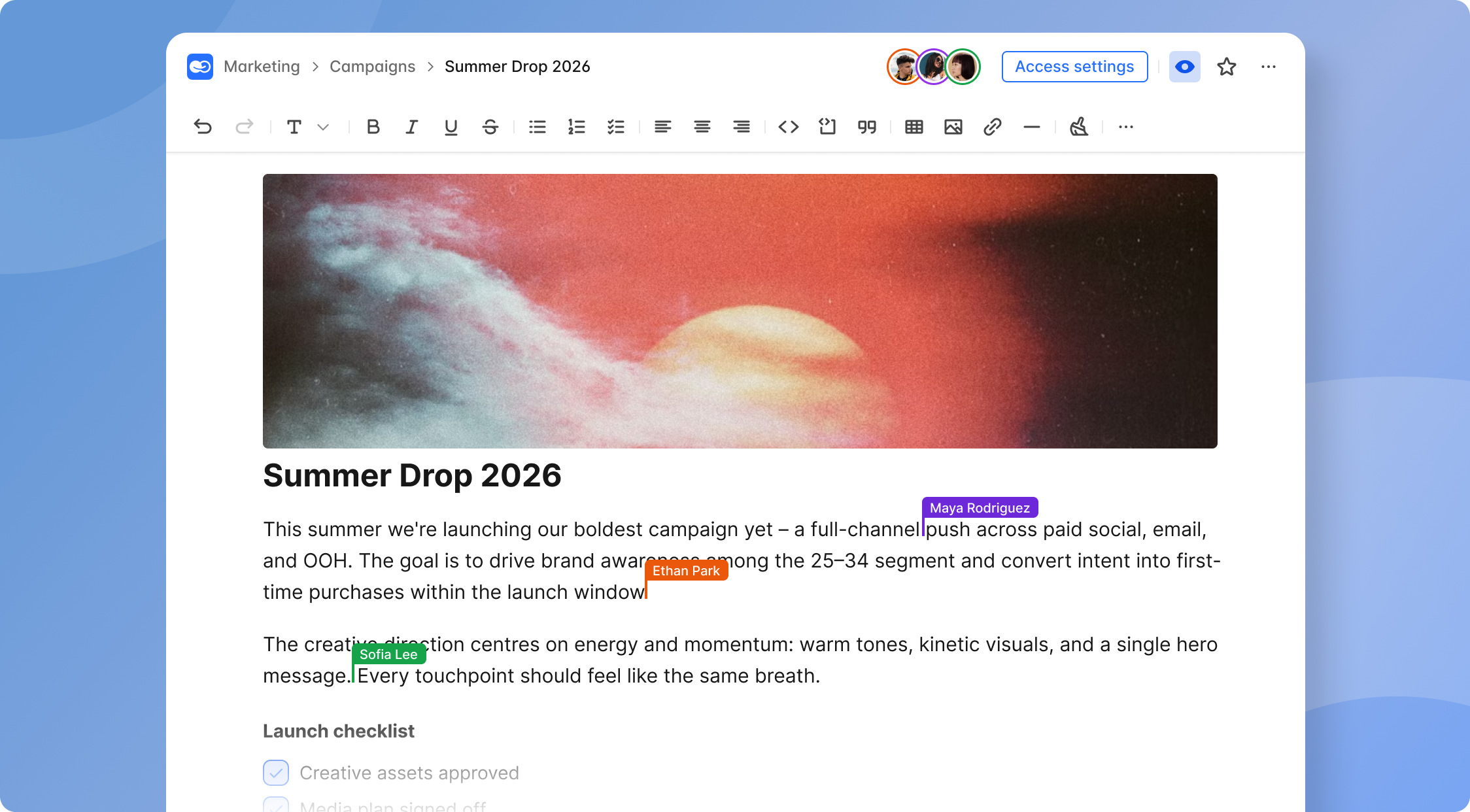
Integrated collaboration features eliminate the need for a separate app for every function. Look for file sharing, collaborative document editing, task creation directly from chats, and built-in voice and video communication including screen sharing. When team chat is connected to team projects and task management, decisions made in a conversation become trackable work items - not lost context.
A well-designed user interface keeps communication focused and searchable, which makes audits and knowledge transfer simpler. If people can quickly find past conversations, create groups for new projects, and move seamlessly between group conversations and private messaging, adoption happens naturally.
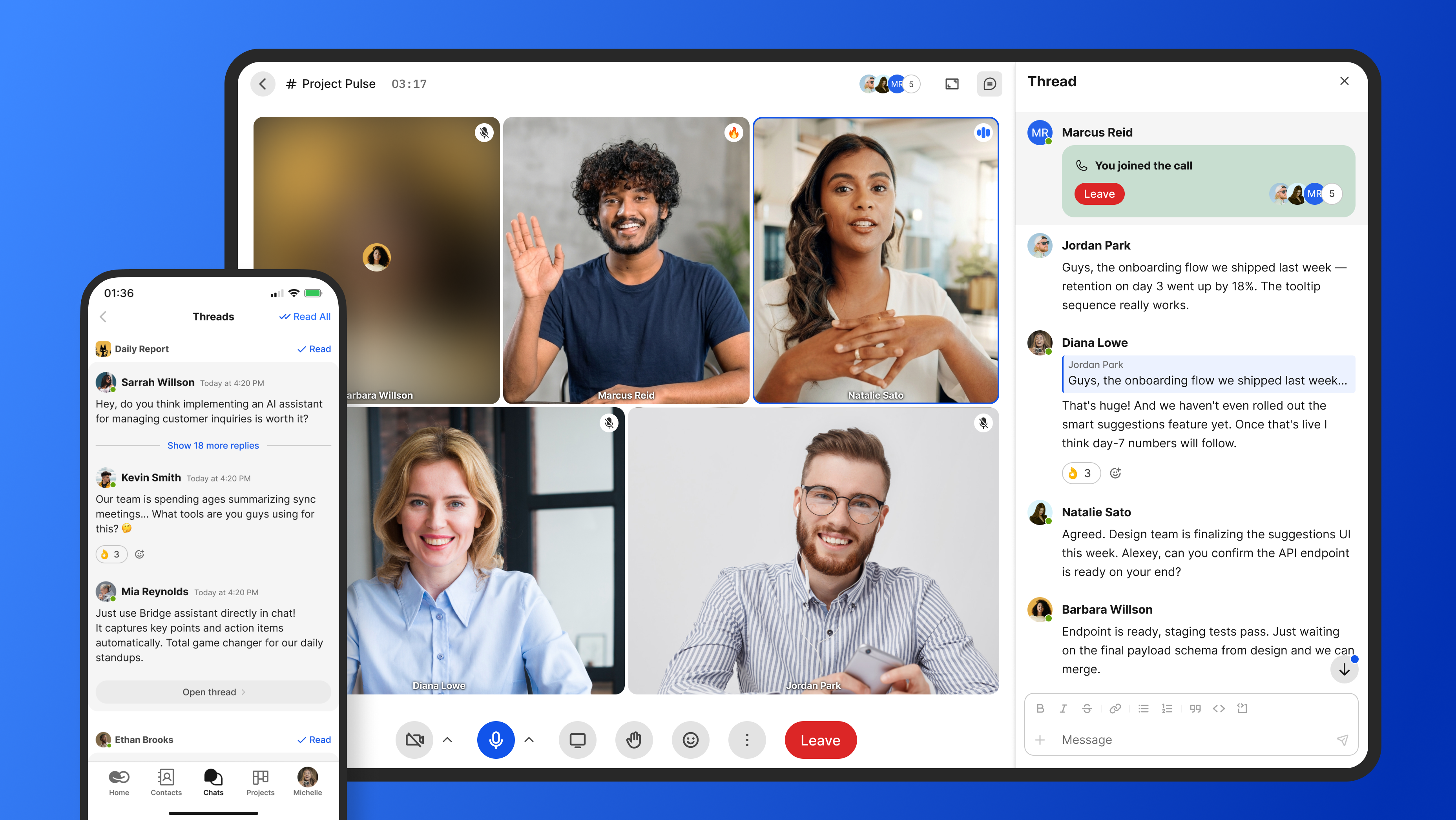
BridgeApp is a concrete example of "communication plus work." Its channels, tasks, documents, and databases live in one AI-native workspace, so teams can communicate effectively without bouncing between six tabs. Built-in audio and video calls, voice messages, and screen sharing mean there is no need for a separate video conferencing tool.
Approaches to secure team messaging: from consumer apps to enterprise hubs
The market for team messaging software in 2026 spans several distinct categories, each with different trade-offs around security, control, and convenience.
Mobile-first consumer messengers like WhatsApp, Telegram, and Signal are familiar and mostly free. Signal is considered the most secure messaging app in 2026 and is widely considered the most secure messaging app in 2026. Signal uses mandatory end-to-end encryption for all messages based on the Signal Protocol, making it excellent for private conversations. Telegram supports large group messaging with optional end-to-end encryption and offers features like channels and bots, though its secret chats are limited to 1:1 conversations only. However, none of these apps provide the administrative controls, audit trails, or data control that business communication demands. WhatsApp Business offers a business version, but it still lacks enterprise-grade compliance features.
Privacy-focused and open-source platforms sit in the middle. Threema offers the strongest metadata protection among messaging apps and assigns random IDs to users for anonymity, avoiding personal details by using random user IDs. Session is best for anonymous messaging without personal details, as Session removes phone numbers and emails for user anonymity. Wire offers role-based access control for user permissions and supports GDPR compliance and mandatory end-to-end encryption. Wickr is designed for enterprise-level encryption and data protection, and Wickr allows messages to disappear automatically to enhance security, with Wickr designed for enterprise-level encryption and message expiration. Element supports self-hosting for complete control over data, supports file sharing and large group discussions, and runs on a decentralized network via the Matrix protocol. Pumble is ISO/IEC 27001 and SOC 2 compliant, offering a team chat option for companies that prioritize certifications.
Enterprise collaboration suites like Microsoft Teams and Google Chat (part of Google Workspace) offer rich integrations but often provide only partial E2EE and limited deployment flexibility. These platforms have been dominant for over a decade in large organizations, and their basic features are well understood. However, tech savvy users and security-conscious IT teams increasingly note that data sovereignty is harder to achieve with these tools, and vendor lock-in can restrict long-term flexibility.
All-in-one workspaces represent the newest category: platforms that integrate secure messaging with task management, documents, databases, and automation. Many organizations now prefer these integrated work hubs because they reduce context switching and shadow IT. When a private messenger or separate app handles each function, data governance fragments and frontline teams lose visibility.
BridgeApp sits in this last category - an AI-native corporate operating system with secure team communication at its core.
BridgeApp: Secure team messaging inside an AI-native digital workspace
BridgeApp is an AI-first corporate operating system that combines team messaging, project management, document collaboration, custom databases, and AI agents in a single platform. Unlike point-solution messengers, BridgeApp treats secure team communication as one integrated component of a unified workspace - reducing the need for 6–7 separate tools and the SaaS sprawl that comes with them.
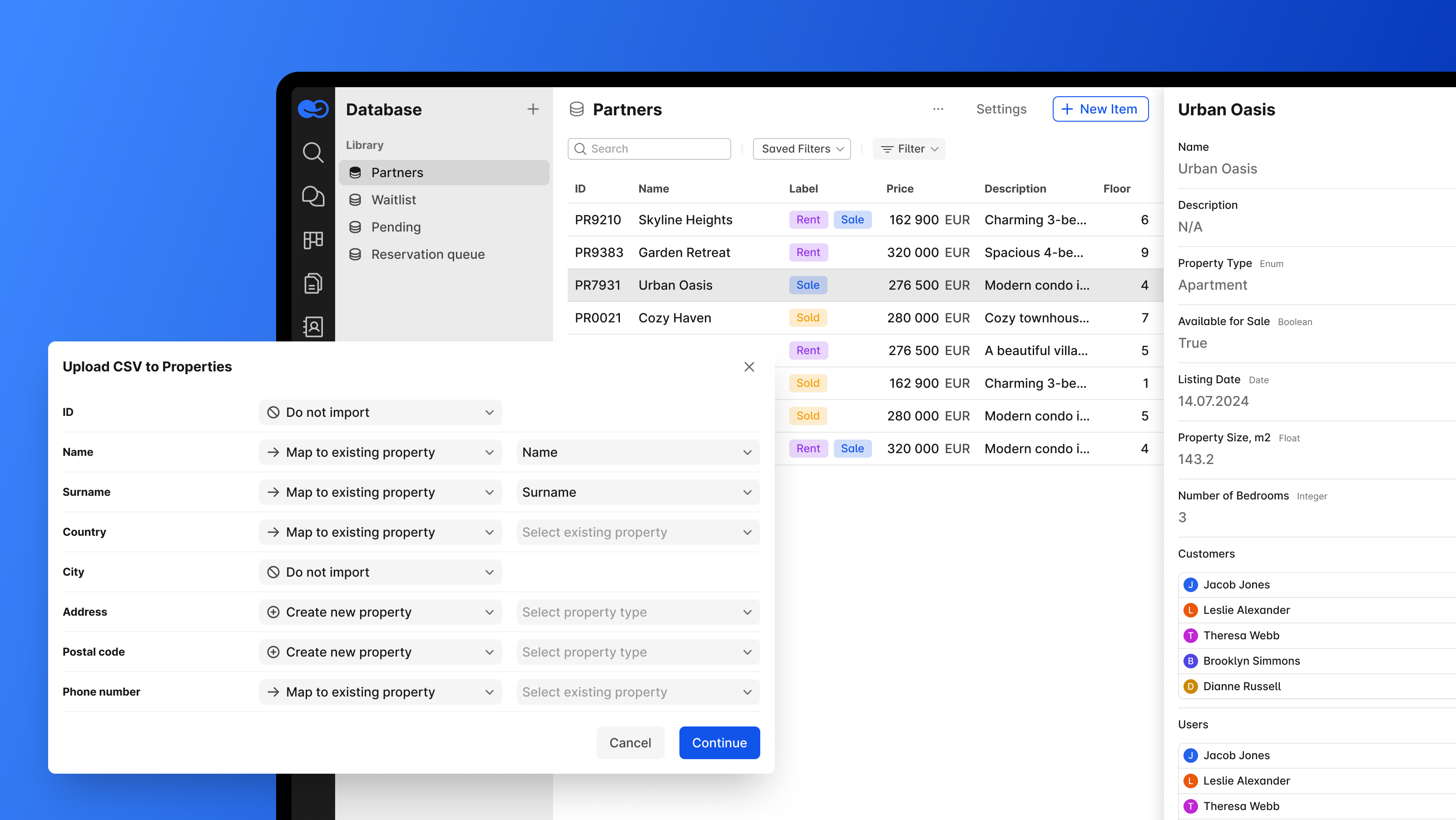
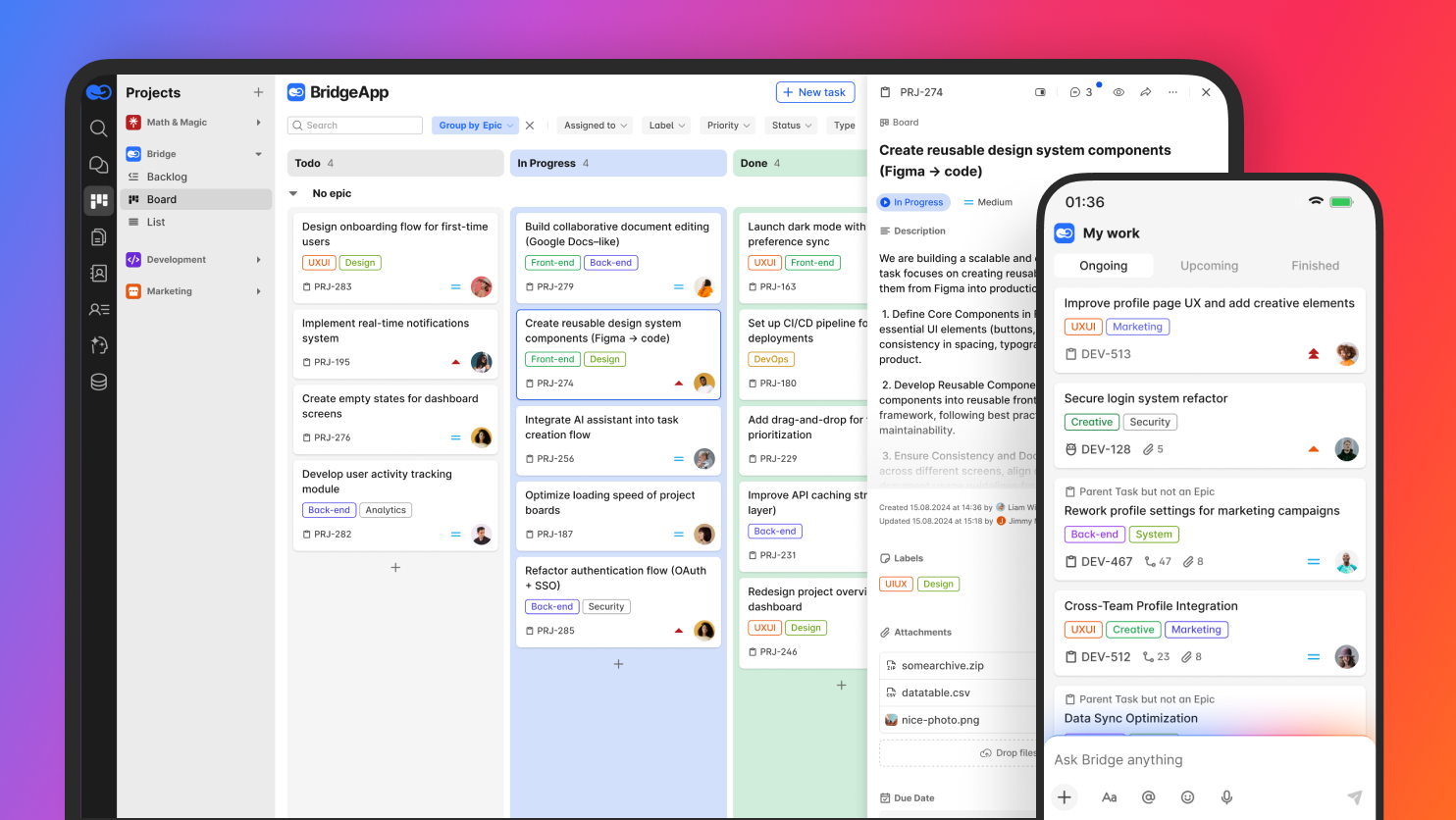
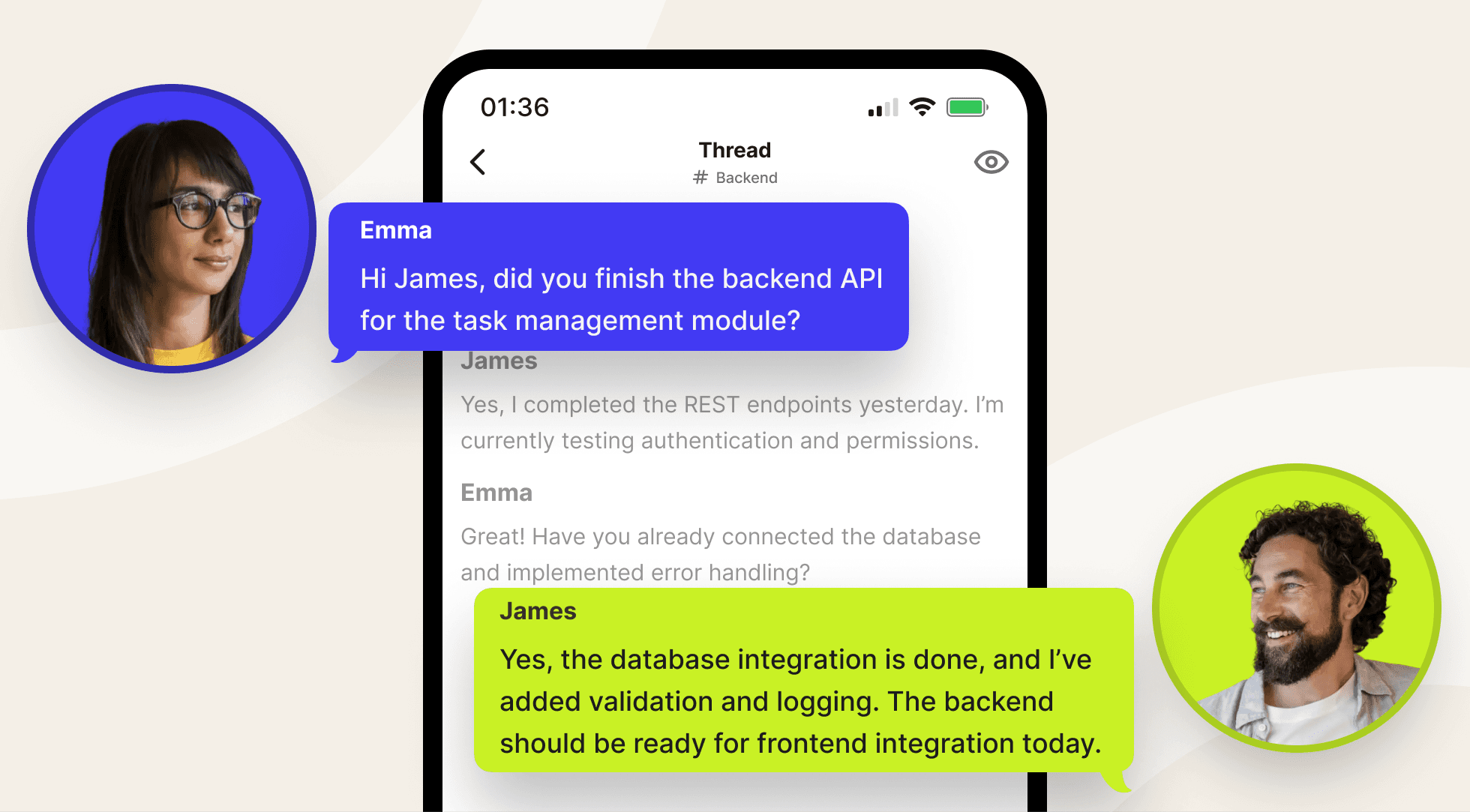
BridgeApp's messenger uses channels and threads for internal communication, supports direct and group chat, and integrates tightly with tasks and documents. When someone makes a decision in a channel, it can become a task, a database entry, or a documented action item without switching tools or copy-pasting. For remote employees and distributed teams, this means faster decisions, fewer tabs, and less "lost" context across time zones. You can learn more on the official BridgeApp site.
Security architecture and deployment options
BridgeApp secures data in transit and at rest with modern encryption and layered access controls across chat, tasks, documents, and databases. Deployment flexibility offers cloud, on-premise, or hybrid models for security needs:
- SaaS cloud on BridgeApp infrastructure for quick start
- Private cloud in the customer's own cloud environment
- Fully on-premise installation in customer infrastructure
- Hybrid configurations combining cloud and local systems
On-premise and BYOK (bring your own keys) options are available on Enterprise plans, giving regulated sectors full control over encryption keys and data storage locations. Data sovereignty includes options for hosting servers in specific regions to comply with laws, and BridgeApp's GDPR-aligned design includes EU-hosted environments for companies with European data residency needs.
While BridgeApp emphasizes strong encryption and infrastructure security, it does not market itself as having out-of-the-box compliance automation modules. Instead, it provides the architectural foundation - encryption, access controls, logging, deployment choice - that lets organizations build compliant workflows on top.
Secure team communication features
BridgeApp channels and threads support secure team messaging through topic-based channels (for example, #finance, #product-roadmap, #incidents), project rooms, and ad-hoc chats. This structure keeps conversations organized and makes it straightforward for compliance or legal teams to locate relevant discussions during audits.
Audio and video calls are built in-house by the BridgeApp team, not on third-party SDKs. This reduces external dependencies and enhances control over call data security. Secure file sharing includes features like encrypted voice and video calls, and the platform supports voice calls, phone calls, and voice and video calls natively. Call quality is managed entirely within BridgeApp's stack. Screen sharing is supported for presentations and collaborative troubleshooting.
AI-powered call summarization means calls and huddles can be automatically summarized with next steps, reducing manual note-taking. AI agents can act as autonomous assistants that read conversations (according to configured permissions), create follow-up tasks, and populate internal databases - turning group features and chat activity into structured work.
BridgeApp's chat-based search lets users quickly find past conversations, helping legal, security, and operations teams during audits or incident reviews. The ability to quickly retrieve past discussions across channels makes protecting conversations during compliance reviews far more practical than hunting through fragmented consumer app threads.
AI agents and automation with security in mind
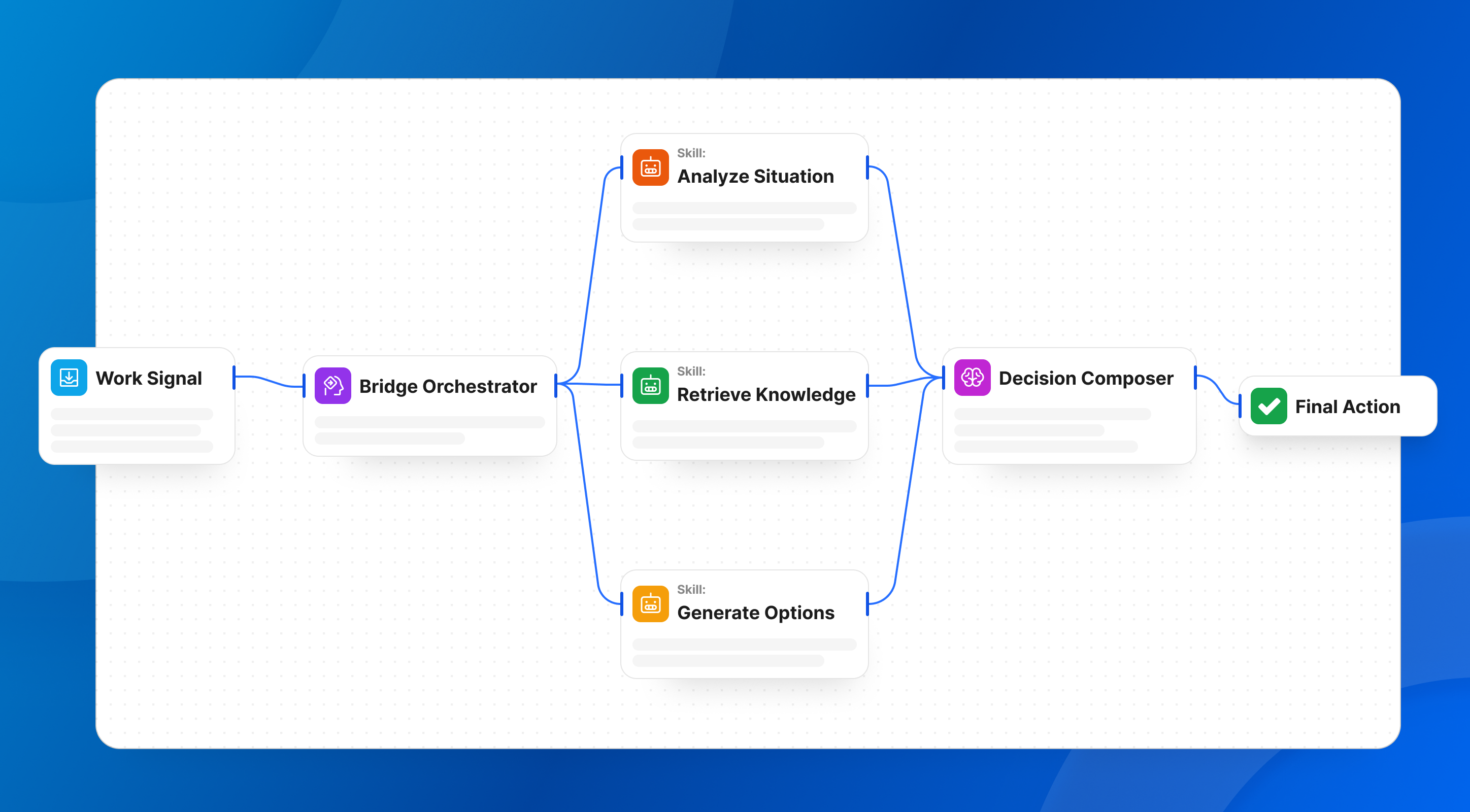
BridgeApp's AI agents are configurable digital employees that can read context from chats, documents, and databases and then take structured actions. For example, an agent could monitor a channel for incident reports and automatically create a task, alert the security team, and log the event in a database - all without manual intervention.
The visual no-code AI agent builder lets non-technical staff design workflows without writing code. Use cases range from automated meeting summaries to client response drafting to database queries answered directly in chat. The platform provides access to all major AI models and supports the Model Context Protocol (MCP), allowing agents to securely connect to external MCP servers and gain their capabilities. Multiple MCPs can be connected within a single agent, enabling unlimited automation scenarios without locking into one vendor.
Approved metrics illustrate the impact: teams save an average of 4.6 hours per employee per week through AI agent automation. The unified workspace drives a 40% productivity increase and a 60% reduction in context switching. For a 250-person team, projected annual savings reach approximately $1.656M based on automating routine operations at an average of $30/hour.
Agents respect existing permissions and company data boundaries. Automation does not bypass security or privacy controls - agents only access what their configured permissions allow, ensuring that data governance remains intact even as workflows scale.
Plans, pricing, and who BridgeApp is best for
BridgeApp offers three pricing tiers:
| Plan | Price | Best For |
|---|---|---|
| Free | Free forever, unlimited members | Teams getting started |
| Pro | €9/user/month (monthly) or €7.5/user/month (yearly) | Growing businesses ready to scale |
| Enterprise | Custom pricing | Large organizations with compliance needs |
Security-relevant features expand with each tier. The Free plan includes core messaging, task management, document creation, databases, and AI agent building. Pro adds messenger integrations (Telegram, WhatsApp), advanced search, role-based access control, and security controls. Enterprise adds on-premise deployment, white labeling, BYOK, uptime SLA, and priority support.
Ideal customers include:
- Startups needing a secure team chat plus tasks, completely free to start
- SMBs consolidating Slack + Asana + Notion into one tool with paid plans
- Enterprises with EU data sovereignty requirements and on-premise needs
The typical ROI timeline is around 3 months. The Free plan lets teams test internal communication, task workflows, and AI agents before committing to a company-wide rollout.
How to evaluate secure team messaging software for your organization
Choosing the right secure messaging app requires more than reading feature lists. IT leaders, security teams, and department heads should compare tools systematically using a structured evaluation process. Rather than chasing a single "most secure messaging app" label, score candidates across categories: security, usability, integrations, deployment flexibility, and AI/automation capabilities.
The subsections below provide a practical framework.
Clarify workflows and communication patterns first
Start by mapping how your team actually communicates today. Identify:
- 1:1 DMs for quick decisions
- Project channels for ongoing collaboration
- Incident rooms for urgent response
- Leadership announcements (one-to-many)
- Collaboration with external partners, contractors, or agencies
Then identify pain points: after-hours noise, lost decisions buried in WhatsApp threads, lack of audit trails, or difficulty onboarding new remote employees who have no access to message history. Are frontline teams using a completely different tool than headquarters? Is your sales team running deals in private conversations that never reach the CRM?
Group these needs into categories: internal communication, collaboration around team projects, video conferencing, and interactions with other users like contractors. This mapping will make it obvious whether a simple messaging app is enough or whether an integrated digital workspace like BridgeApp is more appropriate.
Define your minimum security and compliance bar
List must-have requirements before looking at any vendor demo:
- Encryption in transit and at rest (minimum)
- Secure cloud hosting or on-premise options
- Access logging and retention policies
- SSO and MFA support
- GDPR alignment for EU data
Sector-specific needs add further requirements. Healthcare organizations need HIPAA-aligned workflows. Financial firms need strict auditability that satisfies FINRA or SEC expectations. Public sector bodies often require private server deployments and transparent access policies.
Encourage collaboration between IT, security, legal, and HR in defining this baseline. Surprises during procurement or audits are expensive. BridgeApp's deployment flexibility - cloud, private cloud, on-premise, hybrid - helps meet varied compliance expectations without forcing organizations into a single model.
Check governance, lifecycle, and offboarding flows
Evaluate admin dashboards carefully. Can admins see membership, manage channels, enforce retention, and export data reliably when needed? Can they protect conversations by controlling who has access and for how long?
Clean onboarding and offboarding matters enormously. When an employee leaves, their access must be removed promptly. Message history should be retained according to policy, and data must not "walk away" on personal devices. Verify whether external collaborators can be granted limited, auditable access instead of being forced into the full internal directory.
BridgeApp supports separate internal versus external user permissions, helping organizations share securely with partners while maintaining data control over core internal communication channels.
Integrations and automation: beyond just messaging
Secure team messaging should connect to existing systems: HRIS, payroll platforms, CRM, source control, and monitoring tools. Integrations enable automated alerts - incident notifications, deployment statuses, new-hire announcements - to appear in channels, improving response times and reducing manual message delivery.
AI-powered automation in BridgeApp goes further. Conversations become structured work artifacts: tasks, database records, reports. Instead of someone manually reading a thread, summarizing it, and creating a task in a separate tool, an AI agent handles it within the same workspace.
Prioritize platforms that let you adapt automation to your own processes via no-code builders rather than relying solely on rigid pre-built recipes.
Benefits of choosing secure team messaging inside an all-in-one workspace
Many organizations in 2026 are moving from single-purpose messengers plus other apps for tasks and docs to unified platforms. The reasons are practical, not theoretical.
Tangible outcomes include:
- Reduced context switching - a 60% reduction when everything lives in one workspace
- Faster decisions - no waiting for someone to check "the other tool"
- Fewer missed messages - one inbox instead of six
- Lower SaaS spend - fewer subscriptions to manage and secure
- Clearer ownership - knowledge lives in the company's system, not scattered across personal devices
A 40% productivity increase is achievable when teams stop fragmenting their attention across disconnected tools. For remote employees, fewer tools to learn means faster onboarding, one search box to find answers, and easier asynchronous collaboration across time zones.
BridgeApp embodies this shift: secure team messaging tightly integrated with tasks, documents, databases, and AI agents. It is not just a private messenger bolted onto a project board - it is a unified workspace where communication and work happen in the same place.
FAQ: Secure team messaging software in 2026
Below are practical questions covering concerns not fully explored above - from budget constraints to migration realities and vendor independence.
Can small teams afford secure team messaging, or is it only for enterprises?
In 2026, secure team communication is accessible even to very small teams. Relying on free consumer apps often costs more in risk than a purpose-built tool costs in subscription fees. Data leaks, regulatory fines, and lost productivity from fragmented conversations add up quickly.
BridgeApp offers a Free plan with core messaging, task tracking, document creation, databases, and AI agents - all with unlimited members. Startups get an enterprise-grade structure from day one without spending anything. The practical approach: start with a pilot group on the free tier, validate fit, then upgrade to Pro only when advanced controls and integrations are needed.
Do I really need end-to-end encryption for internal business chat?
End-to-end encryption ensures only intended recipients can read messages, and it is vital for some use cases - highly sensitive investigations, whistleblower channels, or legal strategy discussions. However, many companies prioritize a mix of encryption in transit and at rest plus strong admin control over blanket E2EE for every message.
Full E2EE can limit enterprise features like central search, retention policies, and automated compliance exports. Evaluate your regulatory and risk profile honestly. For most internal communication, robust infrastructure security, governance, and deployment control may matter more than mandatory E2EE on every group chat. Signal uses mandatory end-to-end encryption for all messages and is the gold standard for personal privacy, but enterprise teams often need capabilities that blanket E2EE restricts.
How hard is it to migrate from email or consumer apps to secure team messaging?
Migration is less about importing old data and more about building new habits. A realistic path looks like this:
- Identify early adopters who will champion the new tool
- Define a channel structure that mirrors how your teams actually work
- Set basic etiquette guidelines (when to use channels vs DMs, naming conventions)
- Gradually move recurring conversations into the new platform
Importing historical WhatsApp or email threads is often less important than designing clean new structures and training people to use channels effectively. BridgeApp's all-in-one environment can simplify migration because teams also consolidate tasks and documents instead of just adding another chat app to the stack.
How does secure team messaging integrate with HRIS or payroll platforms?
Secure messengers often sync user identities and groups from HRIS or directory systems, enabling accurate access control and faster onboarding. Common integration patterns include automatically creating accounts when employees join, disabling access when they leave, and syncing departments for channel membership.
While BridgeApp does not ship pre-configured HR or payroll workflows, its flexible databases and AI agents can be used to build custom flows around existing HRIS and payroll platforms. For example, an AI agent could monitor a database for new-hire entries and automatically invite them to the appropriate channels and project boards.
What if my organization needs strict data sovereignty and vendor independence?
Deployment flexibility is non-negotiable for organizations with strict data sovereignty needs. On-premise installations, private cloud deployments, and options to bring your own encryption keys reduce dependence on a single vendor's public cloud and make it easier to satisfy national or industry-specific data residency rules.
BridgeApp's Enterprise plan supports on-premise deployment and BYOK, giving large organizations full control over how and where their messaging data is stored. Combined with EU-hosted cloud options for smaller teams, this means organizations of any size can find a deployment model that aligns with their legal and security requirements - without being forced into a central server they do not control.